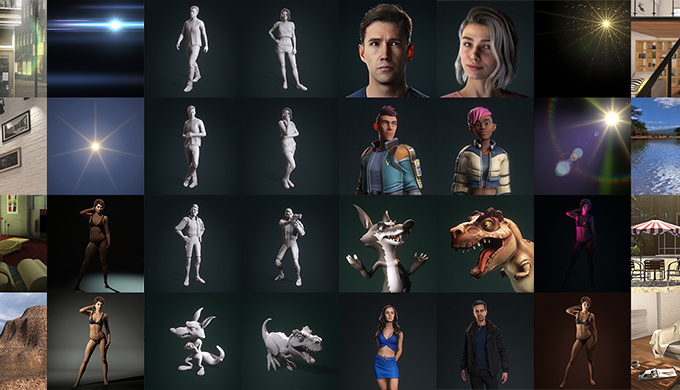
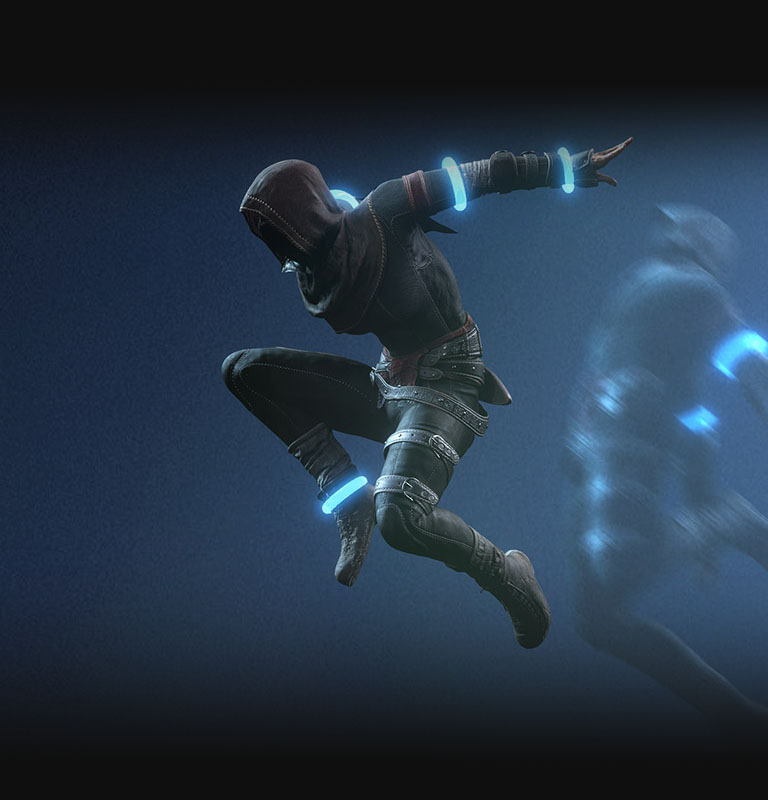
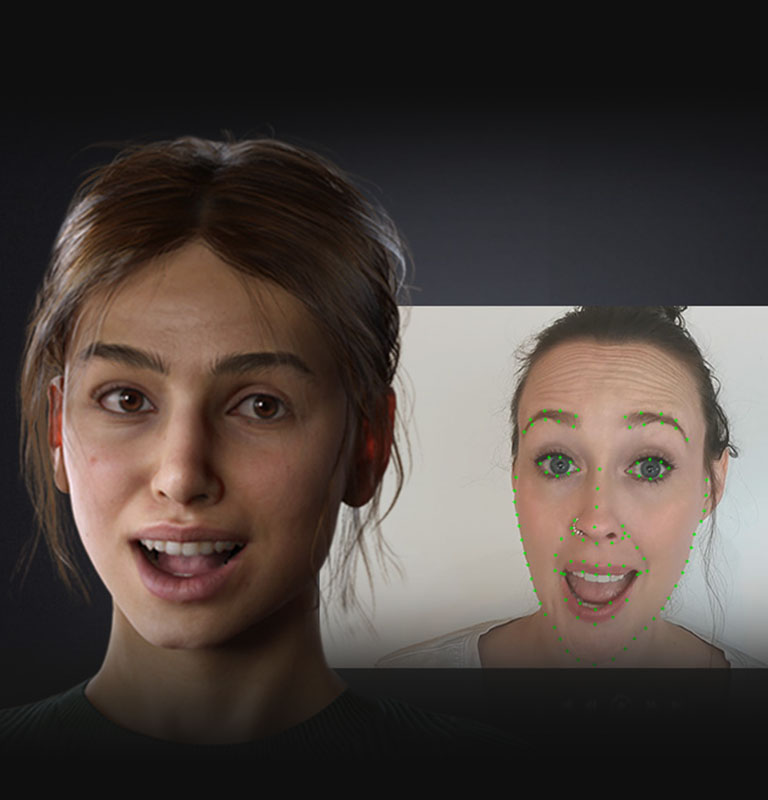
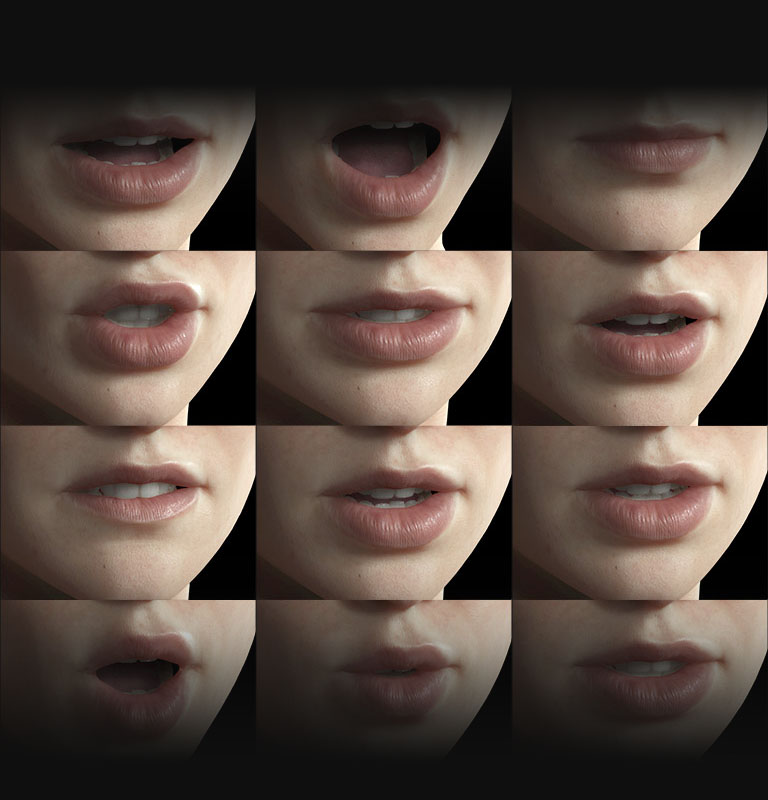
*New functions in iClone 8 are marked in bold.
*All items are priced in US dollars. |
$599
With partial 3DXchange Pipeline integration, Curve Editor and Motion LIVE.
|
iClone 7: $199
3DXchange Pipeline: $499
Curve Editor: $149
Motion LIVE: $199
|
| Lipsync & Facial Expression Editing |
AccuLips Lip-sync |
✓ |
✓ |
| Facial Puppet |
✓ |
✓ |
| Face Key Editor (Muscle, Expression, Morph Slider) |
✓ |
✓ |
| Advanced Muscle Panel (Multi-Level) |
✓ |
|
| Detailed Layer Tracks (Bones, Blendshapes, Facial Features) |
✓ |
|
| Curve Editor (Facial Control) |
✓
(Built-in) |
✓
(Paid plugin, No facial control) |
|
| Body Motion Edting |
FK/IK Editing |
✓ |
✓ |
| Basic Layer Keys |
✓ |
✓ |
| Motion Blending |
✓ |
✓ |
| Transition Curve Preset |
✓ |
✓ |
| Look-at Constraint |
✓ |
✓ |
| Reach Constraint |
✓
(Enhanced) |
✓ |
| Reach Target Editor (Interactive Motion) |
✓ |
|
| Vertex Animation (Point cache) |
✓ |
✓ |
| Direct Puppet |
✓ |
✓ |
| Motion Puppet |
✓ |
✓ |
| Motion Modify |
✓ |
✓ |
| Morph Animation |
✓ |
✓ |
| Animation Layer Editor |
✓ |
|
| Auto Root Alignment Between Motion Clips |
✓ |
|
| Extended Looping Animation (Continuous Forward Motion) |
✓ |
|
| Bi-directional Blending for Smooth Clip Transition |
✓ |
|
| Motion Direction Control |
✓ |
|
| End Effector Editing |
✓ |
|
| On-Screen Body Control Rig |
✓ |
|
| Detailed Layer Tracks (Part Level, Bone Level) |
✓ |
|
| Motion Correction (Footstep, Handprint Editing) |
✓ |
|
| Curve Editor |
✓
(Built-in) |
✓
(Paid plugin) |
| Perform Editor (Motion Playlist) |
✓ |
|
| Mirror Motion & Masked Motion Copy |
✓ |
|
|
Motion Director
(Play to Animate) |
Player Control: Mouse, Keyboard and Controller |
✓ |
|
| NPC Control: Path, Bounding, Script, Follow |
✓ |
|
| Behavior Manager to Activate/Expand Motions |
✓ |
|
|
| Motion LIVE |
Unified Motion Capture for Face, Body and Hand |
✓ |
✓ (Paid plugin) |
|
| Supported File Format (Import) |
OBJ (Mesh, Material) |
✓ |
✓ |
| FBX (Mesh, Material, Motion) |
✓ |
✓
(Requires 3DXchange Pipeline) |
| Alembic Animation (Same Vertex Count) |
✓ |
✓ |
| iAvatar, iCloth, iShoes, iGloves, iHair, iAcc |
✓ |
✓ |
| iMotion, rlMotion |
✓ |
✓ |
| iMotionPlus |
✓ |
✓ |
| iAtm |
✓ |
✓ |
| iEffect |
✓ |
✓ |
| iProp |
✓ |
✓ |
|
| Supported File Format (Export) |
OBJ (Static Mesh) |
✓ |
✓
(Requires 3DXchange Pro) < |
| FBX (Bone Rig, Animation, Blendshapes) |
✓ |
✓
(Requires 3DXchange Pipeline) |
| iAvatar, iCloth, iShoes, iGloves, iHair, iAcc (to Character Creator) |
✓ |
✓ |
| iMotion, rlMotion, iMotionPlus (to Character Creator) |
✓ |
✓ |
| ABC (Alembic) |
✓ |
✓
(Requires 3DXchange Pipeline) |
| USD (Omniverse) |
✓ |
✓
(Requires 3DXchange Pipeline) |
|
| Visual |
HDR (Bake HDR Video) |
✓ |
✓ |
| HBAO+ |
✓ |
✓ |
| IBL, Directional, Spotlight, Point Light |
✓ |
✓ |
| Soft Shadow, Shadow Catcher, Mutiplier |
✓ |
✓ |
| Global Illumination (GI) |
✓ |
✓ |
| PBR/Digital Human Shader |
✓ |
✓ |
| Point Light with Shadow |
✓ |
|
| Volumetric Light |
✓ |
|
| Mirror Plane Shader |
✓ |
|
| Lens Flare |
✓ |
|
| Motion Blur |
✓ |
|
| Eye Adaption |
✓ |
|
| Exclude Visual Effect by Object or Material |
✓ |
|
| TAA |
✓ |
✓ |
| IES |
✓ |
✓ |
|
| Performance |
Minimal Mode |
✓ |
✓ |
| Static Object |
✓ |
|
| GPU Acceleration (Skin Bone) |
✓ |
|
| Accelerated Show/Hide |
✓ |
|
|
| Productivity |
Python API |
✓ |
✓ |
| Flexible Frame Rate |
✓ |
|
| Merge Project |
✓ |
|
| Collection Manager (Group) |
✓ |
|
| Hotkey Manager |
✓ |
|
| Device Mapping (Camera, Light, Object RTS) |
✓ |
|
|
| Environment & Character Settings |
Light Creation |
✓ |
✓ |
| Character Proportion |
✓ |
✓ |
| NVIDIA PhysX (Rigid Body/Kinamtic/Soft Cloth) |
✓ |
✓ |
| Morph Creator |
✓ |
✓ |
|
| Stage & Prop |
Terrain, SpeedTree, Sky, Water |
✓ |
✓ |
| Animated Prop with Right-Click Perform List |
✓ |
✓ |
| Video Texture/Transparent Video |
✓ |
✓ |
|
| Render |
Subdivision |
✓ |
✓ |
| Tessellation |
✓ |
✓ |
| Realtime Render |
✓ |
✓ |
| Supersampling (up to X times) |
✓ |
✓ |
| Toon Shader |
✓ |
✓ |
| 360 Video |
✓ |
✓ |
| PBR/Digital Human Shader |
✓ |
✓ |
| AI Render (AI Studio) |
✓ |
|
|
| Plug-in |
| Smart Gallery (Free) |
✓
(Built-in) |
✓ |
| HD Face Control (Free) |
✓
| |
| Video Mocap (Free) |
✓
|
|
| AccuPOSE (Paid) |
✓ |
|
| Unreal Live Link (Indie Free/Paid) |
✓
(Requires additional purchase) |
✓
(Requires additional purchase) |
| Auto Setup for Unreal Engine (Free) |
✓ |
✓ |
| Auto Setup for Unity (Free) |
✓ |
✓ |
| Auto Setup for Blender (Free) |
✓ |
✓ |
| Auto Setup for Maya (Free) |
✓ |
|
| Auto Setup for 3ds Max (Free) |
✓ |
|
| Auto Setup for Marmoset Toolbag (Free) |
✓ |
|
| Omniverse Connector (Free) |
✓ |
✓ |
| PopcornFX (Paid) |
✓
(Requires additional purchase) |
✓
(Requires additional purchase) |
| Timecode (Paid) |
✓
(Requires additional purchase) |
|
|