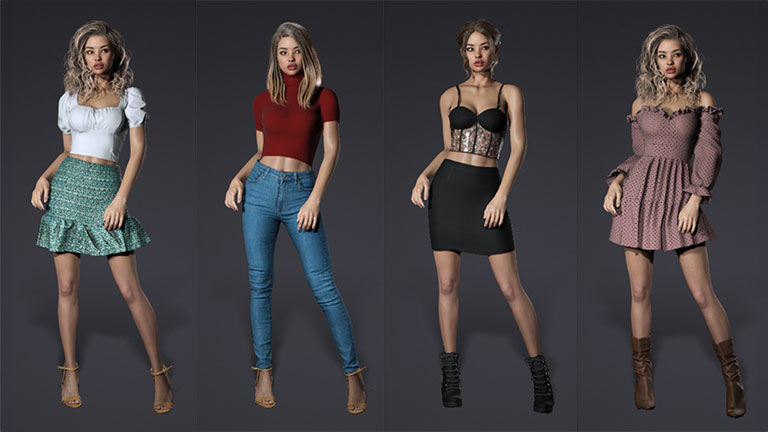


Daz Studio has long been recognized for its premium character ecosystem and ray-traced Iray rendering for static scenes. By converting Daz characters for Character Creator, you unlock powerful real-time editing, advanced facial and body animation in iClone, and seamless integration with industry-leading 3D engines.
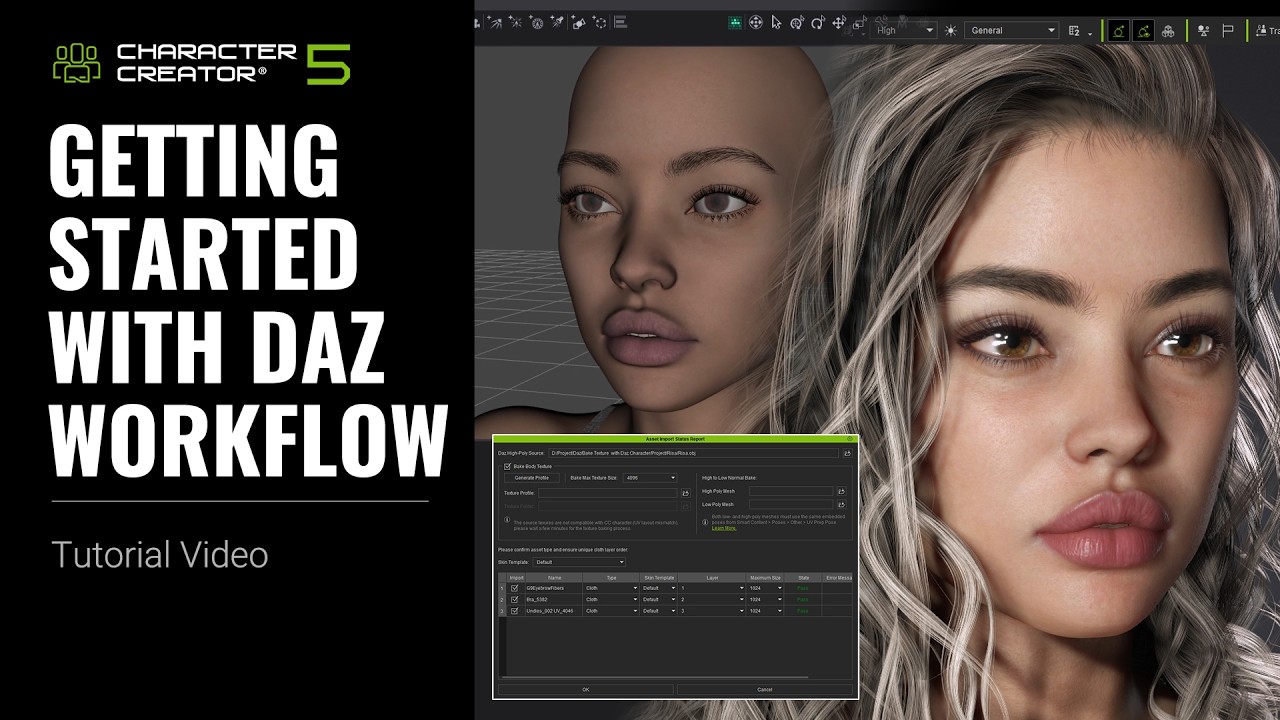
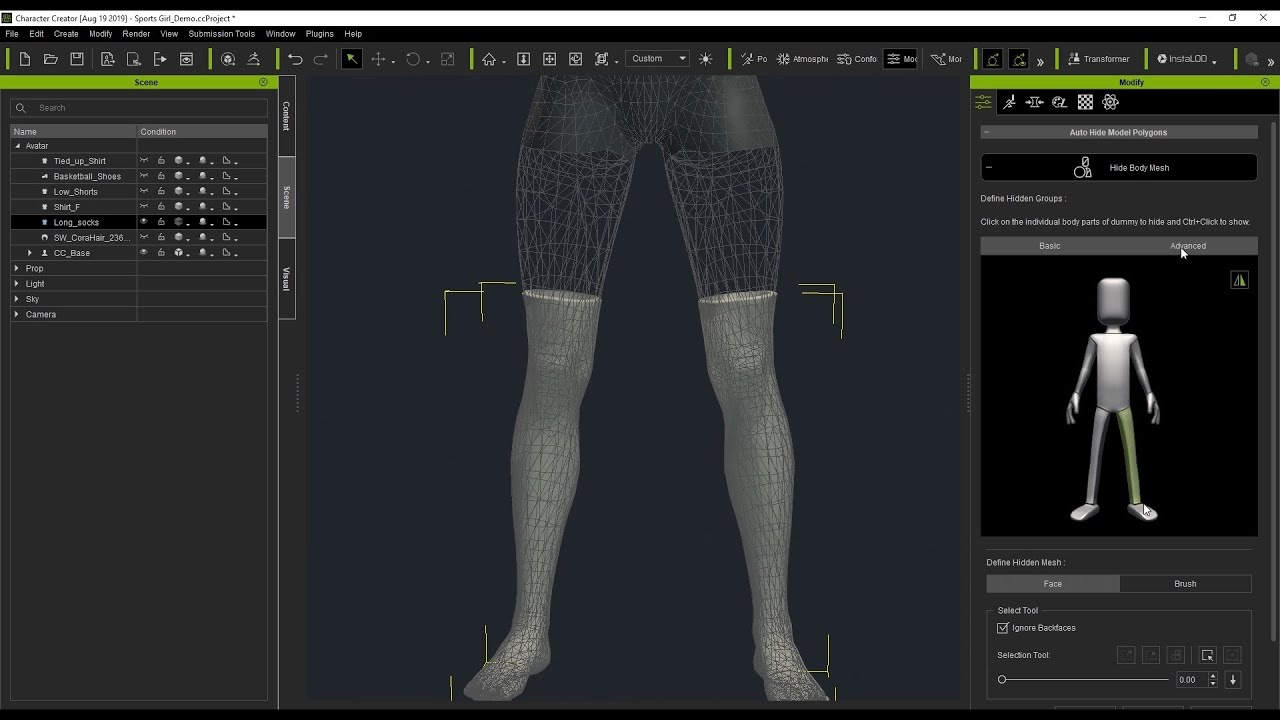
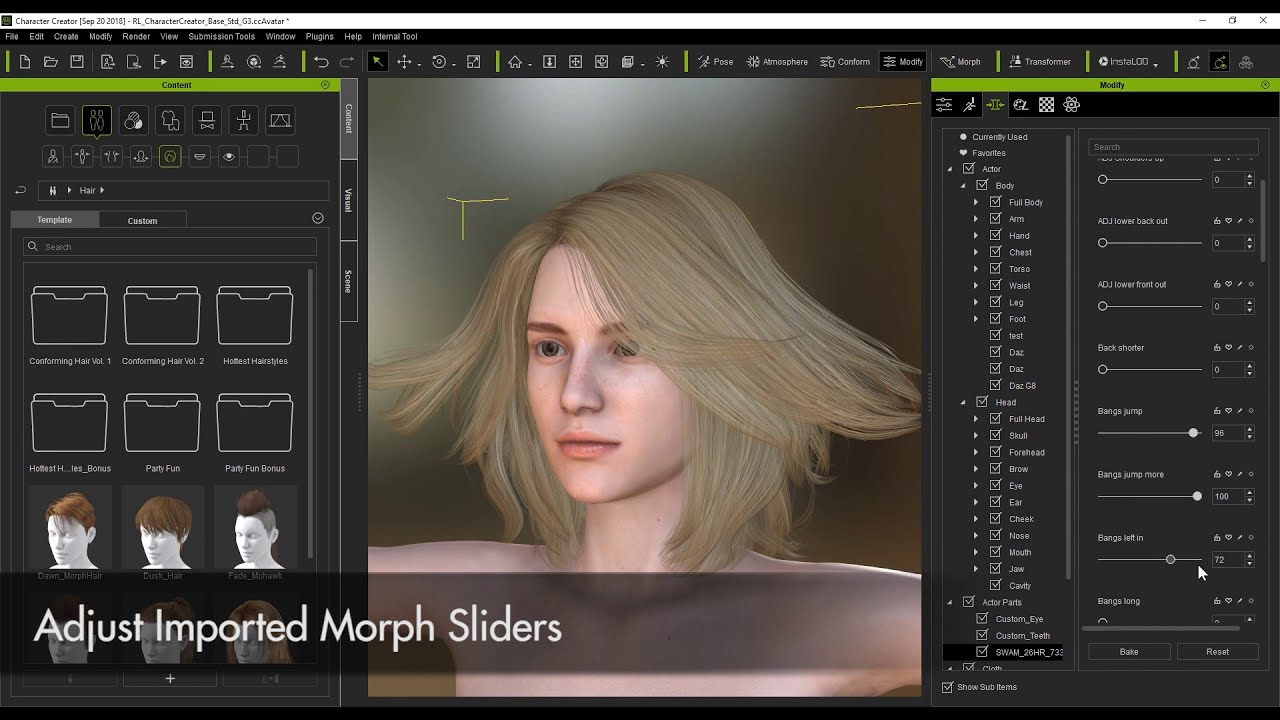
Daz Transformer enables you to import Daz elements, from body to clothing, directly into Character Creator. All imported assets are fully editable and ready for animation in iClone, leveraging a powerful workflow with shared resources.
CC Transformer currently supports Daz Genesis 3, 8, 8.1, and 9. For detailed version compatibility, please refer to the table below.
CC5 (HD & CC3+ Base)
| Software | Character Type | CC Character | Assets / Morphable Assets | |||||
| Body Shape | Texture | High to Low Normal Bake | Outfit | Shoes | Hair | Accessory | ||
| Daz Studio | G3, G8, G8.1, G9, HD | V | V | V | V | V | V | V |
CC4 (CC3 & CC3+ Base)
| Software | Character Type | CC Character | Assets / Morphable Assets | |||||
| Shape | Texture | High to Low Normal Bake | Outfit | Shoes | Hair | Accessory | ||
| Daz Studio | V3, M3, V4, M4 G1, 2, 3, 8 HiveWire |
V | V | V | V | V | V | |
| Poser | V3, M3, V4, M4 HiveWire |
V | V | V | V | V | V | |
NOTE:
Elevate realism with layered skin textures, fully customizable expressions, and dynamic wrinkle effects. The advanced CC5 HD workflow seamlessly integrates Daz characters with Character Creator to achieve full compatibility with iClone and MetaHuman animations. Readily auto-export to integrate production-ready characters in films, games, and immersive virtual experiences. Tutorial | Manual
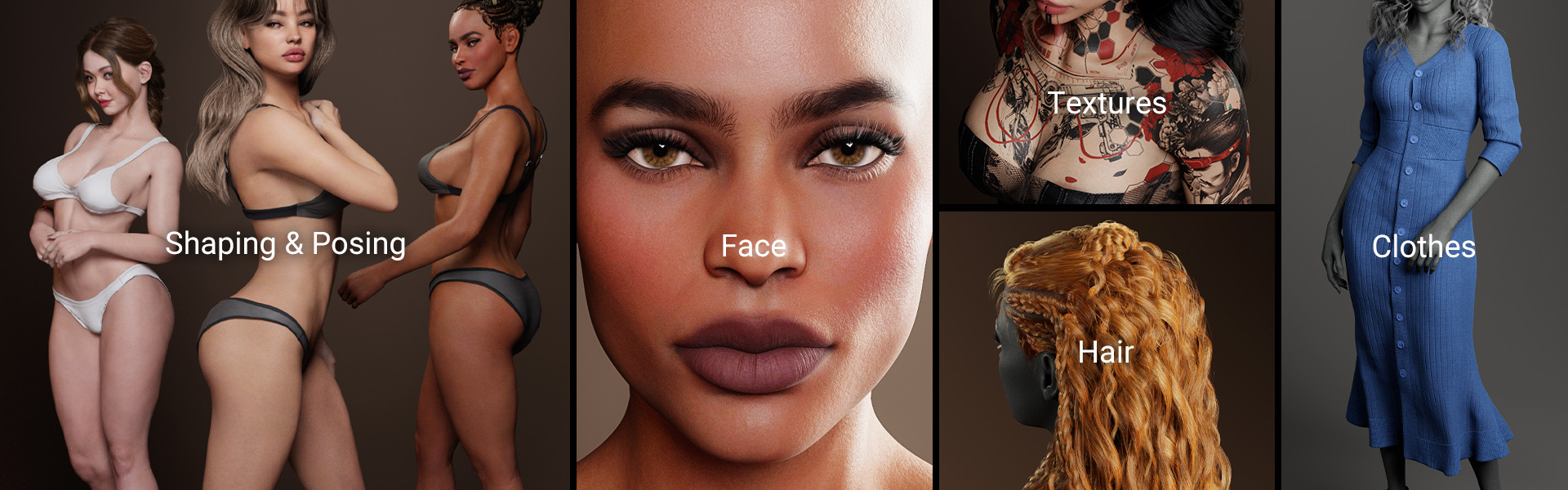
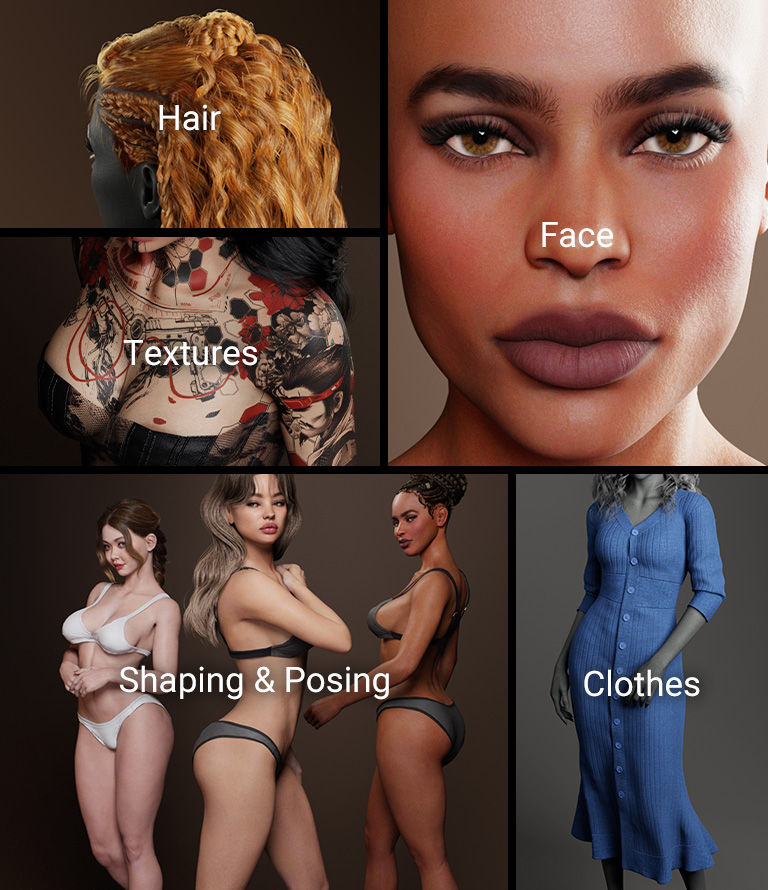
Starting from the Daz character’s original body shape, ActorMIXER empowers you to create consistent variations, while HD morphs deliver precise control over proportions, musculature, aging, wrinkles, and defining anatomical features. More >
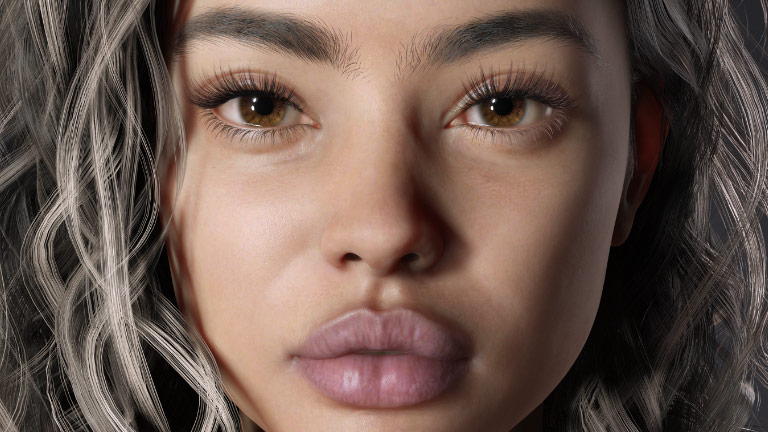
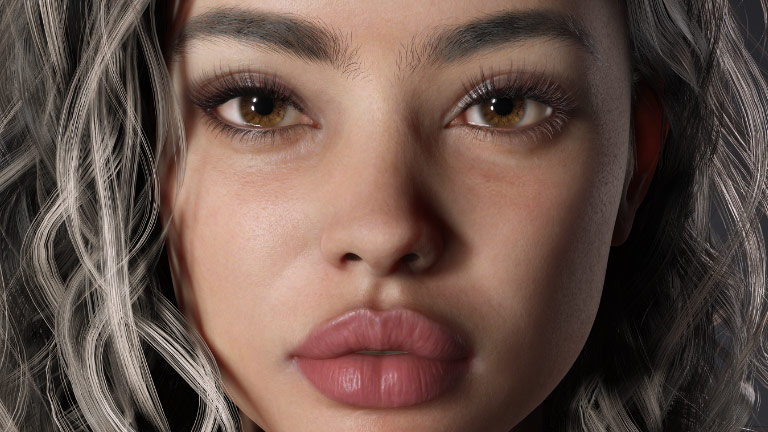
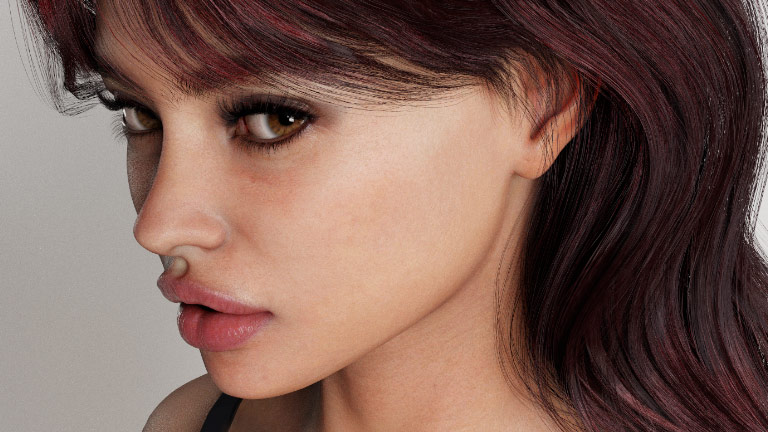
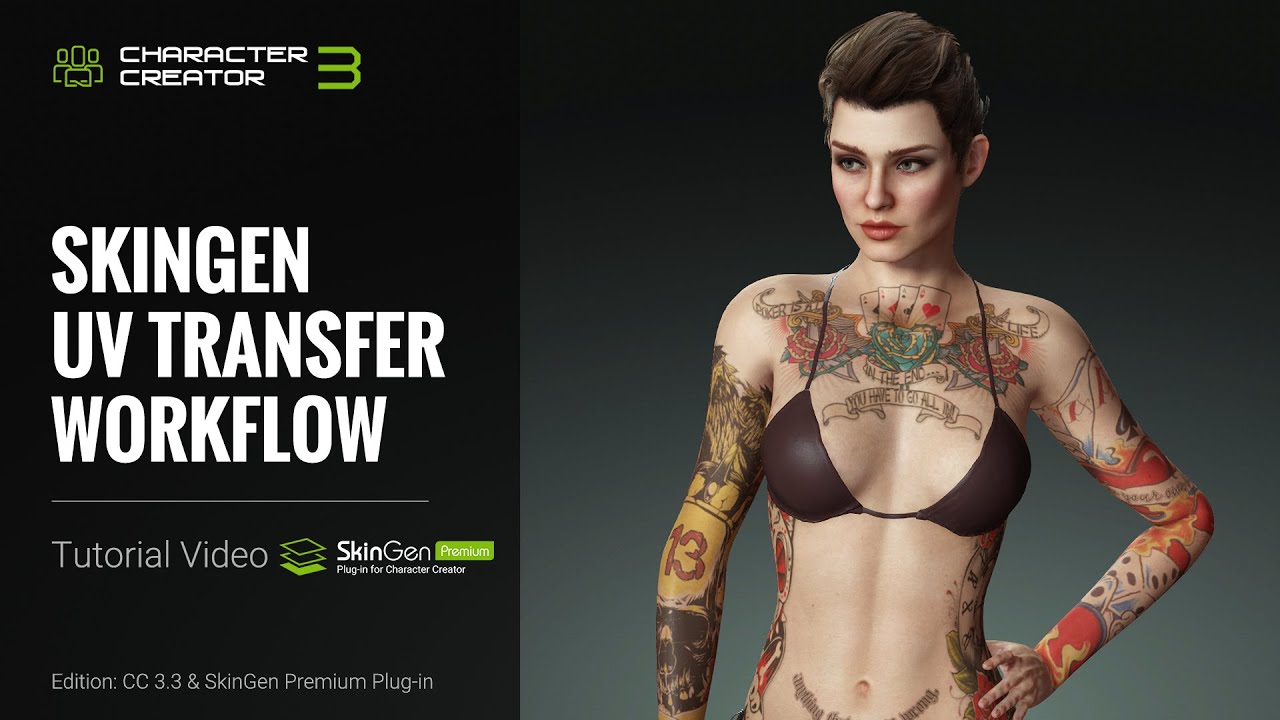
SkinGen and its high-resolution skin texture libraries let you layer natural skin details to enhance human realism and apply makeup for striking, glamorous results. Achieve any ethnicity, age, or stylistic vision with ease and precision. More >
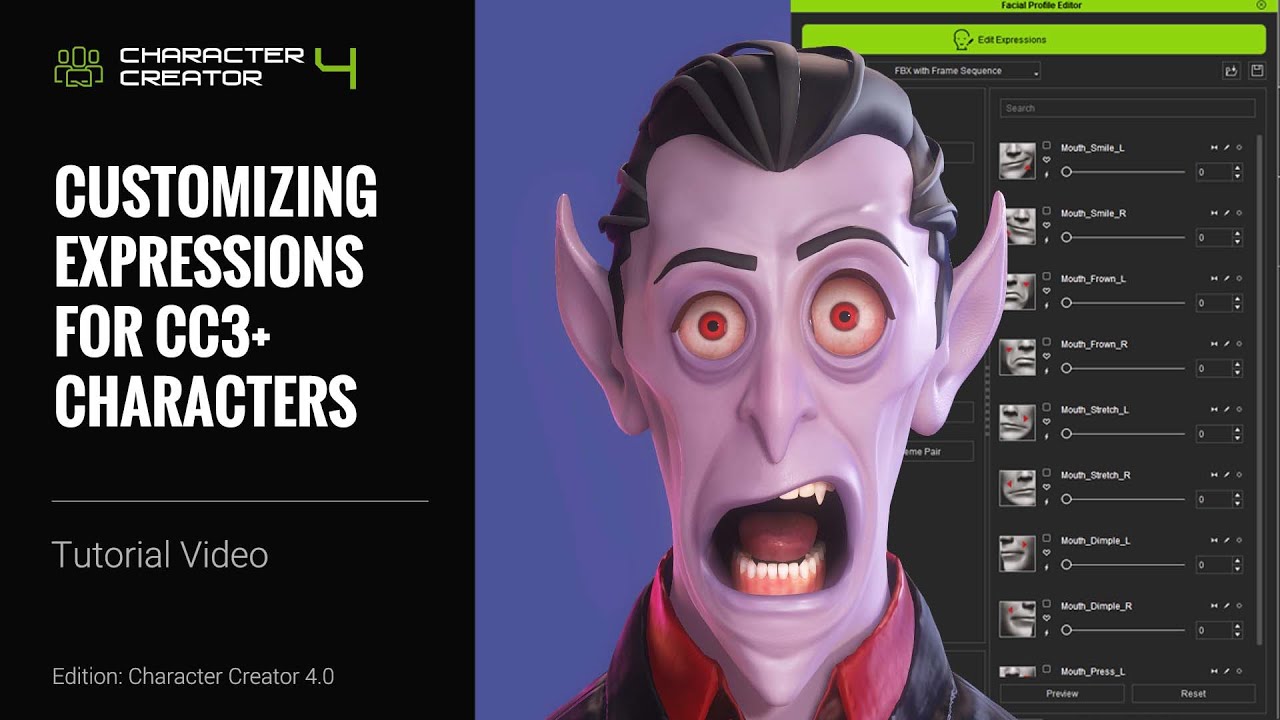
Create expressions with an intuitive editor to shape each character’s unique personality. With nearly 400 precise control parameters, you can fine-tune facial expressions and wrinkle details to achieve nuanced, natural, and highly expressive performances. Face Tools > Dynamic Wrinkle >
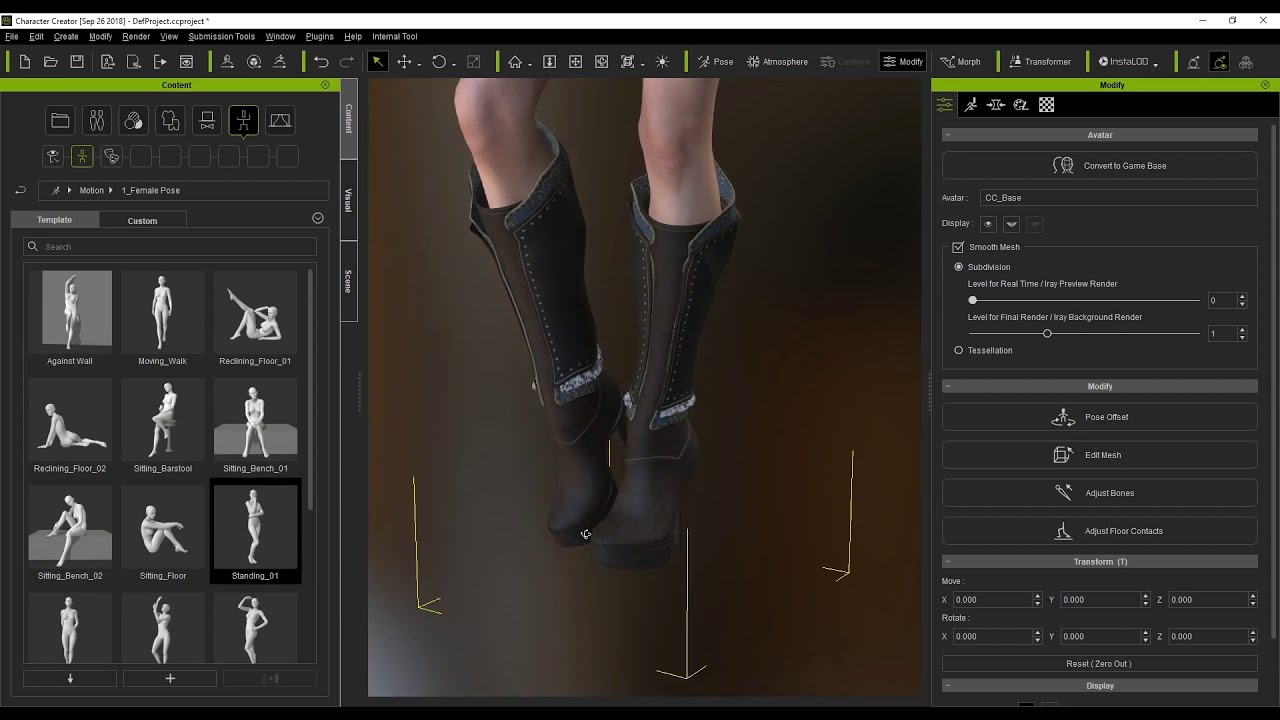
Character Creator offers over 130,000 high-quality assets, including clothing, hairstyles, and accessories to suit any creative need. Apply real-time motions to test rigging and prepare your characters for final animation.
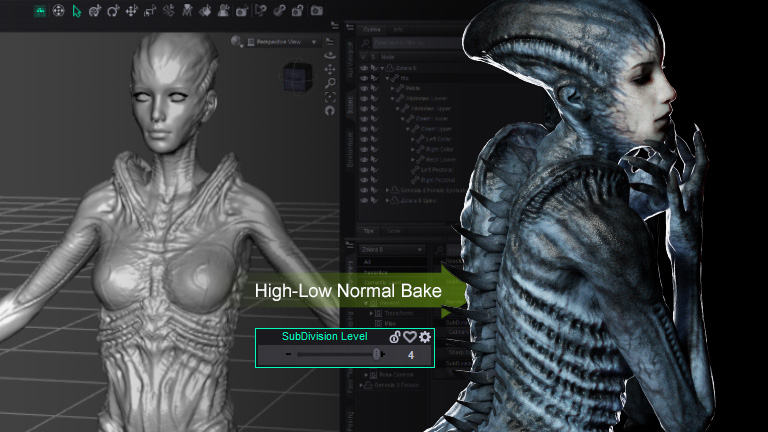
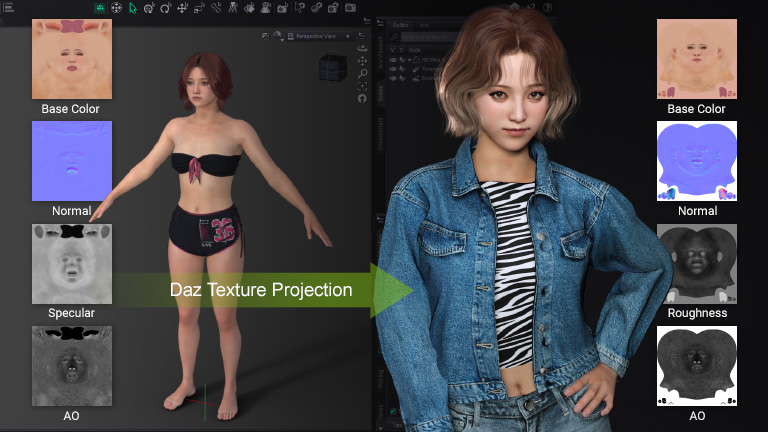
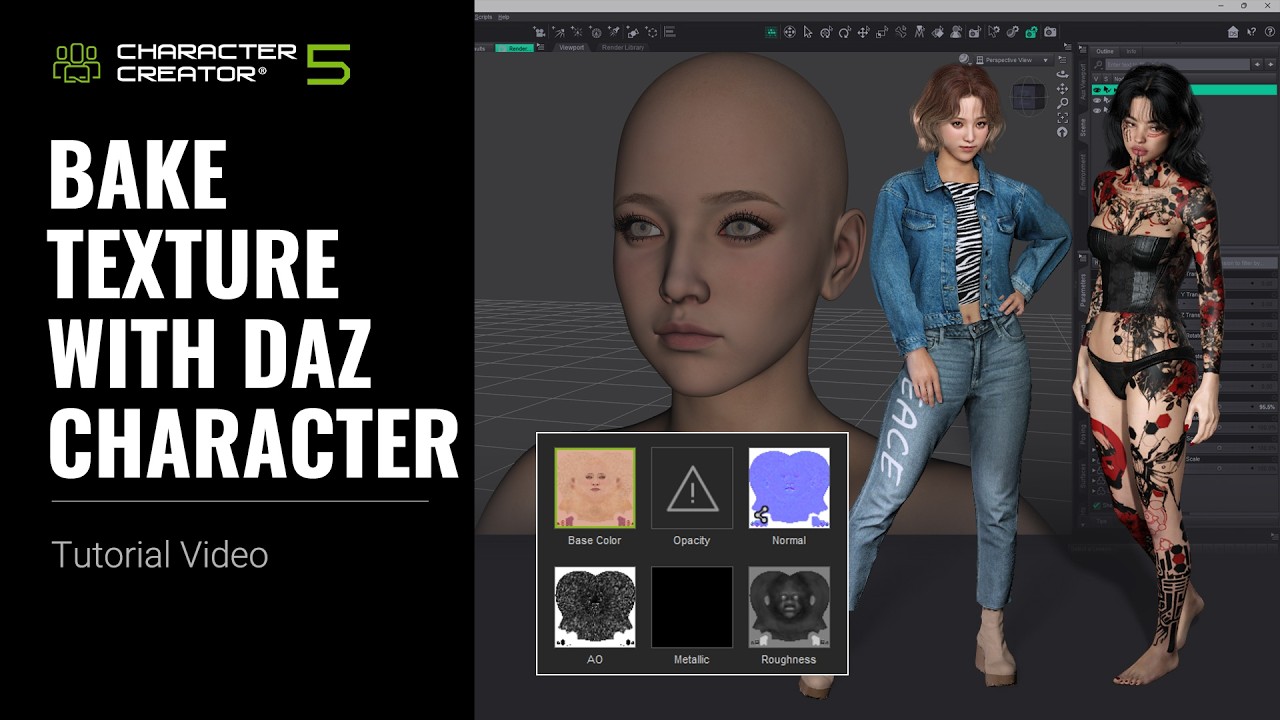
Experience precise texture baking that preserves every detail and surface quality. CC5 Daz Transformer maps all Daz textures onto CC characters and converts Daz HD meshes into high-subdivision, animation-ready models.
Character Creator preserves detailed mesh fidelity across multiple subdivision levels, while Daz Transformer delivers advanced normal baking tools tailored to each level. Manual
Character Creator can directly process Daz texture files that follow standard naming conventions. For edge cases, the INI-based mapping system ensures precise texture application and accurate material conversion. Manual
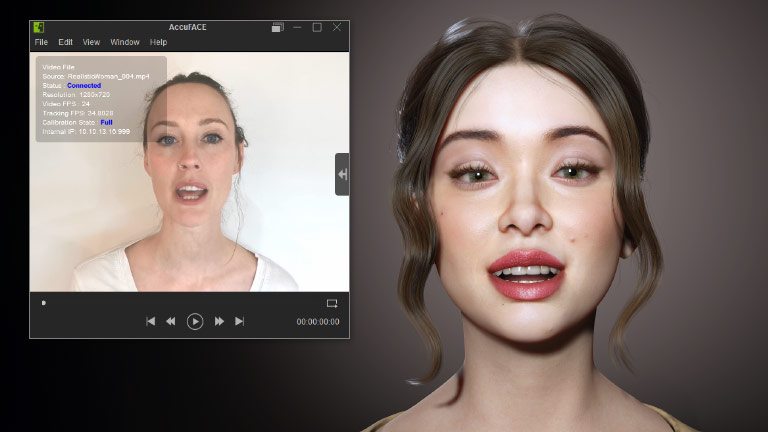
Bring faces to life with ease. Apply a Facial Profile to access iClone facial mocap and expression editing tools. Capture, refine, and perfect expressions in real time for truly lifelike performances.
CC characters natively integrate with iClone Motion LIVE for iPhone and AccuFACE video-based tracking, while remaining fully compatible with MetaHuman Animator facial mocap.
Characters with Facial Profiles work seamlessly with iClone Face Puppet and the Facial Key Editor, enabling fast animation and precise refinement using iClone’s advanced tools. More >
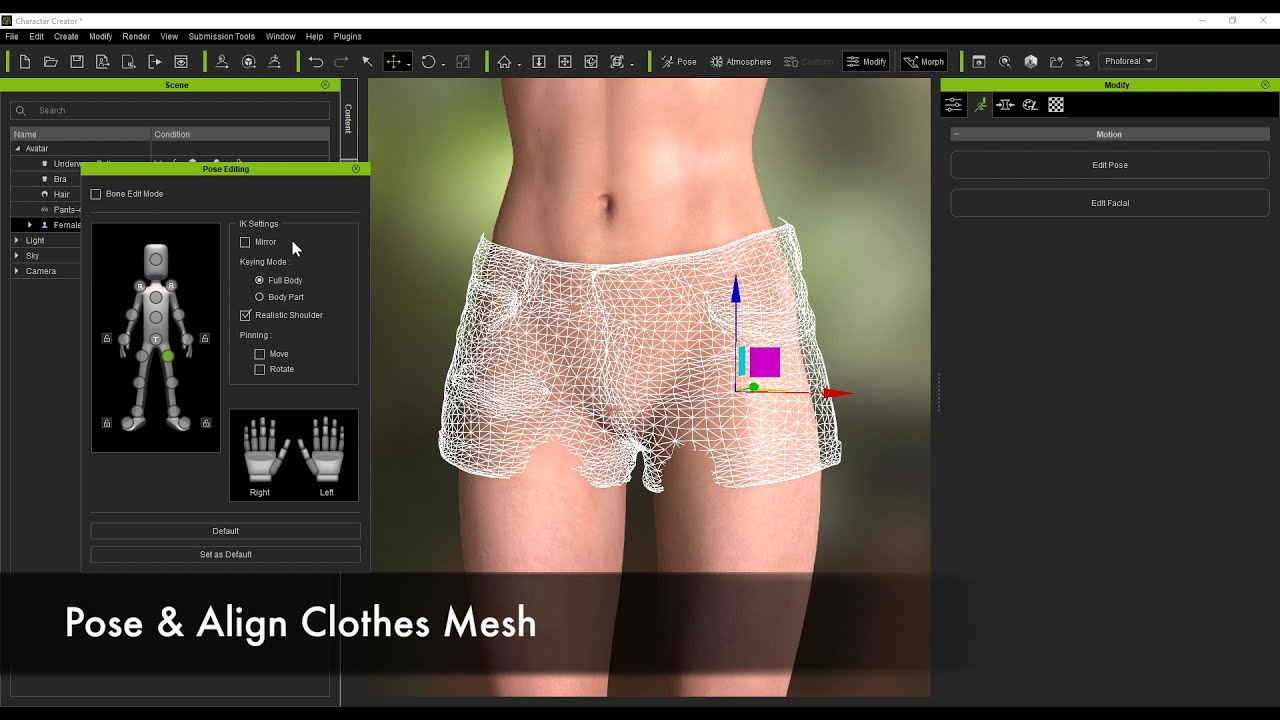
Bring converted Daz characters to life effortlessly. Character Creator’s standardized skinning and rigging makes them fully compatible with iClone’s animation tools, mocap integrations, and vast library of ready-to-use animations.
Turn any video into precise 3D motion with iClone Video Mocap. Capture, edit, and optimize motions effortlessly in iClone’s native format, and reuse them anytime. More >
Create stunning character performances in less time. With Reallusion’s extensive content library, apply motions, poses, and preset animations instantly with a single click. More >
Bring characters to life with ease: iClone’s AccuPose and Motion Edit tools let you craft everything from subtle hand gestures to full-body performances.
Free add-ons are available to accelerate your workflow with leading industry tools. Enjoy seamless integration with GoZ for ZBrush, CC Tools for Blender, and CC Auto Setup for automatic shader and skeleton mapping in Unreal Engine and Unity Mecanim.
Take advantage of UDIM support for Substance Painter, advanced cloth design and Alembic export with Marvelous Designer, USD workflow integration for NVIDIA Omniverse, and automatic render setup for Marmoset Toolbag, Autodesk Maya, and 3ds Max.
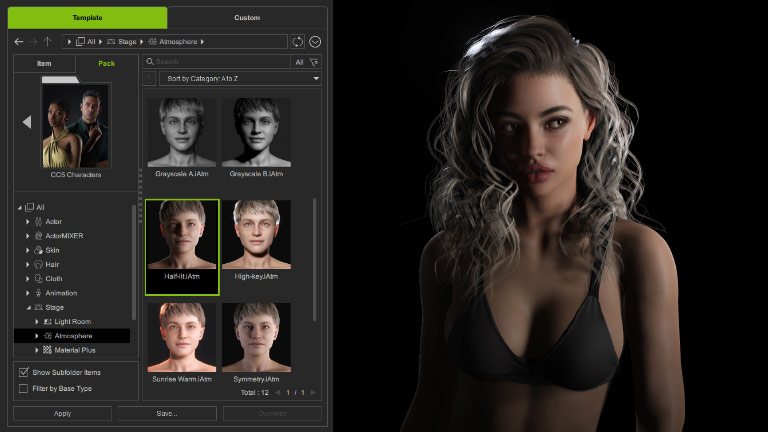
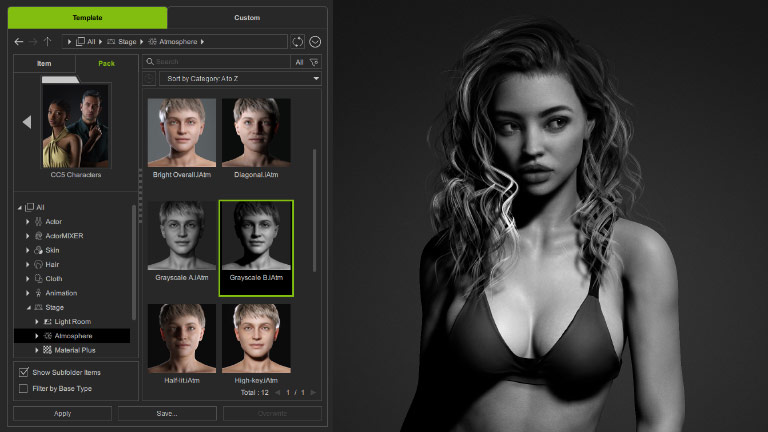
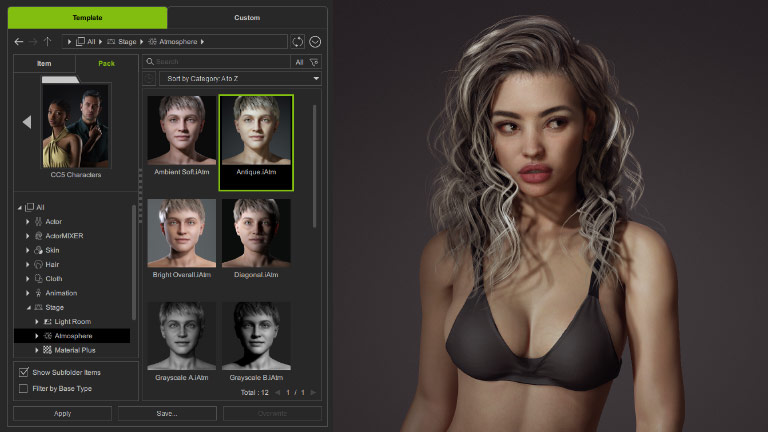
Access a collection of ready-made 3D lighting presets and scene setups designed to convey mood, enhance realism, and elevate visual style. Every setting is fully editable, giving you complete control over intensity and light direction to achieve professional-quality results. More >
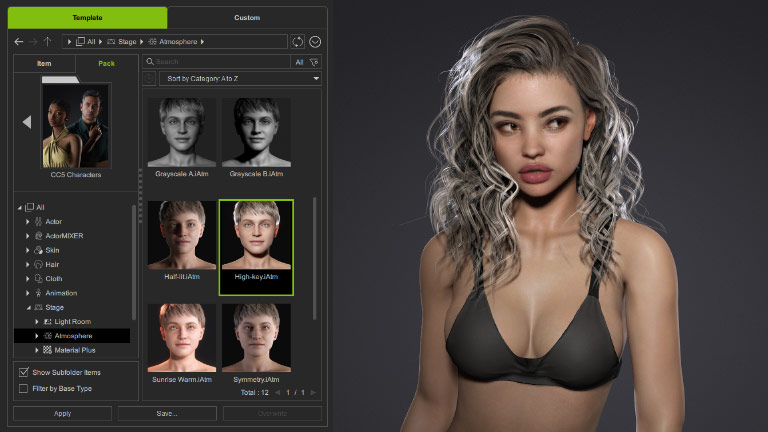
NVIDIA’s RTX rendering technology is now fully integrated into Character Creator and iClone, delivering ultra-fast path-traced rendering and advanced digital human shaders for cutting-edge, real-time visuals.