3.
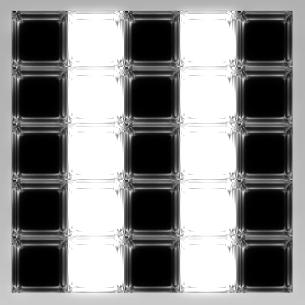
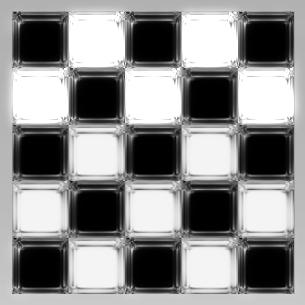
Press the play button and you can see the effect of the changes in color
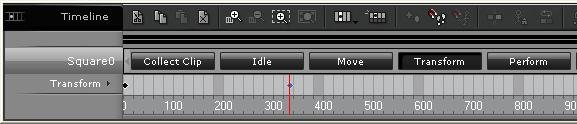
(You can remove unnecessary key frames in the Timeline/Transform to eliminate the moving props animation)
4. Your can use more props to make different floor effects
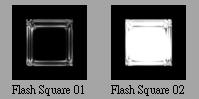
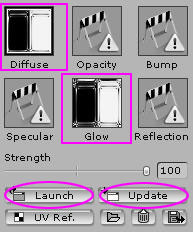
5. If you want to edit the color or texture of the props, you can use Texture editing function. Using Photoshop (or any other picture editing tool) to edit the texture and save the file. You will see the result after you go back to iClone and press the Update button