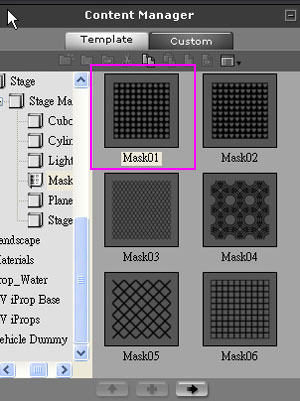
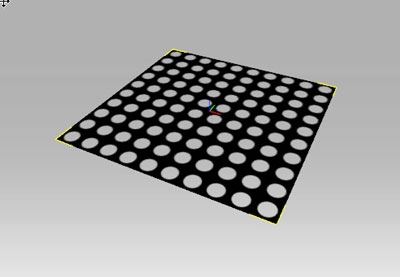
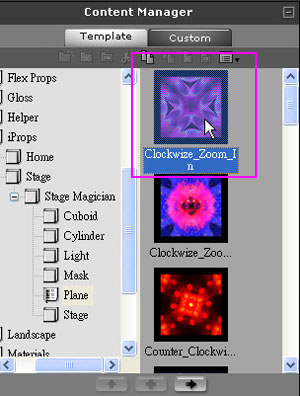
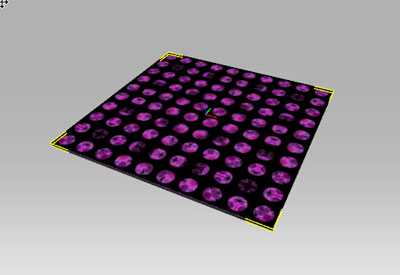
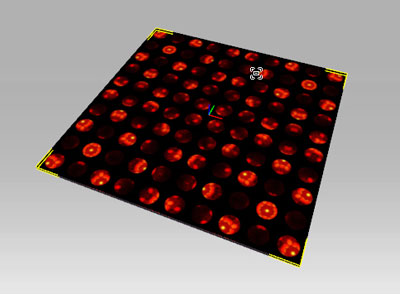
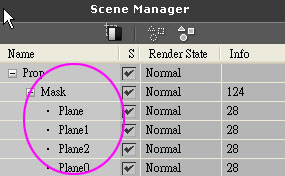
1-2. Load four Planes with the same size as the Mask
1-3. Group the four Planes together
Here is how:
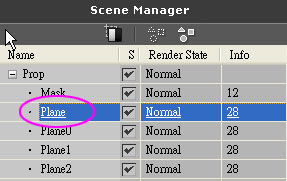
Choose the individual Plane in the Scene Manager
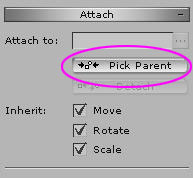
Click on the Pick Parent button in the Modify window
Go back to the 3D Viewer and choose the Mask on the top
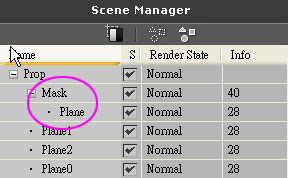
You will see that the Plane has become the child of the Mask
Repeat the actions above and make the other three Planes the children of the Mask
B. Apply Hot key
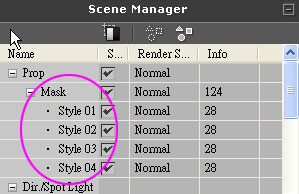
2-1. Rename the four Planes to Style 01~04 (Can´t be any other file names. The first letter of Style must be capitalized and there must be a space between the letter and the number)
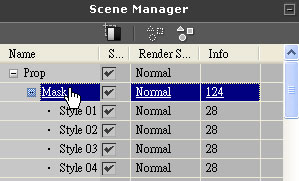
2-2. Choose the Mask
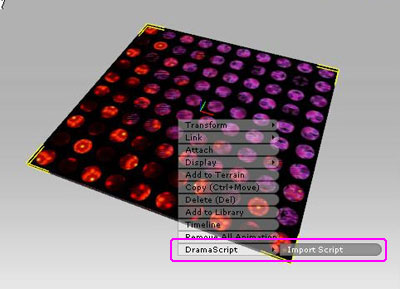
Go back to the 3D Viewer Right click the mouse key on the Mask‚and choose DramaScript/Import Script
C. Enter the Direct Mode to see if the outcome is correct
3-1. Toggle the Director Mode by clicking the button
Press Perform Hot Key 1~4 to display the different plane
3-2.Press the pause button. Set Timeline to 0 and press the Record button
3-3. According to your needs‚ press hot key 1~4 to display different floors at different time
3-4. After you are finished‚ open the Timeline and you can see the point of time which you have switched to another floor has been recorded. You can edit those keys
D. Press the ESC button to quit Direct Mode, and press Play to the result
* Please be aware that you can only use maximum of four perform keys of this Script