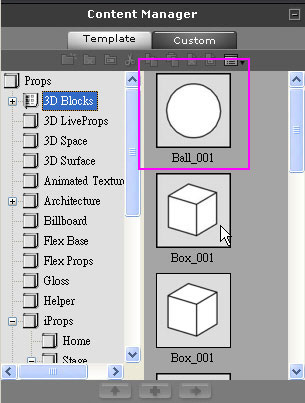
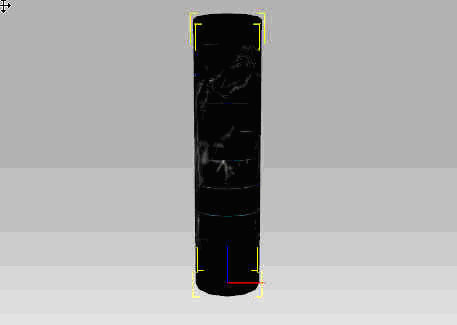
1. Load Ball_001


2. Group the four Planes together


3.

Choose Ball_001 in the 3D Viewer


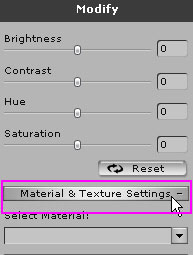
In Modify/Material & Texture Settings


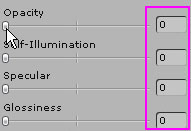
Set Opacity, Self-Illumination, Specular, Glossiness to 0 and you can hide Default 3D Ball



4. Please read Create Interactions, starting from step 1-3
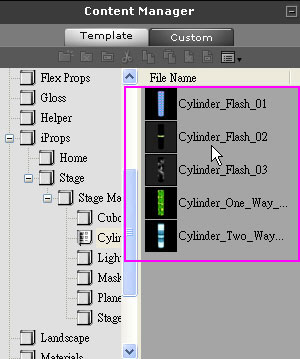
  Merge the Ball and four Cylinders to achieve the same effect as Create Interactions
   
 
Copyright © 2008 Reallusion, Inc.