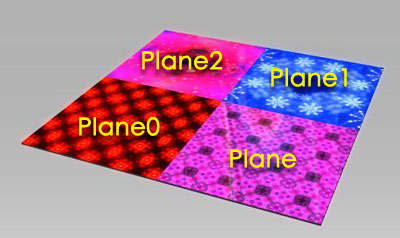
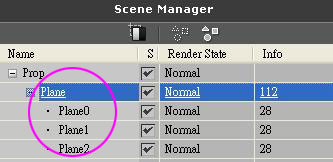
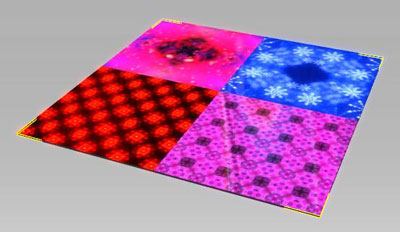
1. You can import different planes and merge them into one stage as in the illustration below:
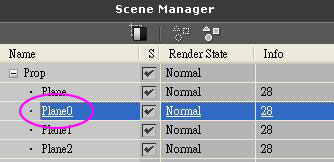
2. Choose Plane0 in the Scene Manager (or double click on Plane0 in the 3D Viewer)
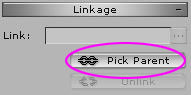
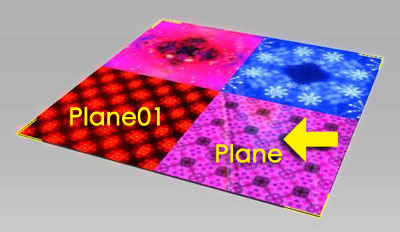
3. Press the Pick Parent button in the Modify window, and choose the Plane in the 3D Viewer
4. Repeat step 2~3 until Plane0~2 all become the children of the Plane
5. Choose Plane and press the Merge button in the Modify window and all four planes will become a single plane
Copyright © 2008 Reallusion, Inc.