

Free Download
Auto Setup for Unity

Unity Pipeline Plugin

In Character Creator (CC)

v.2.2.3

In iClone (iC)

v.2.2.3

Release Note

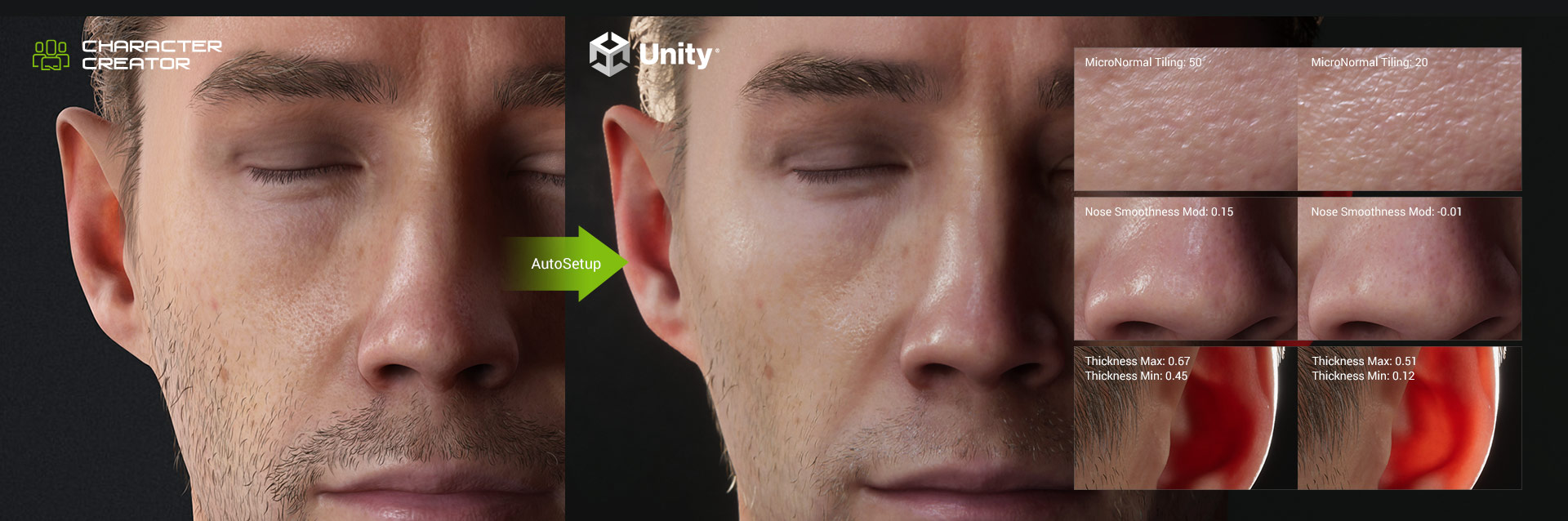
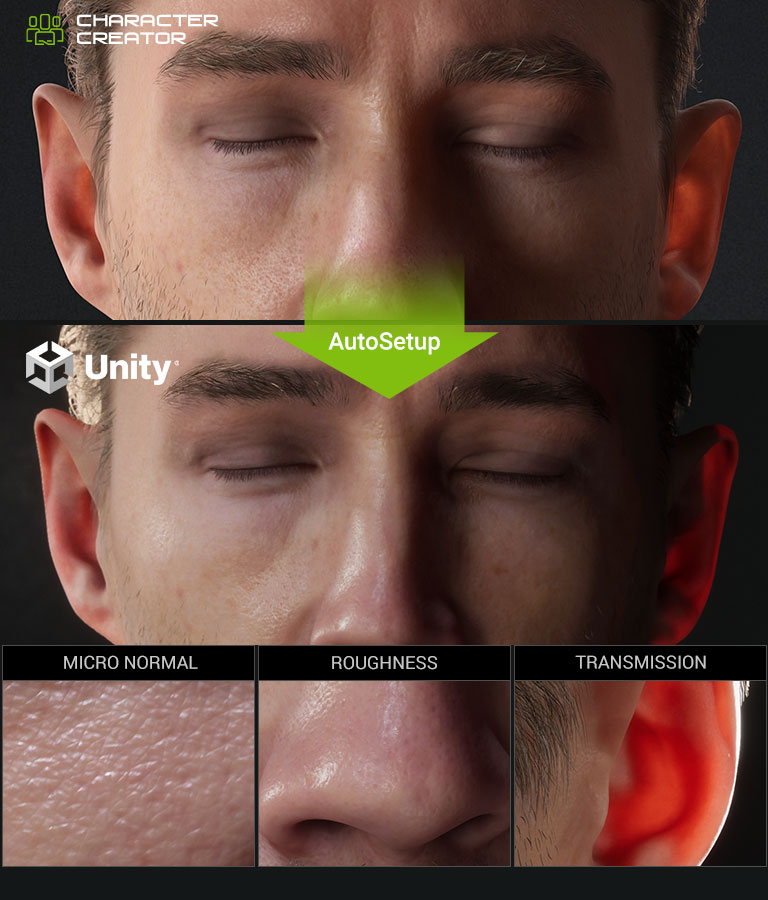
Unity Auto Setup

In Unity

v.2.2.3

for Unity 2021.3 - Unity 6.3 (6000.3)

Release Note

Register or log in to your Reallusion account and fill out the form after clicking Download.


Requirements & Compatibility

*The Unity add-ons are maintained by Reallusion Partner Victor.Soupday. Discussions and alternative download in the Reallusion Forum.

INSTALLATION GUIDE

  1. Install the plugin into iClone/Character Creator
    • Install Unity Pipeline in the HUB.
  2. Install the plugin into Unity
    • Click Unity Auto Setup in Hub, and click Download on the web
    • Extract the Unity Auto Setup ZIP
    • Open the Package Manager and click the Add button, then select Add package from disk
    • Navigate to where you placed the extracted files, select package.json
    • Wait for the installation to complete and the package will be ready for use

COMPATIBLE TOOLS

The Character Creator & iClone Auto Setup is compatible with Character Creator, iClone and ActorCore. Find the Learning Resources from the links below.

Character Creator

Character Creator is a full character creation solution for designers to easily create, import and customize character assets. It connects industry leading pipelines into one system for 3D character generation, animation, rendering, and interactive design.

ActorCore

ActorCore offers vivid 3D characters with facial animation for archviz, business, training, game and film use; along with a large library of motions and compatible FBX file export, it is the best content marketplace for 3D production makers seeking high quality content and a fast, easy workflow.

iClone

iClone is a real-time 3D animation software for digital actors, virtual environments, visual effects with drag & drop editing, powerful physics and easy plug-in compatibility, designed for creativity in storytelling and broadcast production, education & previsualization.