| |
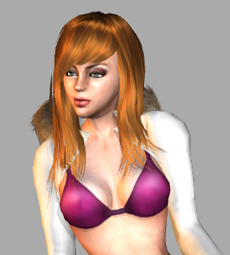
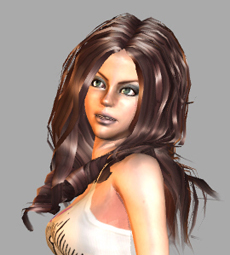
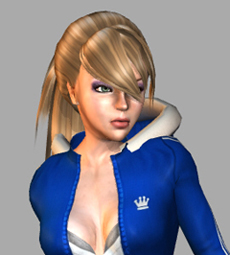
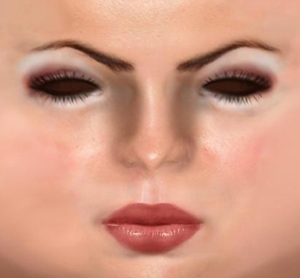
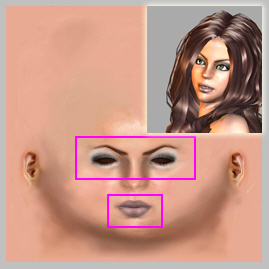
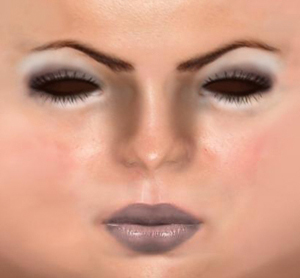
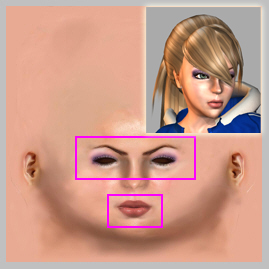
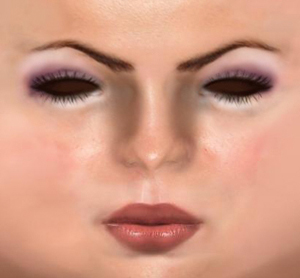
| You can put on light or heavy make-up for Robyn depends on her clothing. |
|
| |
| 1. Apply any character. (eg. Robyn_Casual_A) |
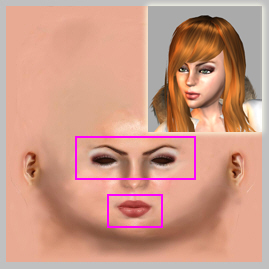
| 2. Select Diffuse Channel and click Launch in Actor/Skin/Material & Texture Settings/Face. |
|
| |
| 3. Edit Face Texture in a 2D software. (eg. Photoshop.) |
|
| 4. When you finish editing the face texture, click Update to update the face display in the Viewport! |
| |