Workshop Toolbox
Artist : The-any-KeyRequired Product :
*For iC v7.50.$27.0050% OFF
$13.50
Add to Cart
SAVE extra 15% off all year. JOIN PRIME >
*Content License FAQ- General (1)
This pack contain: - Workshop Toolbox for iClone 7, simple adjustments This plugin require iClone 7.5 or above
What this is: A plugin to make transform adjustments. Offset key values and save changes in previous keys instead of creating new ones.
How to install:
1# After downloading the zip (you need an zip program to unzip it). Right click the zip and click "extract". Install the plugin in your "OpenPlugin" in iClone. ex: "C:\Program Files\Reallusion\iClone 7\Bin64\OpenPlugin" (If the "OpenPlugin" is missing just create a new folder with the name "OpenPlugin") (If you update, just replace all old files)
2# Start iClone in admin mode as the plugin may need to install 3th party python modules. (Only need to start in admin mode the first time after you installed the plugin)
3# Start the plugin via Plugins>The-any-Key>Time Transformers If the plugin don't show up in the menu try this: https://youtu.be/madVsFscvyw
How to use it:
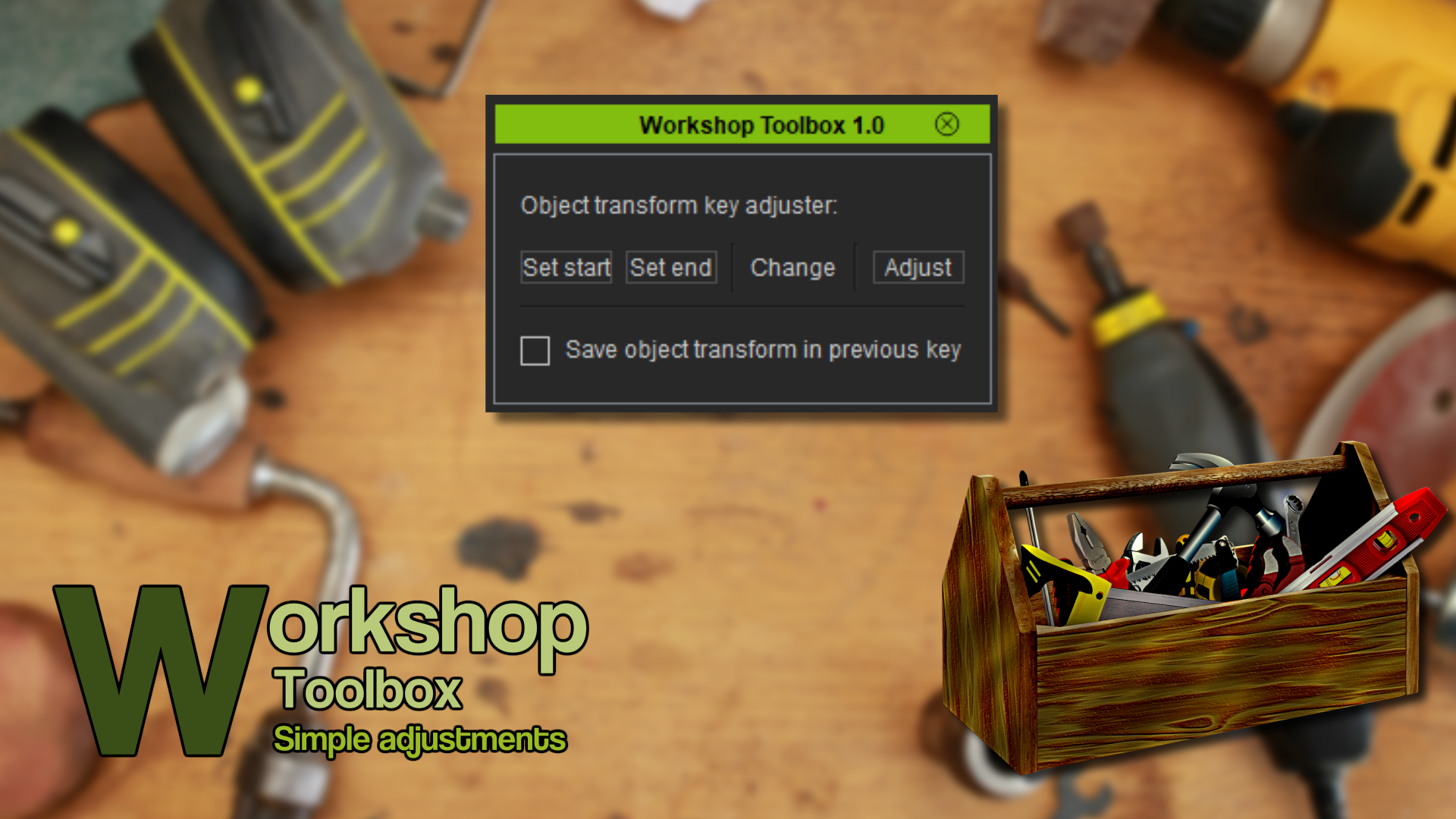
To offset keys: Select the frame you want to start adjust from and click "Set start". Select a end frame and click "Set end". Now reposition, rotate or scale your objects and then click "Adjuts" to offset the keys between start and end. To prevent create new keys and save the transform change in the last key: Use the checkbox to start use this mode. Work as you normaly do and you will notice that any new keys will be moved to the closest previous key instead.
What this is: A plugin to make transform adjustments. Offset key values and save changes in previous keys instead of creating new ones.
How to install:
1# After downloading the zip (you need an zip program to unzip it). Right click the zip and click "extract". Install the plugin in your "OpenPlugin" in iClone. ex: "C:\Program Files\Reallusion\iClone 7\Bin64\OpenPlugin" (If the "OpenPlugin" is missing just create a new folder with the name "OpenPlugin") (If you update, just replace all old files)
2# Start iClone in admin mode as the plugin may need to install 3th party python modules. (Only need to start in admin mode the first time after you installed the plugin)
3# Start the plugin via Plugins>The-any-Key>Time Transformers If the plugin don't show up in the menu try this: https://youtu.be/madVsFscvyw
How to use it:
To offset keys: Select the frame you want to start adjust from and click "Set start". Select a end frame and click "Set end". Now reposition, rotate or scale your objects and then click "Adjuts" to offset the keys between start and end. To prevent create new keys and save the transform change in the last key: Use the checkbox to start use this mode. Work as you normaly do and you will notice that any new keys will be moved to the closest previous key instead.