| |
| 1. |
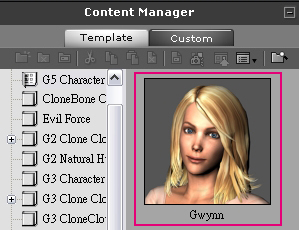
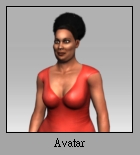
Go to Avatar and select the G5 Character – Gwynn under the Content Manager window. |
| |
|
| |
|
| 2. |
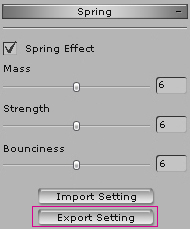
Select the character in the stage and go to Spring under the Modify window. Click Export Setting and save it as a .spx file. |
| |
 |
| |
|
| 3. |
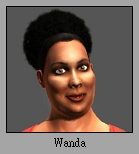
Double-click the character Wanda under the Content Manager window. |
| |
 |
| |
|
| 4. |
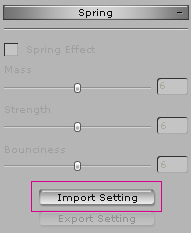
Select Wanda in the stage and go to Spring. Click Import Setting and import the .spx file you just saved. |
| |
 |
| |
|
| 5. |
You may save the character that you just applied Gwynn's spring to. Click Plus  under the Content Manager window to save the character. under the Content Manager window to save the character. |
| |
 |
| |
|
| 6. |
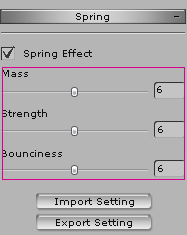
Apply the Avatar to the stage and adjust the parameters of Spring to create the effects you want. |
| |
 |
| |
|
| 7. |
Spring effects are done. |
| |
|