





SUBDIVISION EXPORT

Real-time Models with High Quality Rendering

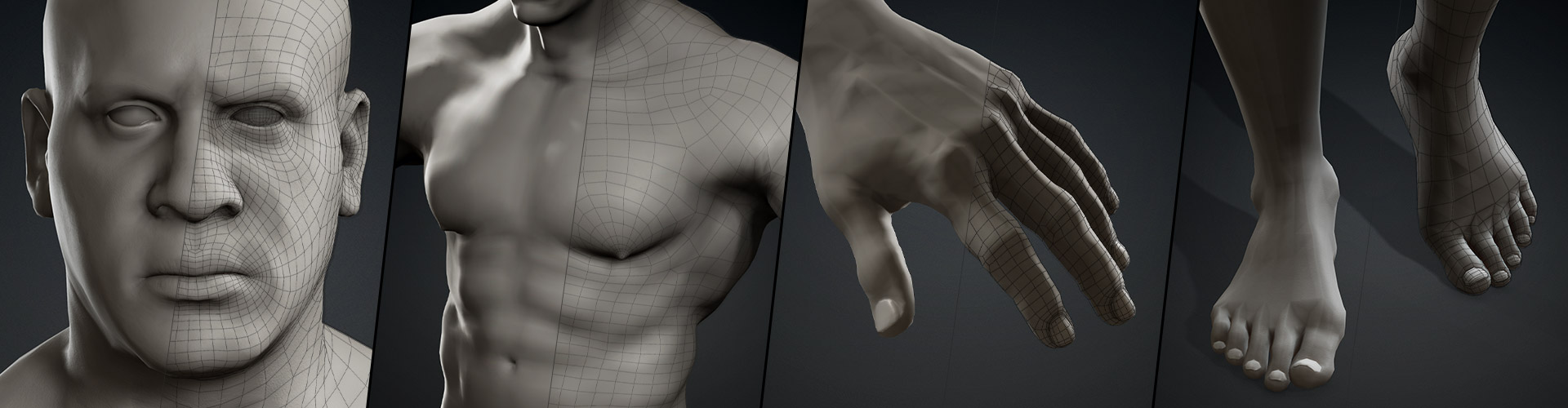
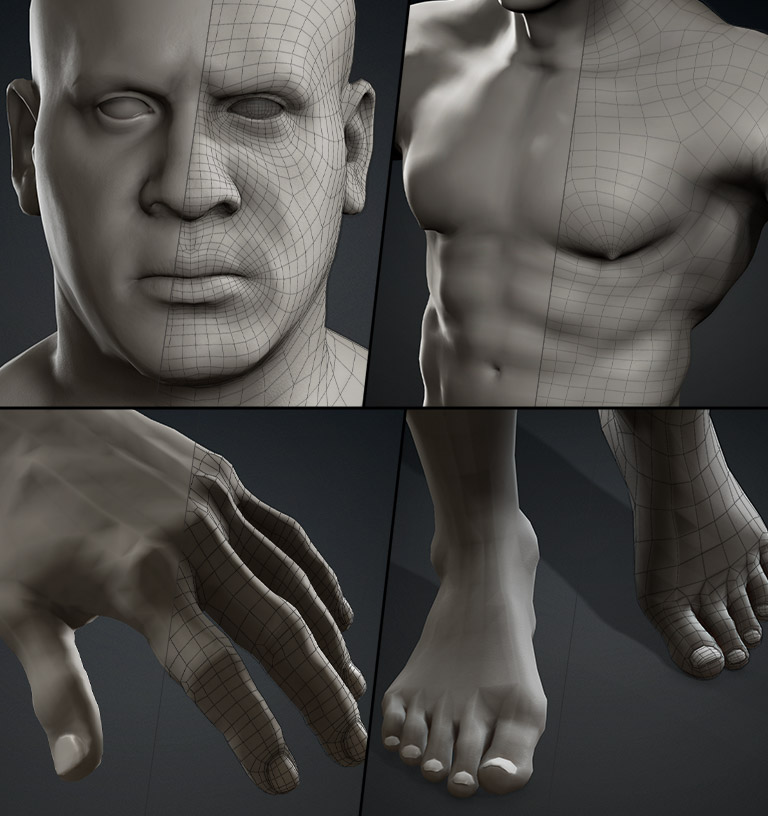
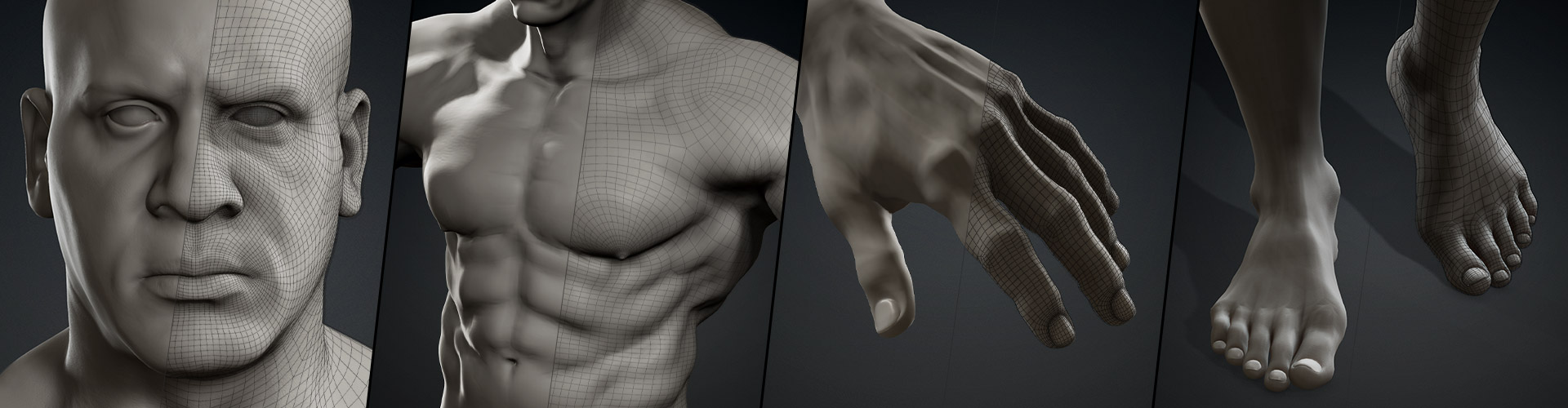
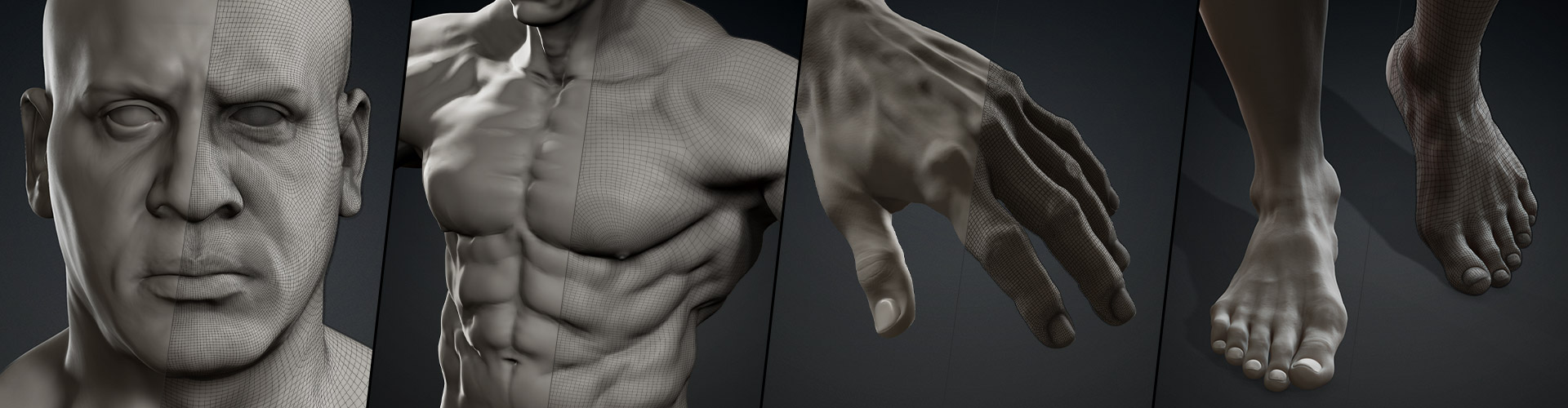
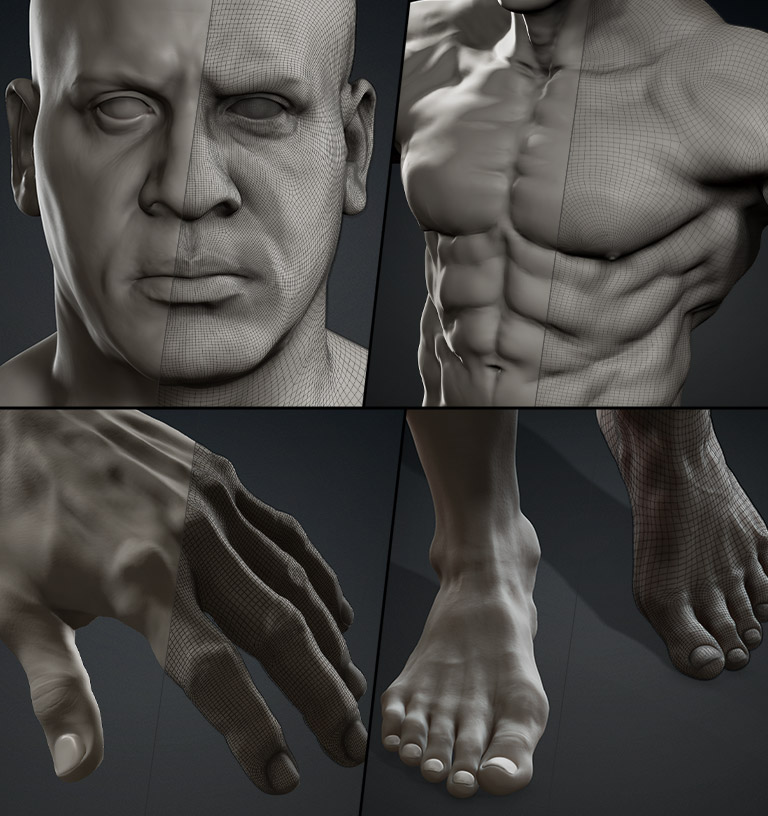
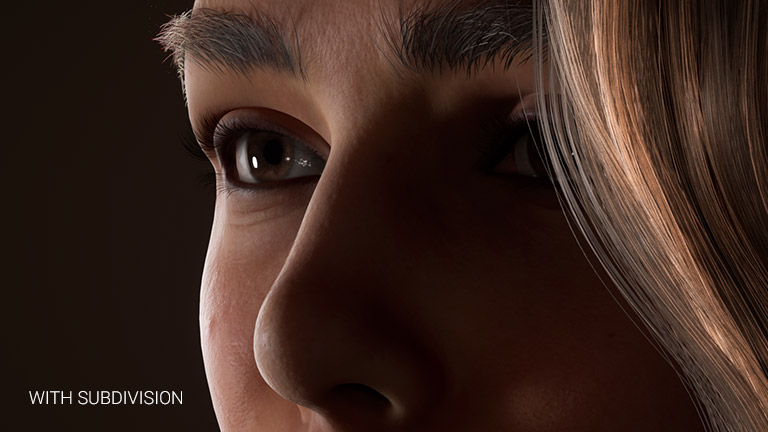
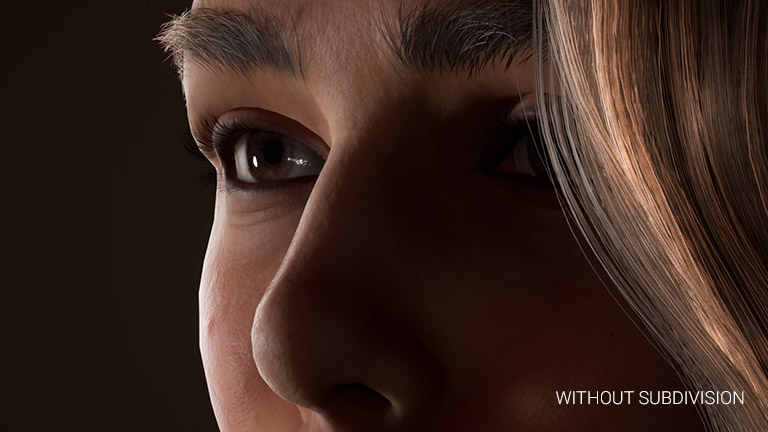
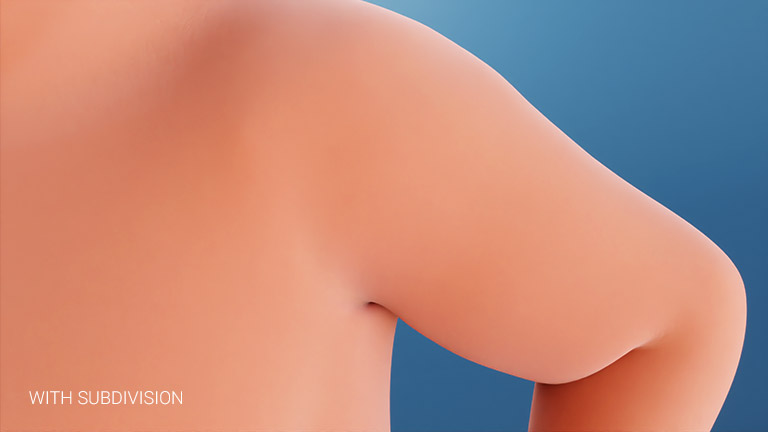
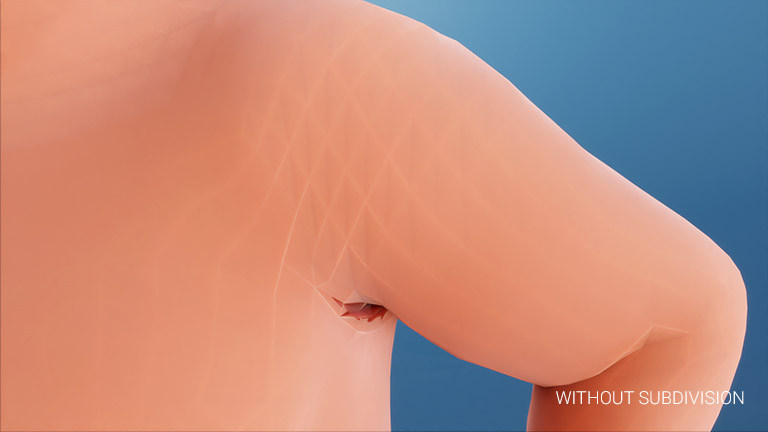
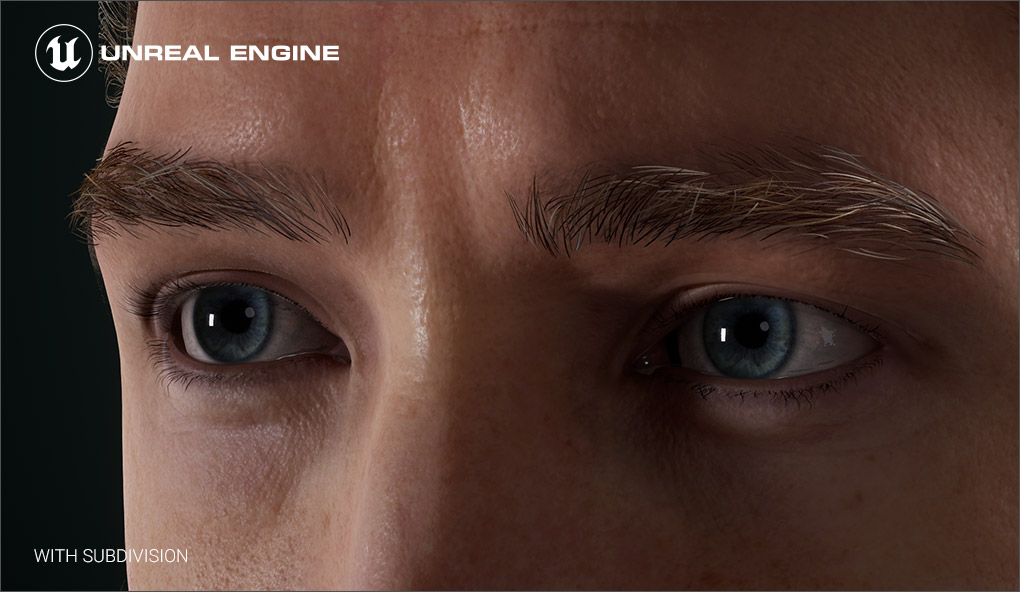
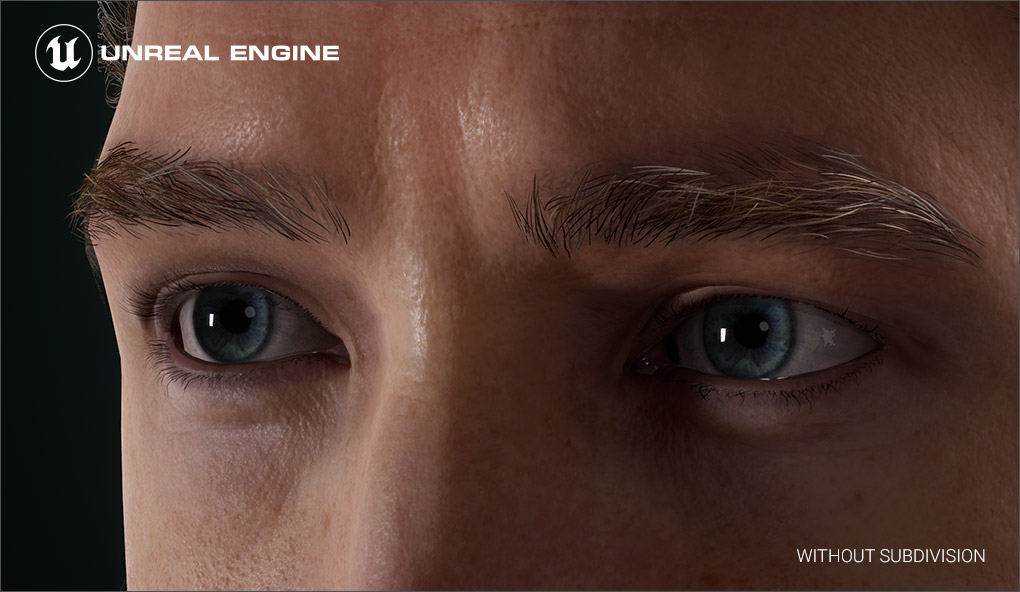
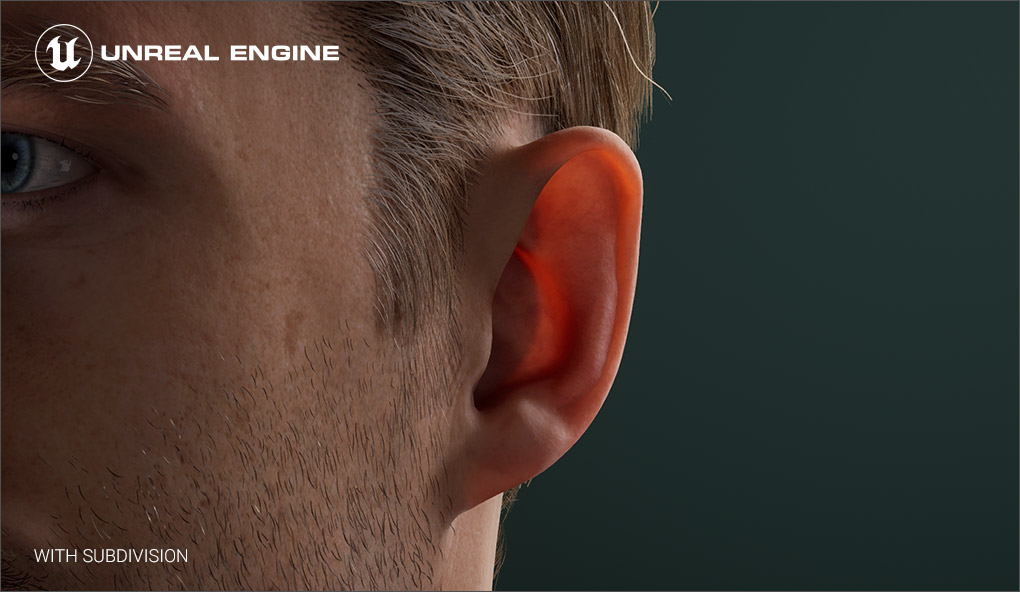
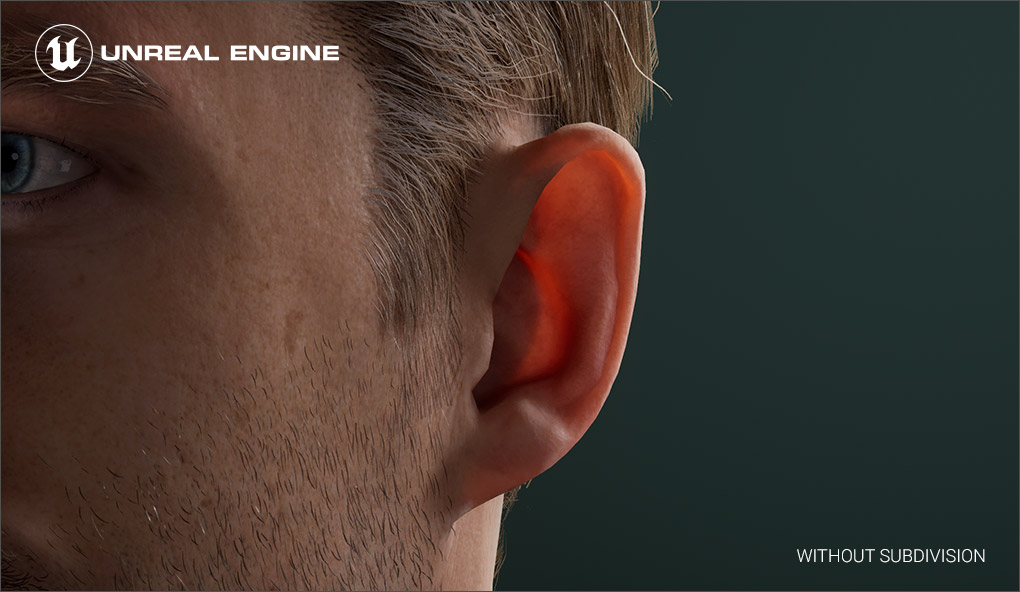
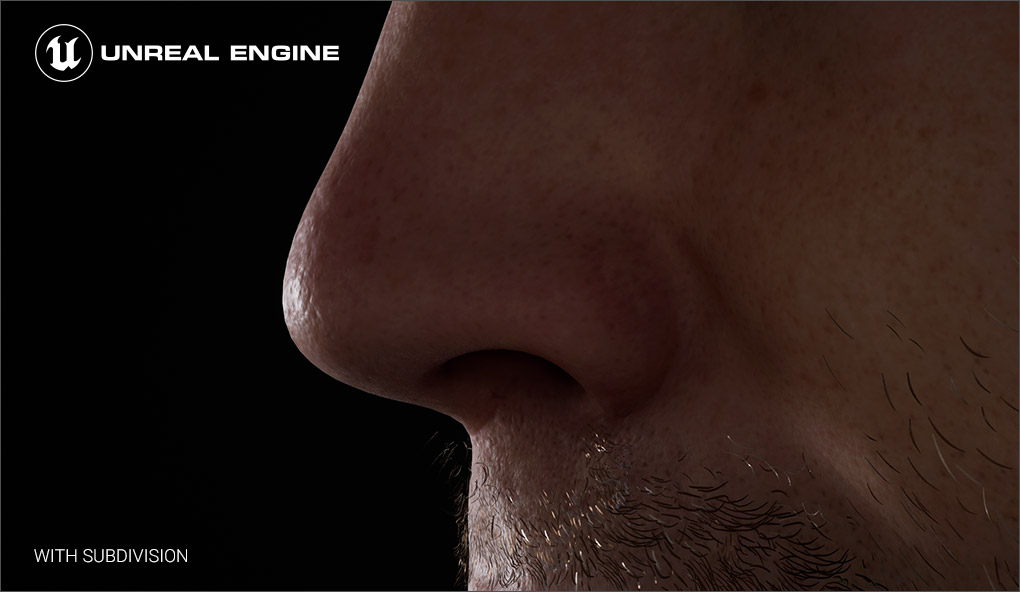
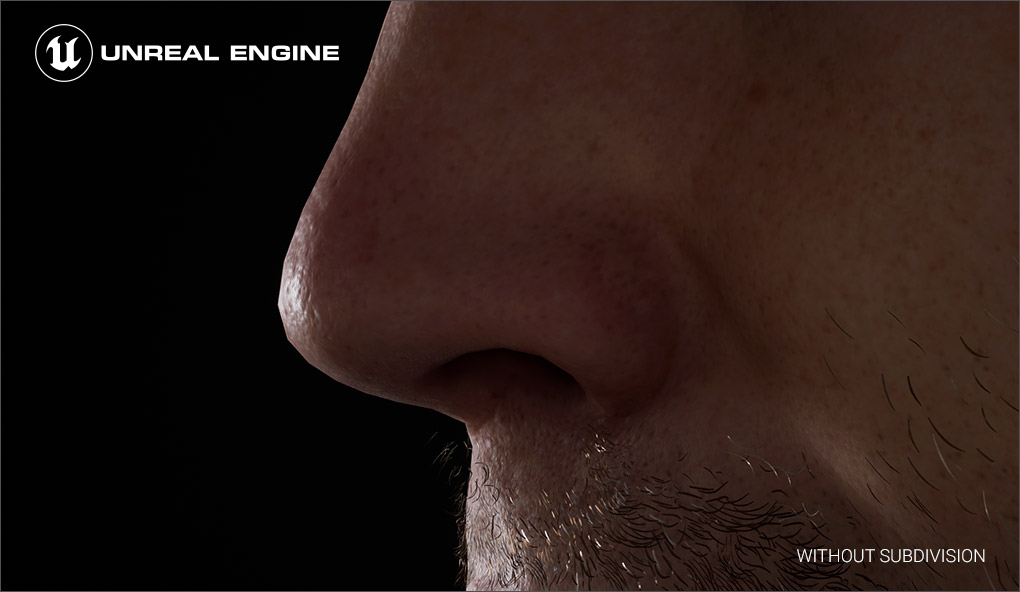
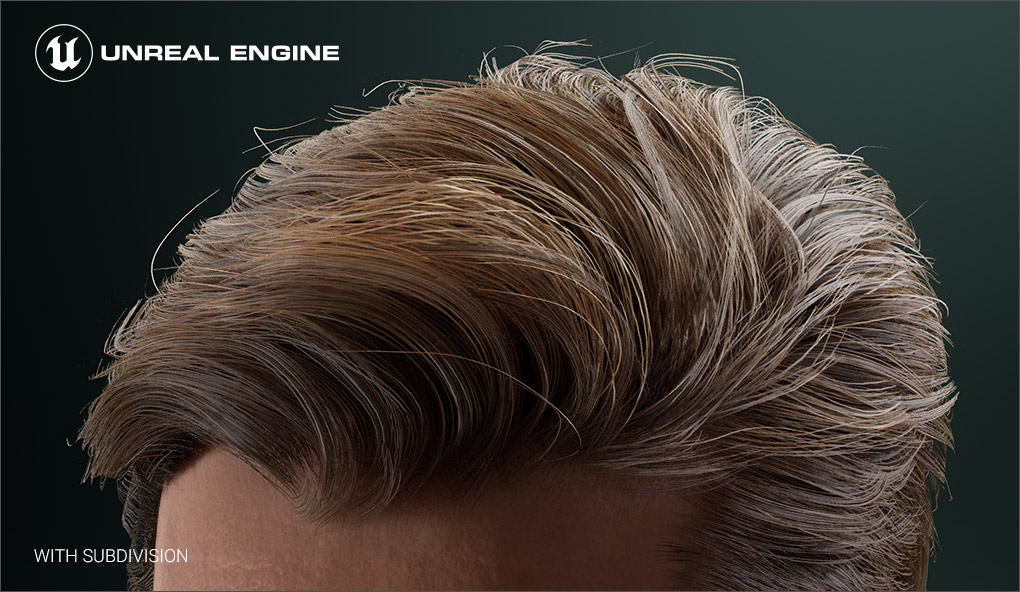
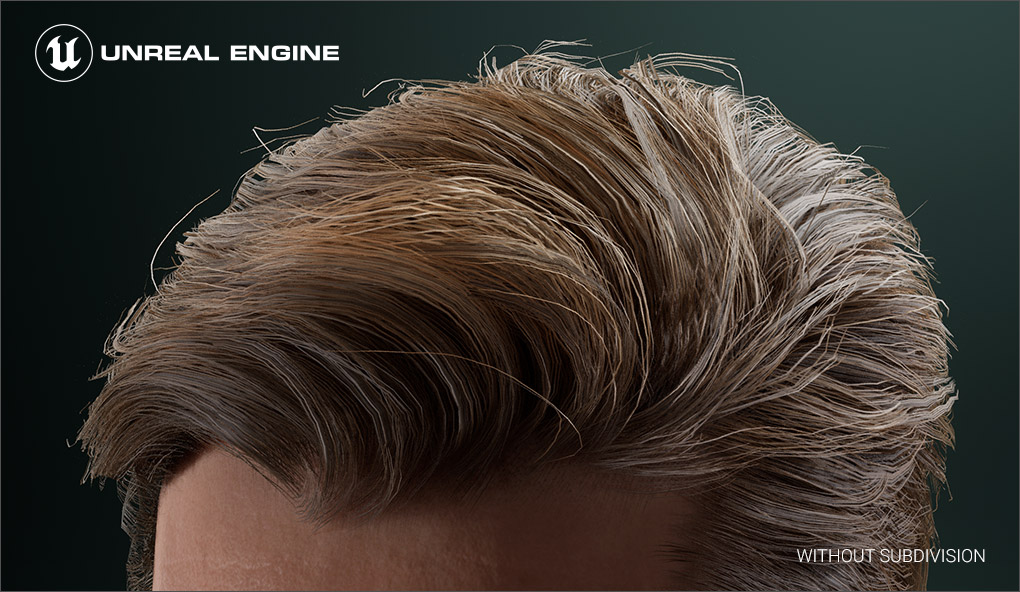
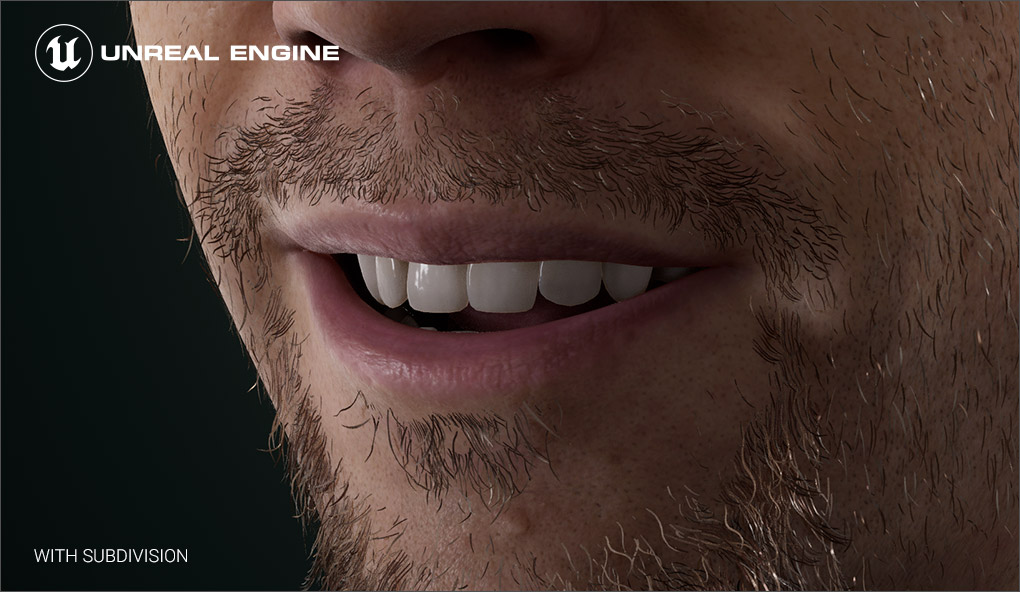
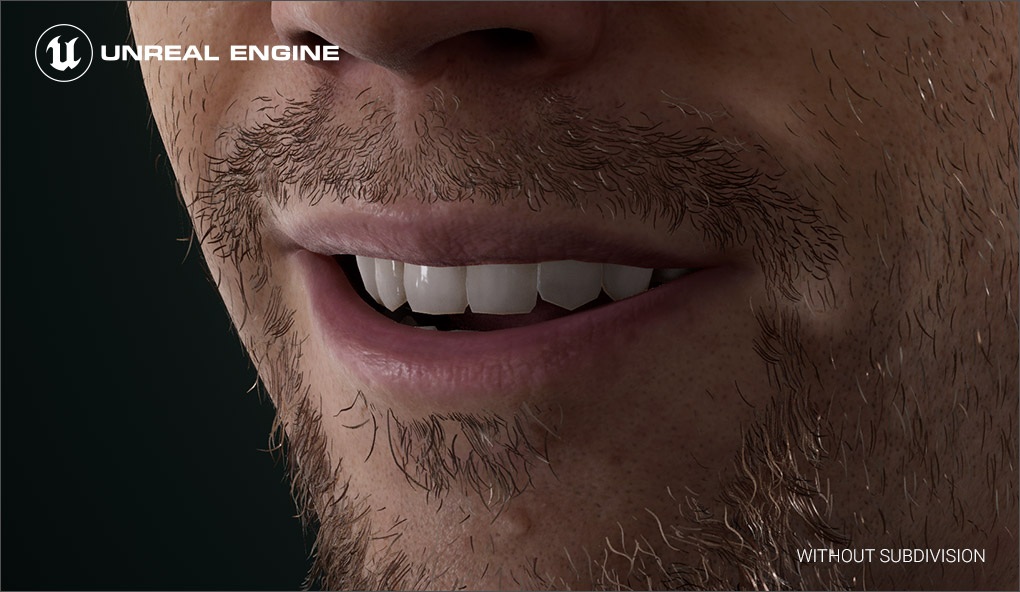
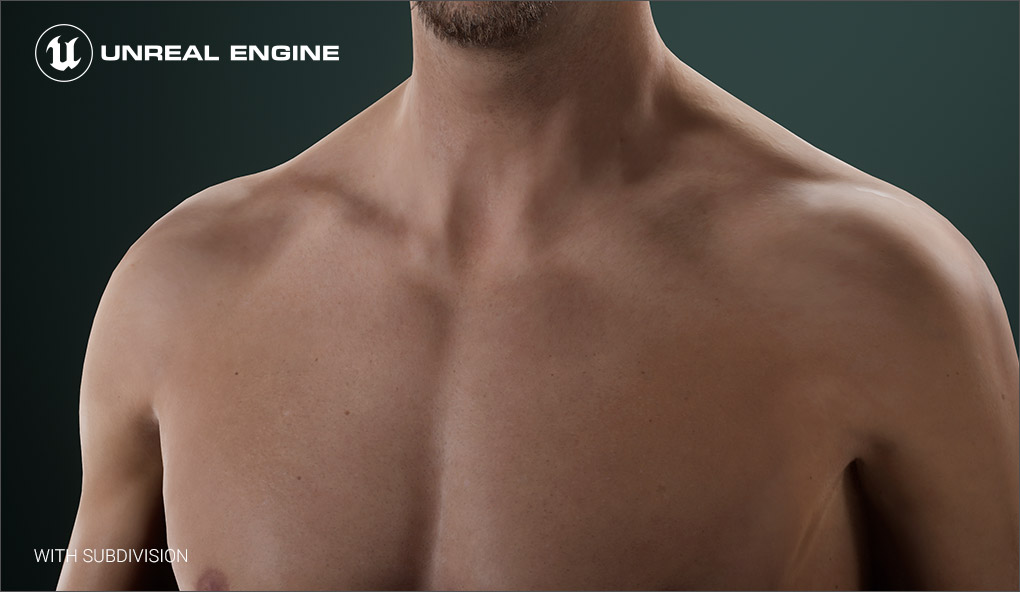
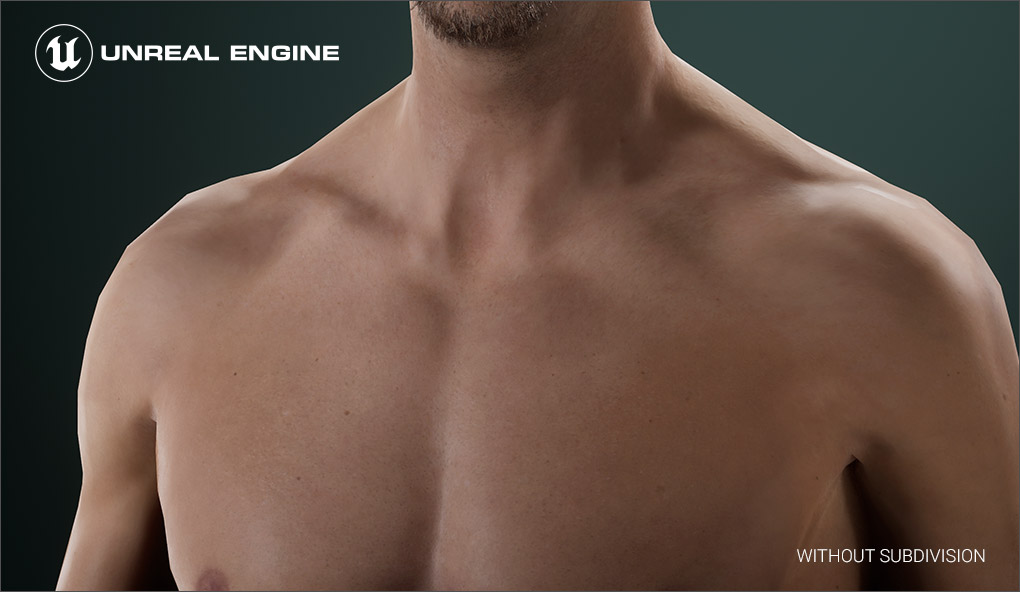
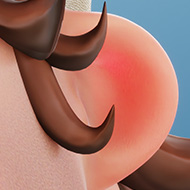
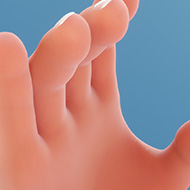
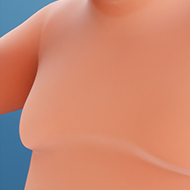
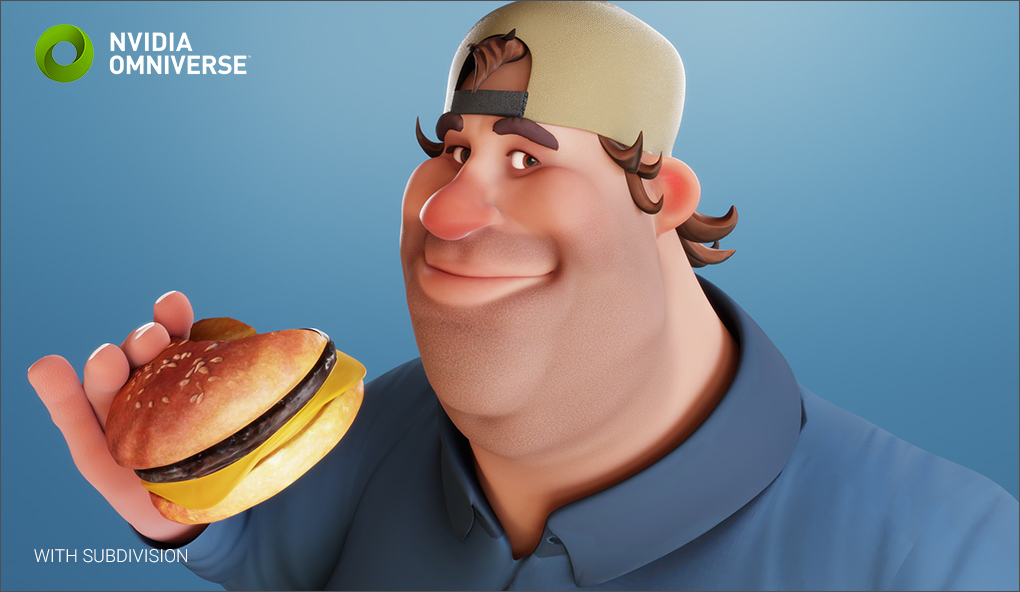
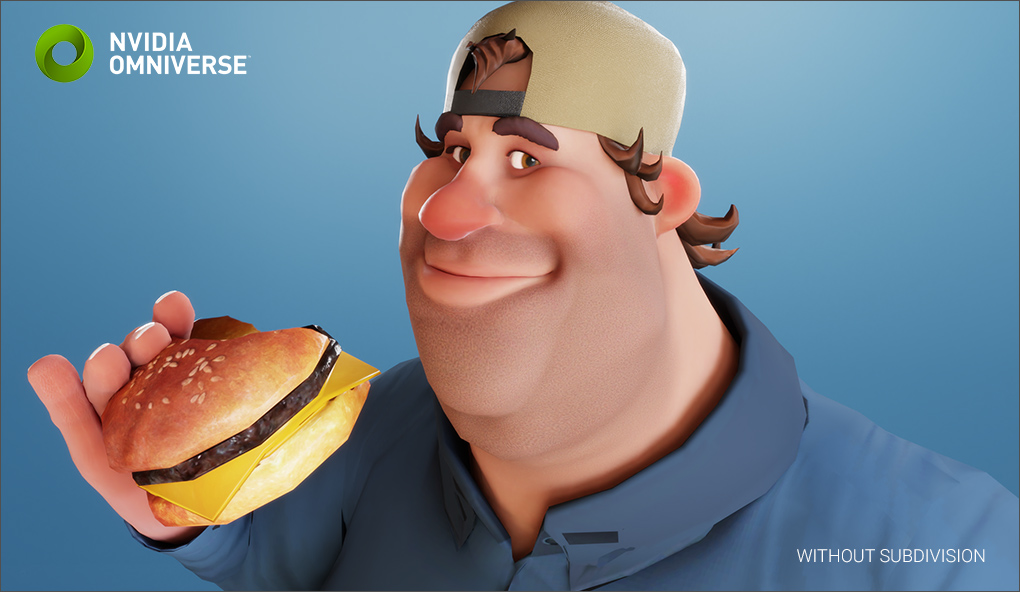
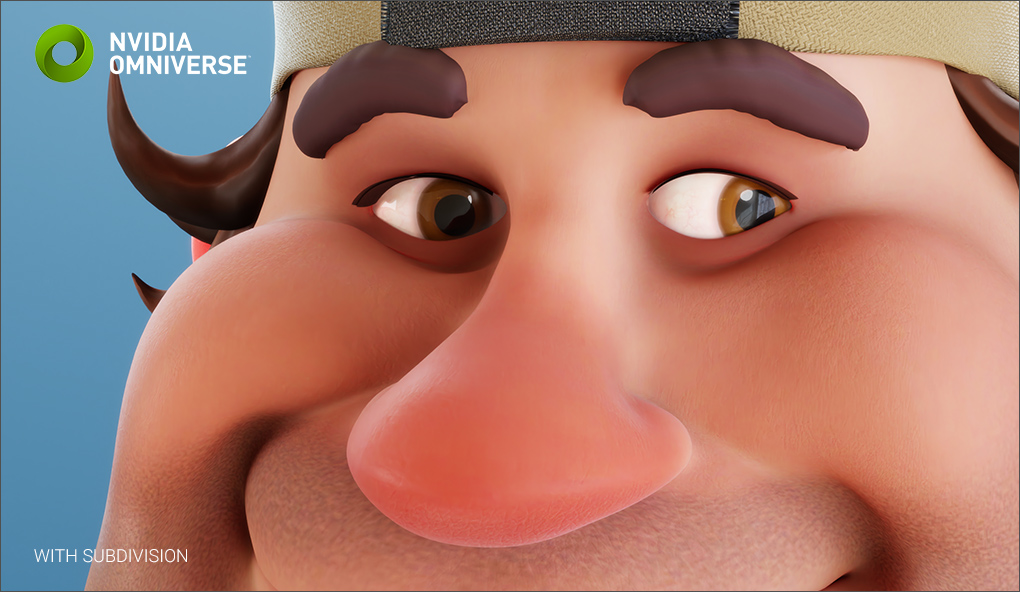
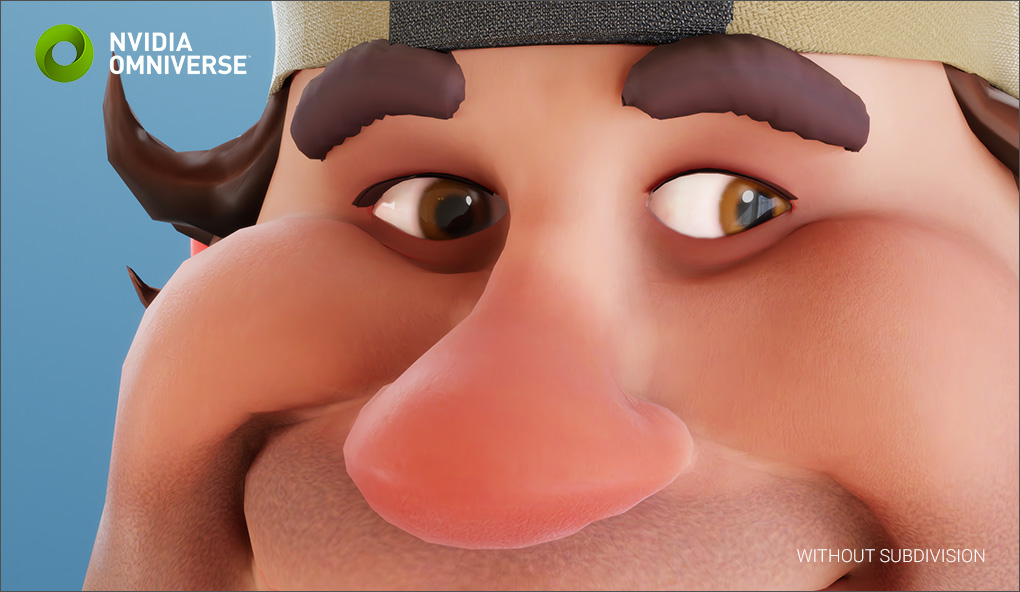
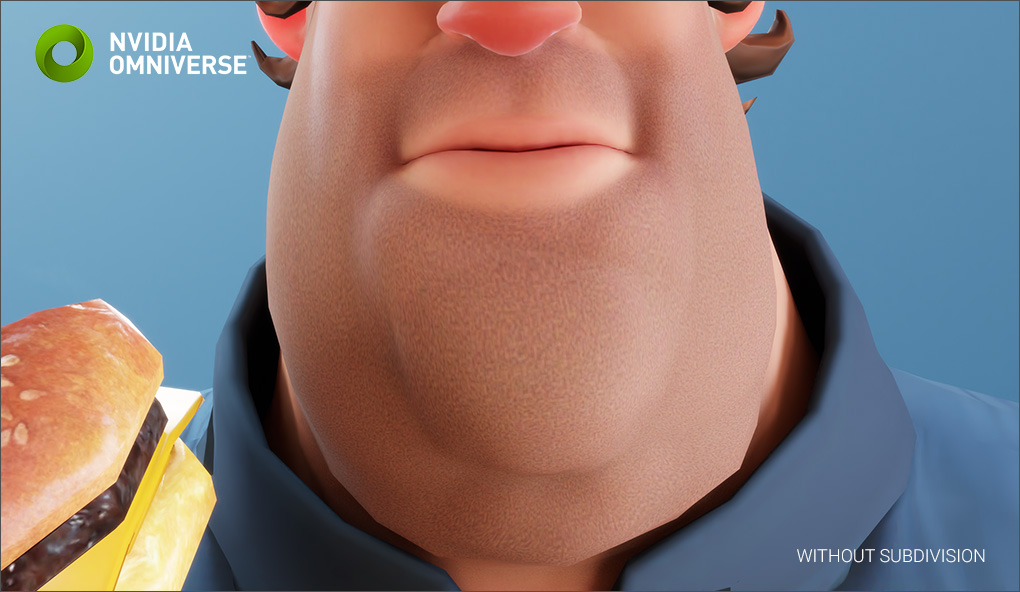
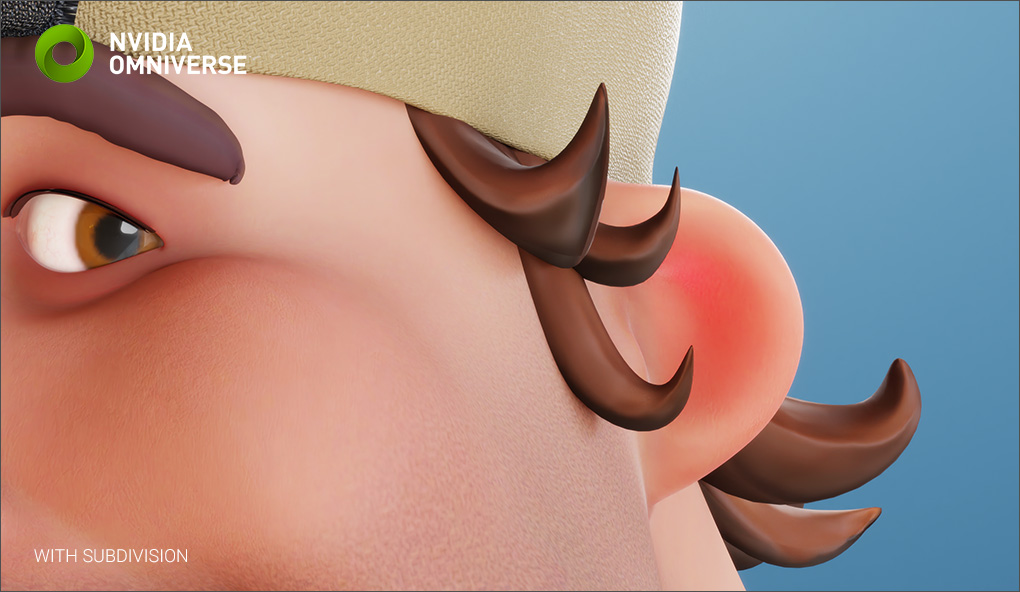
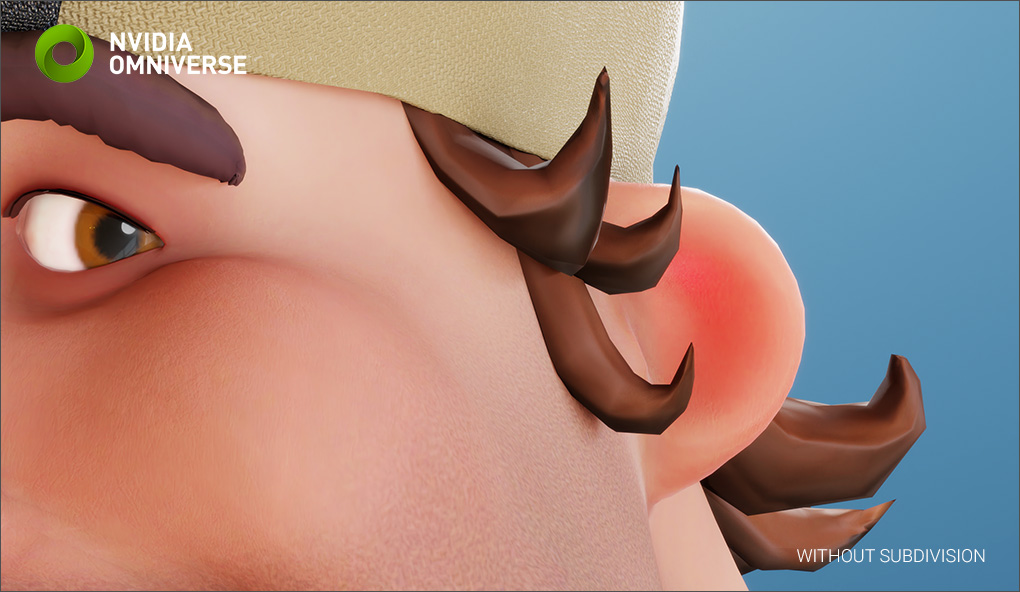
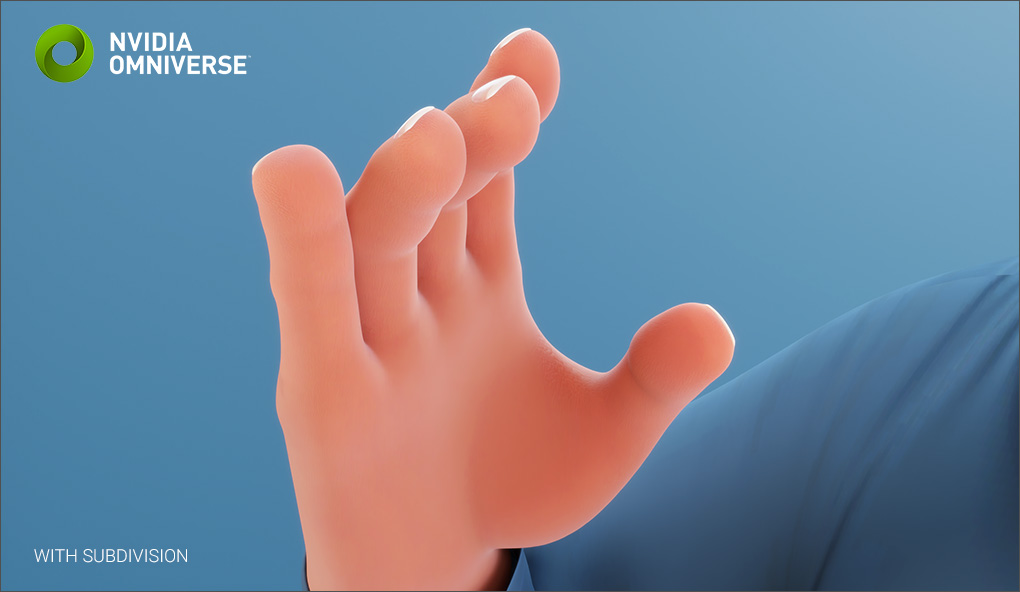
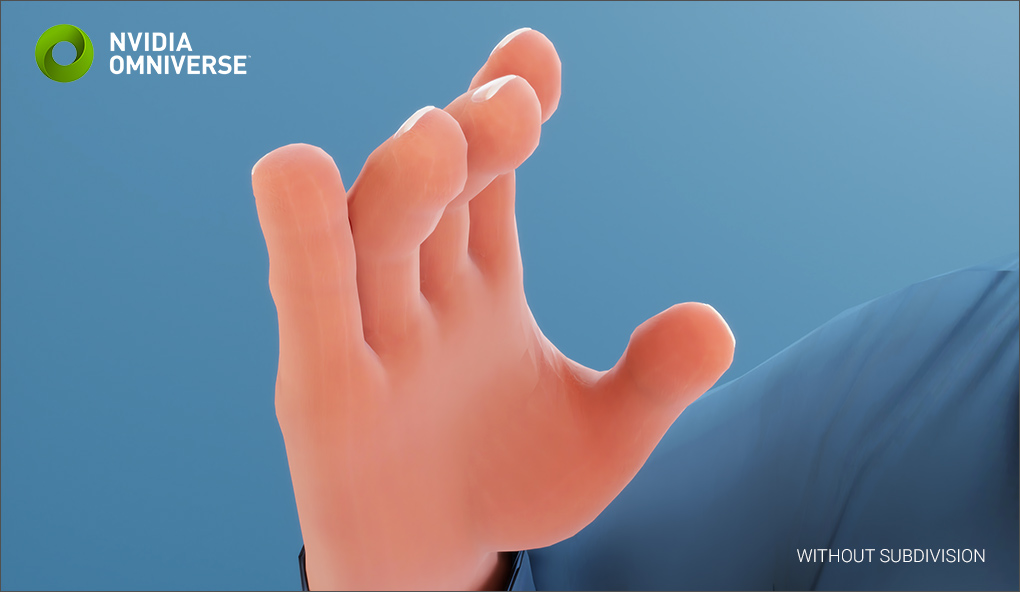
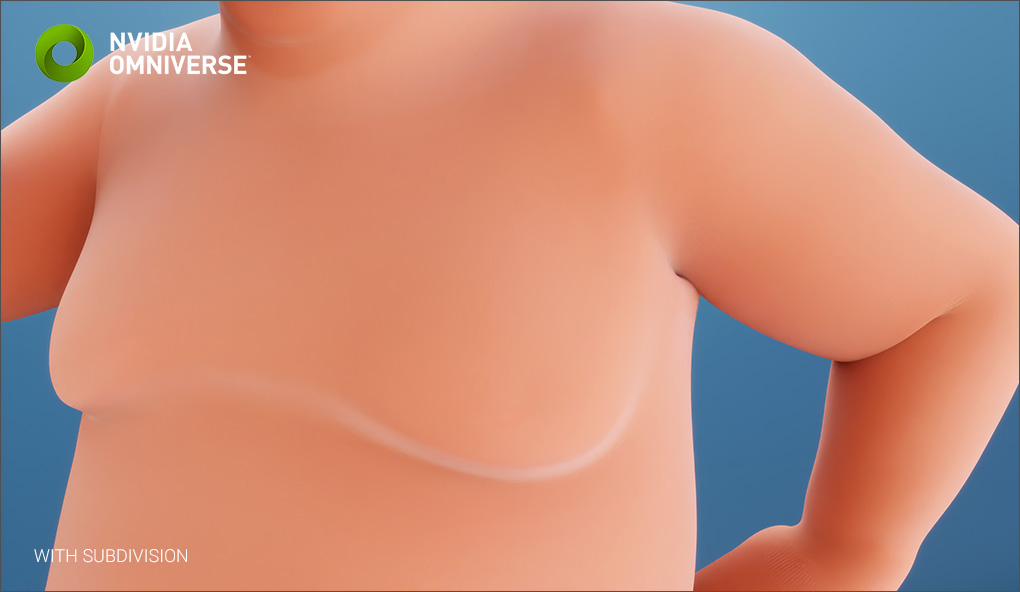
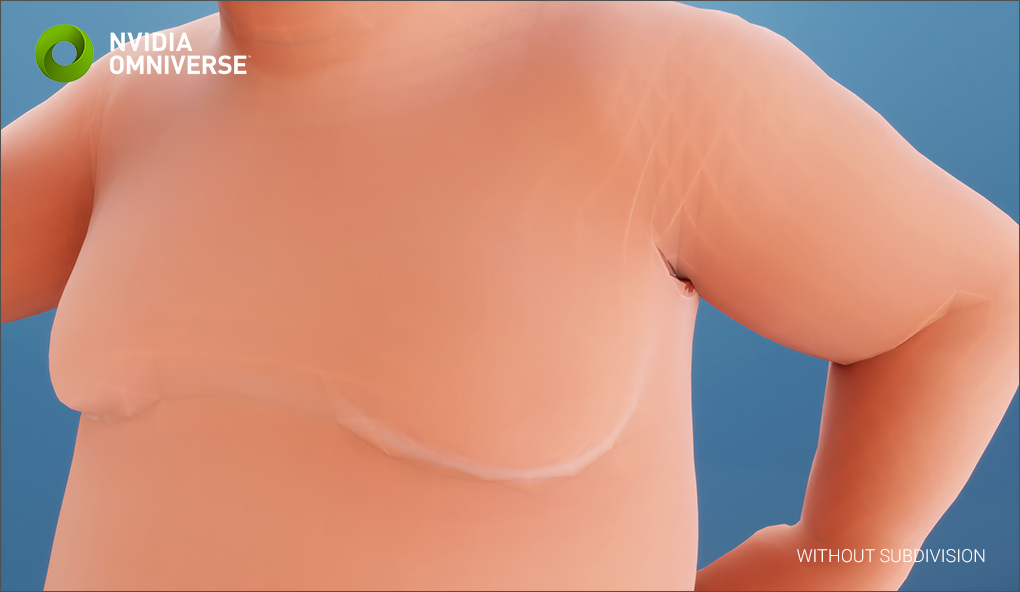
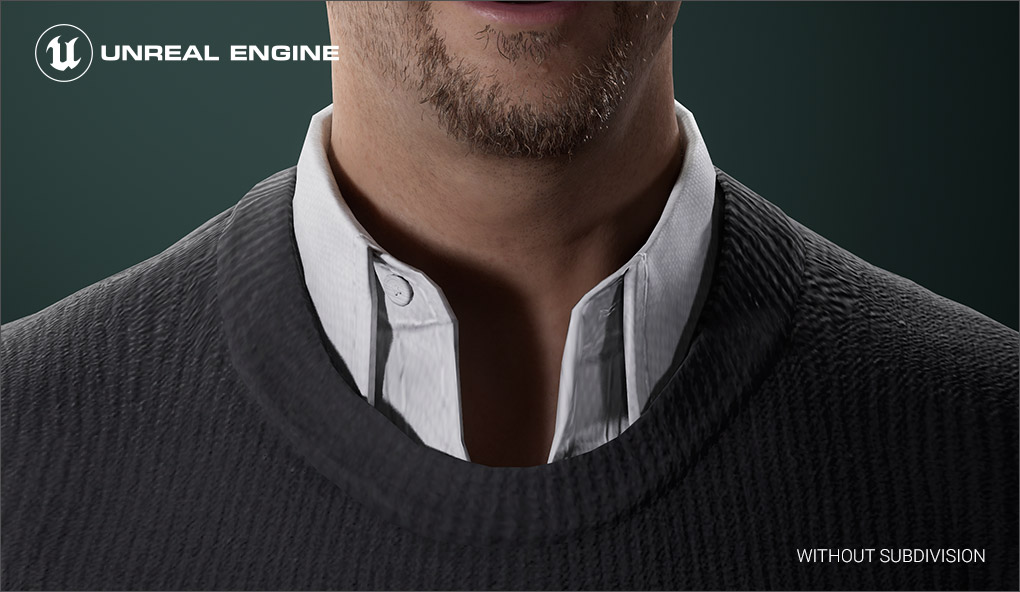
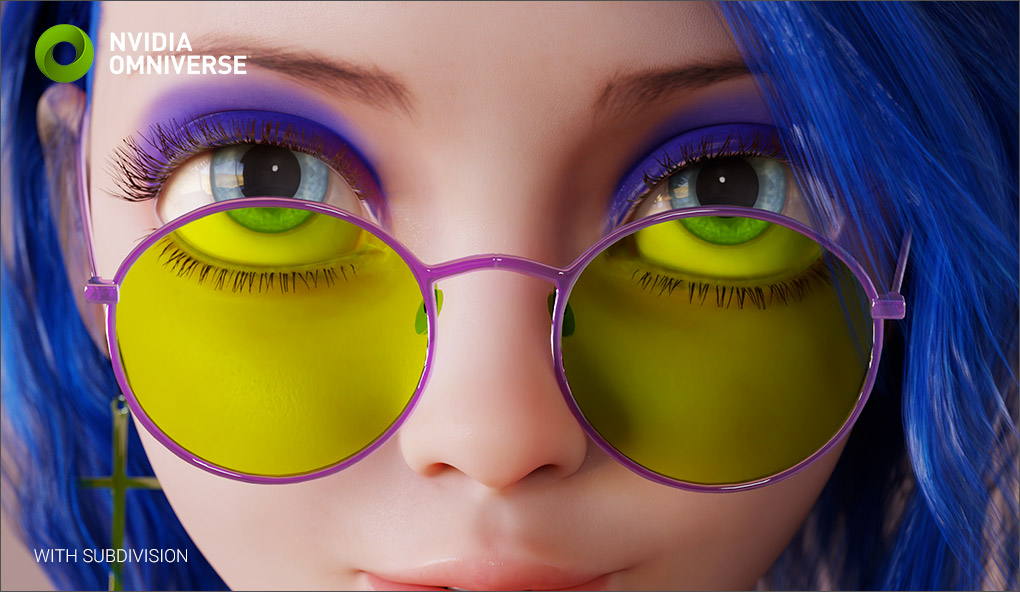
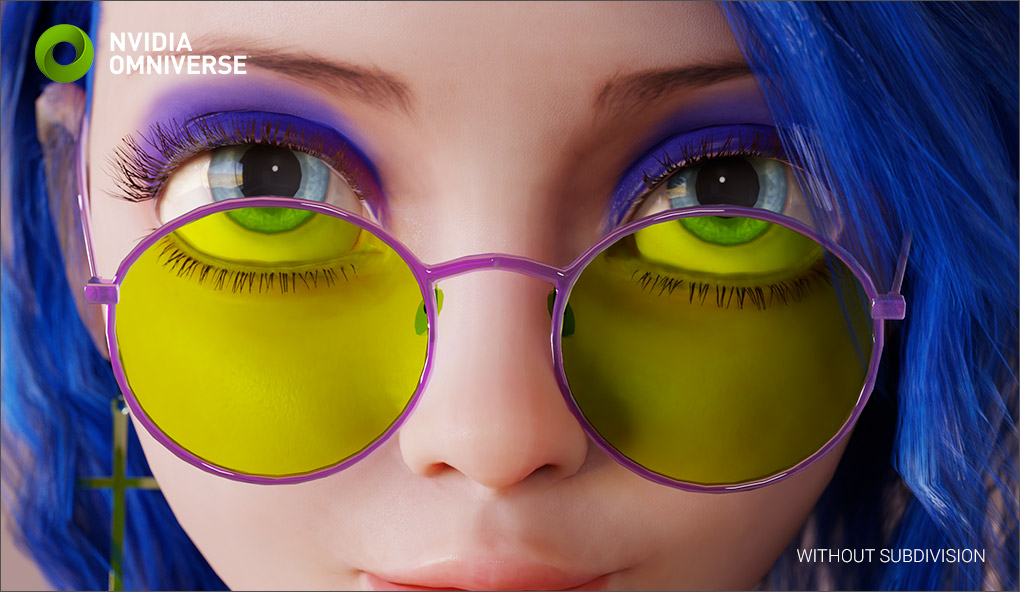
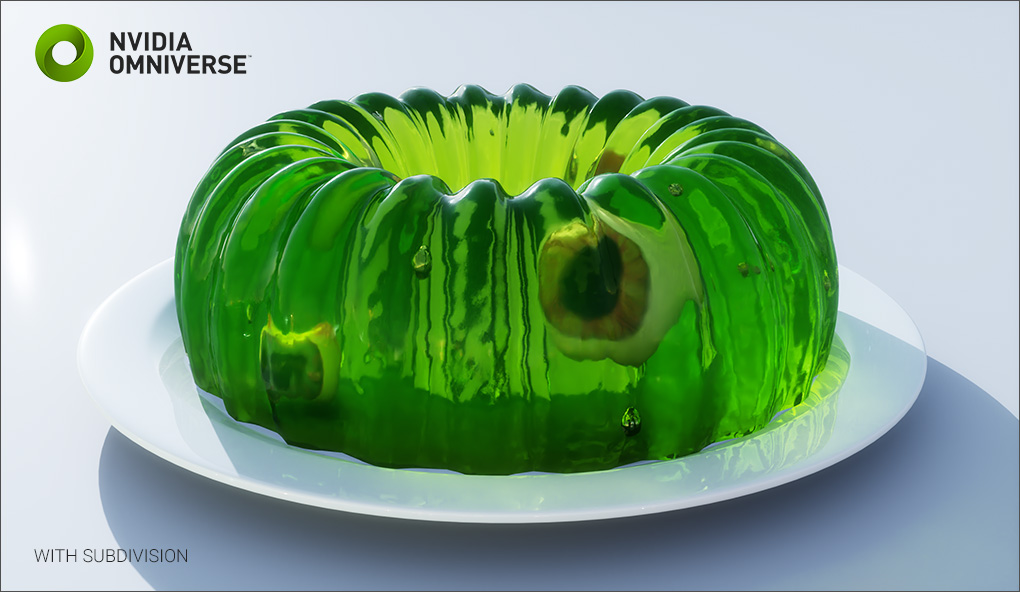
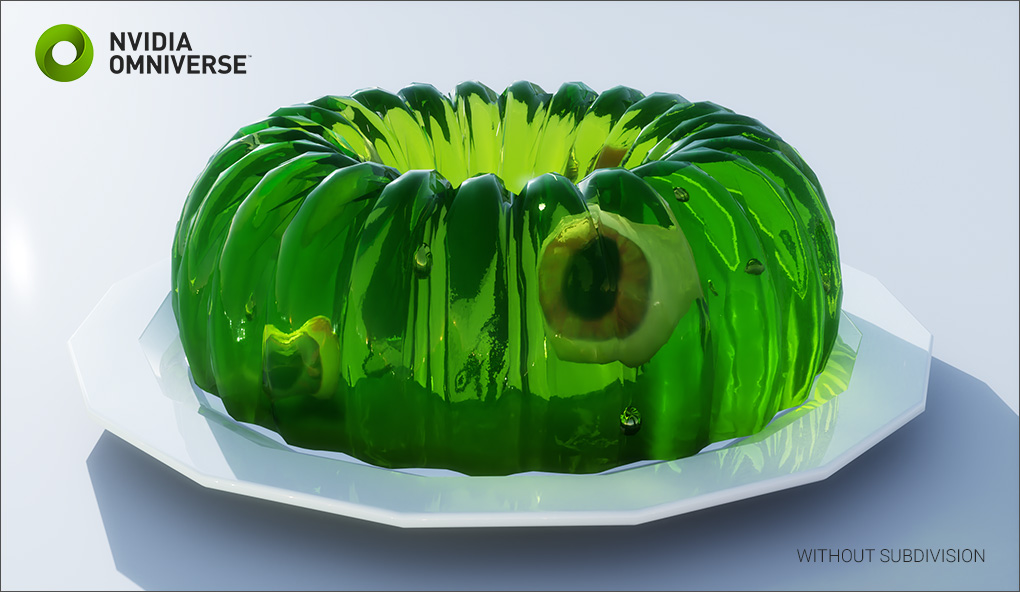
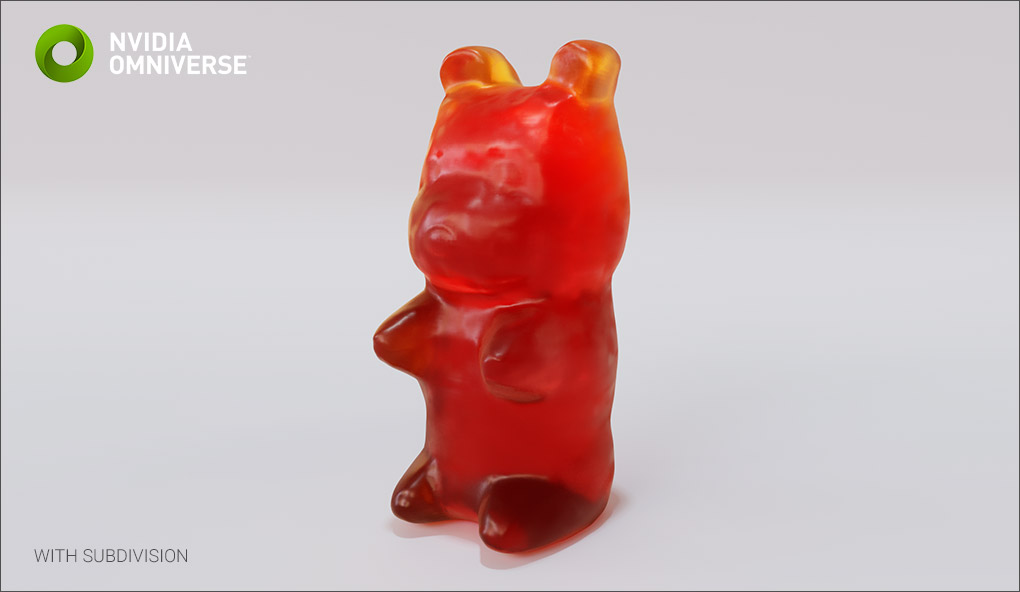
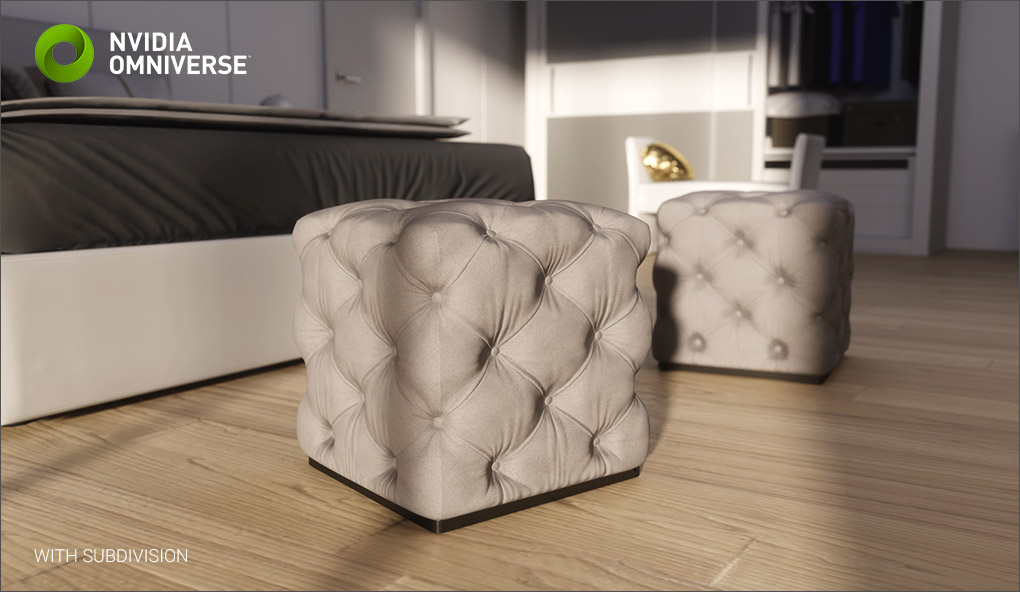
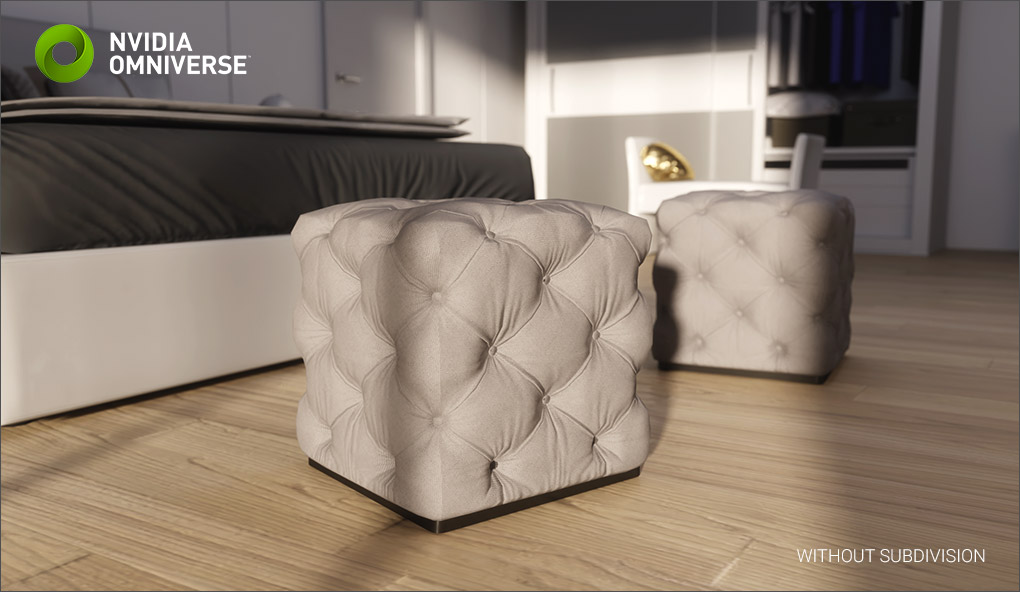
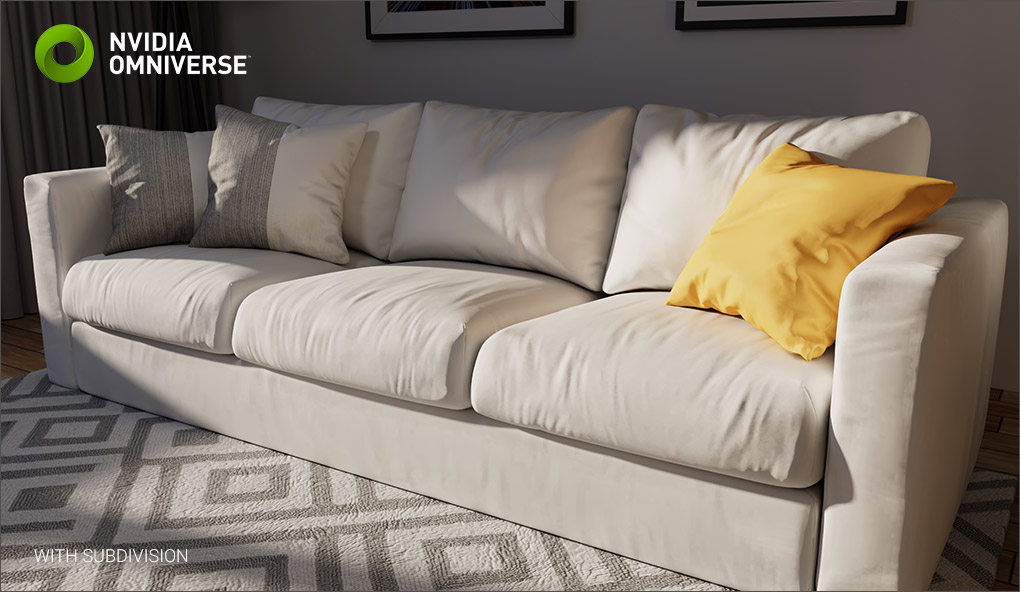
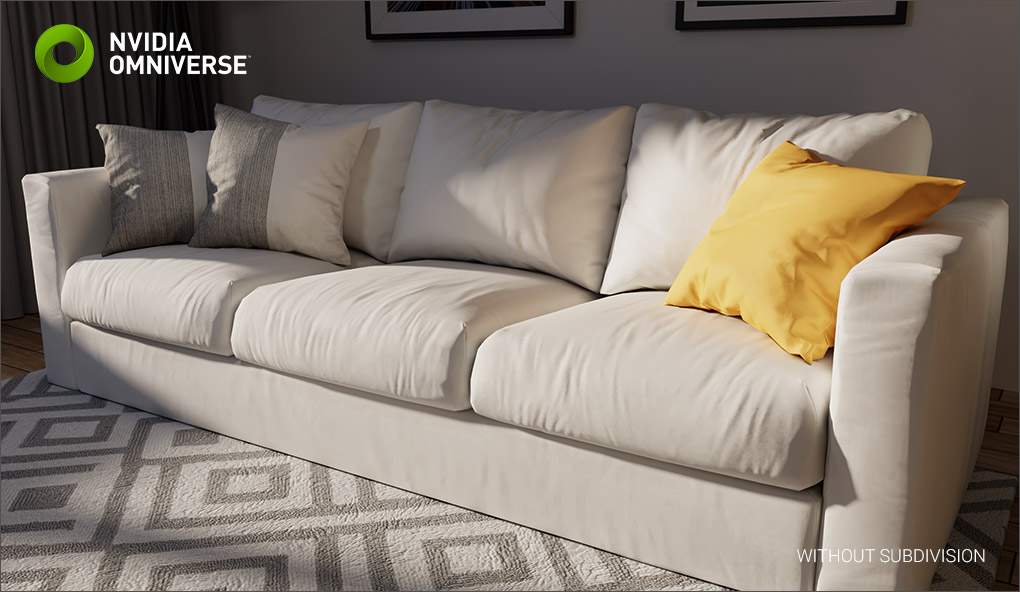
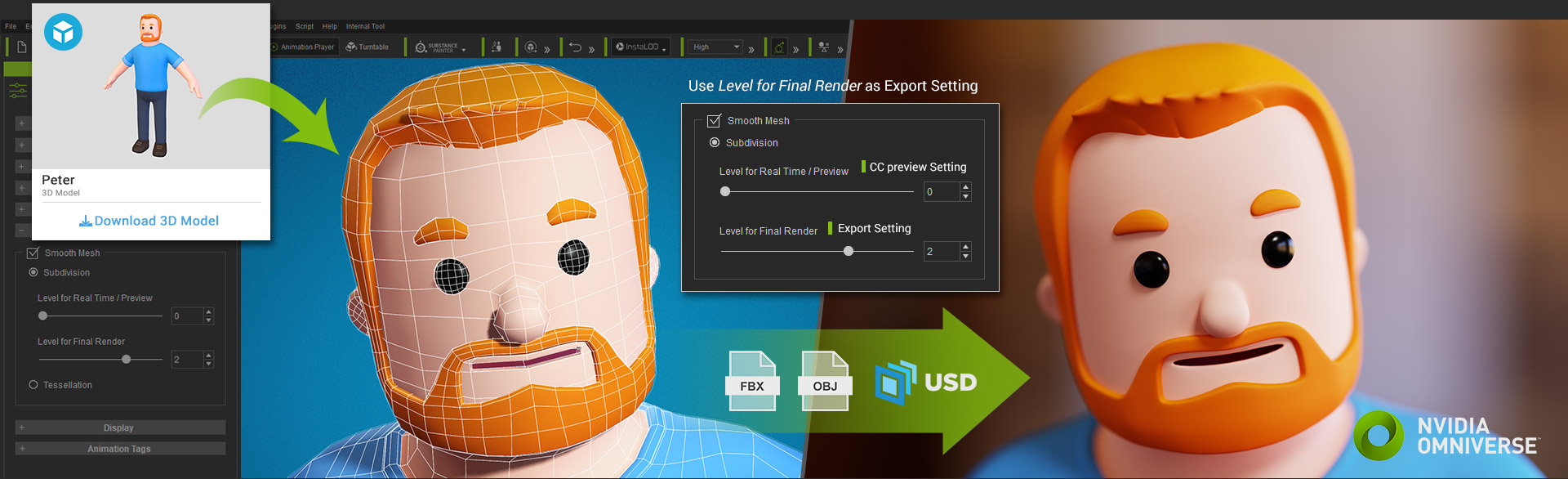
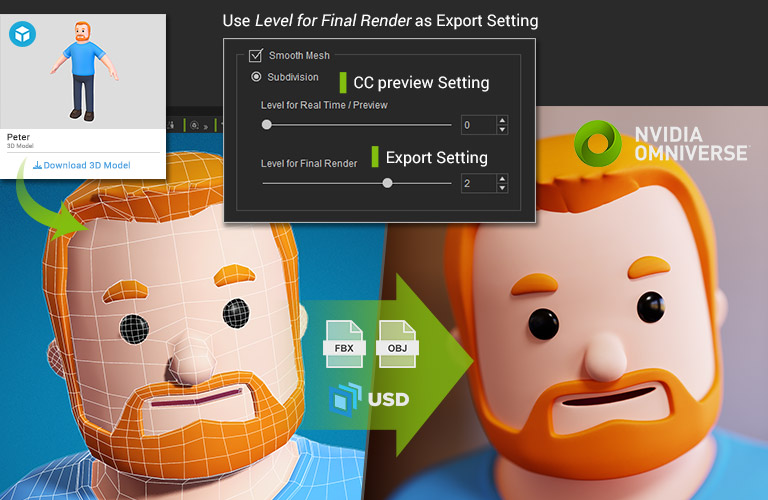
Subdivide any low poly real-time 3D model for close-up shots & high-resolution image/video output. Compatible with all render engines.

Smooth Surface

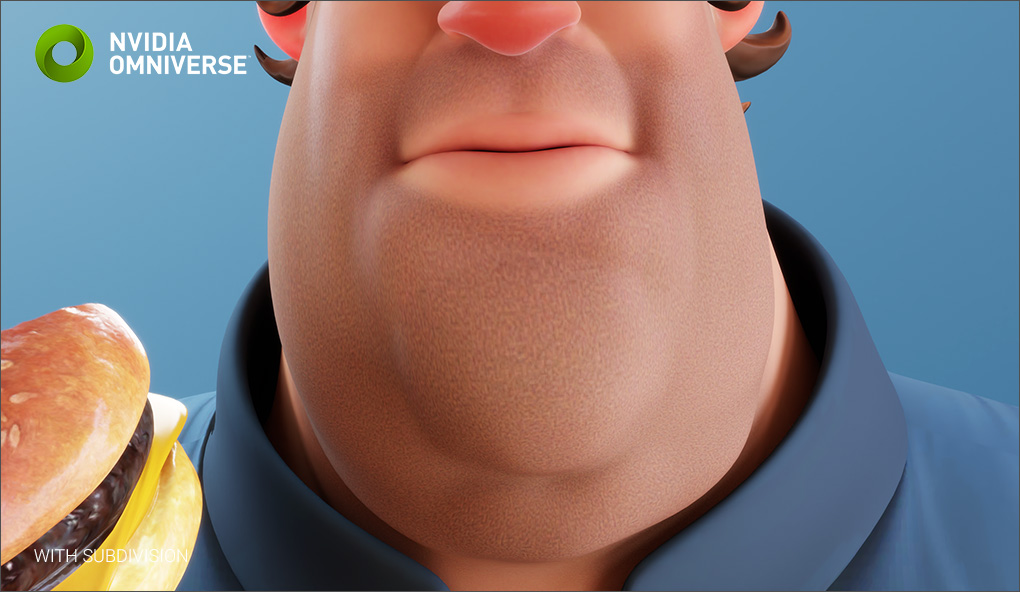
Refined Shading

Adding Details

Adapt to Any Renderer

ELEVATE IN HD NEW IN CC5

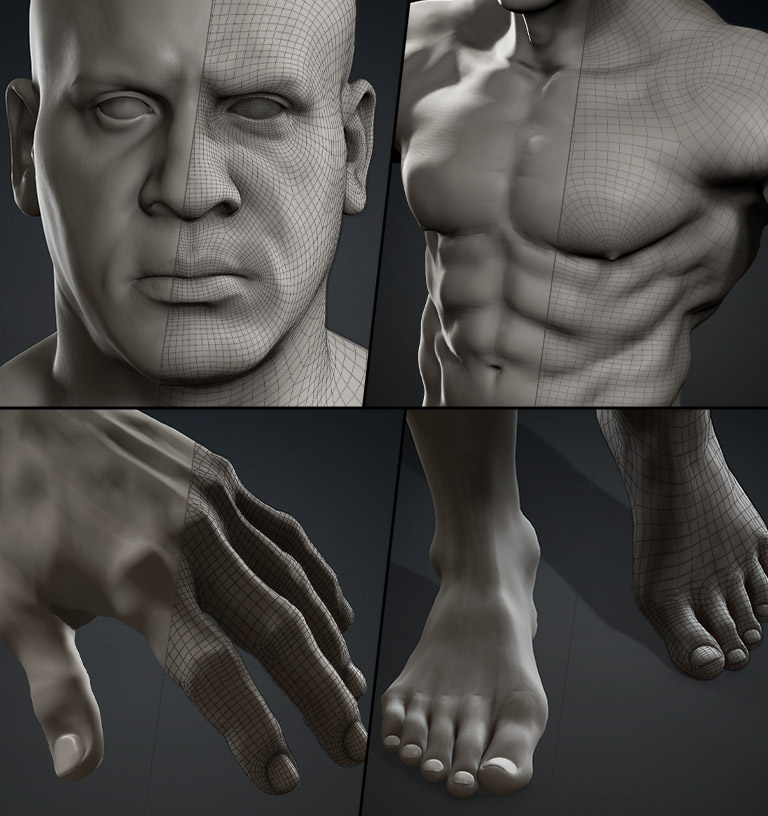
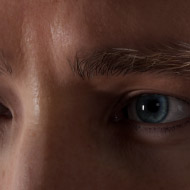
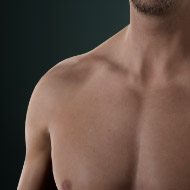
Easily add or remove subdivision levels on existing CC3+ characters for a seamless transition from game-ready avatars to cinematic performers. Each subdivision level comes with its own set of normal and displacement maps, which are loaded automatically. Explore More >

SubD Levels (Click to Switch)
SubD 0
SubD 1
SubD 2

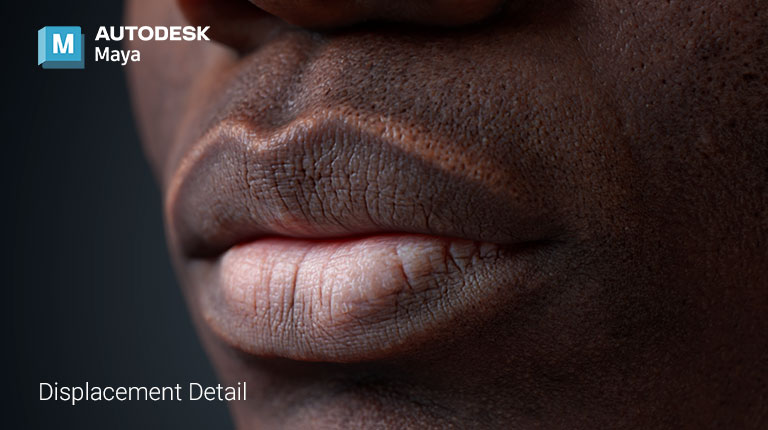
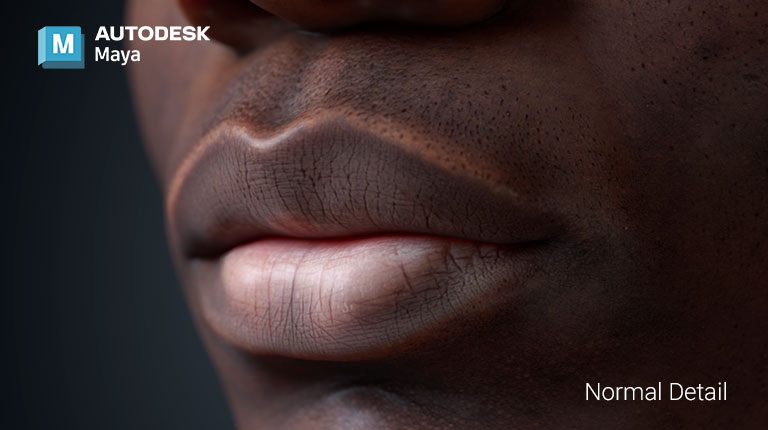
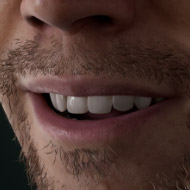
While normal maps only simulate surface details, displacement maps physically sculpt the geometry, creating authentic ridges, grooves, and protrusions. The ultra-high-range EXR grayscale displacement maps allow Character Creator and ZBrush to retain every fine-grain detail, even through two-way character editing, delivering stunning, film-quality results in Arnold, V-Ray for Maya, or Blender Cycles. Explore More >

Extreme Details

Adjust and preview displacement mapping in iClone and Character Creator in real time, then export EXR maps along with your character. With Auto Setup, displacement maps are seamlessly transferred to your target software, delivering the same cinematic-quality mesh detail for final renders. Maya | Blender | ZBrush

Dynamic Wrinkles

Beyond normal-mapped expression wrinkles, true displacement in iClone and Character Creator moves and flexes naturally with every expression. With Auto Setup, your characters retain this detail seamlessly in Maya, Blender, and ZBrush FaceTools for further customization and refinement.

THE WORLD’S ONLY SUBDIVISION EXPORT FOR ANIMATED CHARACTERS

Most skin-rigged characters can be subdivision rendered in their native environment, but almost none of subdivided characters can be exported in FBX/USD and rendered in other applications especially with facial morphs. To make CC a universal character solution, Reallusion made this Subdivision Export possible for all quad-based rigged-characters.

CREATE PRODUCTION-QUALITY CC OUTPUT

CC characters are designed to fulfill real-time workflow, the total polycount of a CC character base is only 20K, the head is less than 7K, and Subdivision Export keeps CC models nimble for live performance while detailed enough for final production.

OUTLINE

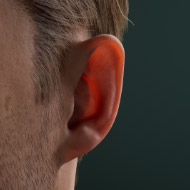
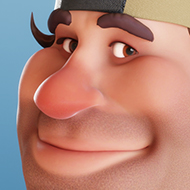
Keep jagged silhouettes from breaking realism and low-poly faces from being noticeable on close-up.

SHADING

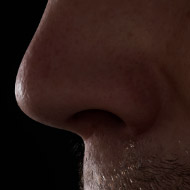
The boosted resolution also helps to smooth out shading along the surface.

ENHANCING RESOLUTION TO ANY SKIN-RIGGED 3D MODELS

The Subdivision Export is not only designed for CC characters, it’s possible for any imported low-res character in quad topology to benefit from this feature. Start achieving high-res subdivision renders in other rendering environments.

EXPORT TO MAJOR PLATFORMS

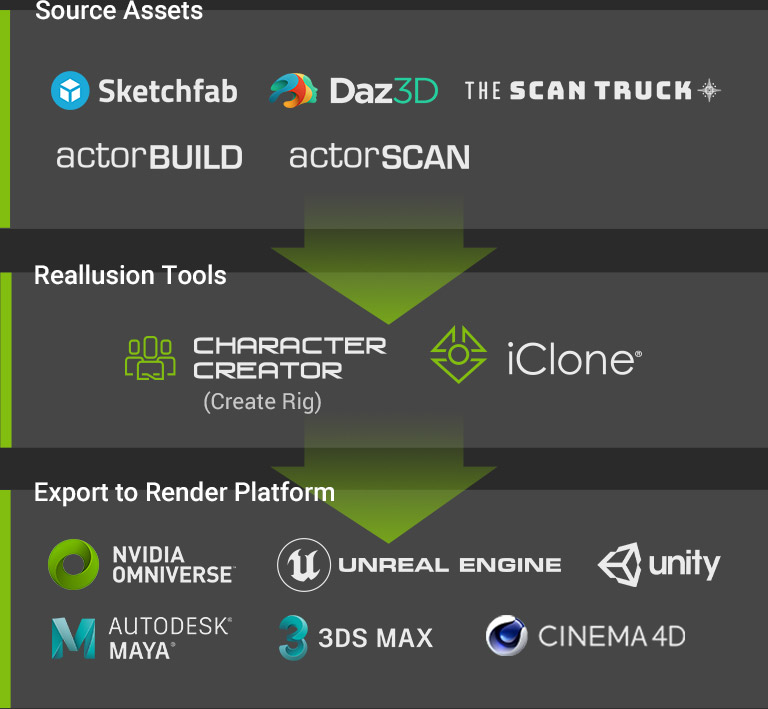
The Subdivision Export supports skin-rigged, animated characters made from CC Base, imported Humanoid, or auto-rigged characters from a static mesh. It greatly elevates all types of realtime characters for professional high-res rendering, simply via FBX/USD format or Live Link.


Character LOD Comparison Table

APPLICATIONSHIGH RES FILMAAA GAMEMOBILE/AR/AECCROWD
Character LevelSubdivision ExportCC Avatar(CC3+)ActorBUILDLOD 1LOD 2
Character TypeCC AvataractorBUILDHumanoid
Bone NumberCC Standard (101)5422
Polycount
*Including cloth and hair
240k up60k up20k7k0.8k
Mesh Reduction Type--Convert BaseRemesh
Facial & LipsyncOX
ShaderDigital HumanPBRPBRPBR
Texture Size4096 multi-channels for 4 body materials40961024512
Material NumberMulti-materialsOneOneOne
Camera Distance0 M 2.8 M10M20.8 M42 M

Note:
4K skin assets are accessible from Smart Gallery > Skin > Overall > Normal > 4K. CC4 embedded characters are stored with 2K textures for quicker load time.