CREATE DIGITAL HUMANS FROM PHOTOS
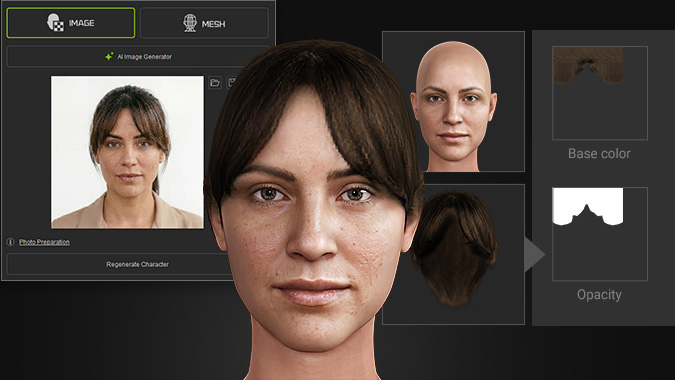
Headshot 3 advances digital human creation with Reallusion’s proprietary AI, delivering a seamless image-to-3D workflow with AI image enhancement that optimizes source photos in 4K. By accurately mapping facial geometry and depth, it enables precise 3D head reconstruction to create fully rigged characters.
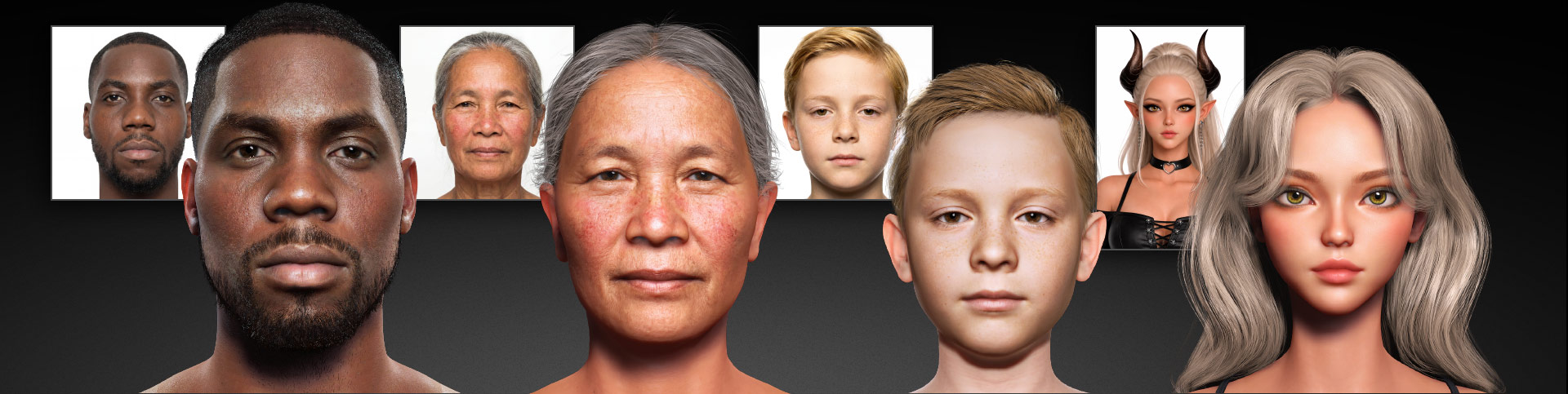
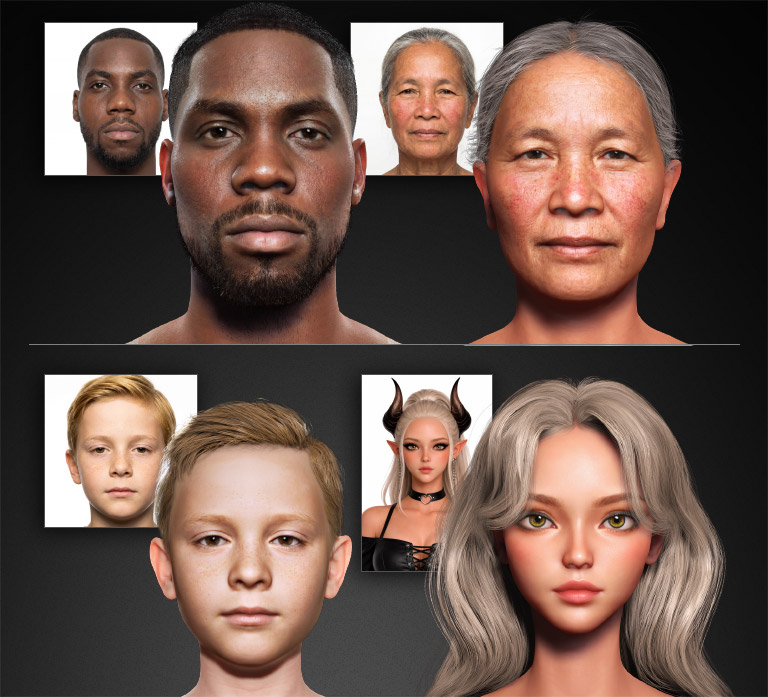

Unmatched Precision

Worldwide Ethnicities

All Age Ranges
START WITH IMAGE OR TEXT
Import your own photos or generate exactly what you need with a simple prompt — front, side, or full-body images — all on demand. This step also lets you correct and standardize your photos for better results. AI Point or DA Point required for per generation
IMPORT CUSTOM IMAGES
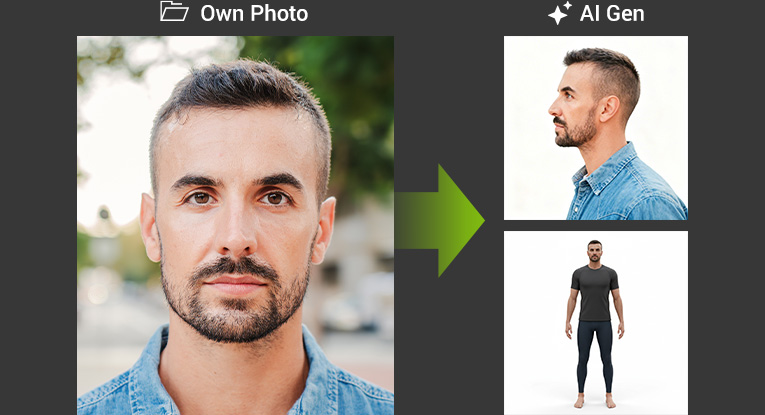
Drop in a photo to start your 3D head creation process. Enhance it with AI-generated profile and full-body views to create a comprehensive image set or use them as references for manual refinement. Manual
GENERATE IMAGES WITH AI
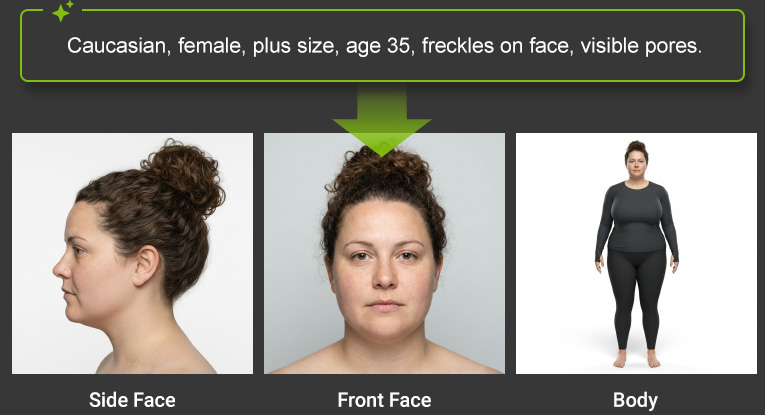
Describe a character’s appearance, age, or gender with a simple prompt to instantly generate high-quality reference images ready for 3D conversion. Manual
MAKE EVERY PHOTO THE PERFECT SHOT
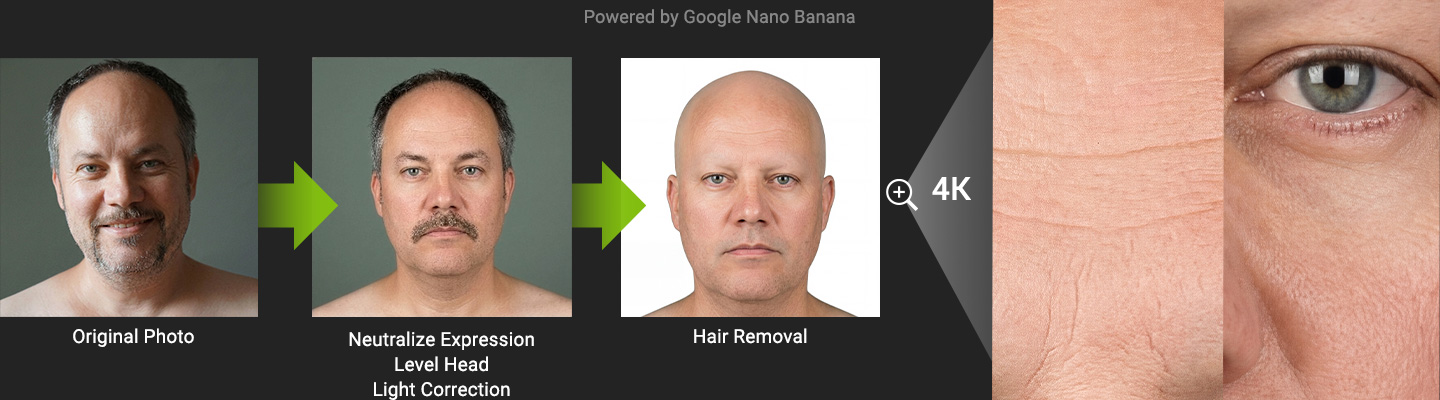
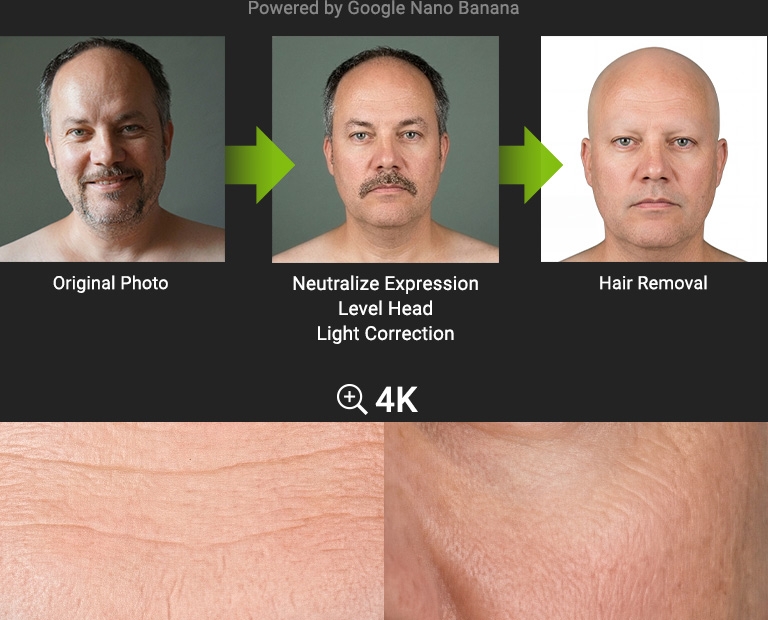
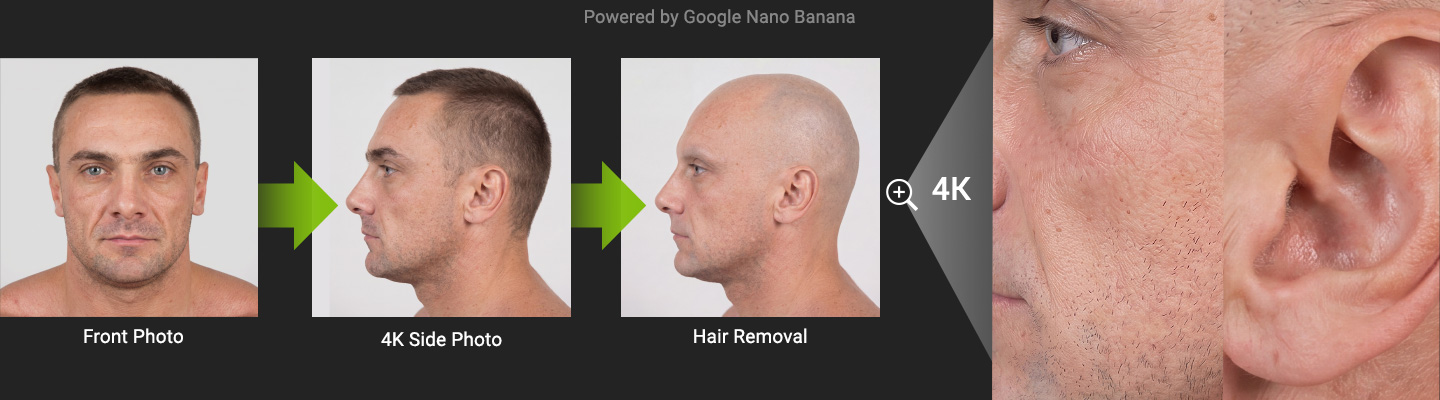
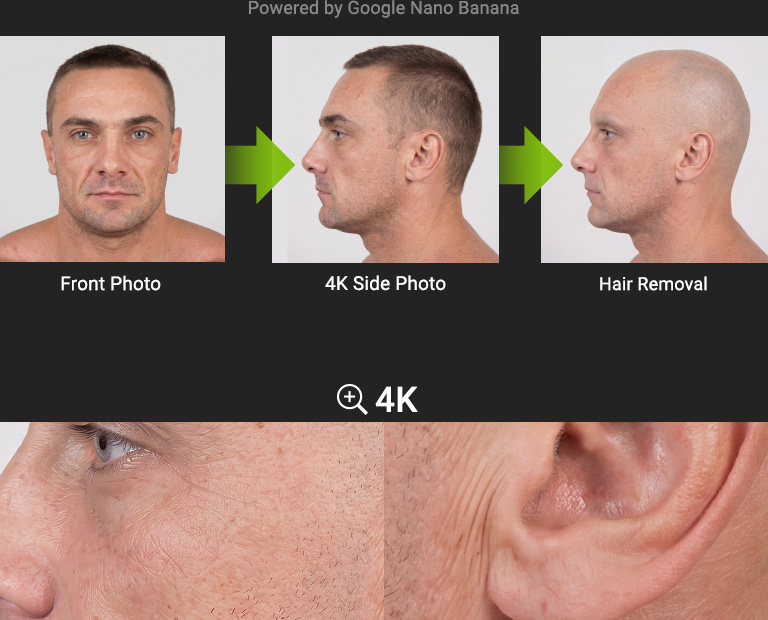
Shadows, occlusions, and off-angle shots can compromise reference photos for texture generation. Headshot 3's AI tools work across both front and side photos to automatically neutralize facial expressions, balance lighting, remove stray hairs, and upscale source images to 4K in preparation for high-res texture projection. Tutorial | Manual
ENHANCE FACIAL DISTINCTIONS WITH MORPH PRESETS
HIGHLIGHT FACIAL CHARACTERISTICS
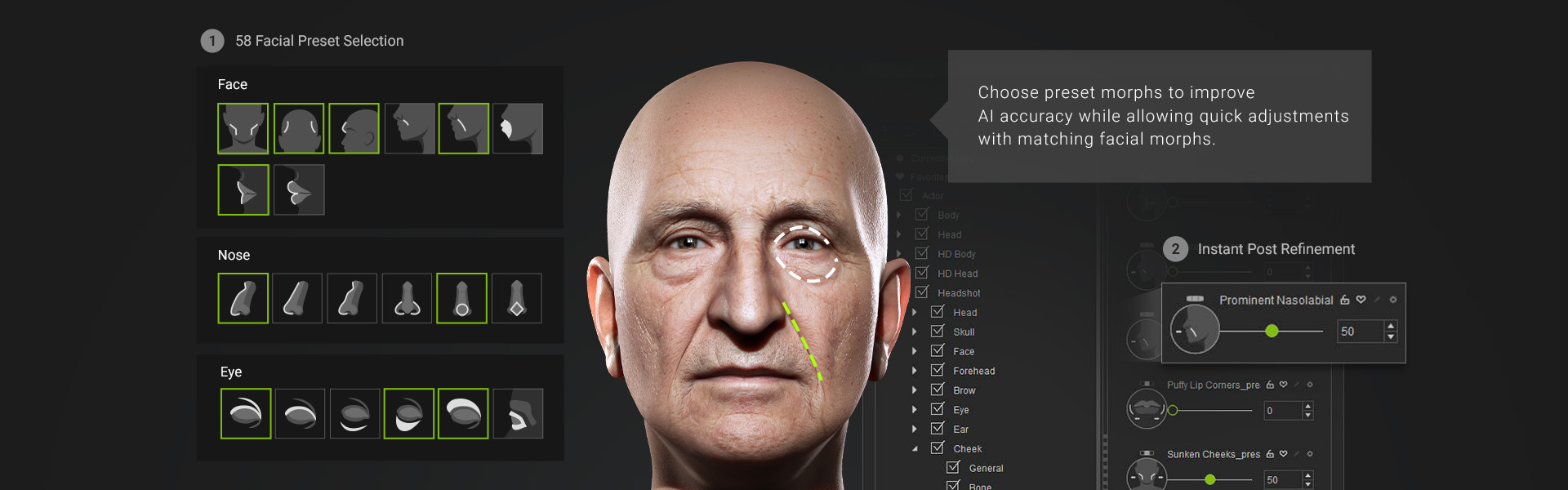
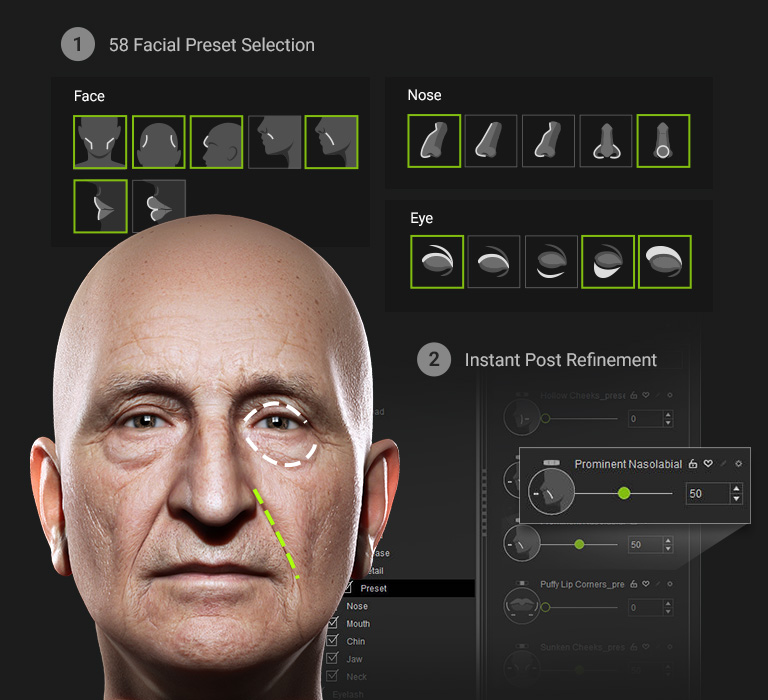
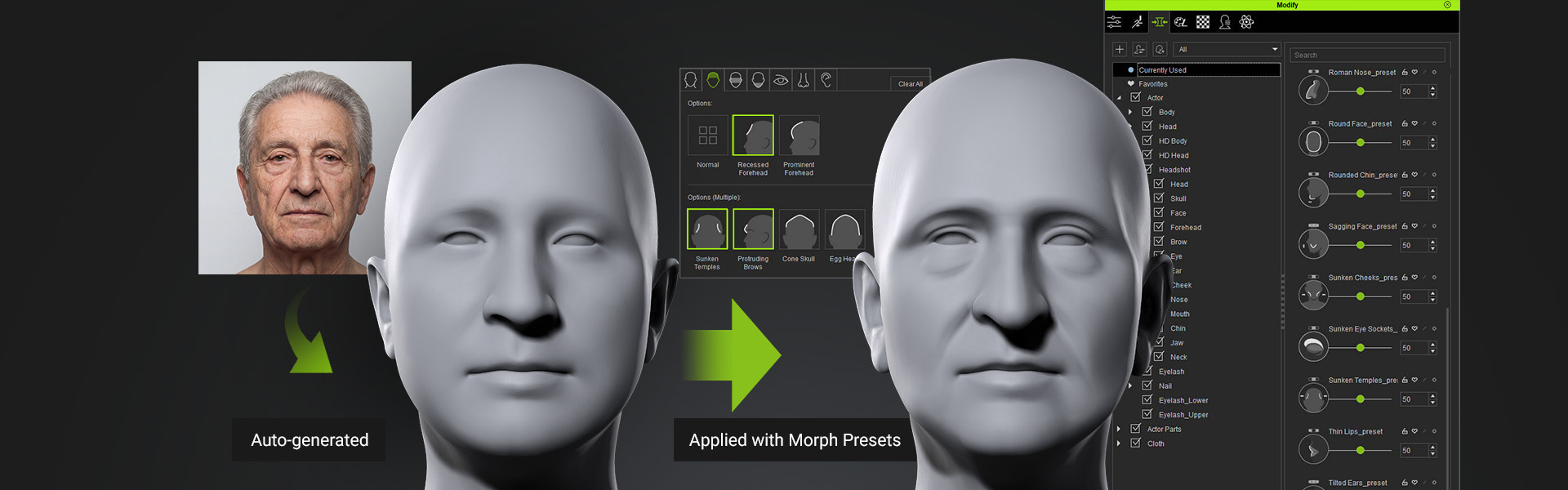
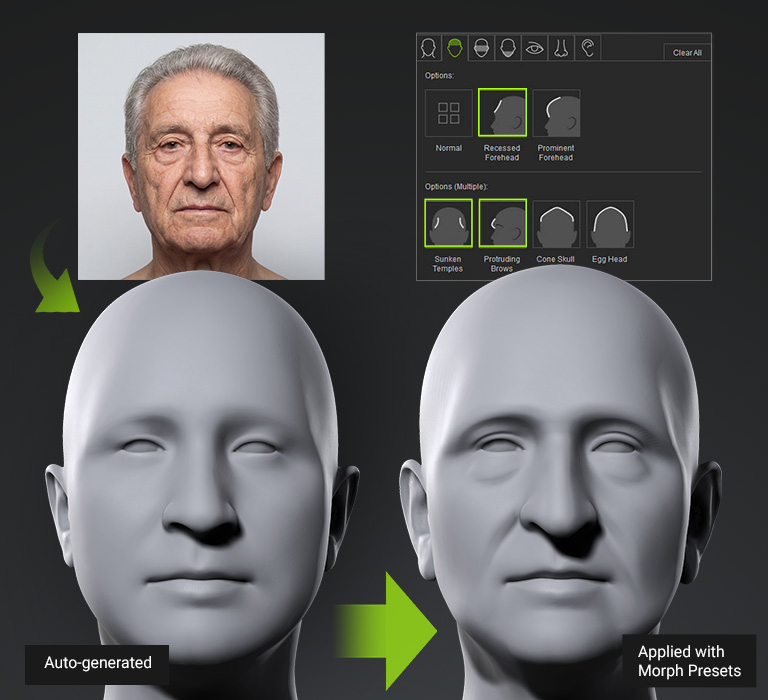
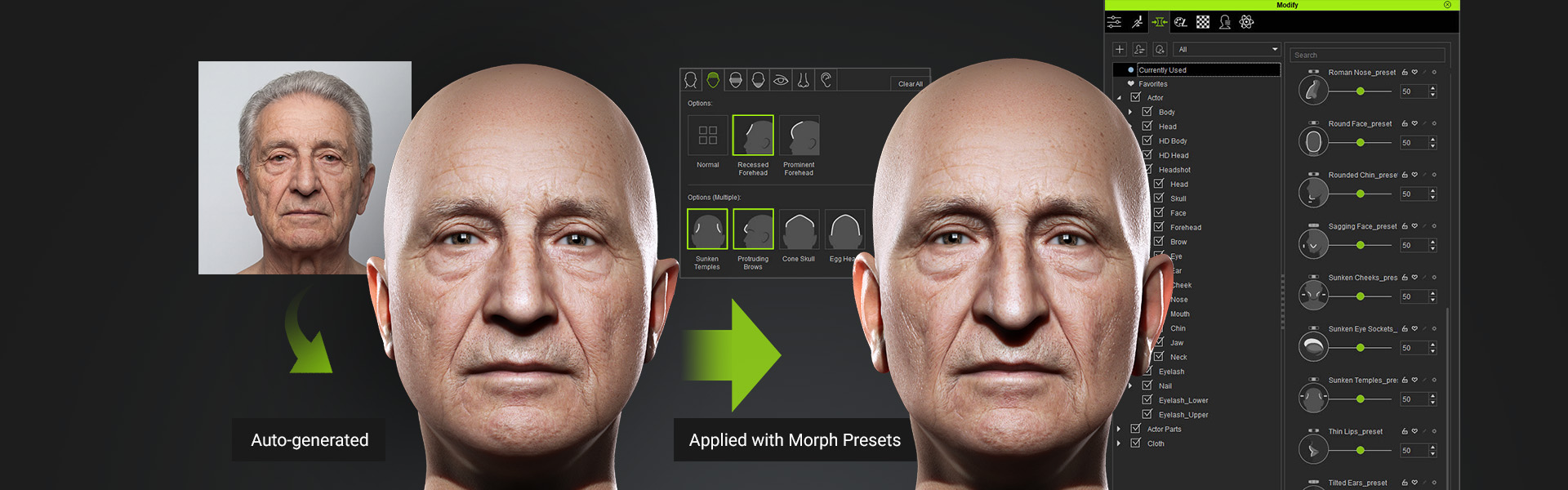
To increase the precision of 3D head construction, facial feature presets can be used to enhance depth and capture subtle traits that may not be fully inferred from front-facing images alone. The system includes 58 presets organized by major facial zones, each applied as an adjustable slider, allowing users to easily revisit and fine-tune settings at any time in the “Currently Used” panel. Tutorial | Manual
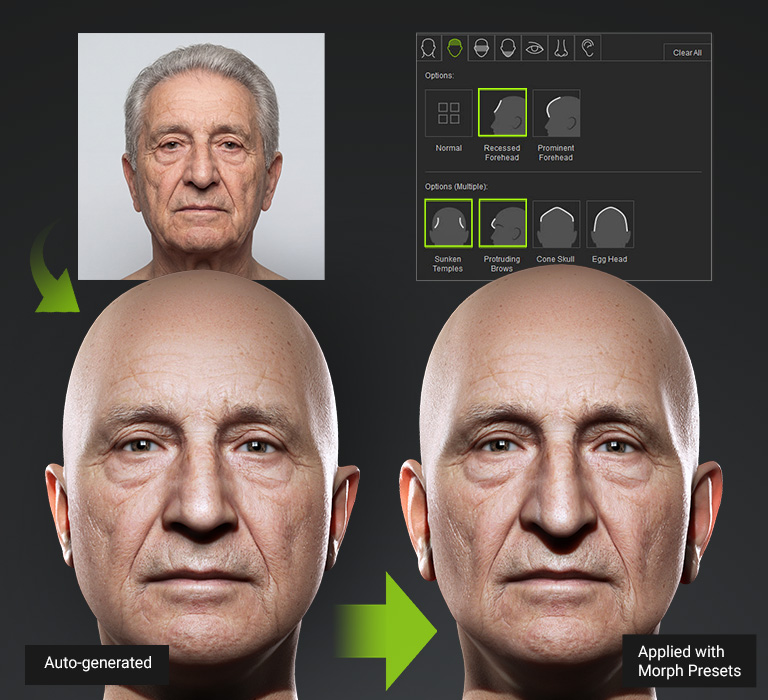
ENHANCE AI GENERATION WITH DEPTH DATA AND SHAPE GUIDANCE
Discover how preset morphs enhance generated results and streamline post-editing.
Hover over the images below to preview animations, or watch the full video demonstration.

ULTIMATE SHAPE REFINEMENTS
Use Splines To Optimize Topology & Mesh Distribution
Bezier curves trace facial features with precision, while portrait and profile adjustments remain independent. Planar morphs do not affect the depth of side morphs, and vice versa. Designed for characters with double eyelids, deep-set eye sockets, and nasolabial folds, each refinement aligns cleanly with CC topology to prepare the face for animation.
Tutorial | Manual
3D LENS CORRECTION
Photos taken with a smartphone or camera often include lens distortion that deviates from the original subject. Headshot provides a simple slider to correct this distortion, restoring accurate proportions for 3D models. Manual
SCULPT & SHAPE FACE WITH EASE
Sculpt any area of the face directly on-screen without the need to locate specific sliders. This intuitive 3D sculpt morph system allows you to hover over a control region and adjust the mesh shape using directional mouse movements. It can automatically switches between front and side morphs based on the character’s perspective. Based on Headshot Morph 1000+, controls span six levels of detail — from overall head contour down to individual features. Manual
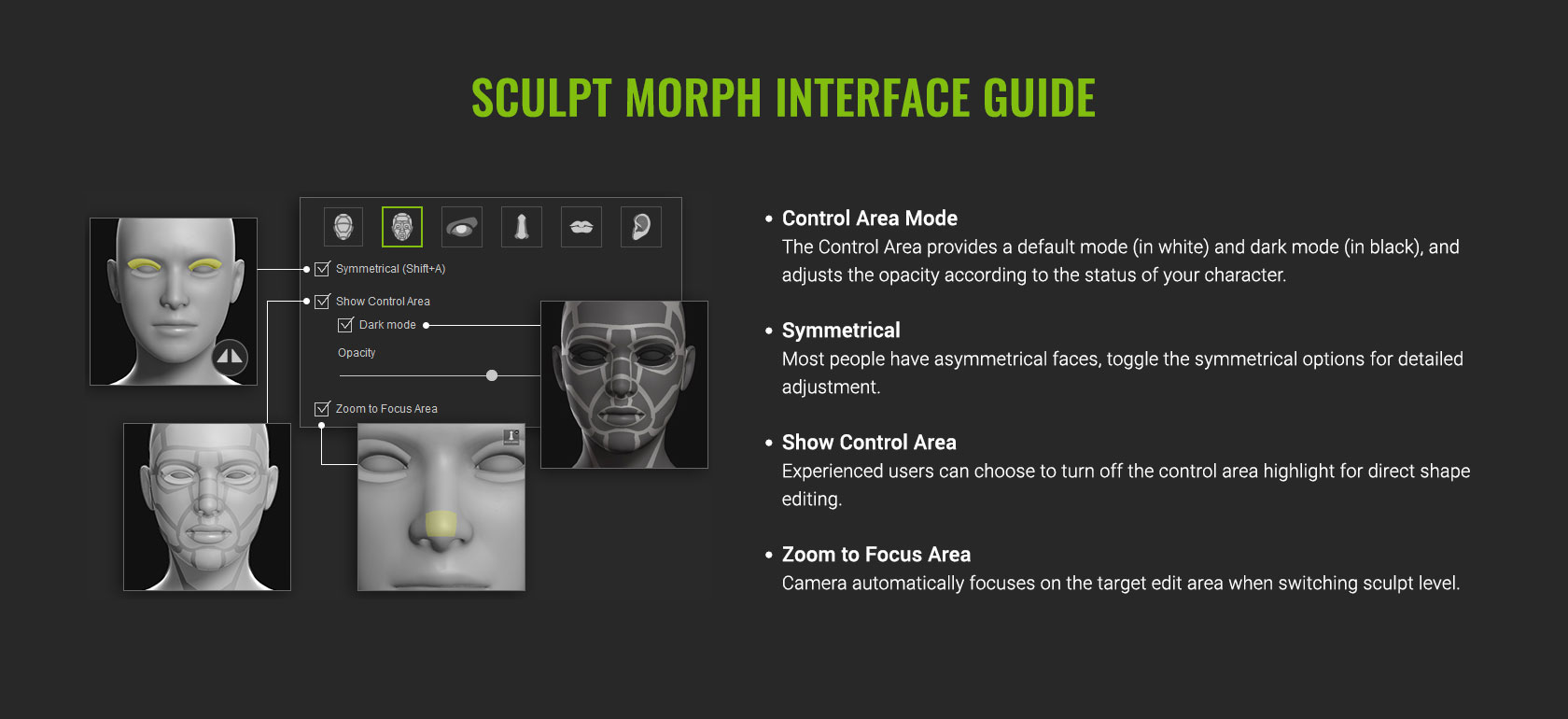 Sculpt Morph UI Overview
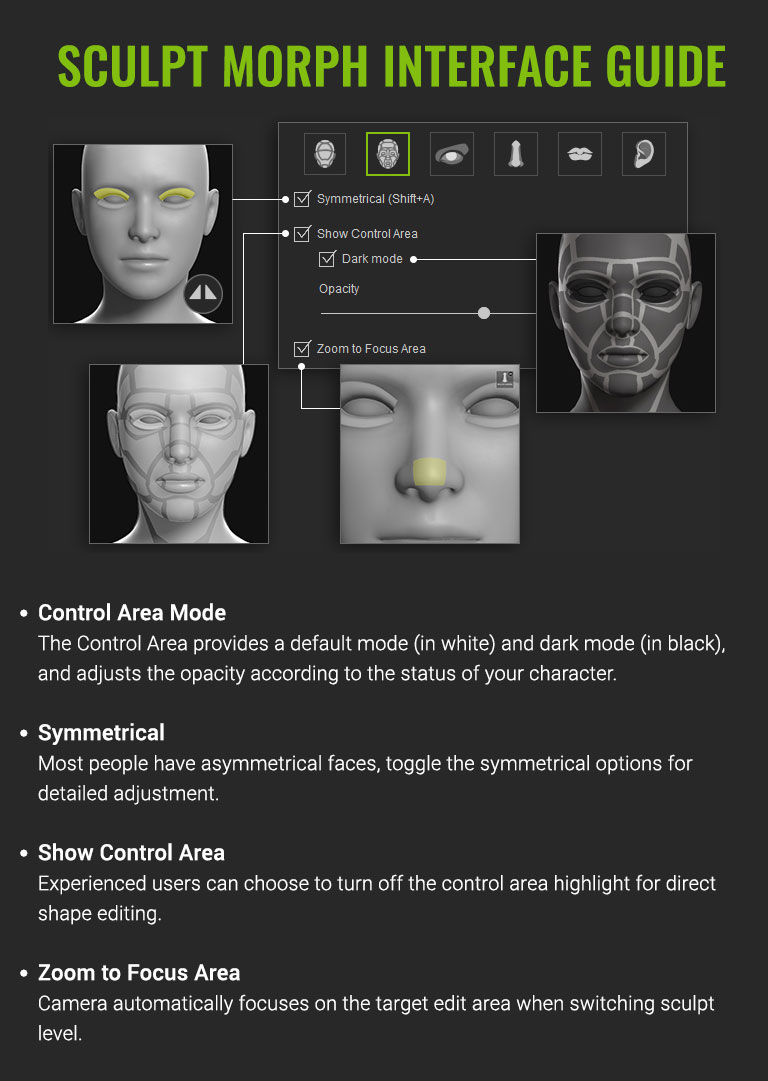 Sculpt Morph UI Overview
TEXTURE REPROJECTION
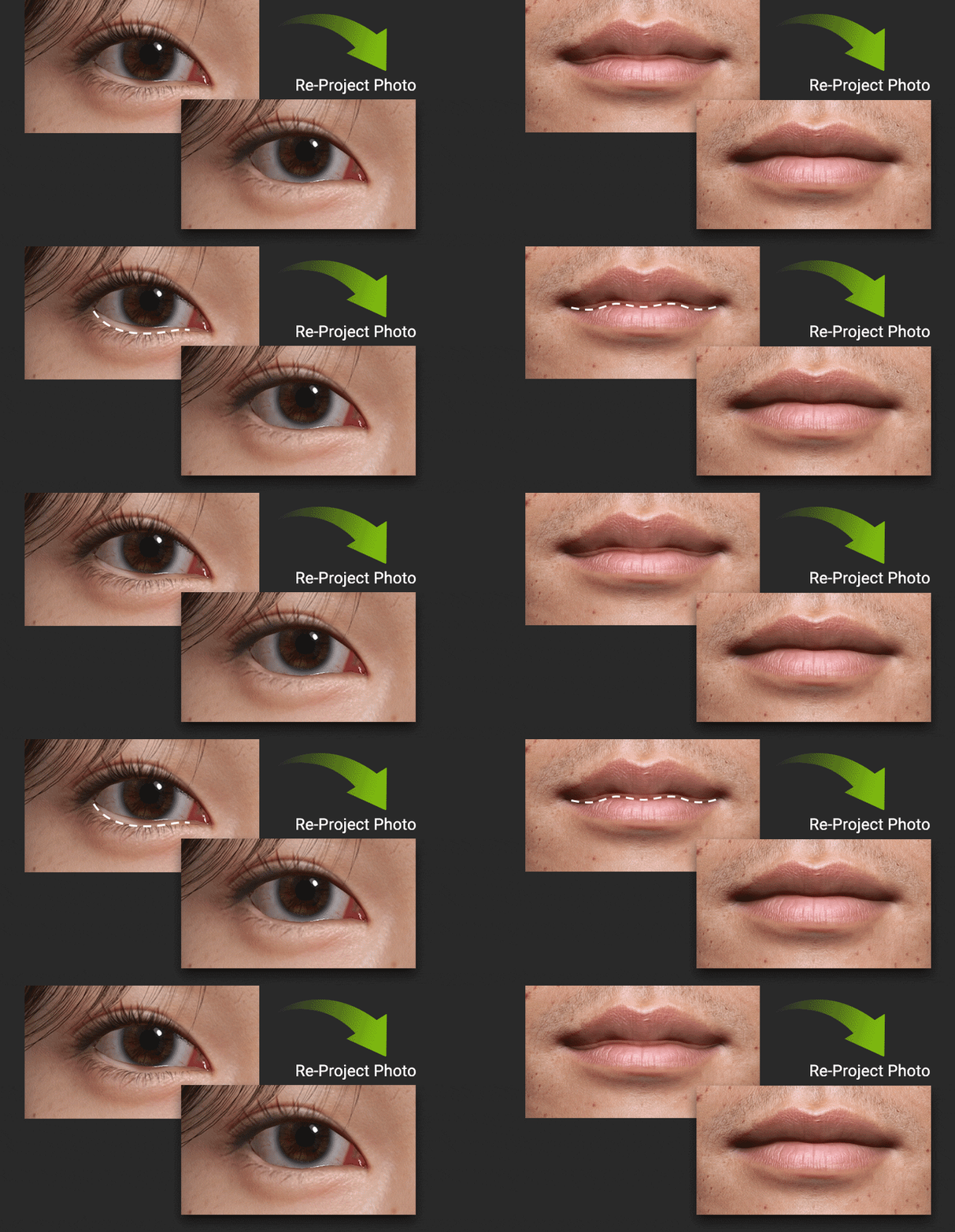
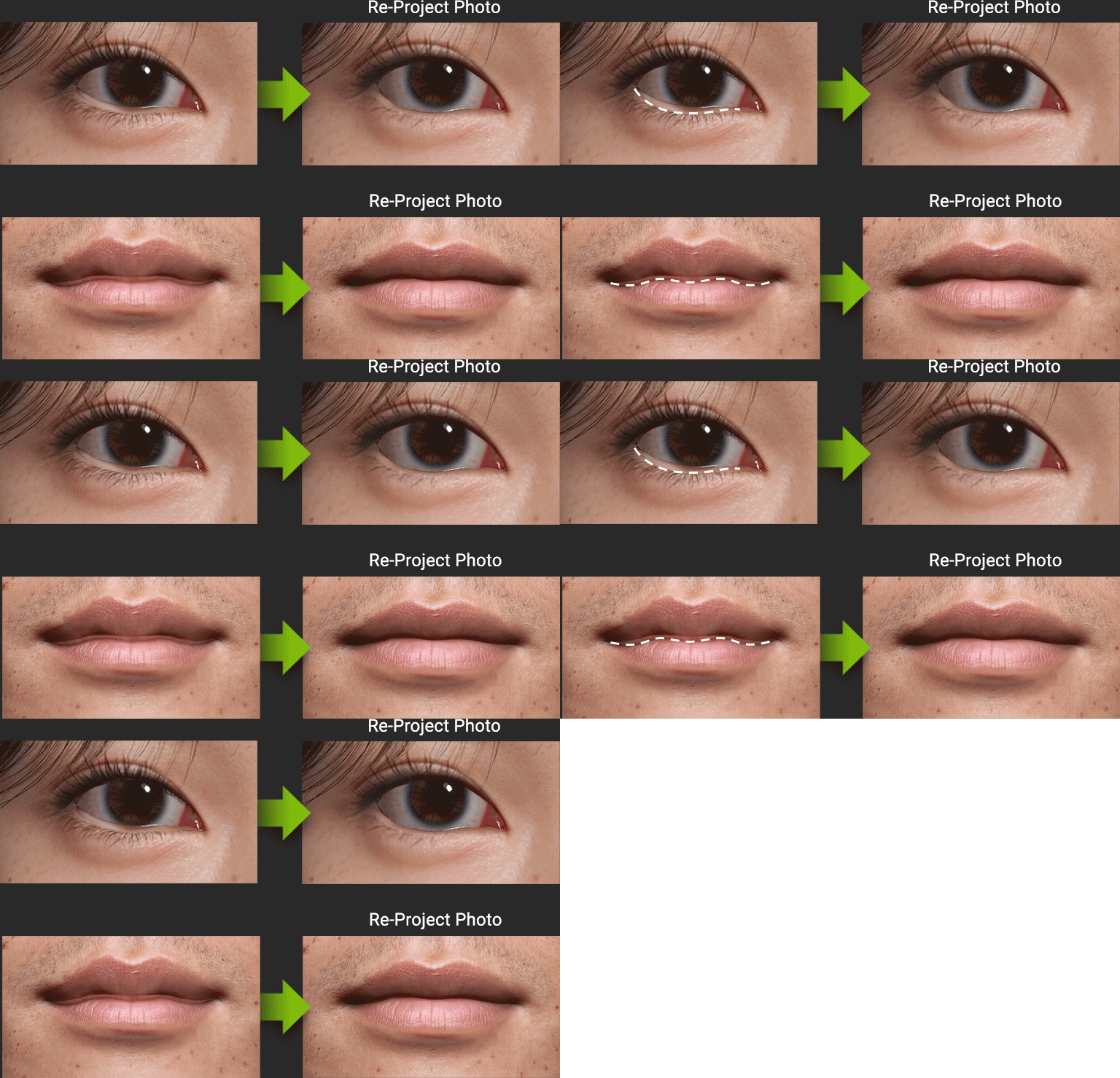
After any 3D model change, lens correction, or face morph adjustment, use Reprojection to reproject UVs onto the updated mesh and eliminate alignment discrepancies. Apply progressive photo reprojection iteratively across the head, ears, eyes, nose, and lips for a perfect image match. Manual
ADVANCED TEXTURE ENHANCEMENT
Stencil & Clone Brush Tools NEW!
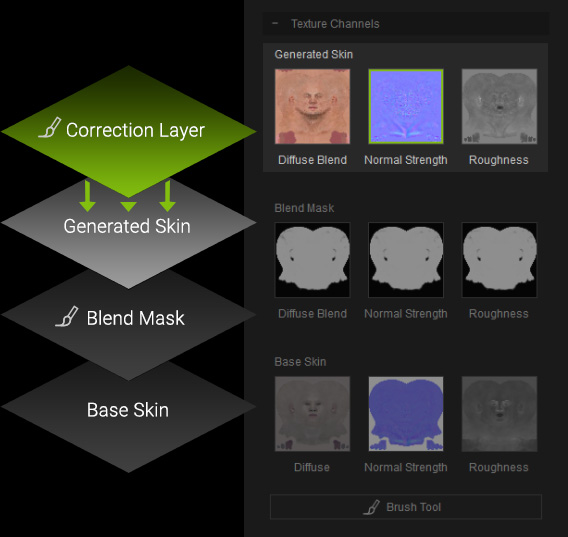
Take full control of skin texture with intelligent brush tools. The Stencil Brush projects high-resolution texture onto targeted areas like the side of the face, neck, and ears, while the Clone Brush copies texture from any source area to seamlessly fill gaps and refine transitions. Both tools work on a dedicated corrective layer, supporting a flexible, non-destructive workflow with unlimited refinements. Manual
De-lighting & Redness
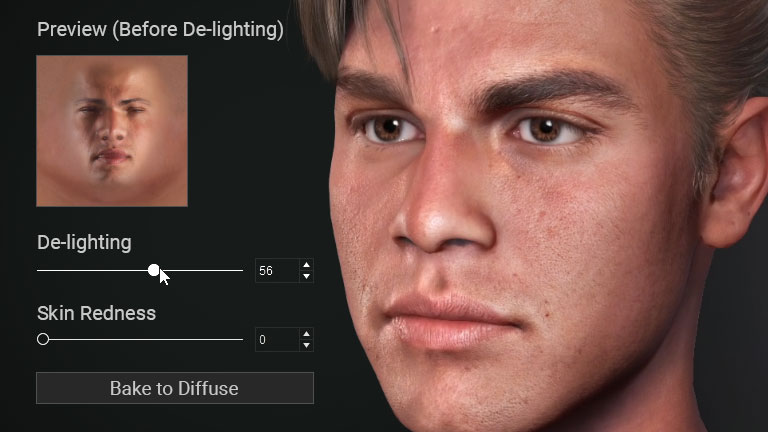
De-light textures to correct uneven lighting, remove shadows, and produce clean, consistent albedo maps. The skin redness tool provides further color correction to balance and restore natural-looking skin tones. Manual
Primary & Secondary Normals
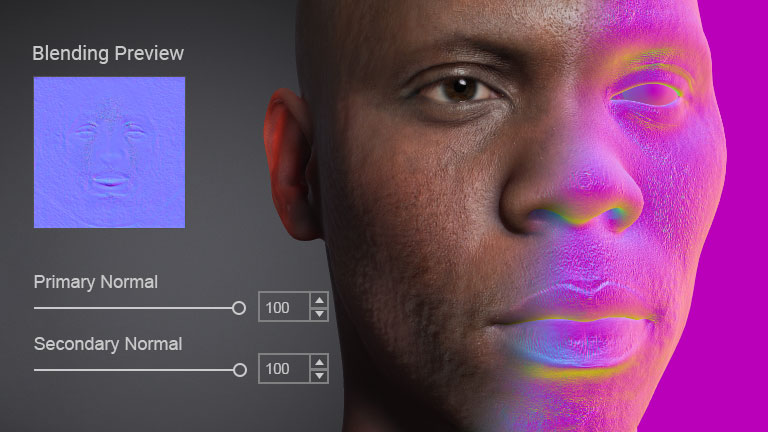
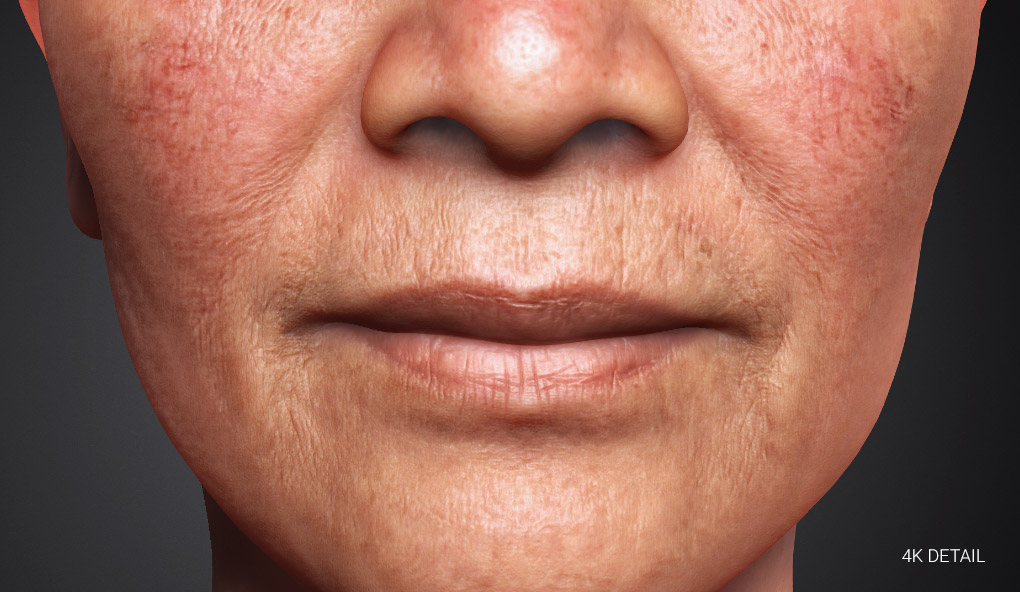
Headshot 3 normal texture generator extracts rich 3D detail from any source image, offering two levels of granularity for optimal control. The primary level captures broader features such as muscle definition and deep wrinkles, while the secondary level adds fine details like pores and wrinkle lines. Manual
Skin Texture Upscaler
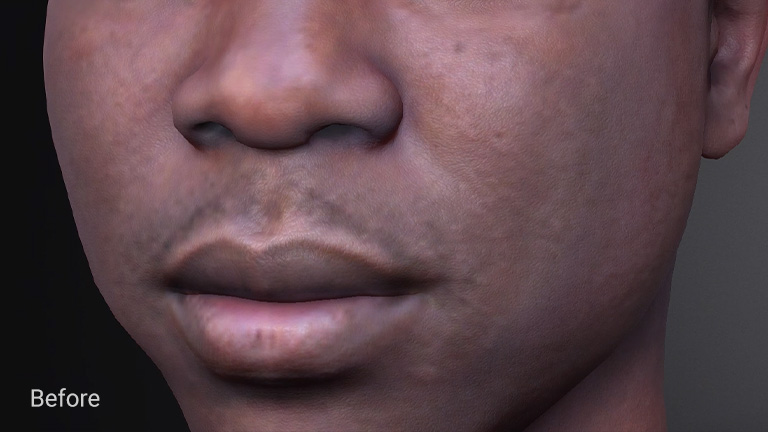
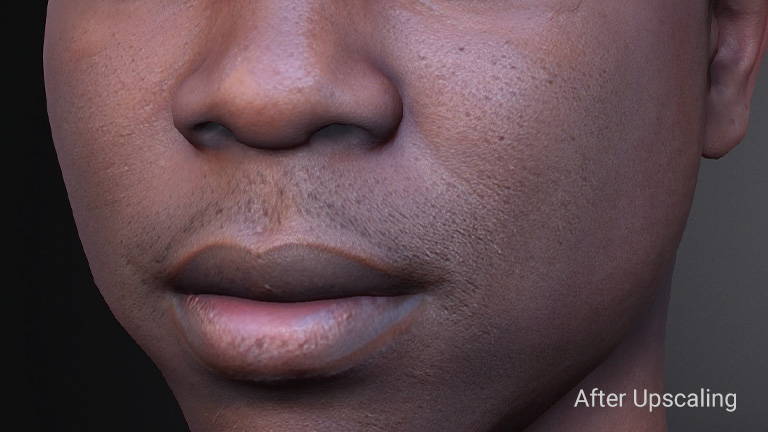
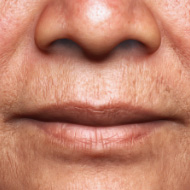
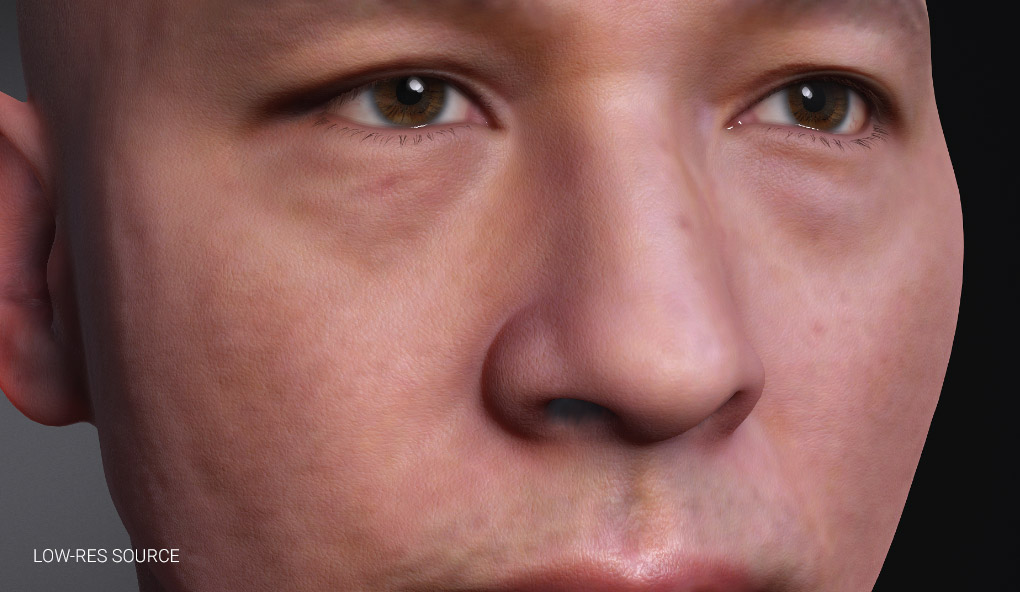
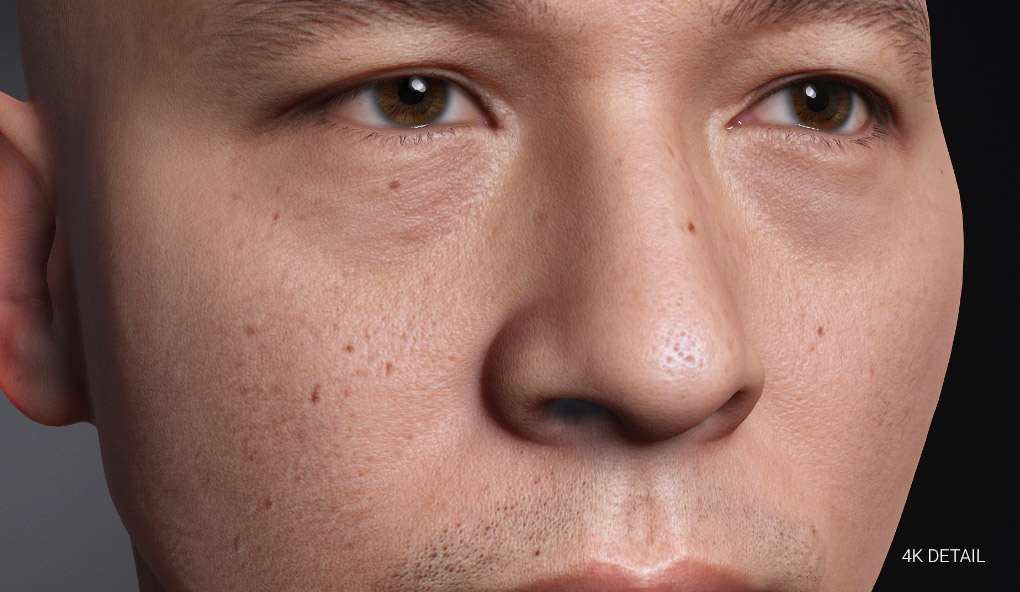
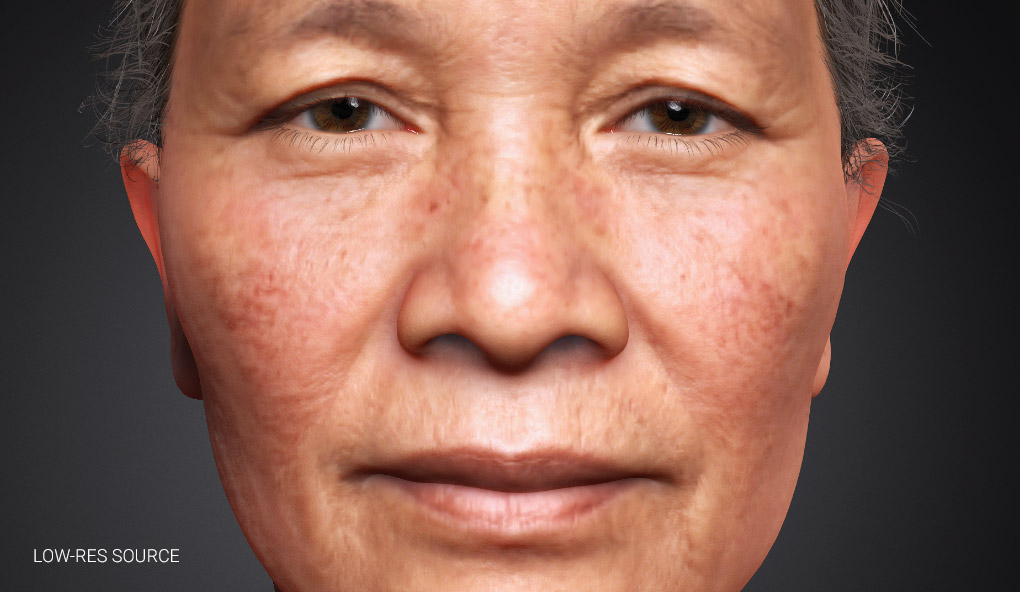
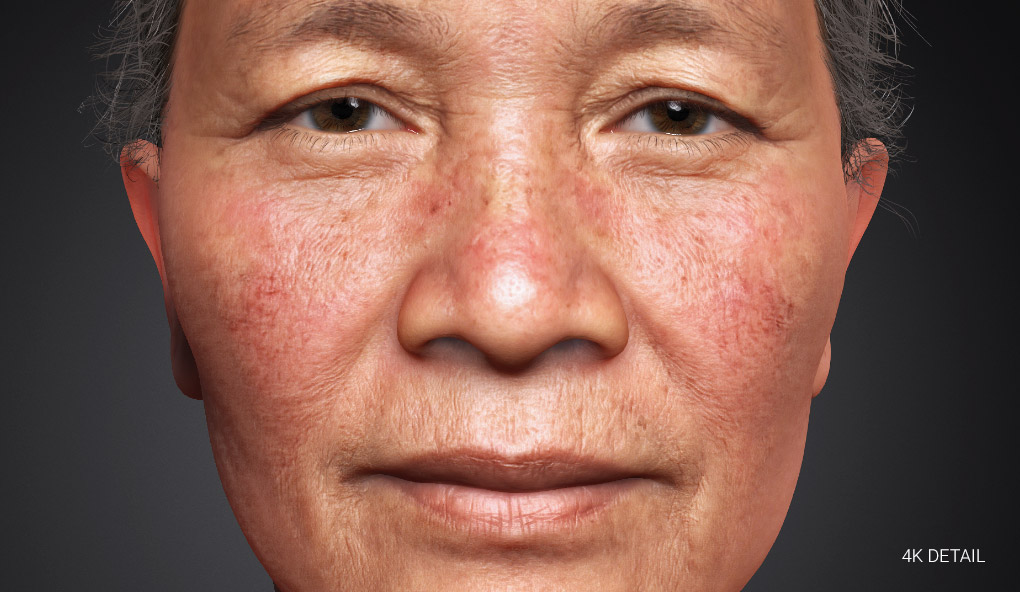
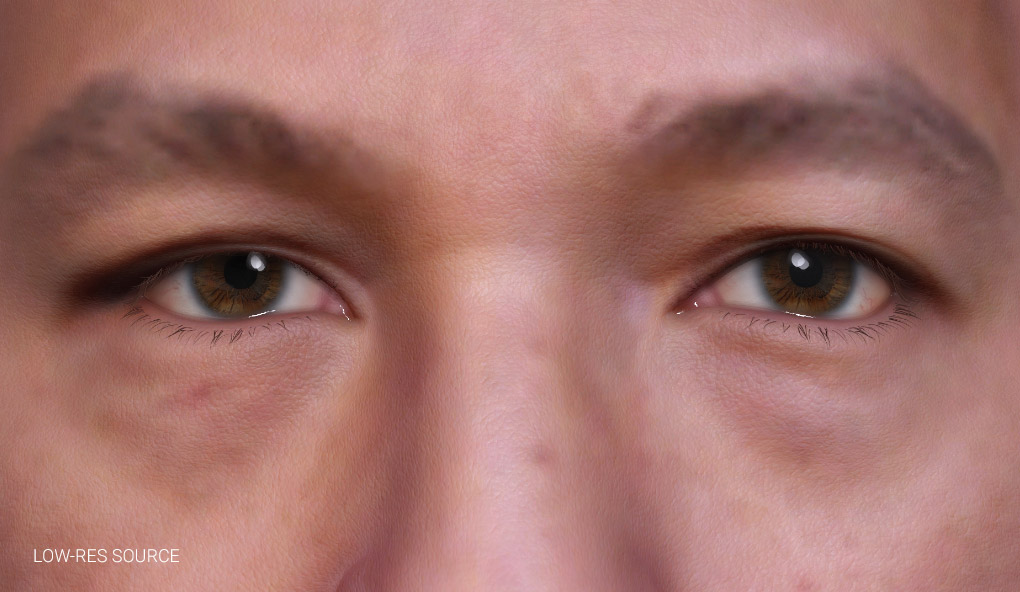
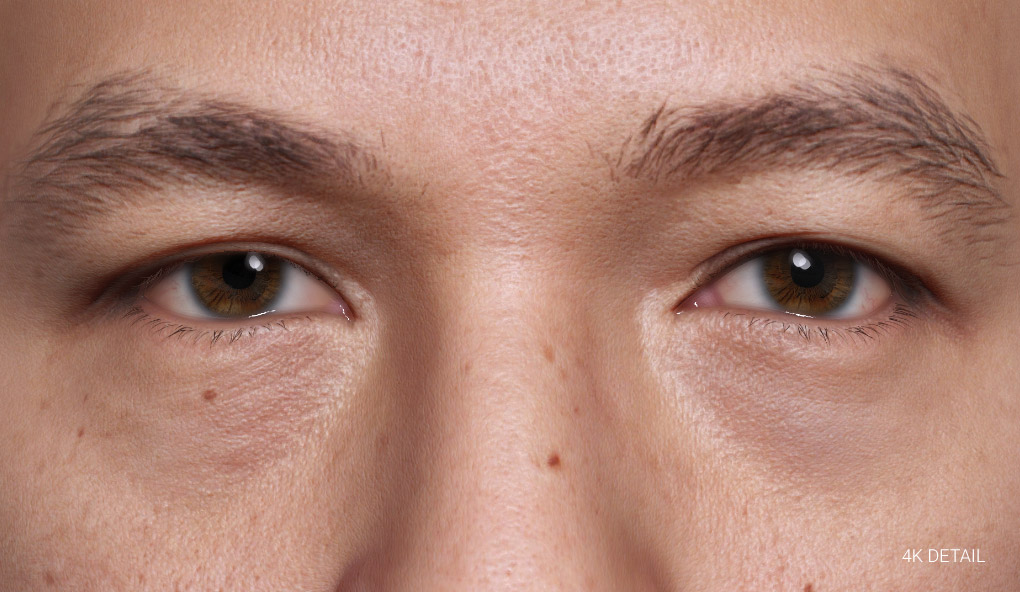
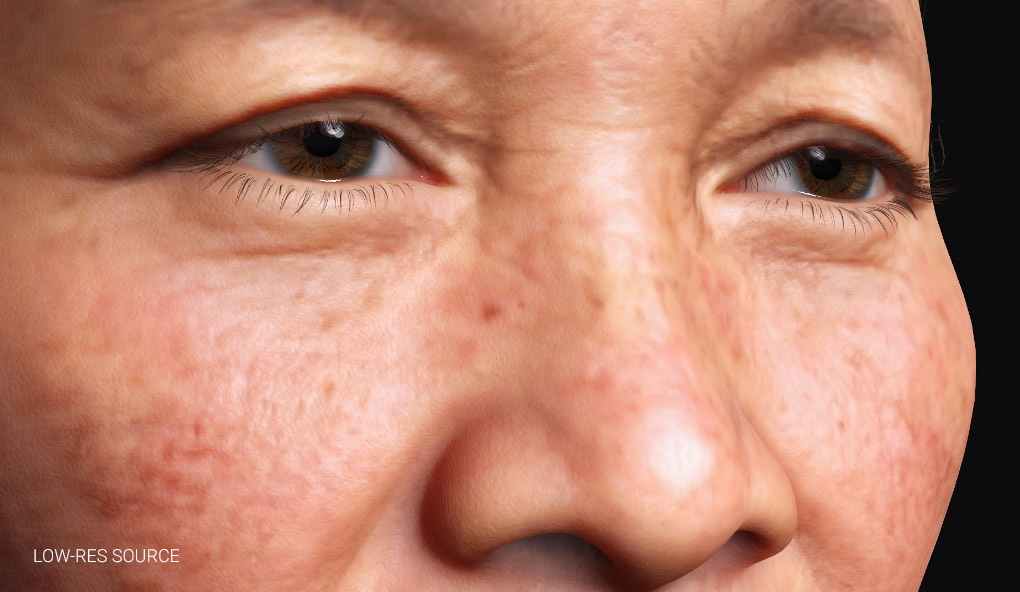
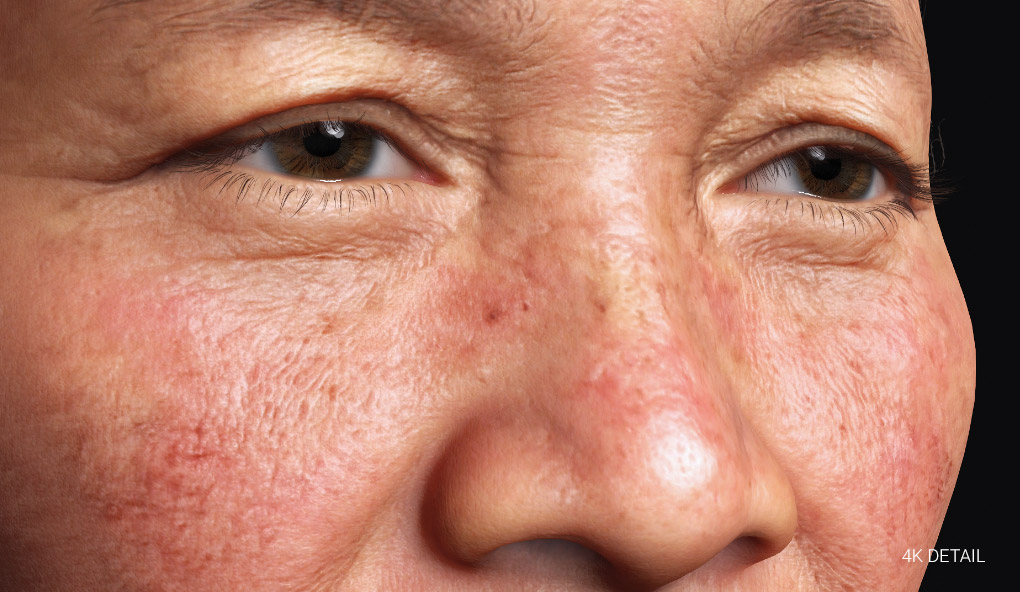
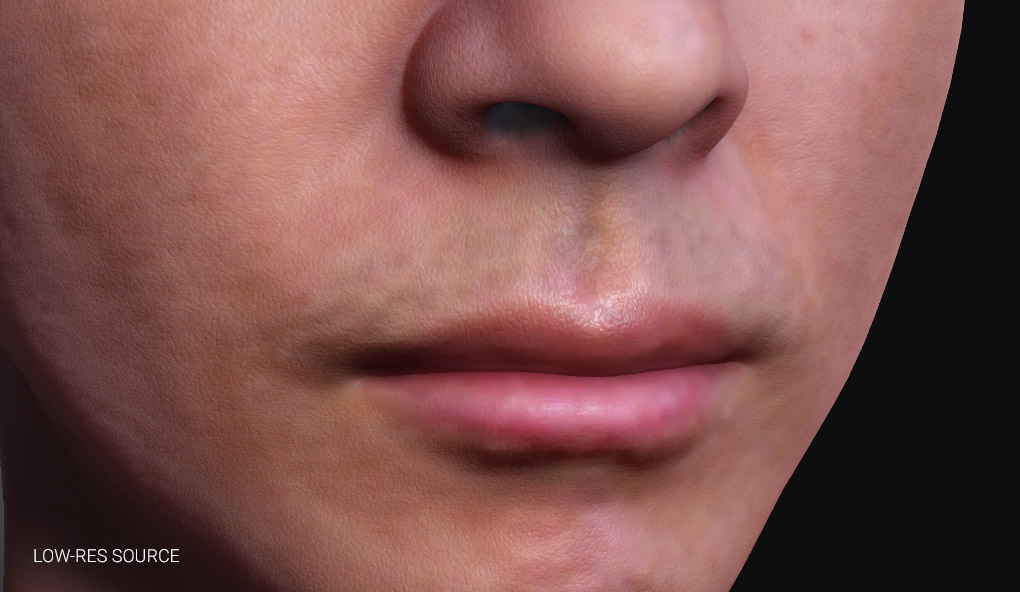
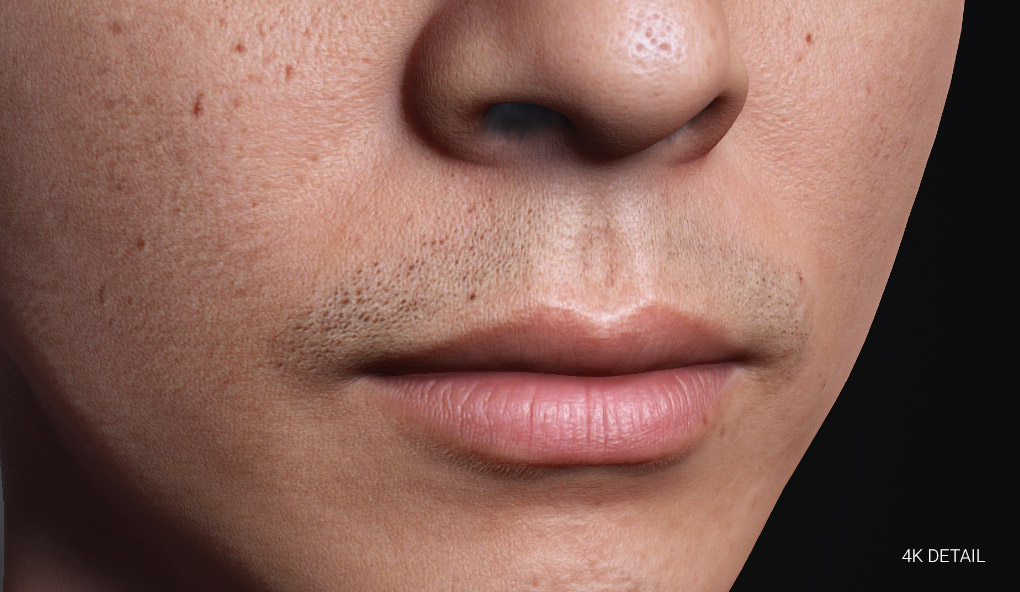
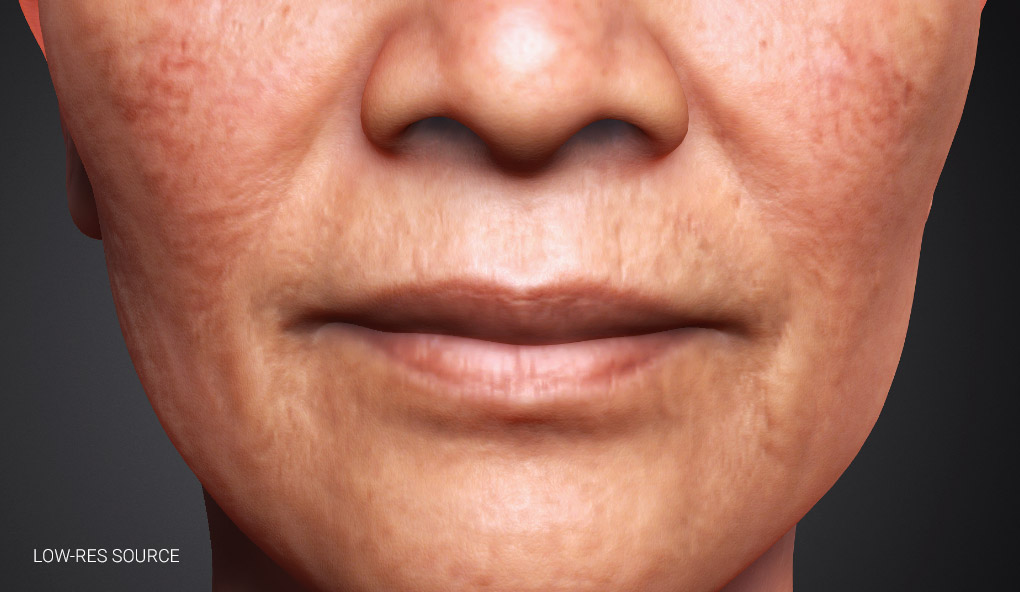
When only a low-resolution source image is available. The local skin texture upscaler serves as a backup solution to enhance fine skin details and balance overall skin quality. Check AI Image Generation - Modification
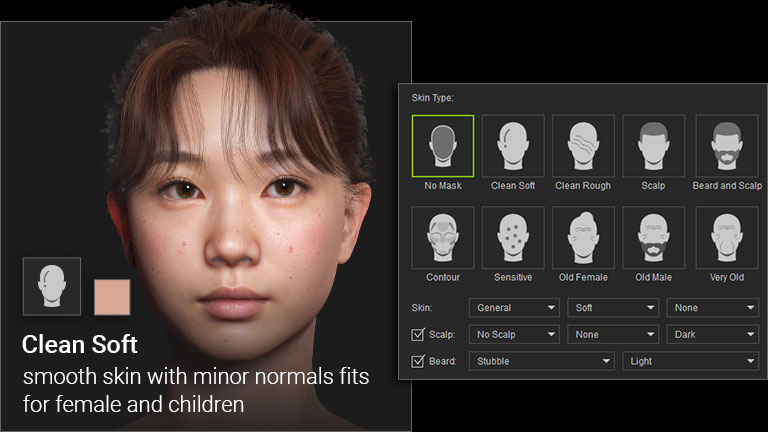
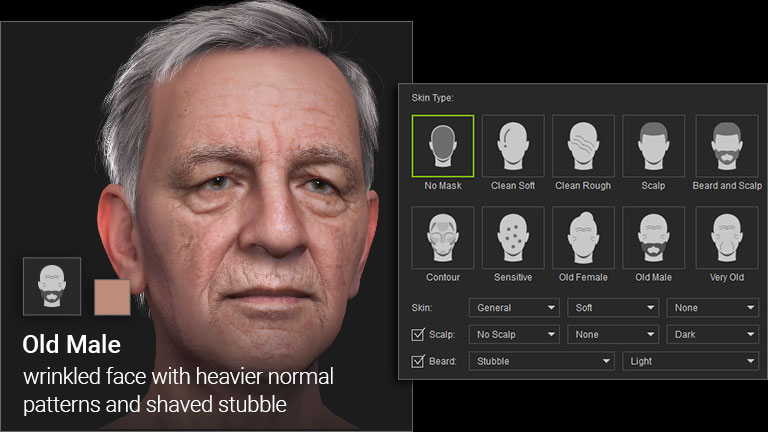
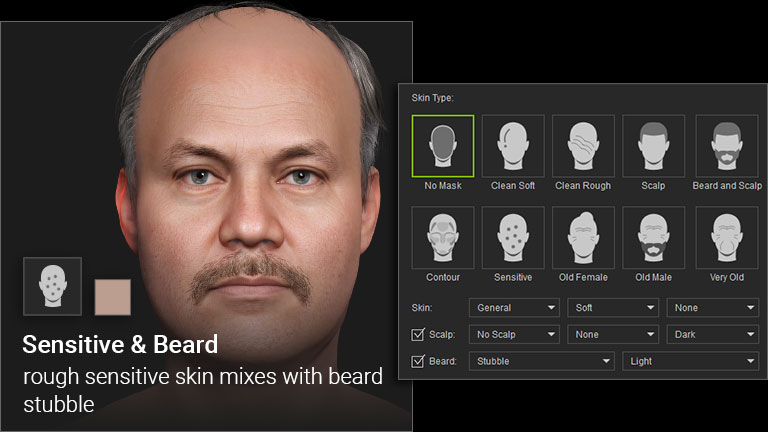
Skin Base Selections
Start with a skin preset that matches your character’s age and facial hair to establish the base skin layer. Headshot provides a wide range of preset foundations to accelerate blending and masking, helping you achieve the perfect textures for your characters. Manual
Enhance & Replace Facial Texture
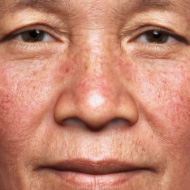
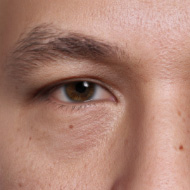
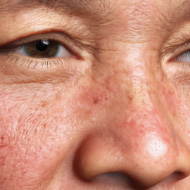
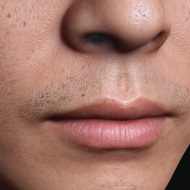
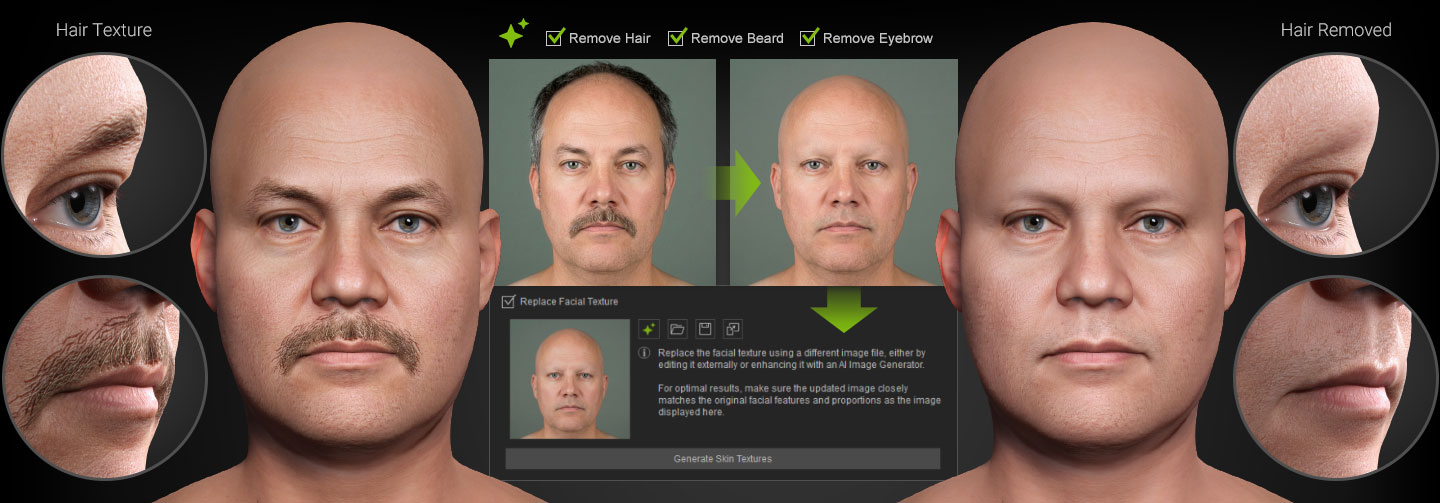
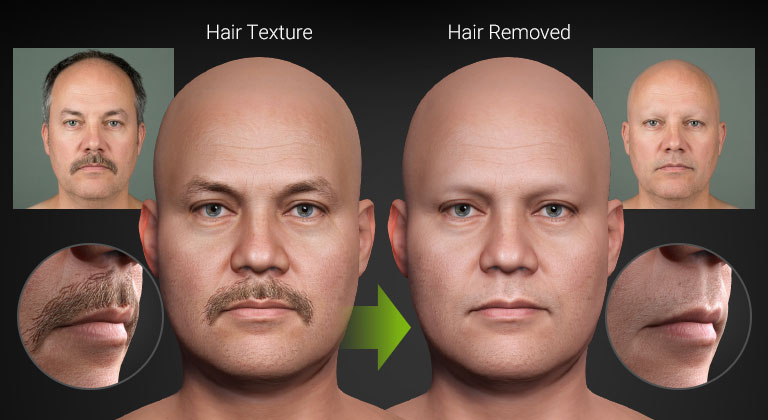
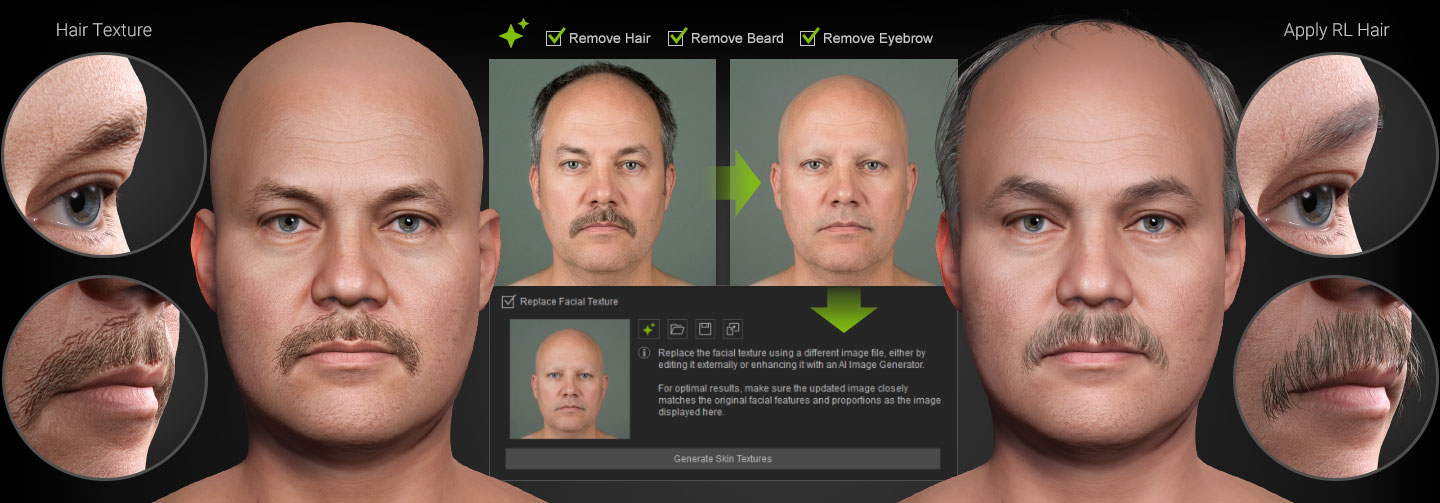
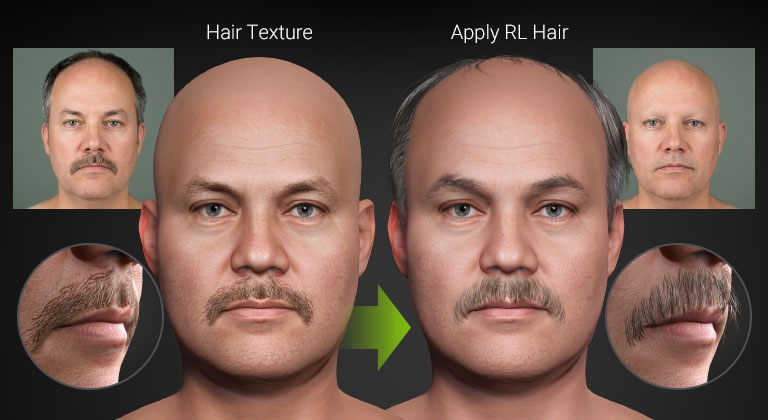
Once your character is created, you can continue refining or replacing facial textures at any time in Headshot 3. Swap flat texture-based hair for fully modeled 3D hair, or enhance texture quality and detail using AI Image Generator. Because all edits remain within the texture layer, the original mesh and UV mapping stay completely intact. Manual
- INCREASE RESOLUTION
- REMOVE HAIR
Blend Masking
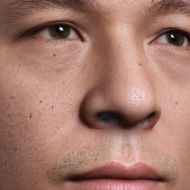
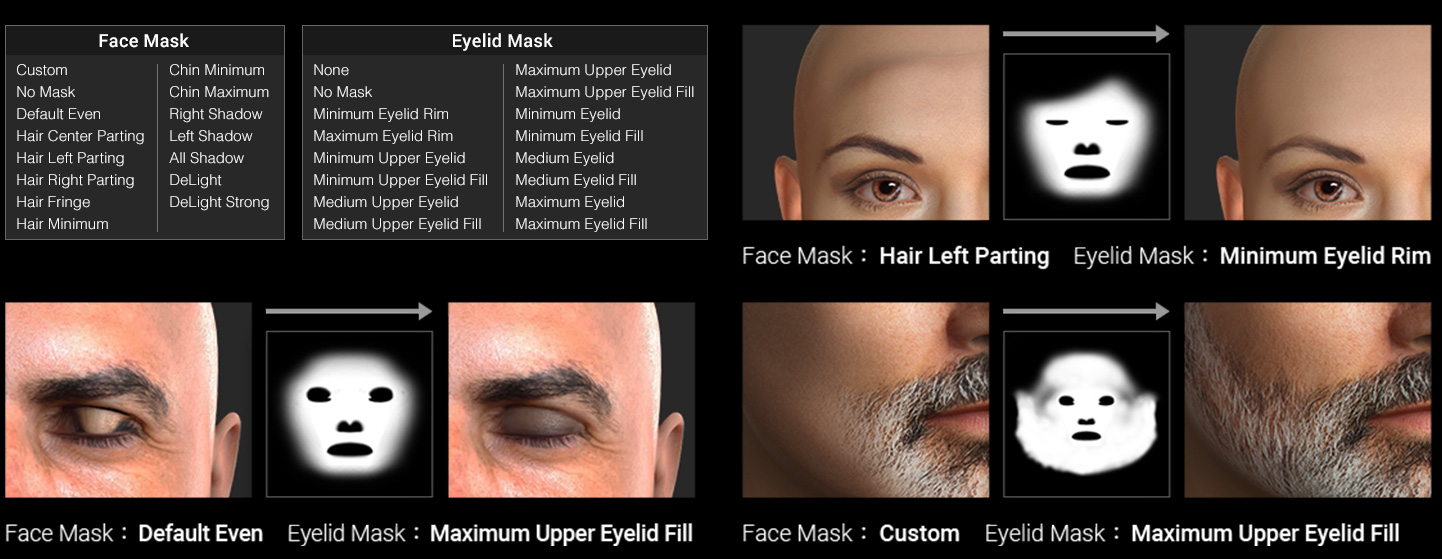
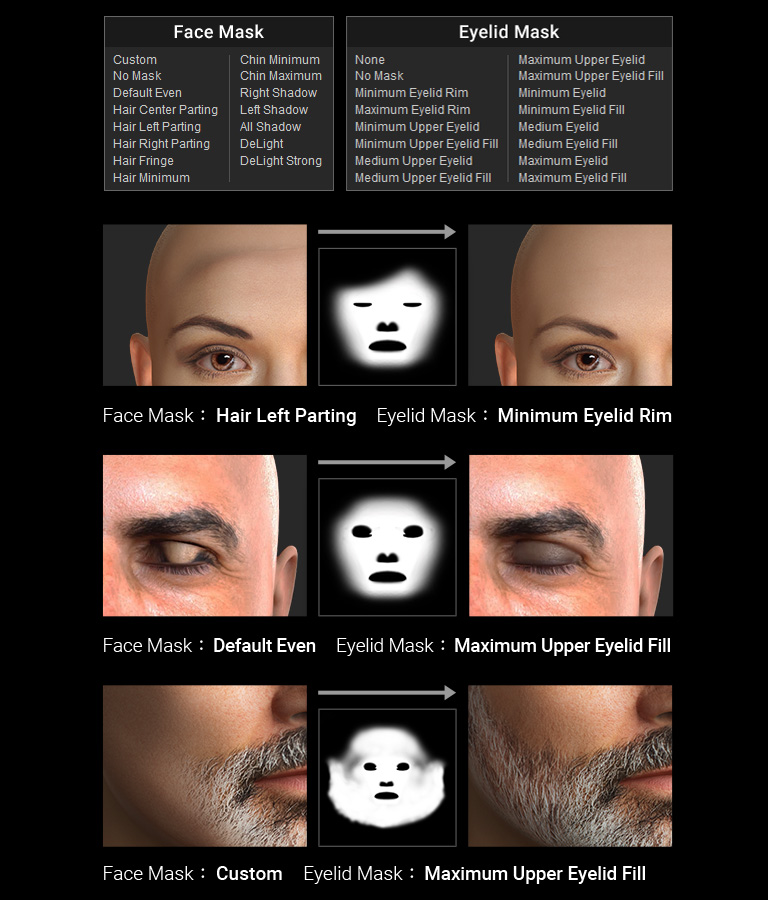
The Blend Mask integrates the generated facial textures and the underlying skin base as a seamless map for the entire head model. Use the mask brush or prebuilt templates to remove shadows, hair, eyelashes, scars, lip creases from the source image. Manual
- Custom Mask Painting
- Template Mask
3D HEAD TO FULL CHARACTER
3D BODY CUSTOMIZATION
Photo-based Body Generation
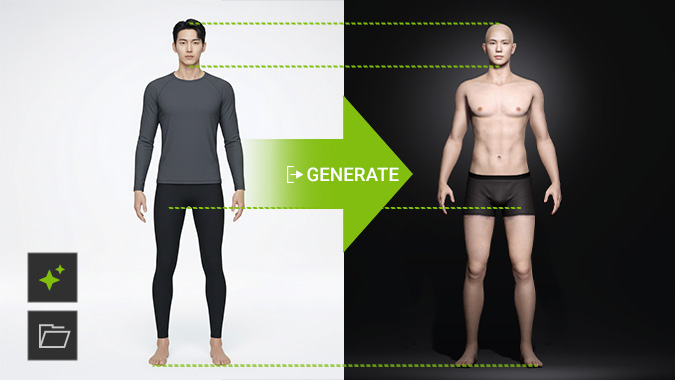
Drop in a full-body reference photo and let AI automatically generate a matching body shape to complete your character.
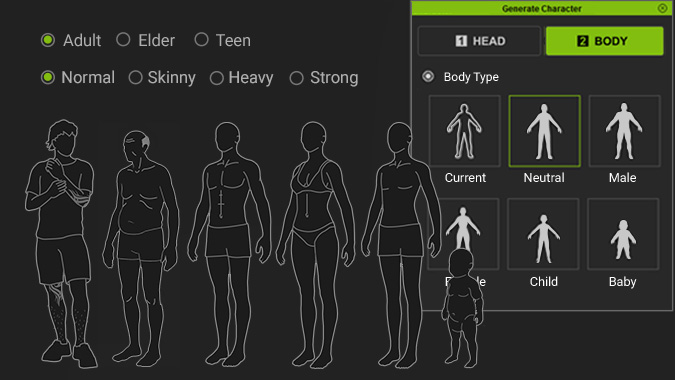
Body Type Selection
Choose a body type from a range of ages, genders, and physiques to complete your character, or select the current shape to continue your progress. Manual
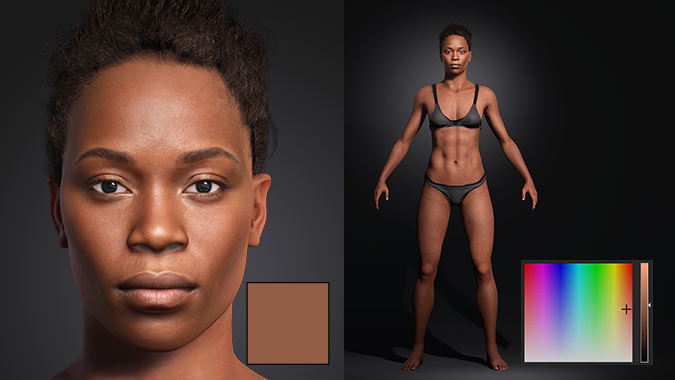
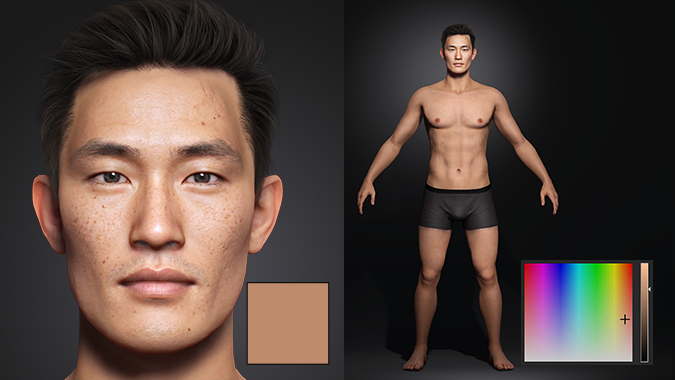
AUTOMATIC SKIN MATCHING
Headshot 3 can automatically match the body’s skin tone to the generated 3D head, ensuring a consistent overall appearance. The resulting color can then be refined or resampled directly from the scene for further customization. Manual
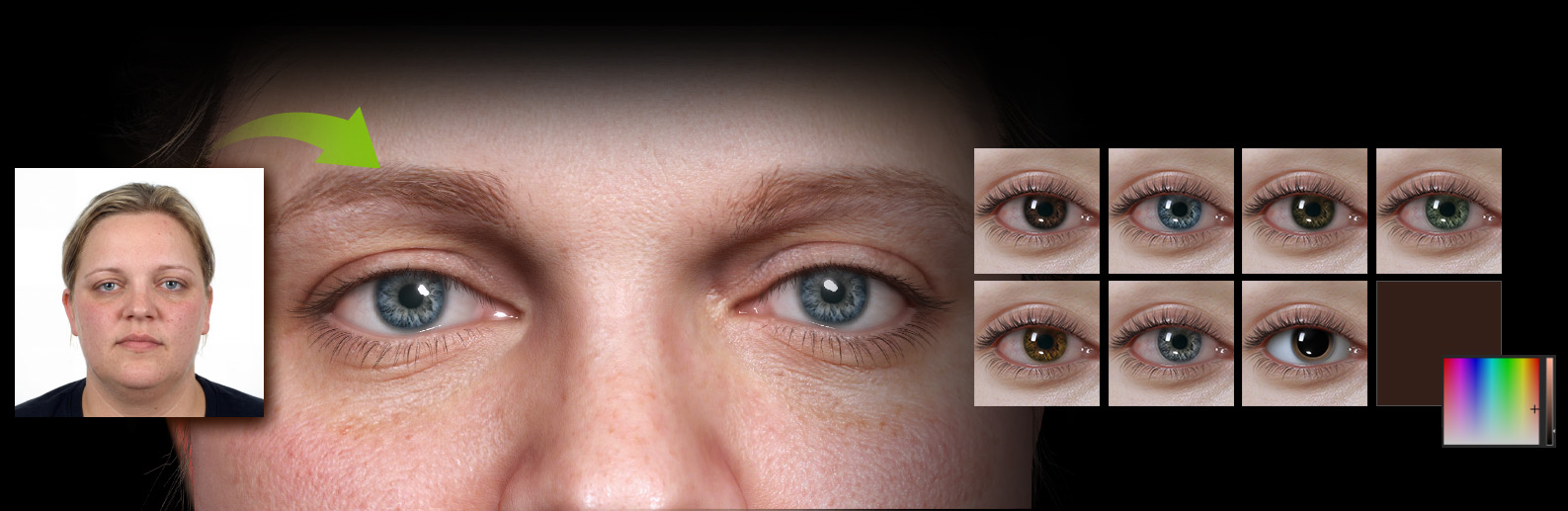
EYE COLOR SELECTION
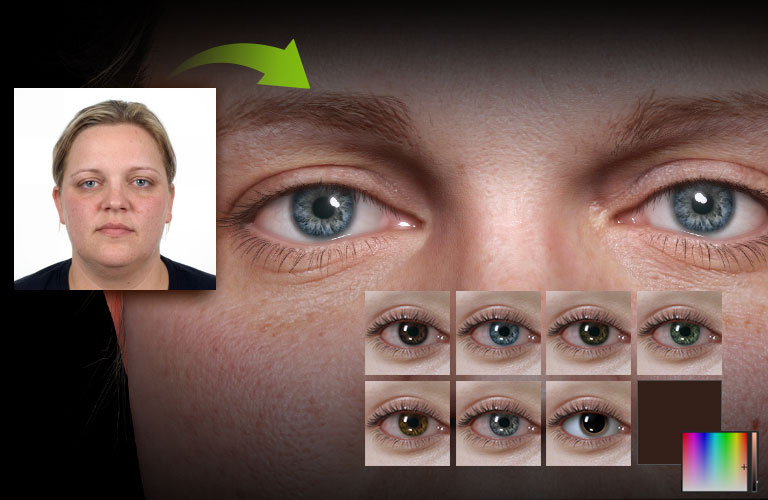
Automatically detect the eye color from your source photo and apply it to the iris. Alternatively, use the color picker to set a custom color and fine-tune the real-time eye shader for full control. Manual
HAIR CREATION
Smart Search for Lifelike Hairstyles
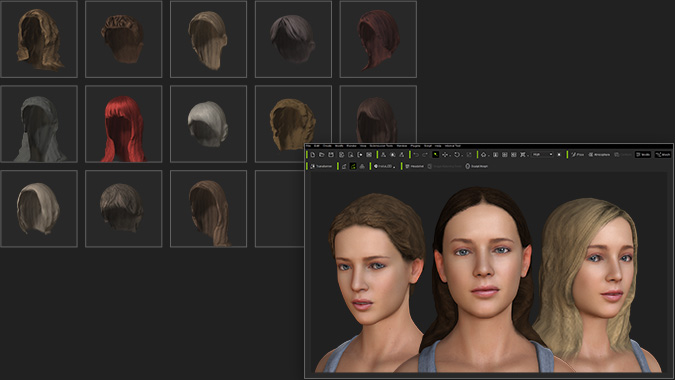
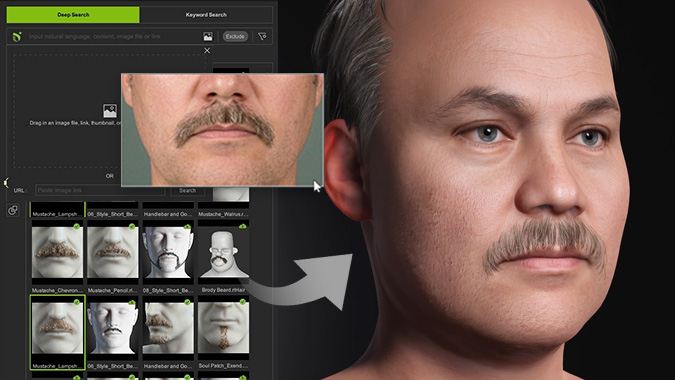
Simply drag and drop your source image into Smart Search, then select the Hair category to get recommended hair models directly from the Reallusion content ecosystem.
Generate Low-poly Mesh Hair
Headshot generates 3D hair mesh based on the input image, creating additional mesh layers for alpha masking to soften the hair line. The generated hair is conformable to different head shapes and saved in interoperable ccHair format.