MOTION PLANNING

Automated Human Behaviors for Digital Simulations

PRICE FOR INDIE >

Intuitive Tools for Building Human–Machine Interaction

Whether you’re building digital twins to visualize planning, simulating and optimizing operations, or generating large-scale 3D ground-truth data for machine learning, you need a tool that’s easy to use yet powerful in scalability and logic control.
iClone Full Simulation Solution  

REAL-WORLD SIMULATION
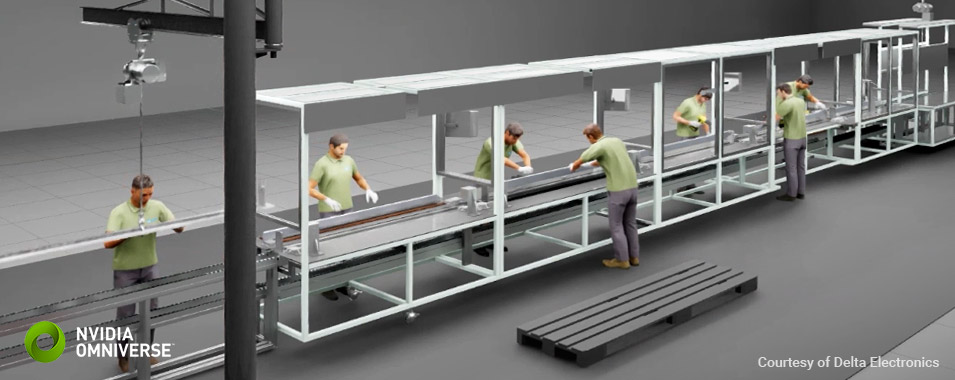
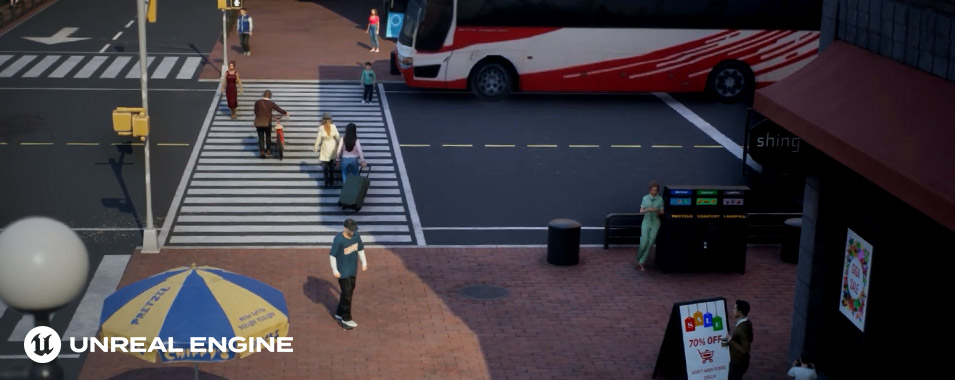
Simulating real-world environments often involves complex human factors, making it difficult to accurately reflect reality. Whether building digital twins for manufacturing, generating lifelike traffic scenarios for autonomous driving, or optimizing customer flow in commercial spaces, motion planning plays a critical role in enabling realistic simulations.
Click to view:

READY-TO-USE SCENARIO TEMPLATES

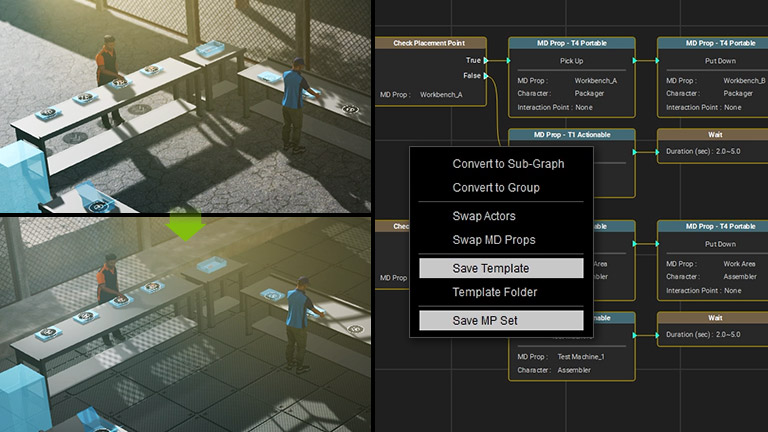
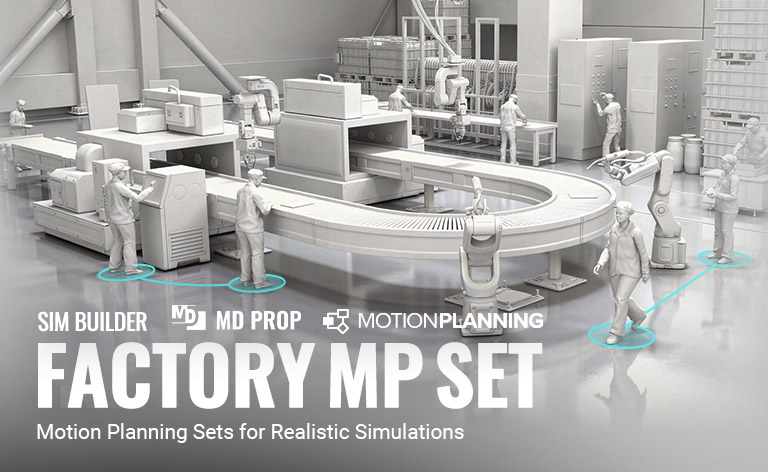
The Motion Planning Set (MP Set) brings together digital doubles, interactive MD props, and blueprints in a ready-to-use template that streamlines your workflow. Easily adjust roles, rearrange floor layouts, and launch live simulations with a single click. Replace placeholder props with your own models, customize animations, and save your personalized MP Set for future use. Tutorial | Manual

CONNECTING MP SETS

Motion Planning goes beyond simulating individual areas. With the Graph Editor, you can seamlessly connect multiple Planning Sets to create larger, more comprehensive simulations, from production lines and crowd flows to full-scale environments. Manual

APPLIED SOLUTIONS

Motion Planning is a powerful tool for practical simulation workflows. It enables rapid generation of large-scale simulation data for AI and machine learning, supports real-time evaluation and optimization, and delivers realistic results for showcases and training applications.

AI & MACHINE LEARNING

Used for AI training and machine learning, to detect abnormal behaviors, predict actions, and generate simulation data for more accurate models.

EVALUATION & OPTIMIZATION

Instantly simulate layout changes and see their impact. Compare task duration before & after adjustments to quantify the efficiency gains.

TRAINING & DEMONSTRATION

Used for final showcases or simulations, and for creating training videos that demonstrate workflow steps, providing a clear and intuitive view of processes and outcomes.
BUILD BEHAVIOR LOGIC
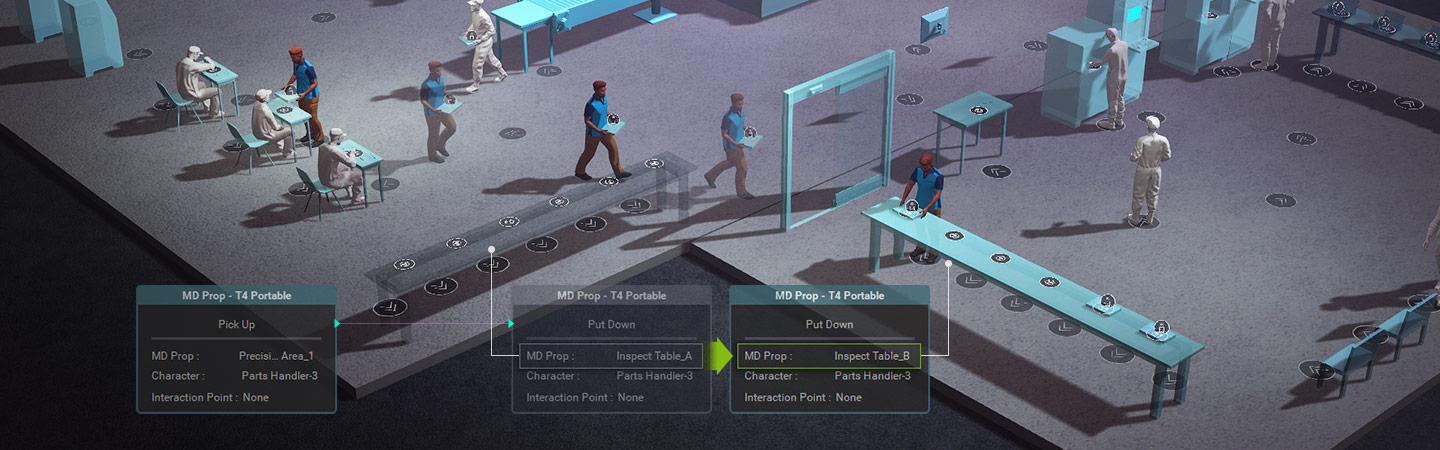
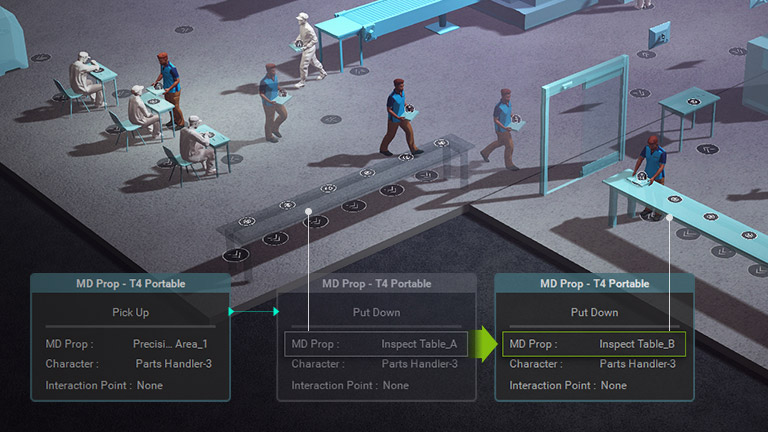
The Graph Editor lets you easily manage and edit your simulation scripts. Use nodes to chain human actions, expand scripts, or set conditional logic, making your simulations more realistic, natural, and flexible. Tutorial | Manual  

REALTIME WORKFLOW EDITING

With the Graph Editor, easily expand scenes by adding objects or characters to simulate production growth or workforce allocation. Add random behaviors for more realistic actions, or reassign roles with one click for shift rotation.

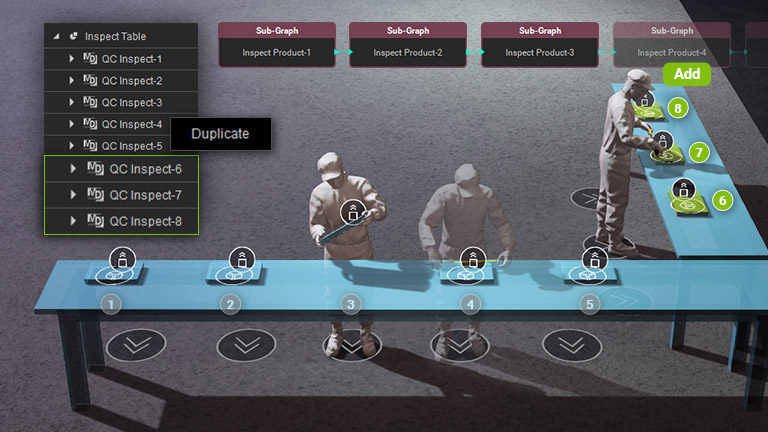
Expand Production Line

Simply add the desired props and duplicate nodes in the Graph Editor to quickly expand your production line. Manual

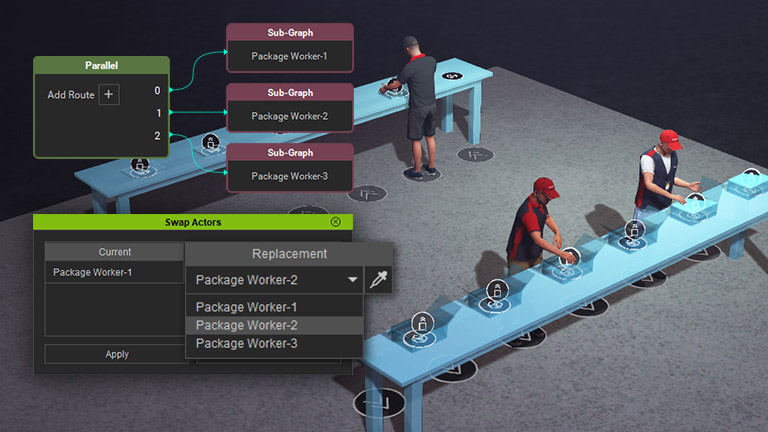
Work Assignment

Add the desired number of workers, then duplicate and adjust nodes to quickly set up scripts and assign workflows. Manual

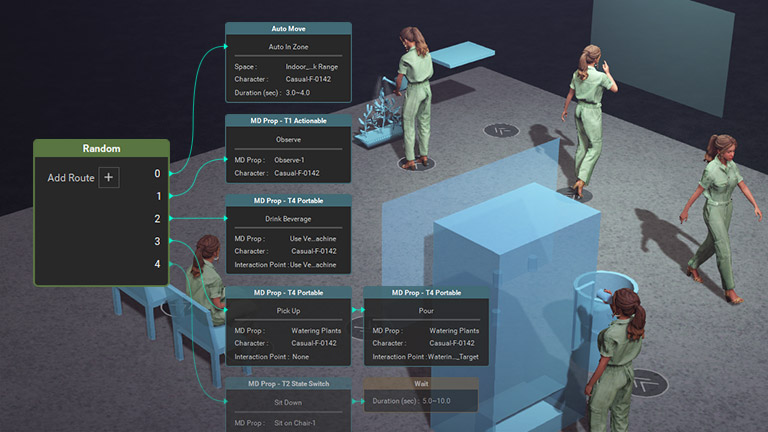
Random Events

Use random nodes to assign unpredictable actions to the workers, making simulation behavior more realistic and natural. Manual

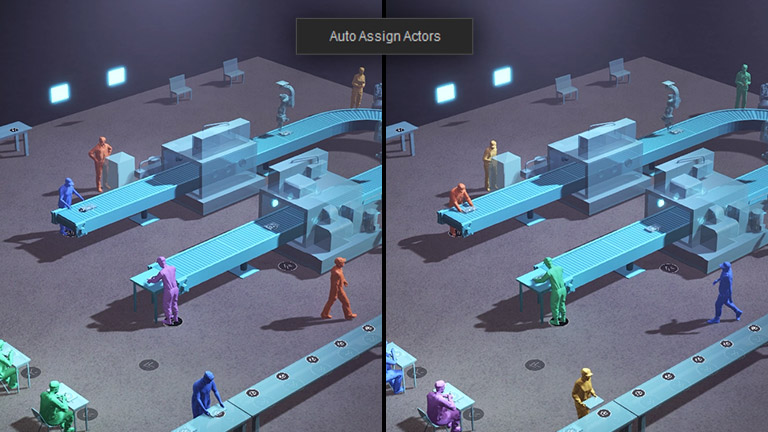
Shift Rotation

Auto Assign random tasks with one click and enable quick shift rotation for efficient generation of machine learning data.

INTELLIGENT DECISION NODES

The Graph Editor includes five intelligent decision nodes: position, placement, distance, trigger zones, and true-false conditions. These nodes allow agents to evaluate their environment and execute context-aware actions, resulting in smarter, conditioned behaviors.

Check Position
Checks whether an individual has reached a specific position and triggers corresponding actions based on the result. Manual
Check Placement
Determines if a target position is occupied, ensuring proper placement and seamless flow. Manual
Check Distance
Evaluates the distance between individuals and target interaction points to trigger proximity-based actions. Manual
Check Zone Detection
Triggers events when an individual enters or exits a defined zone, enabling area-based behavior control. Manual
Check Boolean
Uses custom boolean values to control logic flow, allowing flexible combinations of complex conditions and behaviors. Manual

INFO DISPLAY & RESULT EVALUATION

Display information in the 3D scene for instant feedback, or log data to monitor changes and assess process status. Manual

NODE GRAPH MANAGEMENT

The Graph Editor enables flexible, modular script management using sub-graphs, expandable pins, and grouping tools for a cleaner workflow. Save setups as graph presets or planning sets to reuse and scale your simulations with ease.

Grouping & Sub-Graphs

Use sub-graphs, expandable pins, and grouping tools to organize nodes, keeping complex graphs clean, readable, and easy to edit. Manual

Save & Reuse

Save scripts as Graph Presets to reuse any node segment, or store entire scenes with scripts as Planning Sets for fast reuse and scalable simulation workflows. Manual

LIVE RECORD & PLAYBACK
Freely navigate your simulations using Fly Cams with keyboard and mouse controls. Capture wide overviews or follow production flows, then record camera paths for replay and keyframe refinement directly in iClone.

SEAMLESS PIPELINE INTEGRATION

Easily export or live link animated characters, props, lights, and cameras to your preferred 3D tools. Or animate directly in iClone while previewing real-time renders for smooth collaboration and optimized workflows.

TOOLS & ASSETS

ASSET PACKS |

Factory MP Set

ASSET PACKS |

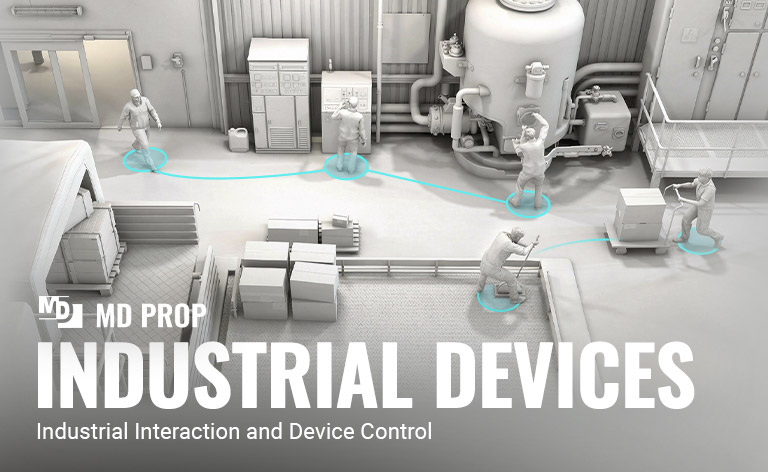
Industrial Devices

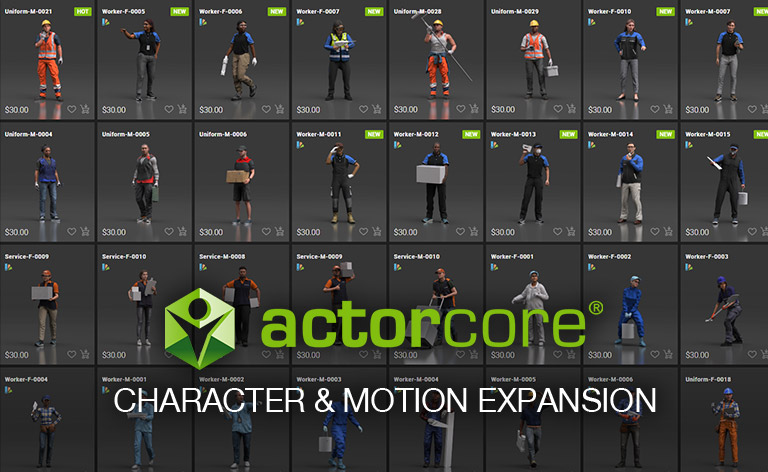
ACTORCORE |

7000+ items for expansion

GET MOTION PLANNING PLUGIN NOW

The perfect plan for your production needs awaits. Whether you're an individual creator or an enterprise team, iClone Motion Planning helps you design, scale, and automate realistic human behavior workflows. Am I qualified for an Indie License?

BUNDLE
space
$299.00
BUNDLE
space
$499.00
BUNDLE
space
$1,490.00