


EFFORTLESS FACTORY SIMULATION
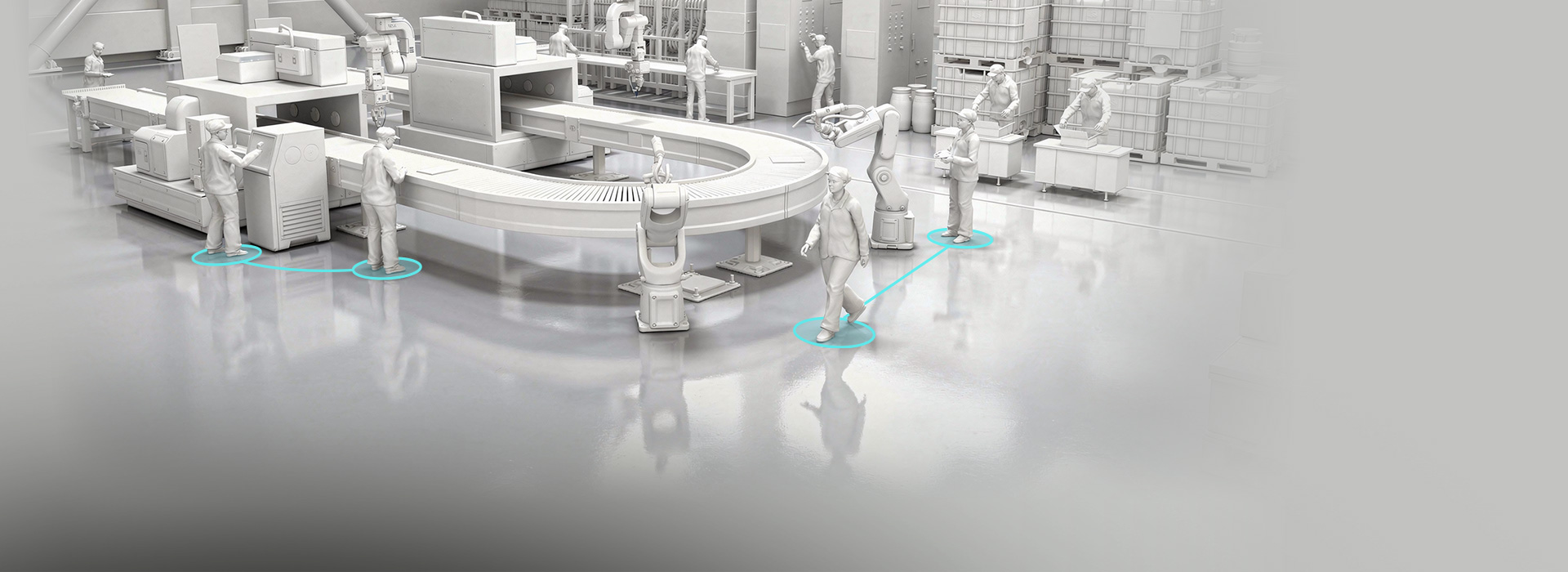
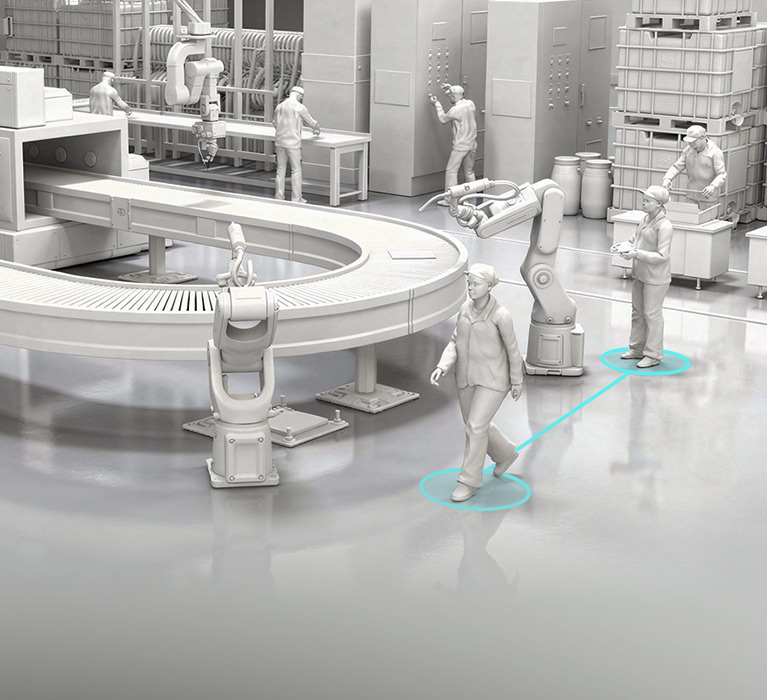
Design and simulate factory workflows faster than ever with the modular Factory MP Set. Seamlessly integrated with the iClone Motion Planning plugin, it makes automating human-machine interactions and workflow logic easier than ever. Starting with 12 production-ready template scenarios, planners can quickly rearrange interactive elements, swap in finalized 3D machinery, and add custom factory workers with fully animated behaviors.
TEMPLATES FOR REAL-WORLD SCENARIOS
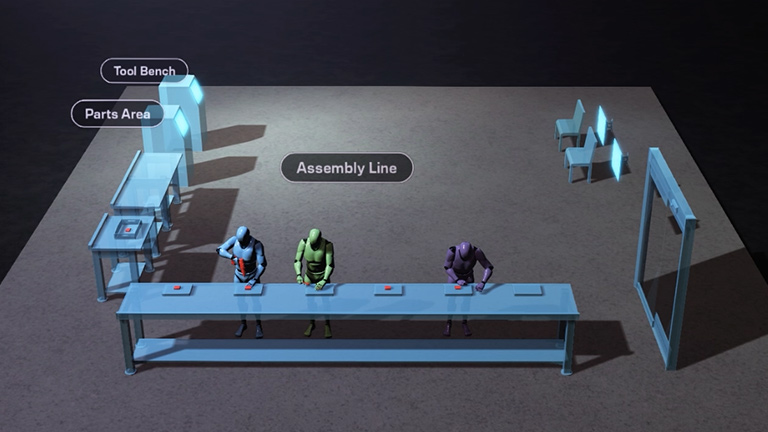
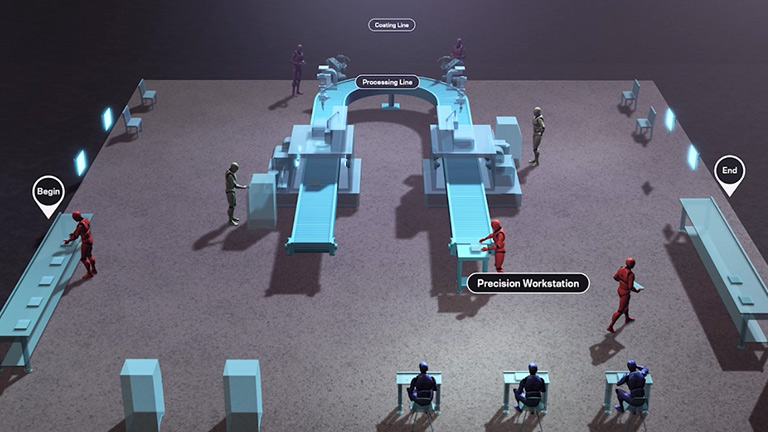
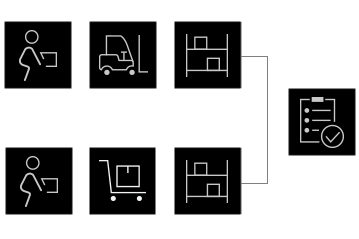
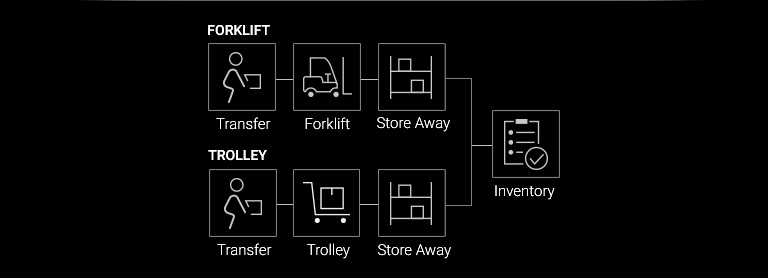
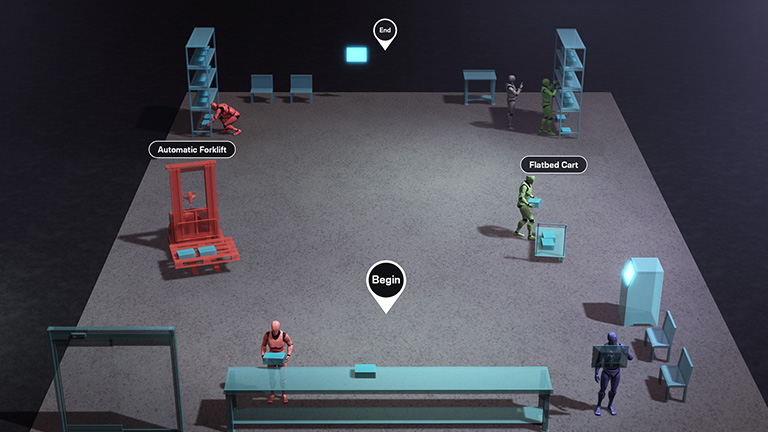
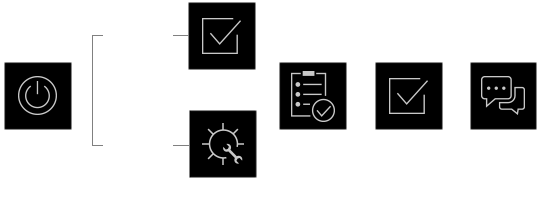
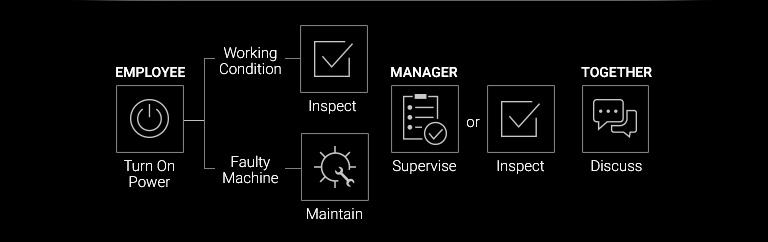
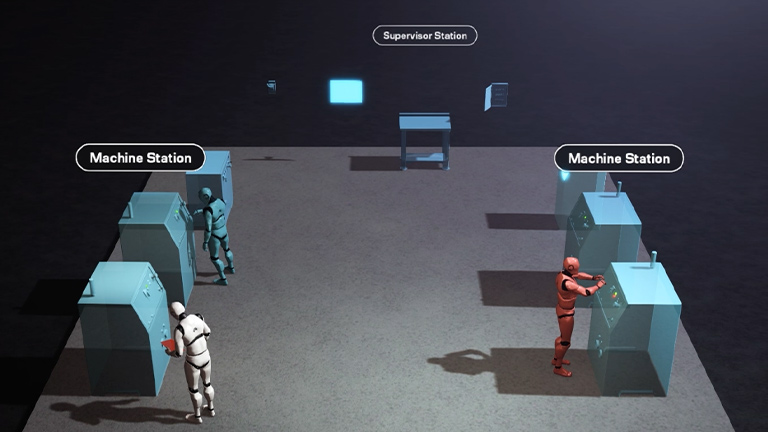
Each Factory Planning Set includes pre-built workflows that integrate characters, MD props, and motion logic for motion planning. Simply drag and drop them into your scene to run a fully functional simulation instantly, then customize and expand as needed.



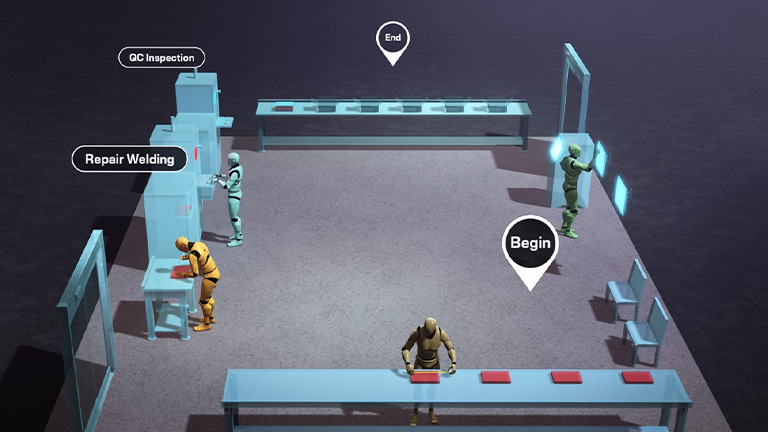
25 INTERACTIVE FACTORY PROPS
This pack offers a wide range of standalone factory MD props for tasks like operating robotic arms, precision processing, and machine repairs. Use them with Motion Planning to build workflows or Motion Director for quick factory action simulations.
Remote Robot Arm
Packing Product
Maintenance
BUILD YOUR OWN PLANNING SET
Connect individual factory MD props using Motion Planning to create your own customized planning sets. Easily manage animation workflows, make adjustments, and reuse them across different scenes.
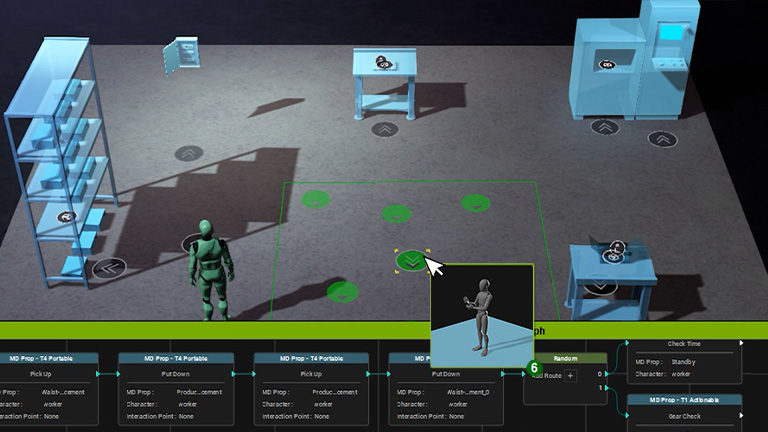
EASY CUSTOMIZATION
Combine additional assets and tools to enhance the realism of your simulations. Use factory characters from ActorCore, replace MD Props with real props, and connect multiple planning sets with Motion Planning to create large-scale workflow simulations.
SPAWN CHARACTERS
Instantly populate your scene with tagged characters when applying a Planning Set. Explore Actorcore >
MODEL REPLACEMENT
Replace any Planning Set or MD Prop with your own or purchased props to quickly enhance simulation realism. Explore Props Collection >
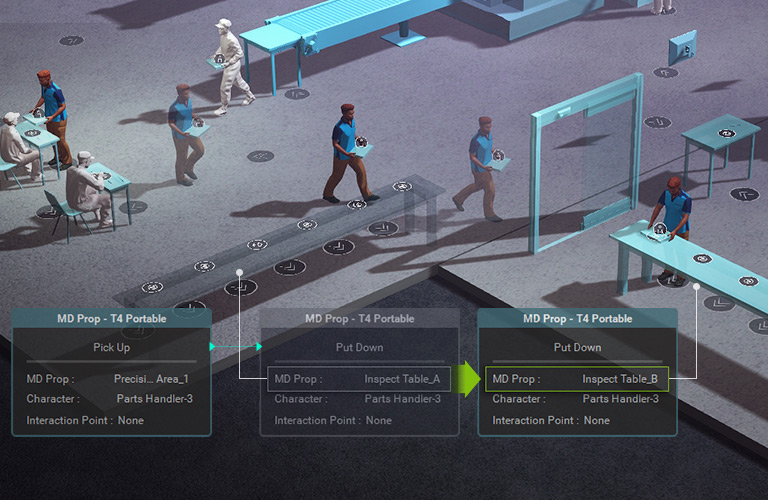
CONNECT WORKFLOW
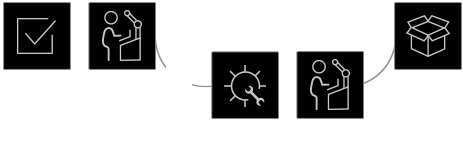
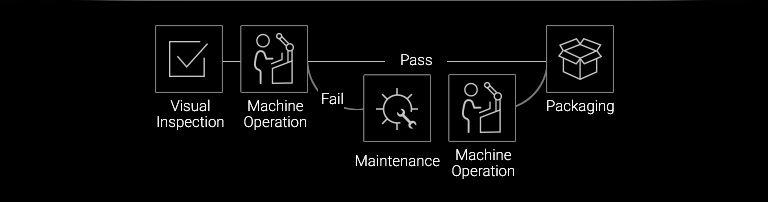
Planning Sets aren’t isolated—they can be connected via Motion Planning to extend workflows, creating larger, more complex, and complete factory simulations.
CONNECTED SCRIPTS
Planning Sets aren’t isolated—they can be connected via Motion Planning to extend workflows, creating larger, more complex, and complete factory simulations.