
iClone outdoes the competition by providing cutting-edge solutions that surpass all expectations. You can achieve professional-grade mocap animation at a fraction of the cost, time, and effort spent on other 3D animation solutions. To see how it works, please check the free Mocap Animation Training.
Why Animators are Increasingly Choosing iClone
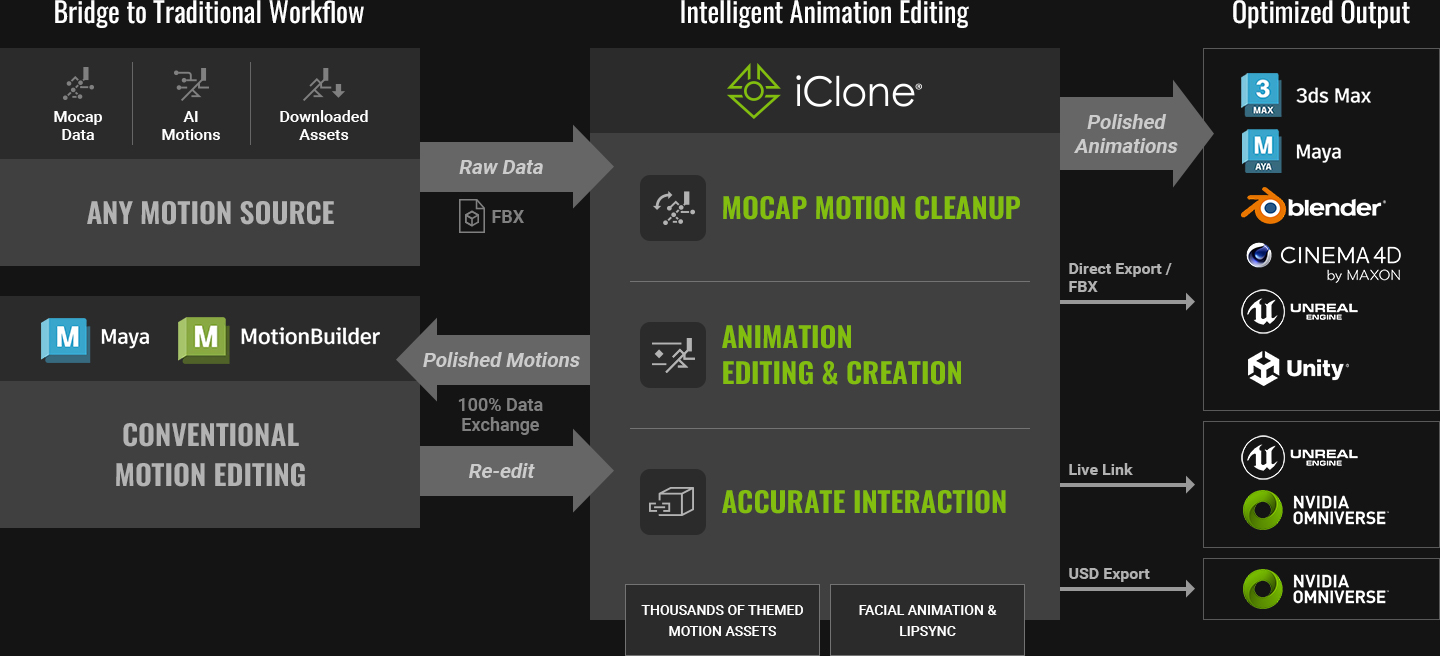
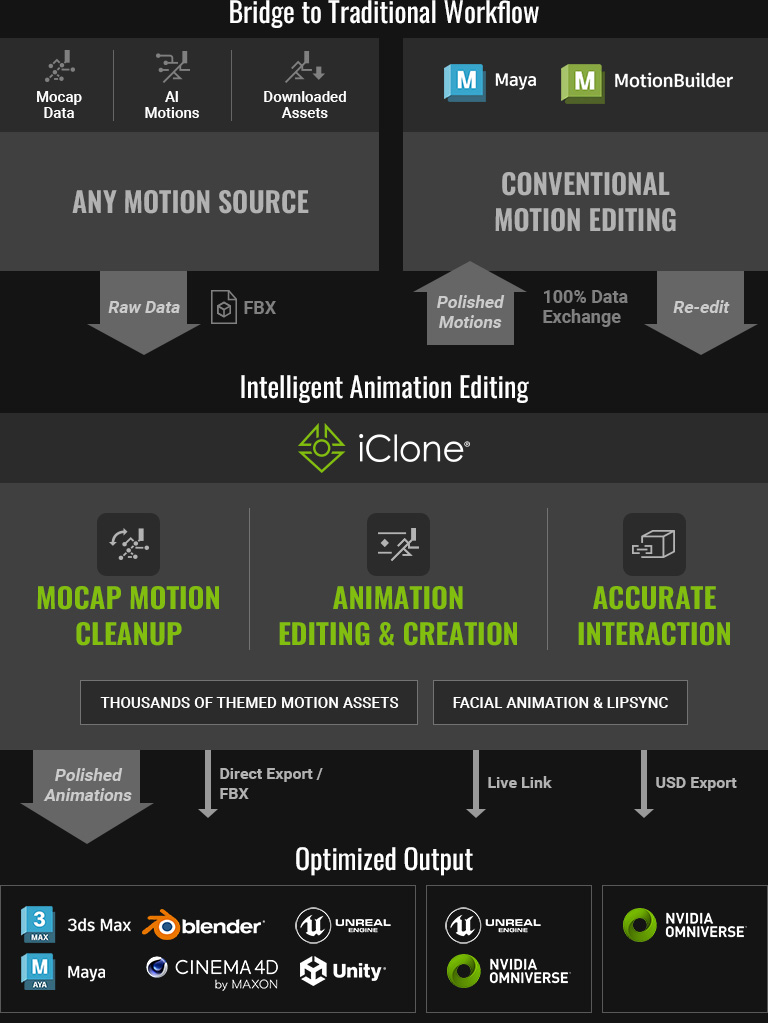
Direct Import Industry-Leading Formats
Streamline motion data from top mocap devices, such as Xsens, Rokoko, Perception Neuron, and OptiTrack, and AI-to-motion solutions like DeepMotion, Pixcap, and RADiCAL. Bypass tedious characterization and hybridize your mocap resources to turbocharge your production. Explore Motion LIVE, the unified mocap platform for Face, Body and Hand.


MOCAP ANIMATION TRAINING
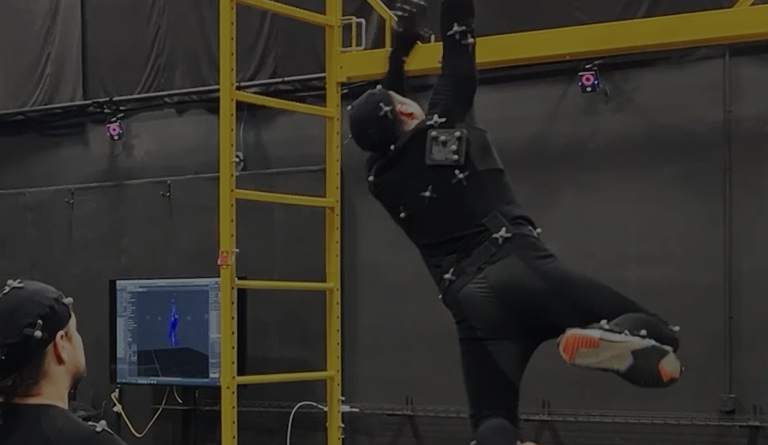
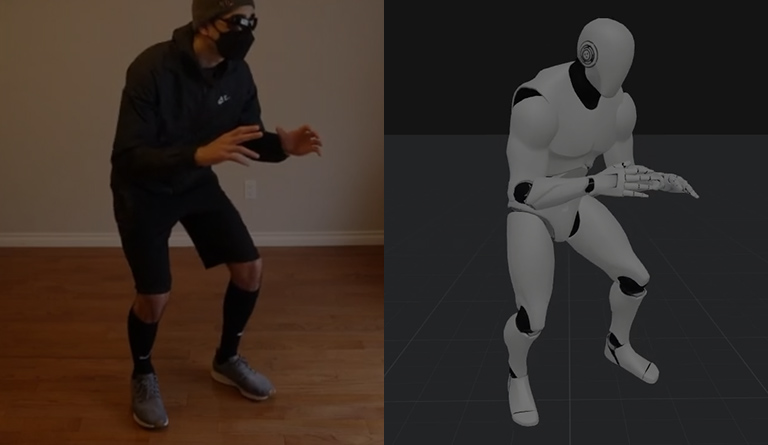
Mocap animation editing is an essential skill in digital entertainment, regardless of how the motion data is sourced. Although natural motion performance can be obtained via optical tracking, mocap suits, AI generation, or pre-made motion files, studios still struggle to refine mocap animation data for their precise requirements.
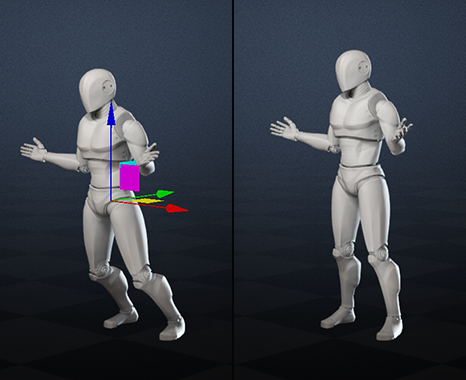
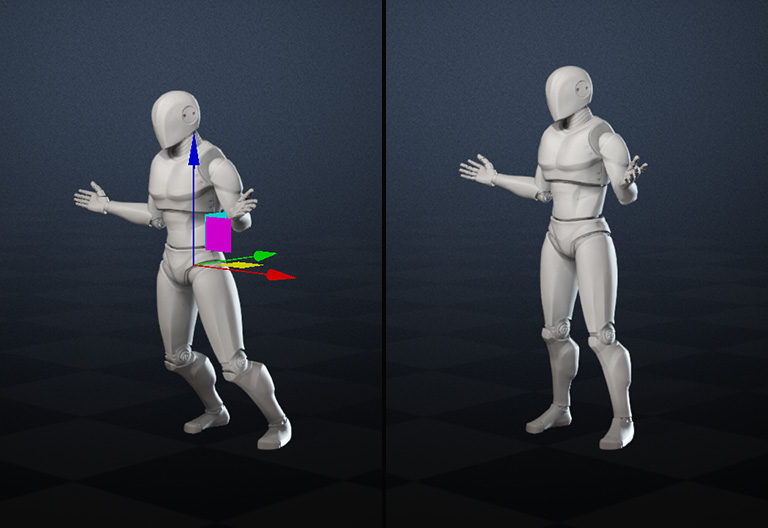
Mocap Correction
Motion capture relies on real-life actors, but the captured data are never perfect. iClone streamlines the process by efficiently transforming raw mocap data into animation that's ready for production, saving you time and effort.
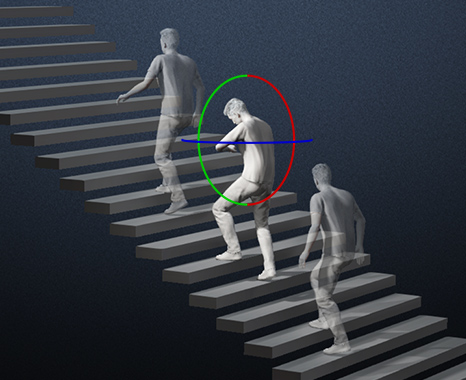
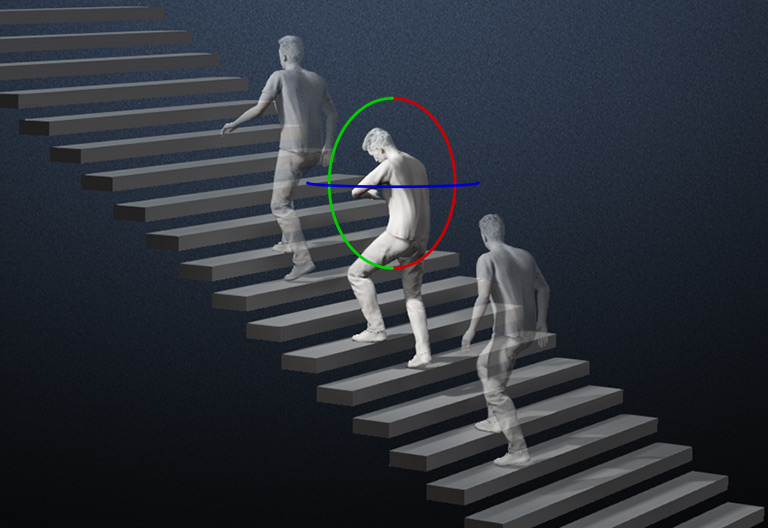
Animation Editing
With iClone, you can accelerate, enhance, and customize your animation production with a range of features such as seamless motion blending, motion layer editing, and more, resulting in faster and superior outcomes.
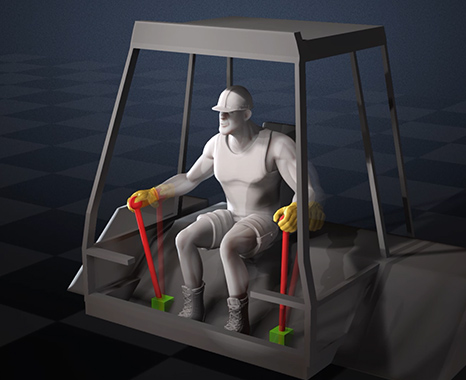
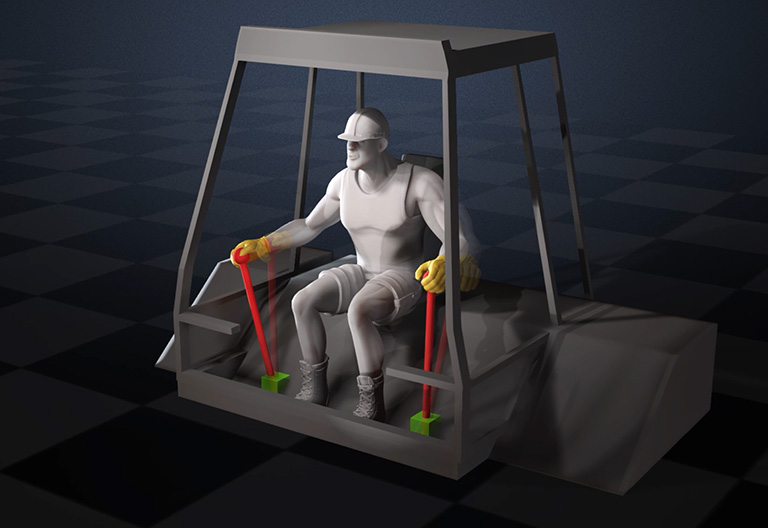
Accurate Interaction
Achieving interactive movement can be a challenging but fulfilling task. iClone simplifies the process by enabling characters to realistically reach and grab objects and props, while the physics stays believable.
Connect to Your Existing Workflow
iClone has a robust round-trip FBX workflow that is compatible with existing 3D software. The edited animations stay exactly the same from poses to fingers for imports and exports, helping you easily collaborate with team members using different software solutions.

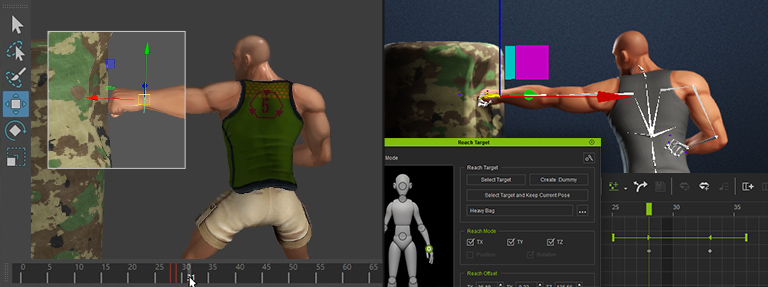

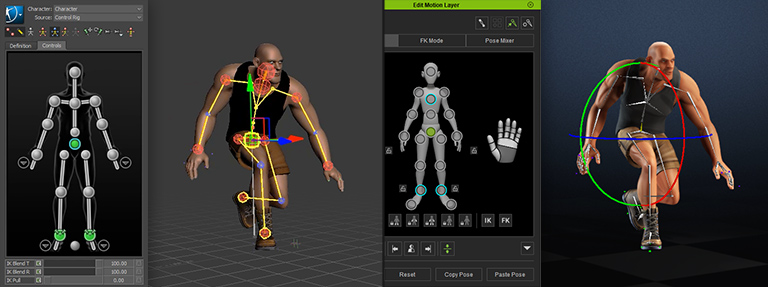
The Many Ways to Edit Mocap with iClone


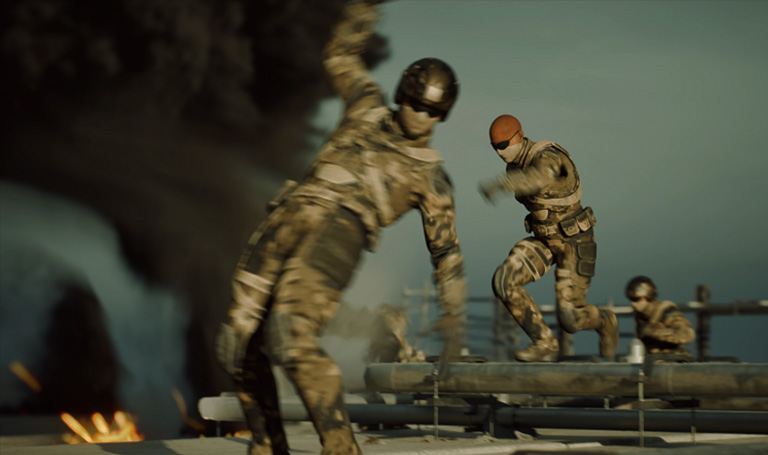
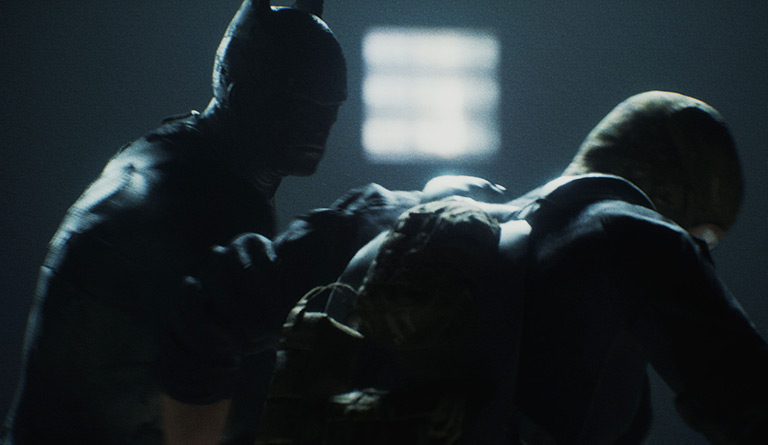
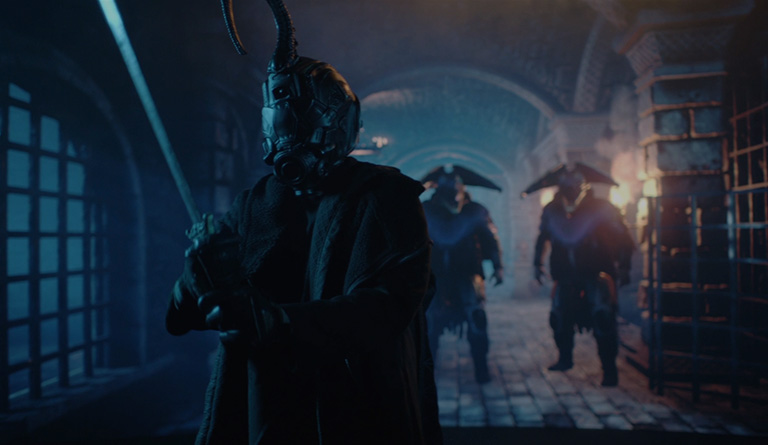
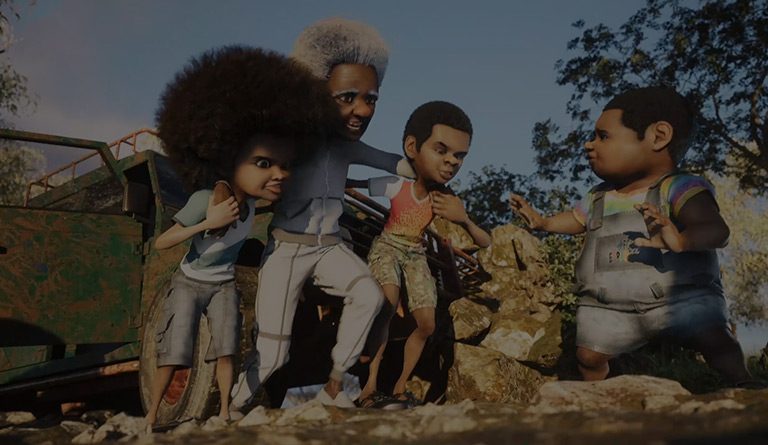
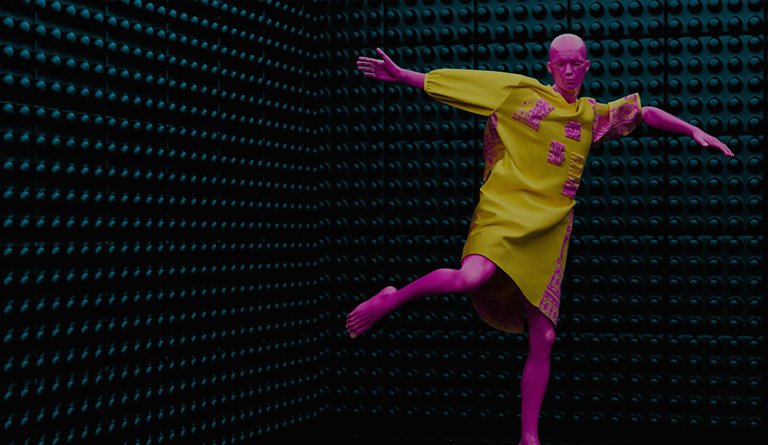
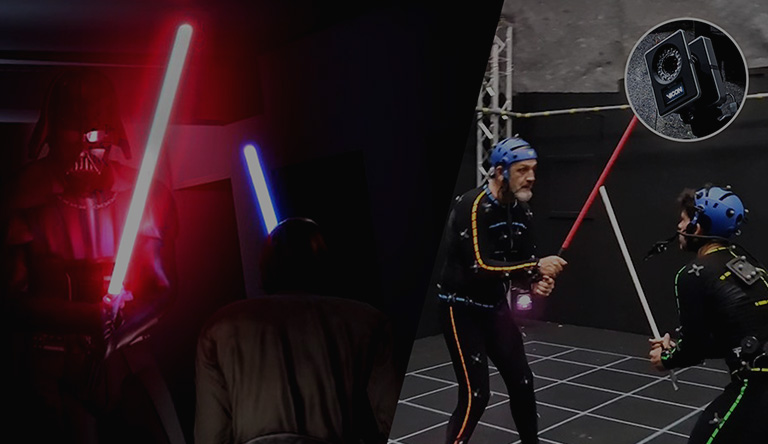
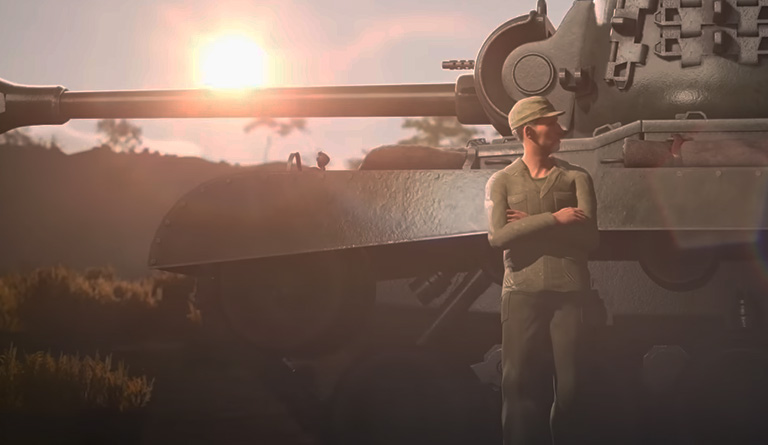
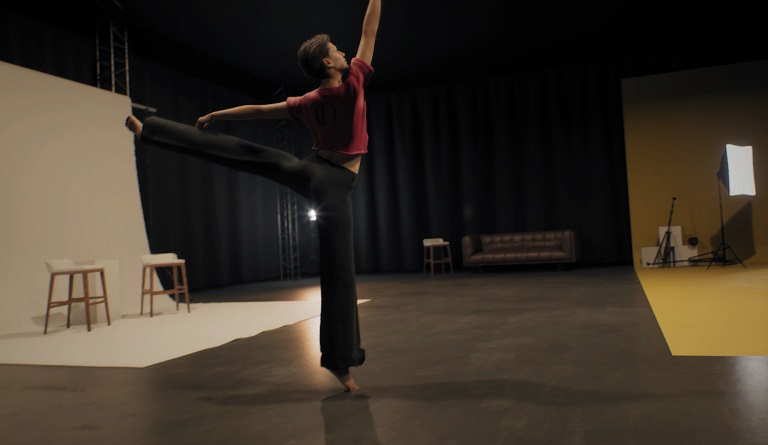
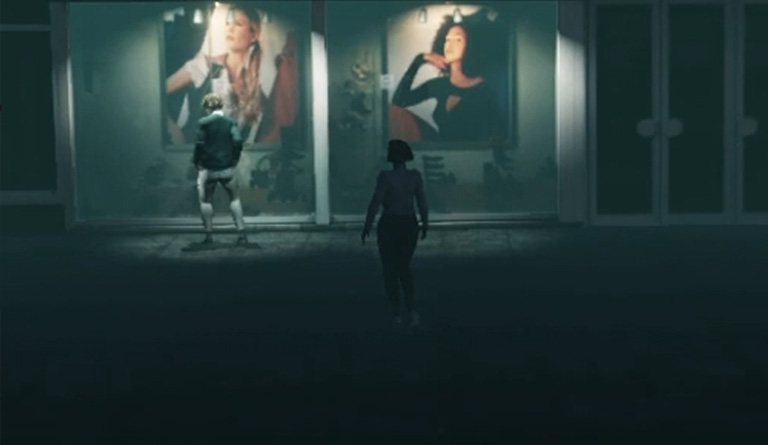
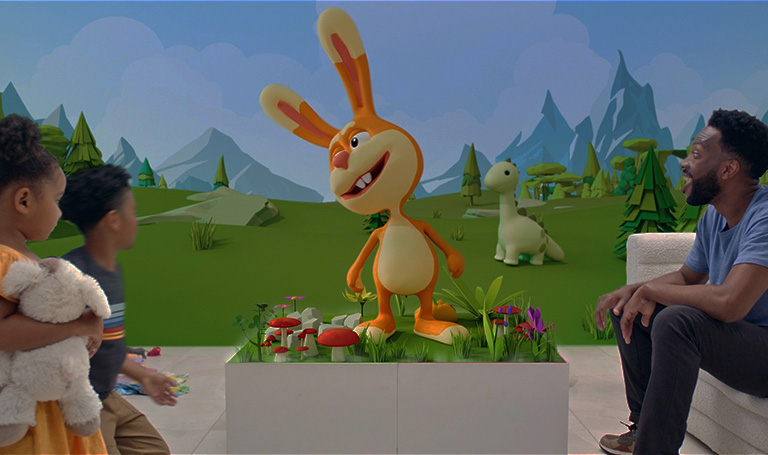
Mocap Animation Success Stories
Feature Comparison
| Category | Features | iClone | MotionBuilder | Maya |
|---|---|---|---|---|
| LICENSE | License | $599 Perpetual | $1,950 per Year | $1,750 per Year |
| MOTION INPUT | Motion Import | - Motions in industry-standard formats can be quickly applied onto the characters via simple drag and drop. - The same motion can be applied to different body types (auto-retargeting). |
- Animation track must be created for the character in order to apply imported motion. - Applying the same motion to similar body types is simple. Applying to different body types requires manual retargeting. |
- Motions in industry-standard formats can be quickly applied onto the characters via simple drag and drop. - Applying the same motion to similar body types is simple. Applying to different body types requires manual retargeting. |
| Motion Capture (Live Performance) |
- Mocap Devices*: a) Body & Hands: Xsens, Rokoko, Perception Neuron, OptiTrack, Qualisys, Vicon, Rokoko Smartgloves, Leap Motion b) Face: iPhone, Faceware - AI-to-Motion: DeepMotion, PixCap, Plask, RADiCAL, Rokoko Video, Move.ai *Motion LIVE for iClone connects motion data streams to simultaneously animate 3D character faces, hands and bodies. |
Xsens, Rokoko, Perception Neuron, OptiTrack, Qualisys | Xsens, Rokoko, Perception Neuron, OptiTrack, Qualisys | |
| MOTION OUTPUT | Motion Export | FBX, USD | FBX, BVH (FBX/ BVH/ HTR/ TRC/ ASF/ AMC/ C3D) |
FBX |
| For Target Application |
- Round-trip Editing with MotionBuilder & Maya - Optimized for Blender, Unreal, Unity |
Not optimized. (FBX/ BVH/ HTR/ TRC/ ASF/ AMC/ C3D) |
- | |
| Live Link | Live Link to Unreal, Omniverse | - | Live Link to Unreal, Omniverse | |
| MOTION ASSETS | Motion Library | Thousands of ready-to-use premium mocap motions available on Reallusion ActorCore & Content Store | - | - |
| CLIP EDITING | Motion Auto Alignment | ✓ Position + Rotation |
✓ Position only. |
- |
| Motion Clip Blending | ✓ | ✓ | ✓ | |
| Motion Clip Transition Curve | ✓ | ✓ | ✓ Default transition style only. |
|
| Motion Clip Time Warp | ✓ Visualized Presets & Custom Curve |
✓ | ✓ Custom curves only. |
|
| Motion Direction Control | ✓ | ✓ | ✓ Requires many steps. |
|
| Mirror Clip | ✓ One-click |
✓ Requires many steps. |
- | |
| Hand Gesture Editing | ✓ Highly Manageable with Puppet / Library / Layer Editing |
✓ | ✓ | |
| Loop Auto Extend Animation | ✓ Clip Loop covers Position + Rotation |
✓ | ✓ | |
| Reverse Animation | ✓ | ✓ | ✓ Complicated procedure. |
|
| Motion Layer Editing | ✓ |
✓ |
✓ | |
| Root Motion | ✓ |
✓ |
✓ | |
| POSE EDITING | Rotoscoping Pose-to-Pose | ✓ | ✓ | ✓ |
| Animation Layer Editor | ✓ | ✓ | ✓ | |
| Pose Mixer | ✓ Visualized UI |
✓ | - | |
| End Effector Editing | ✓ HIK |
✓ HIK |
✓ HIK / Custom rigs. |
|
| IK/FK Switch | ✓ HIK |
✓ HIK |
✓ HIK |
|
| IK/FK Switch with Seamless Transition | ✓ HIK |
✓ HIK |
✓ HIK |
|
| Stable Limbs Pin Control | ✓ HIK |
✓ HIK |
✓ HIK |
|
| Curve Editing | ✓ | ✓ | ✓ | |
| CONSTRAINT STABILIZATION | Auto Feet / Hand Stabilization | ✓ One-click |
- | - |
| Footstep & Handprint System | ✓ One-click |
- | - | |
| Reach Constraints (Object Interaction) | ✓ One-click |
✓ Using parent constraints on a custom rig. |
✓ Using parent constraints on a custom rig. |
|
| Reach Constraints (Self and Mutual Interaction) | ✓ One-click |
✓ Using parent constraints on a custom rig. |
✓ Using parent constraints on a custom rig. |
|
| Look-at Constraints (Eye / Head / Body) | ✓ One-click |
- Custom rig is required. |
- Custom rig is required. |
|
| Look-at Constraints with Brow Expression | ✓ One-click |
- Custom rig is required. |
- Custom rig is required. |
|
| Link / Unlink-Constraint | ✓ One-click |
✓ Transitions can be set with weight keys. |
✓ Transitions can be set with weight keys. |
|
| ACTOR CHARACTERIZATION | Actor Characterize | ✓ iClone + Character Creator |
✓ | ✓ |
| OTHER FEATURES | Motion Mixer | - | ✓ | ✓ |
| Motion Trajectory | - | ✓ | ✓ | |
| Custom Control Rig | - | - | ✓ | |
| Scripting | Python | Python | Python/ Mel | |
| Bake Constraint | ✓ | ✓ | ✓ | |
| Facial Rig and Animation | ✓ | ✓ | ✓ | |
| Morph Animtion | ✓ | ✓ | ✓ | |
| Lipsync | ✓ | - | - | |
| Physics | ✓ | ✓ | ✓ | |
| Alembic | ✓ | - | ✓ | |