|
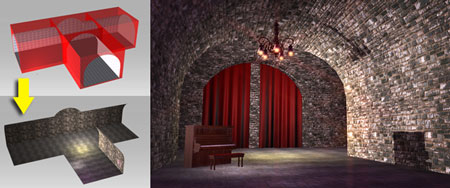
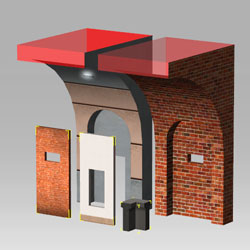
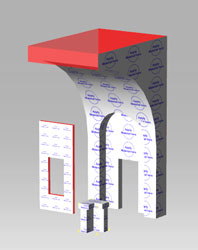
| We provide two types of objects with different UV in Hallway, Tunnel, and Rooftop. They are as below |
| |
| Combo A |
Combo B |
 |
 |
| Each wall has independent drawing space.
Suitable for users who want to draw on the walls. |
These walls use tiling texture.
Suitable for users who want to change the materials by loading different material balls.
• More packs on Material Balls |
|
| A.Draw pictures on the wall |
|
| |
|
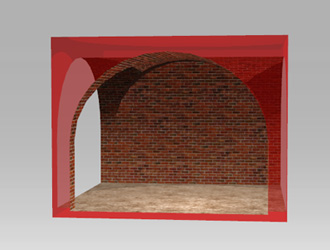
| A-1 |
Load a Combo A object |
| |
 |
| |
|
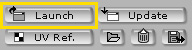
| A-2 |
Launch the texture in your preset 2D software |
| |
 |
| |
|
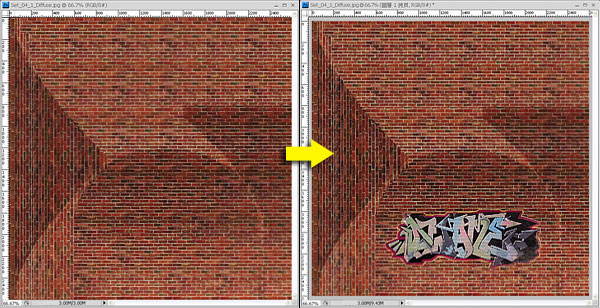
| A-3 |
Draw or paste an image on the texture and then save. |
| |
 |
| |
|
| A-4 |
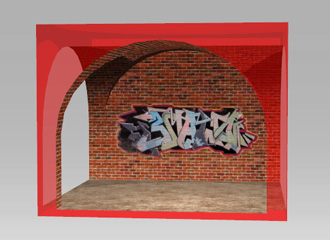
Go back to iClone and click Update. You can see the result. |
| |
|
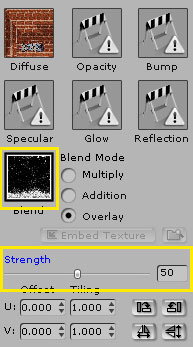
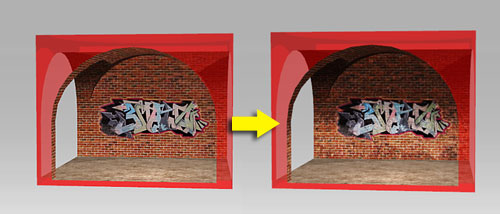
| • If you want the scene to seem aged, you can load a Blend Map for the objects to make the aged effect. |
|
| |
| B.Change Material using Material Balls |
| |
|
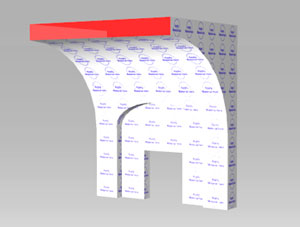
| B-1 |
Load a Combo B object |
| |
 |
| |
|
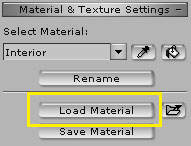
| B-2 |
Load the materials that you want |
| |
 |
| |
|
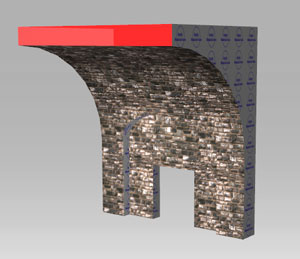
| B-3 |
You can see the result now |
| |
 |
| |
|
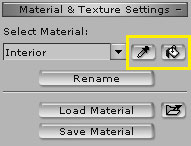
| • You Can create a Scene with Combo B objects and use the 'Paint' function to change the material at once. |
|
|
|