| B.Create a Scene |
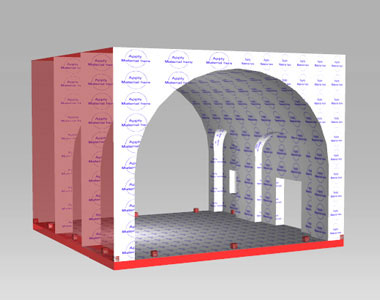
| Besides the 4 sets that we made for you, you can also use the steps above to create a scene that you want |
| |
|
| B-1 |
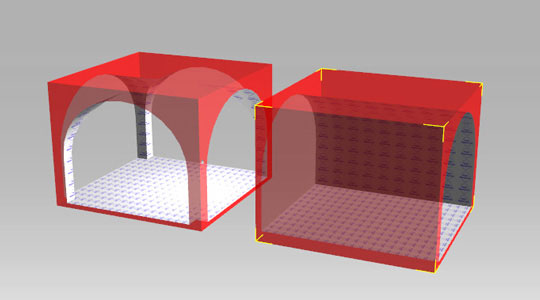
Load the object into the scene |
| |
 |
| |
|
| B-2 |
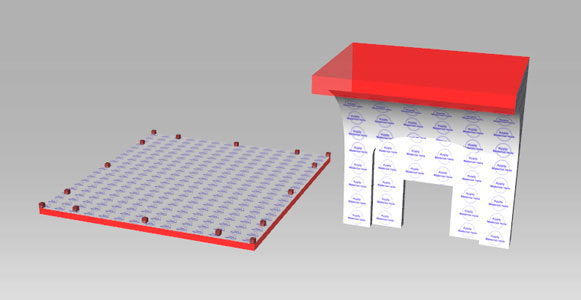
You can use two ways below to combine the objects. |
| |
|
| 1. |
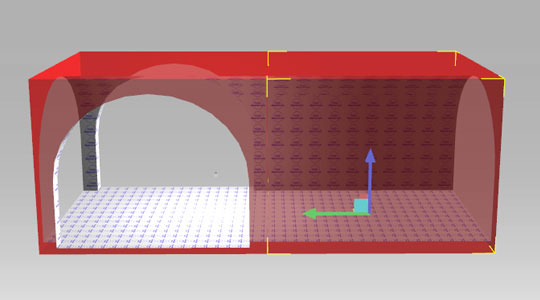
Choose the object and drag it to the right location using Transform Gizmo (Hotkey ctrl+Q) |
| |
 |
| |
|
| 2. |
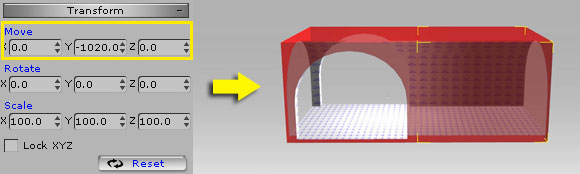
Input the (x,y,z) value of the object to move it to the right location.
|
| |
Below is some values of various objects for your reference. |
| |
 |
| |
|
| B-3 |
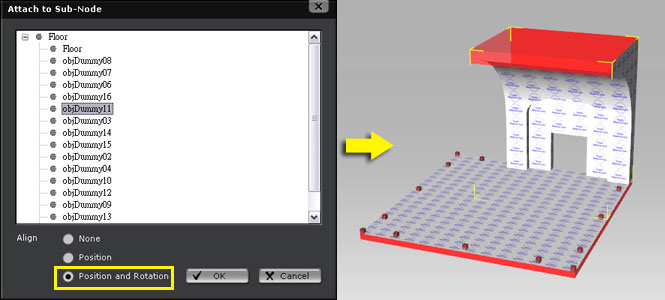
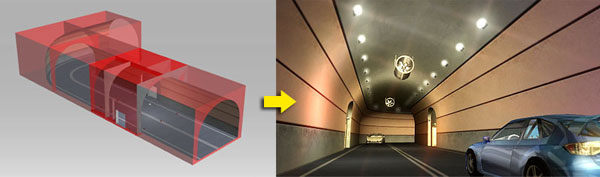
You have combined the objects! |
| |
 |
| |
|