

FEATURE
Headshot Morph 1000+ established itself as the world's most comprehensive facial morph system, built to achieve the professional detail of 3D human models. Headshot Morph 1400+ builds on this with greater benefits for Headshot 3, adding new preset sliders for more precise facial construction, enhanced sculpt morphs for intuitive post-adjustment, and optimized for CC5 HD workflow.
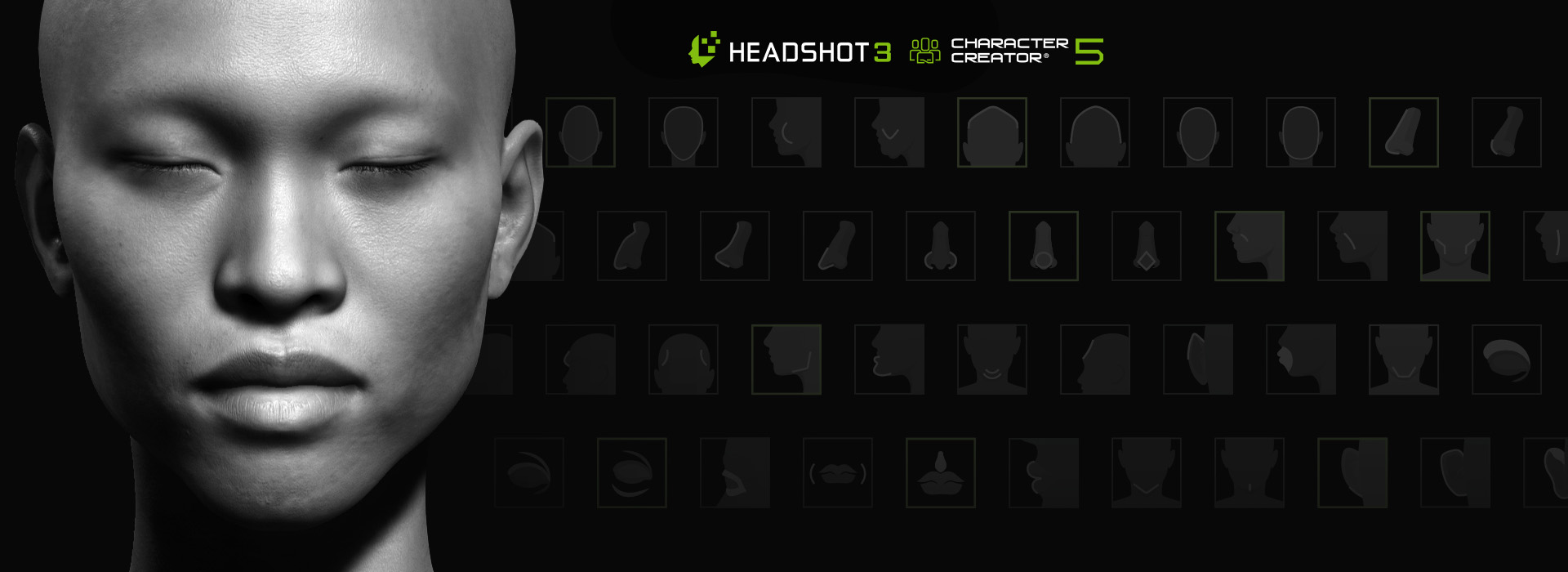
Users gain full control over every possible facial shape, enabling precise source image alignment and faithful recreation of human facial variety across all ethnicities. All morphs are logically organized with visual icons and intuitive naming, and the search function locates any morph in seconds.
Global
Setting up the Head Shape
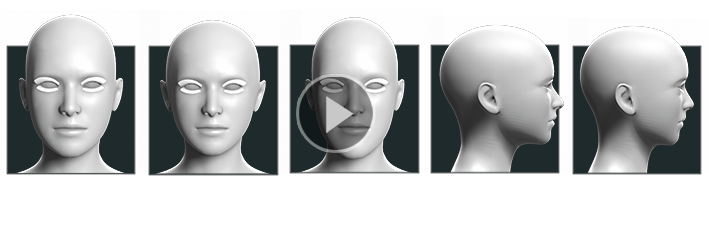
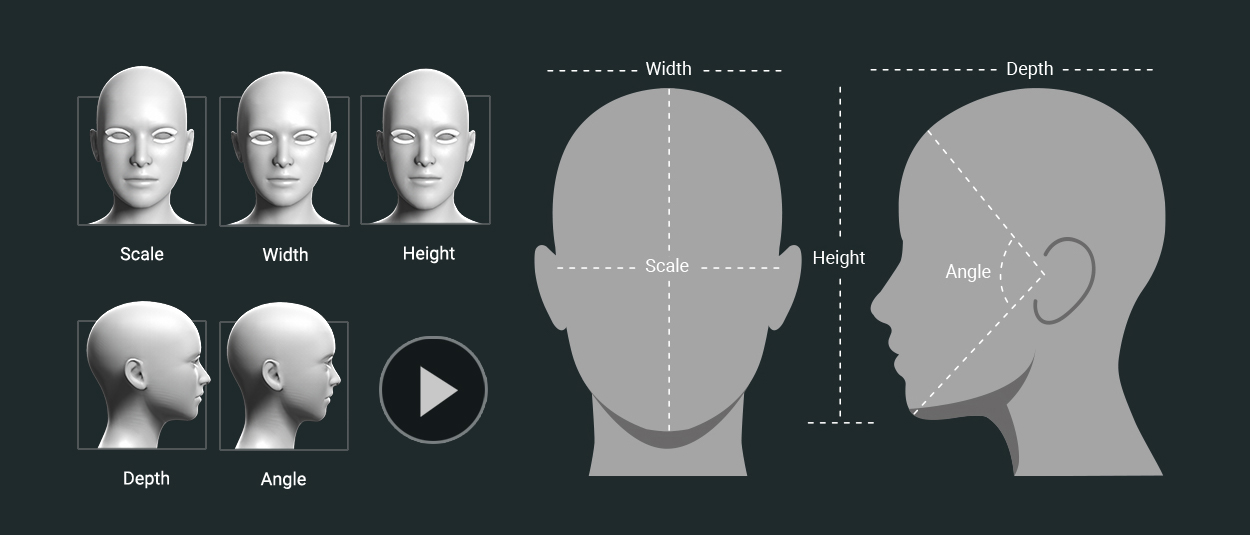
The all-around head scale and shape determines the main structure and personality of a person’s face. You can define its relative shape by individually adjusting the height, width, depth and angle.
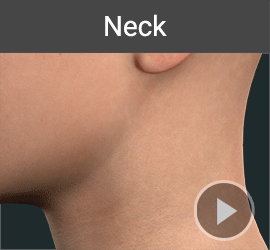
FEATURES
Creating Exquisite Details
The largest amount of facial morphs are dedicated to the most important and distinguishing facial parts: Eyes, nose, mouth, eyebrows and teeth. Headshot Morph 1000+ allows the adjustment of even the smallest details such as a single tooth to enhance the uniqueness of your character's face.
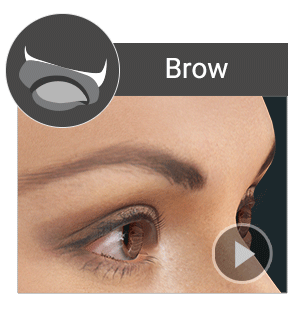
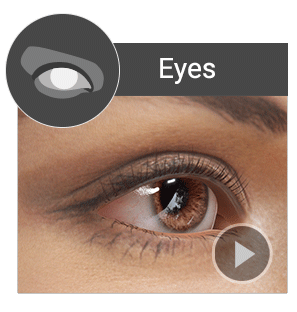
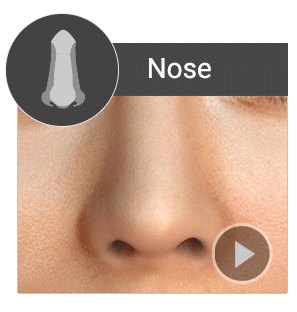
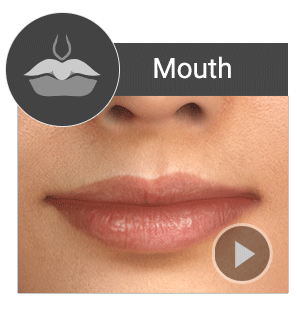
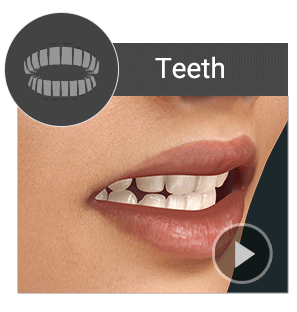
HIGHLIGHT FACIAL CHARACTERISTICS
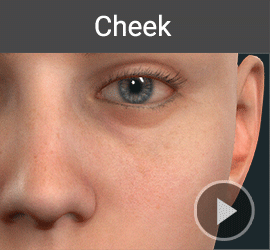
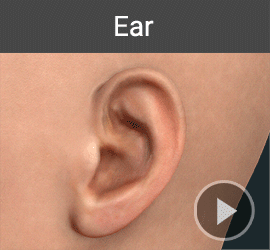
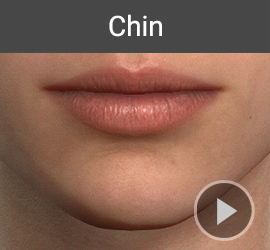
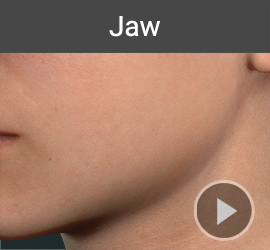
To increase the precision of 3D head construction, facial feature presets can be used to enhance depth and capture subtle traits that may not be fully inferred from front-facing images alone. The system includes 58 presets organized by major facial zones, each applied as an adjustable slider, allowing users to easily revisit and fine-tune settings at any time in the "Currently Used" panel.
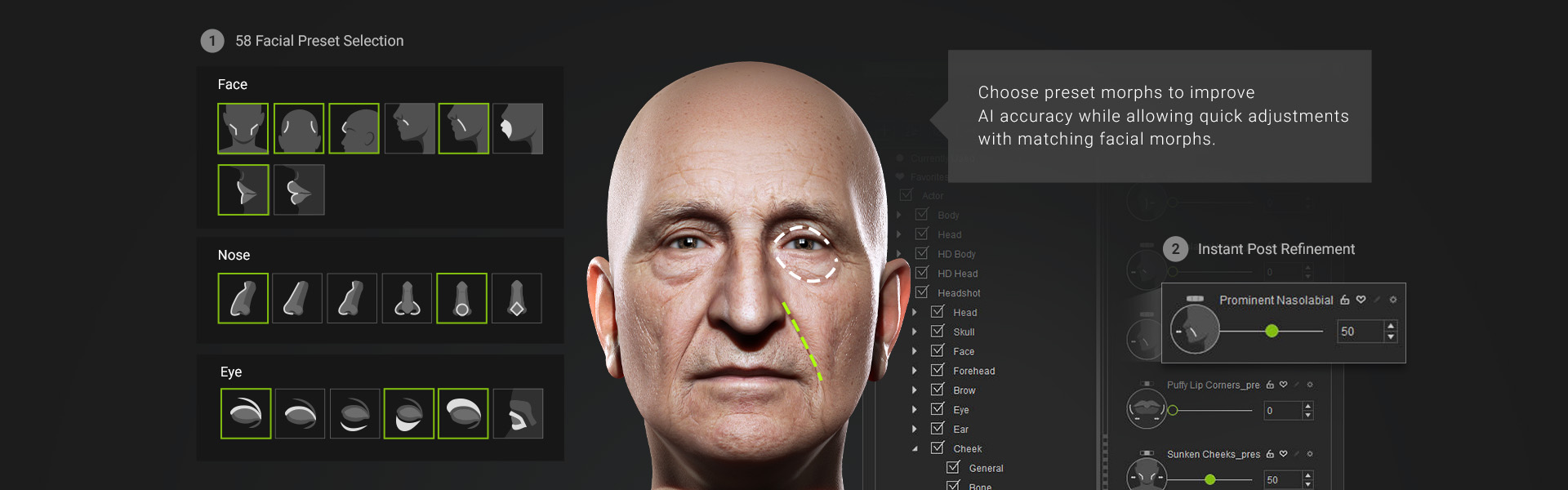
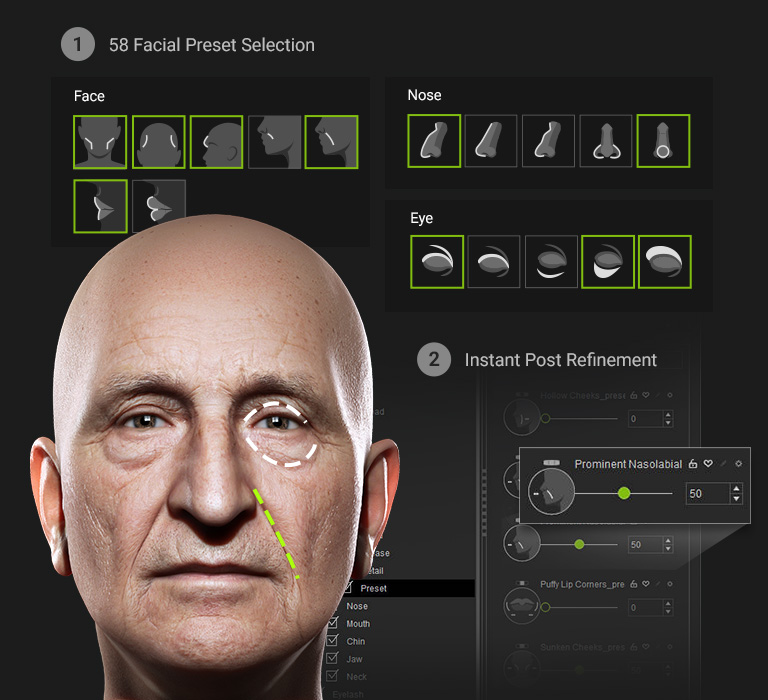
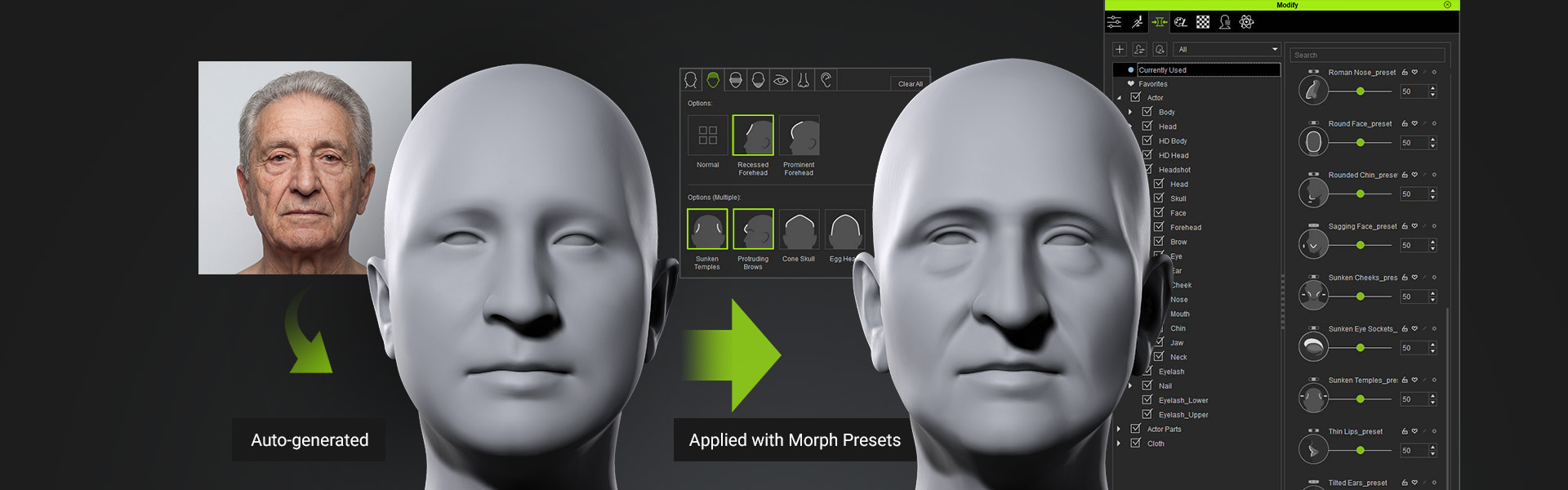
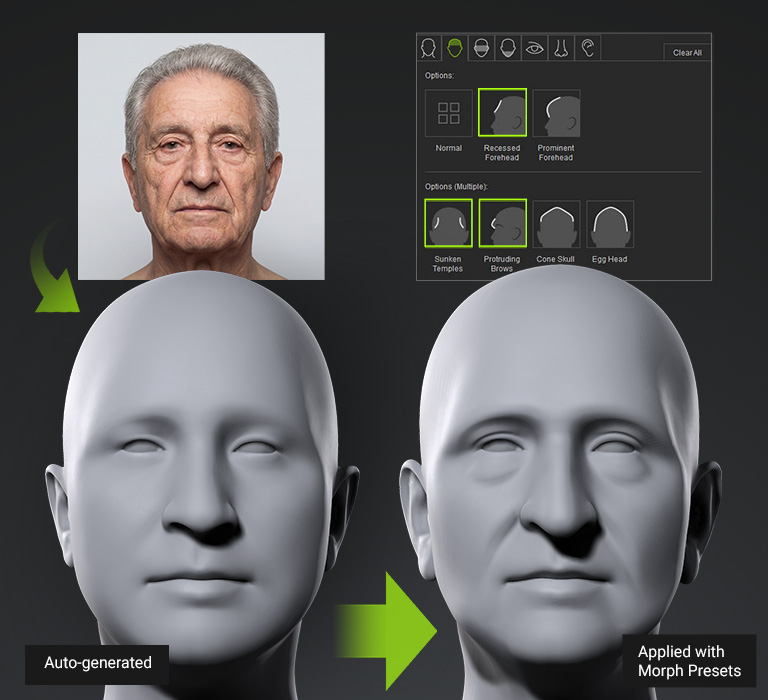
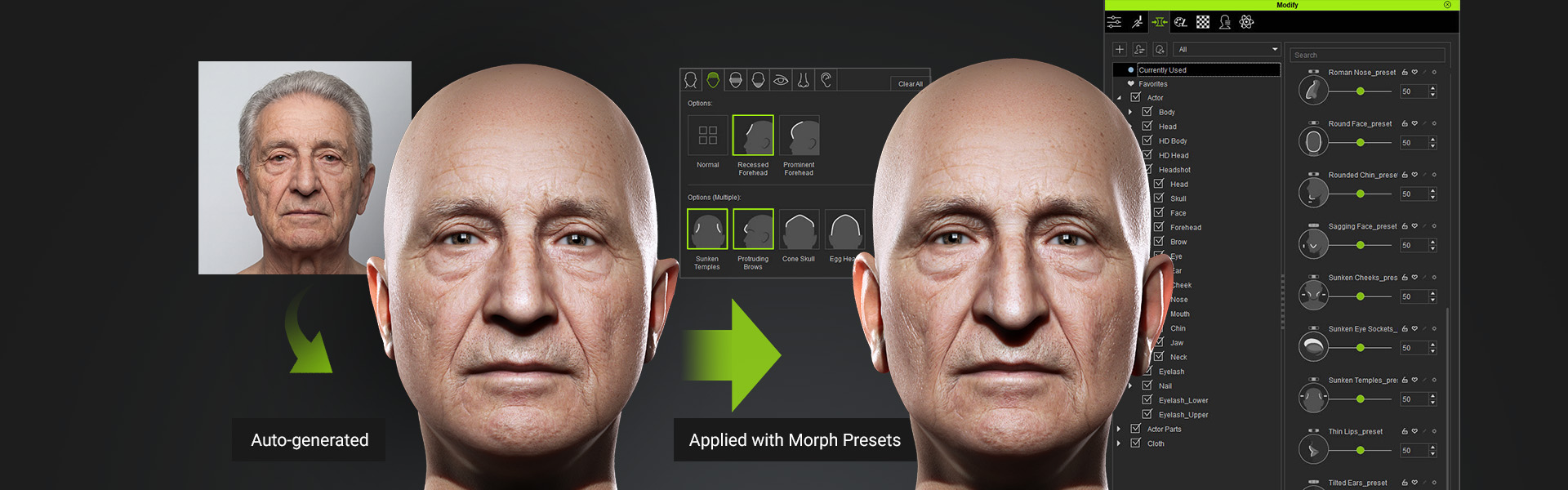
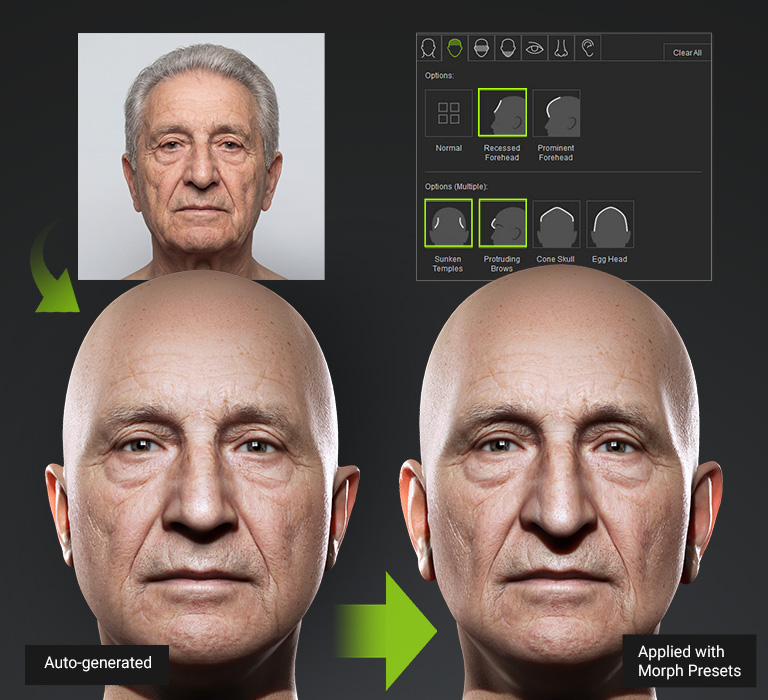
ENHANCE AI GENERATION WITH DEPTH DATA AND SHAPE GUIDANCE
Discover how preset morphs enhance generated results and streamline post-editing.
Hover over the images below to preview animations, or watch the full video demonstration.

SCULPT & SHAPE FACE WITH EASE
Sculpt any area of the face directly on-screen without the need to locate specific sliders. This intuitive 3D sculpt morph system allows you to hover over a control region and adjust the mesh shape using directional mouse movements. It can automatically switches between front and side morphs based on the character's perspective. Based on Headshot Morph 1000+, controls span six levels of detail — from overall head contour down to individual features.
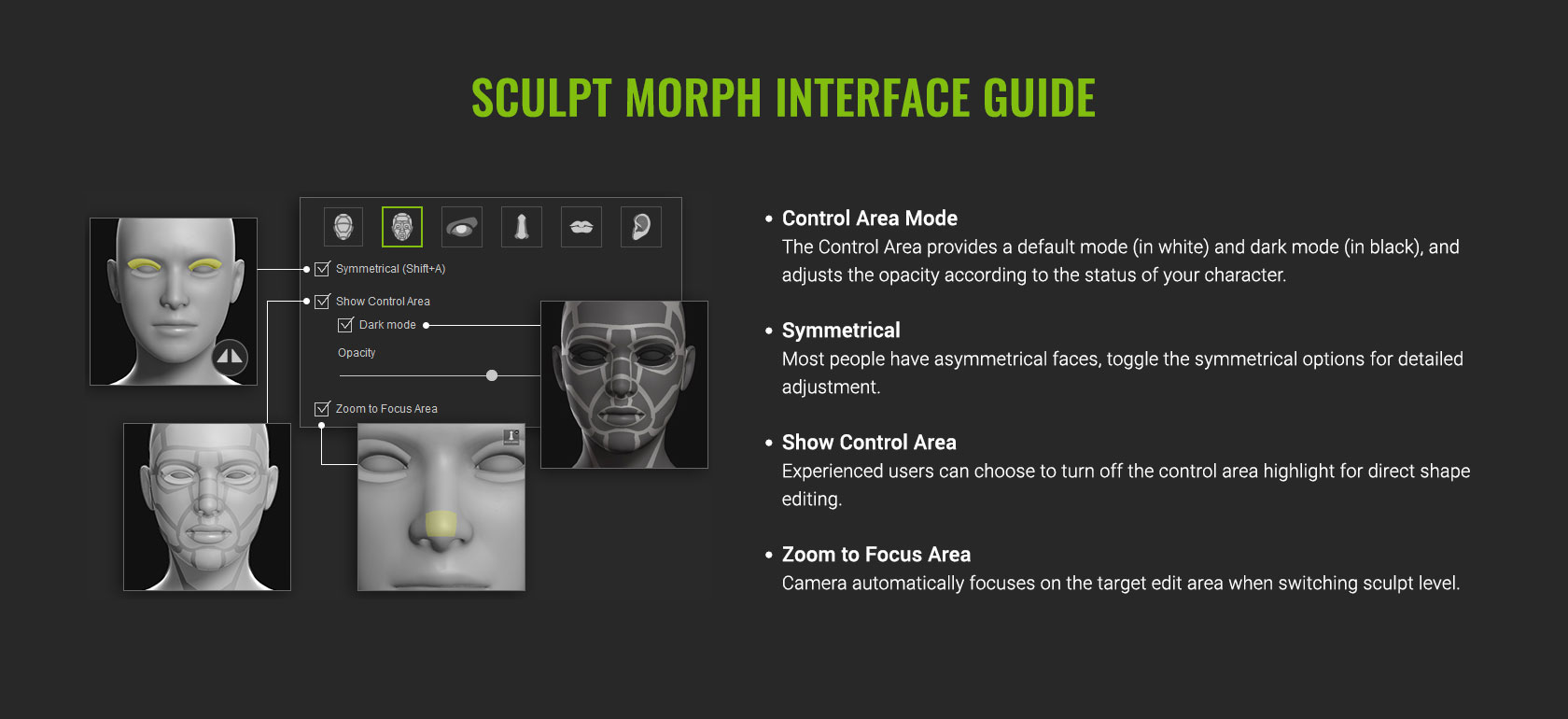 Sculpt Morph UI Overview
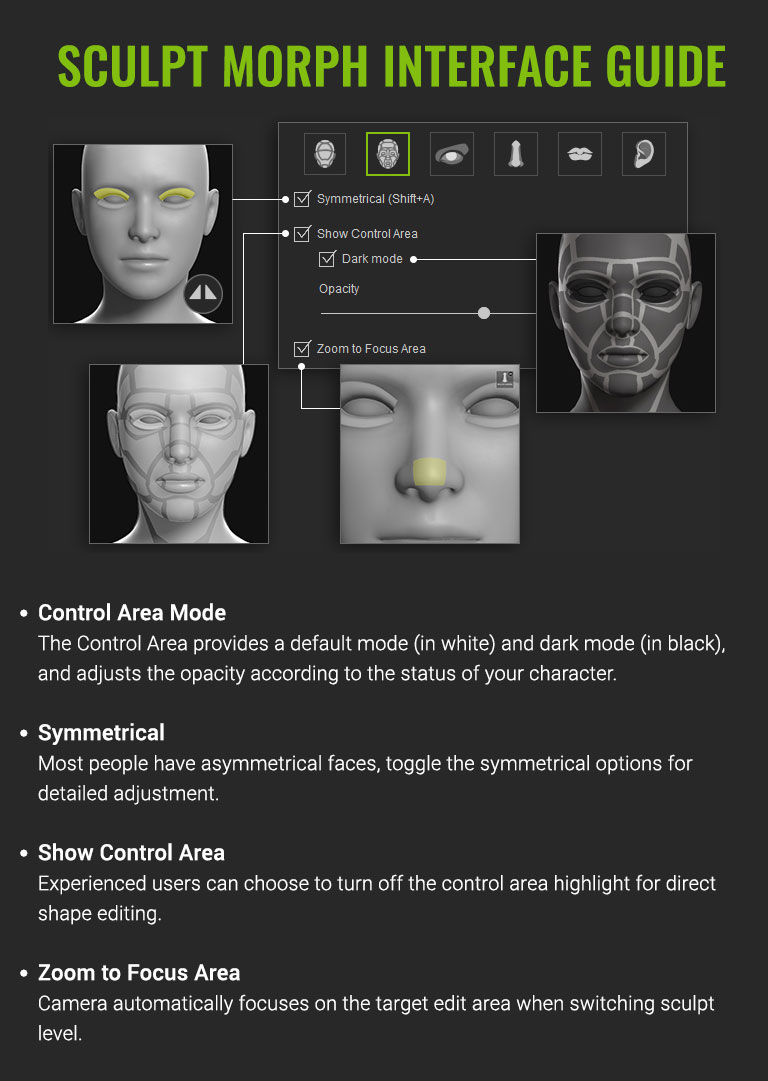 Sculpt Morph UI Overview
Coherent Morph Slider Arrangement
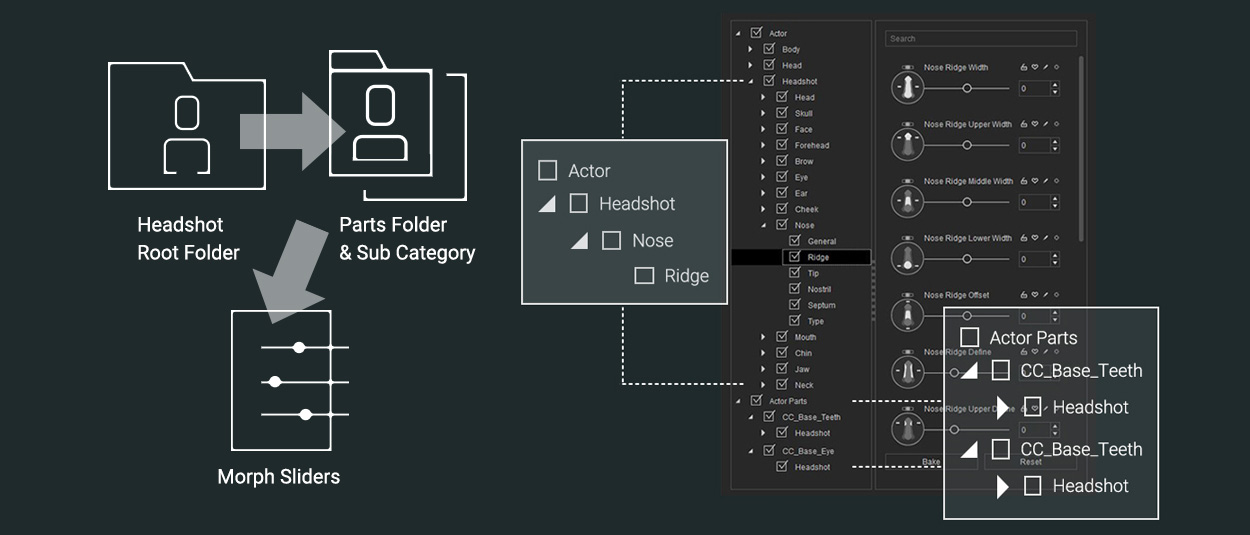
Headshot Folder Structures
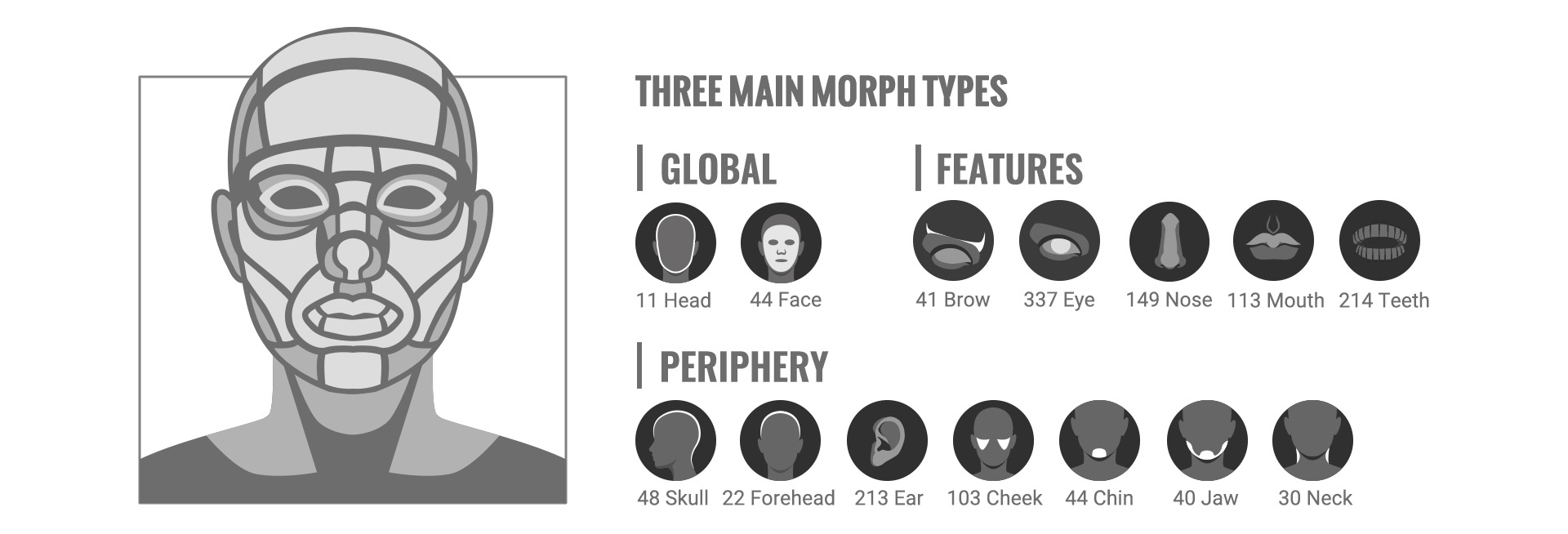
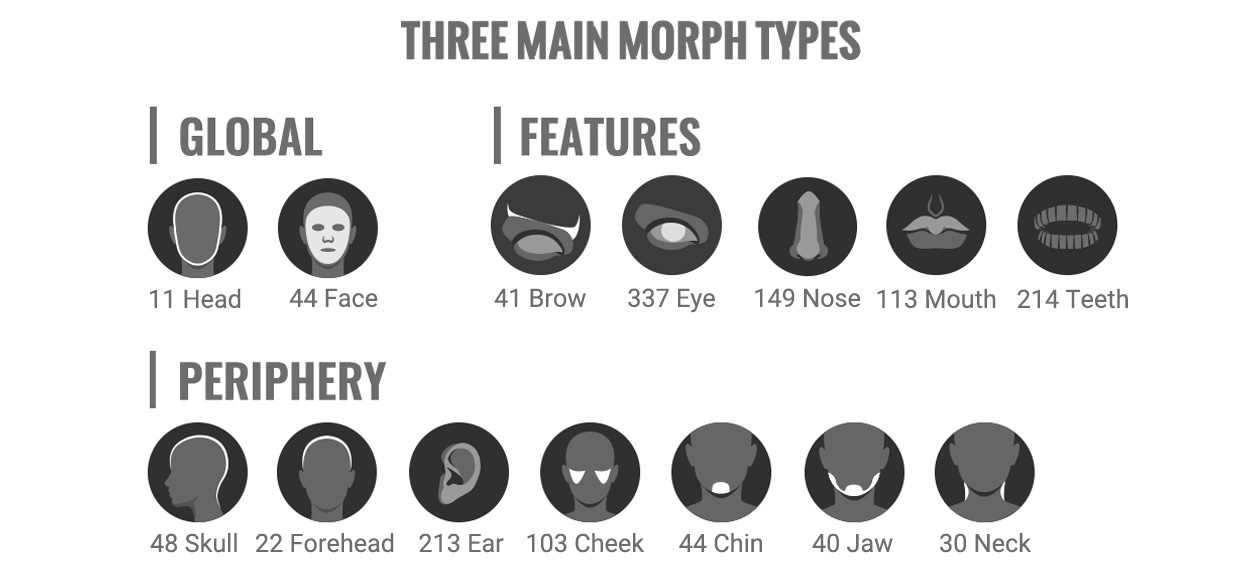
All facial morphs in Headshot Morph 1000+ are separated in 3 main folders. The folders take a top-down approach and guide you from the more general to the most detailed morph sliders for individual features.
INTUITIVE MORPH ORDER
The morph folder structure is arranged by mimicking the logic of character modeling: Start with the general morphs to adjust broad areas and go further down to the Details and Parts Morphs to edit the smallest features for each facial part.
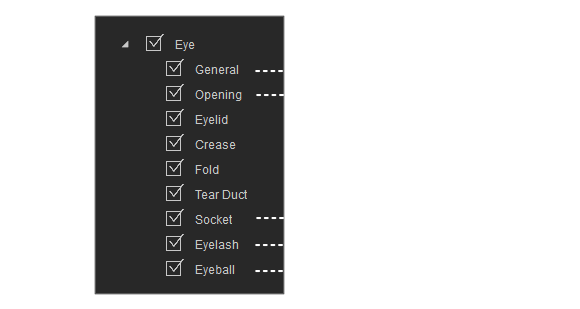
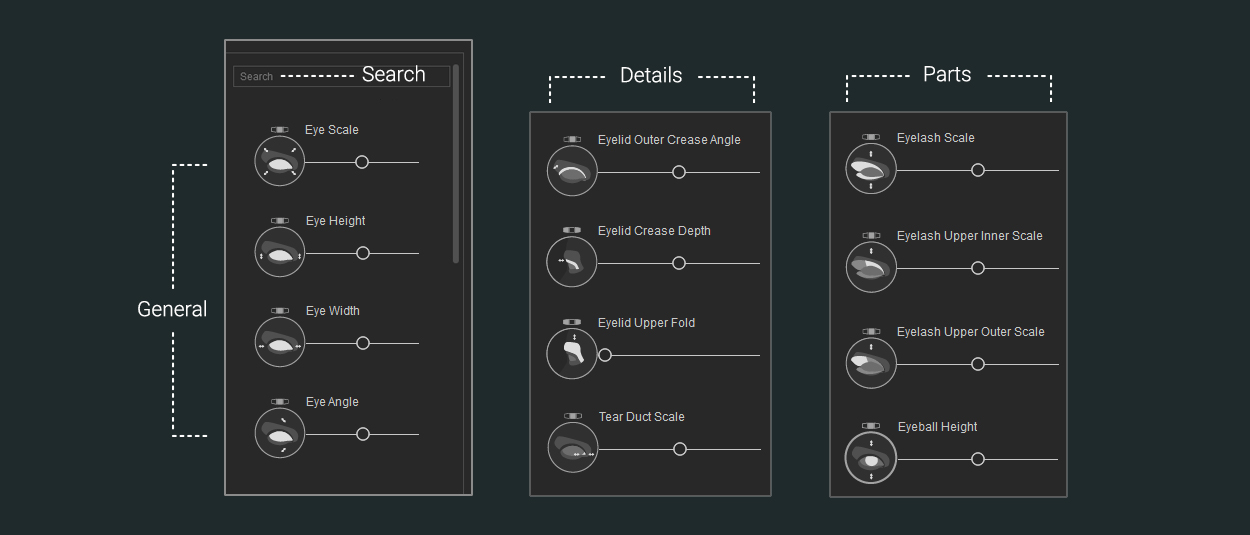
Front and Side Morphs
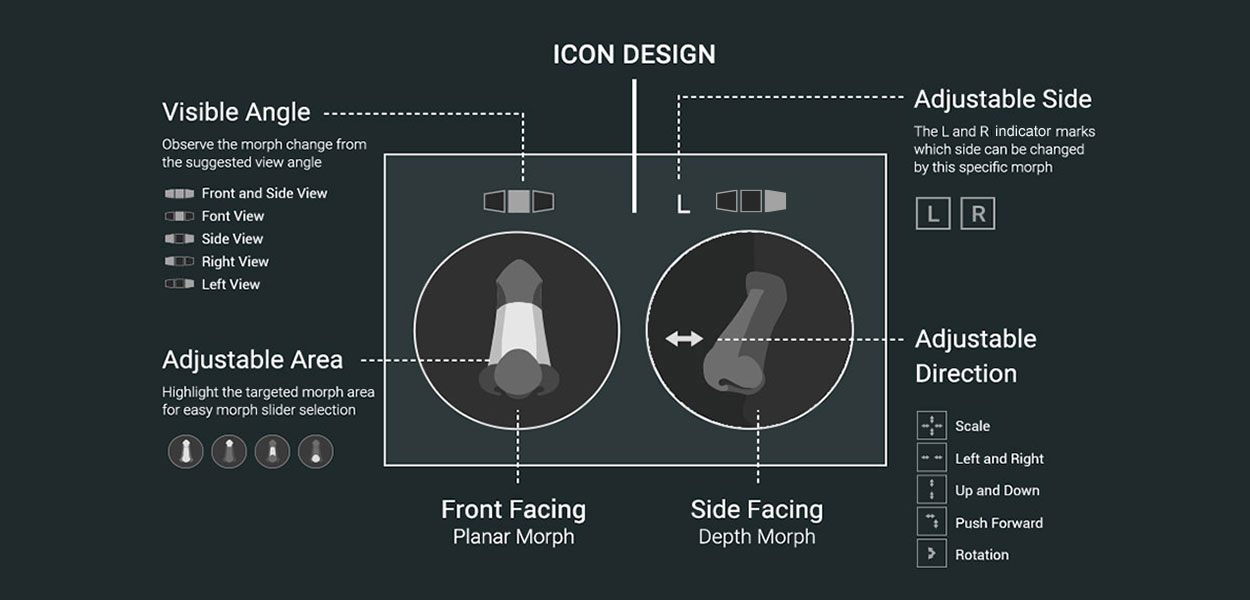
Thanks to the different visual icons for each morph, you can easily determine their facing, effective area, adjustable direction and angle visibility. For asymmetrical adjustment, the L or R sign indicates on which side the adjustment takes effect. To isolate the interference between front and side morphs, the planar morphs won’t affect the depth morph, and vice versa.