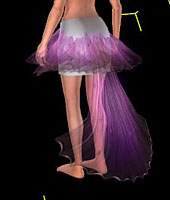
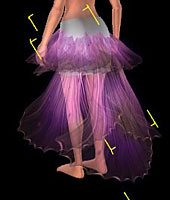
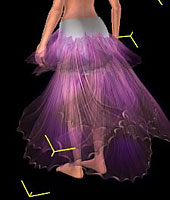
| |
|
|
| |
How to Assemble the Skirts? |
|
| |
|
|
| |
|
|
| |
| |
A. |
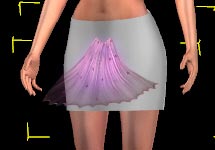
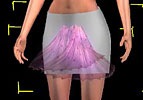
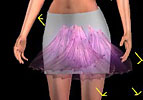
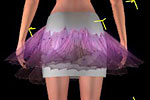
Design the outline of skirt and choose the proper material for the segments. |
| |
B. |
Copy the segments and then place them in the appropriate location. |
| |
C. |
Group the segments and make them become a single Prop. |
| For more details, please follow the step-by-step instructions below. |
|
|
| |
| |
A.Design the outline of skirt and choose the proper material for the segments.. |
|
|
| |
| A-1 |
Design the outline of skirt. |
| |
Design the skirt layer by using the plane skirt segments from Vol.2.
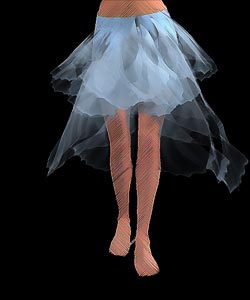 |
| A-2 |
Apply the proper segments according to your outline of the skirt. |
| |
|
|
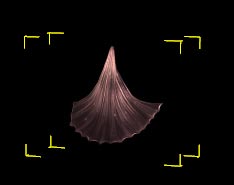
Choose the material for your skirt, such as fin, petal, feather...etc. |
| |
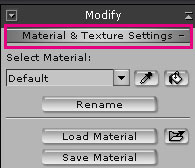
Select the Skirt Segment and use the hotkey Y to switch to Modify/Material & Texture Settings |
| |
|
| |
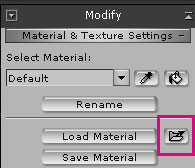
Press the Explore button in Modify/Material & Texture Settings, IC4 will open the Materials Lib folder. |
| |
|
| |
Choose the desired Material. |
| |
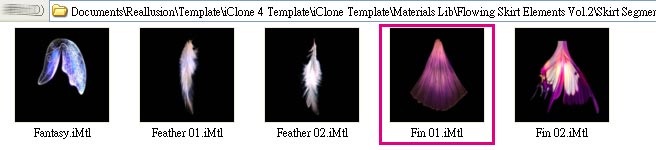 |
|
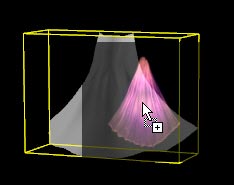
Use the Drag & Drop function to drag the desired material to iClone and assign it to the segment. |
| |
|
|
|
| |
| |
B.Copy the segment and then place them to the appropriate location. |
|
|
| |
| B-1 |
Move the segment to the appropriate position. |
| |
|
| B-2 |
Switch to Move/Rotate mode. |
| |
|
| |
Hold down the Ctrl key, and then move/rotate the segment. Upon the release of the Mouse key, the segment will be duplicated. Keep doing this until the skirt is complete. |
| |
|
|
|
| |
| |
C.Group the segments and make them become a single Prop.. |
|
|
| |
| C-1 |
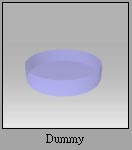
Apply Dummy.iProp and move it to the appropriate position. |
| |
|
| |
Tip. If you can not see the Dummy Tool, please make sure that Dummy Object is checked in Preference/Display Information/Dummy Object. |
| C-2 |
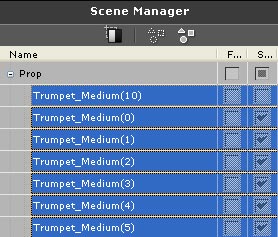
Choose all the segments from the Scene Manager. |
| |
|
|
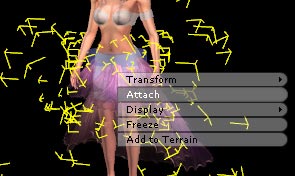
Right click to execute Attach and click on the Dummy to attach all the segments to the Dummy. |
| |
|
| C-4 |
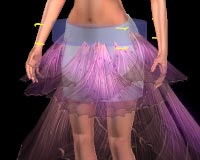
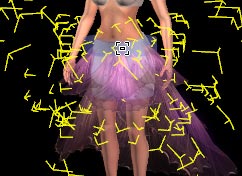
You can operate on the Dummy to move, scale, rotate, and save the whole skirt.(This Pack also provides Assembled Skirts & Wings).
You can also assemble the wings following the step-by-step instructions above. |
|
|