|
|
|
| How to Change the Body Shape? |
|
| How it works: |
| A |
Enter Character Composer Mode. |
| B |
Adjust the aspect ratio of body parts. |
|
| For more details, please follow the step-by-step instructions below. |
|
|
|
| A. Enter Character Composer Mode. |
| A-1 |
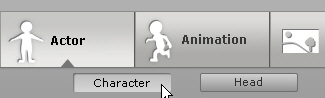
Apply any Actor in Actor/Character. |
| |
|
| A-2 |
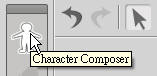
Click Character Composer. |
| |
 |
|
|
|
| B. Adjust the aspect ratio of body parts. |
|
| B-1 |
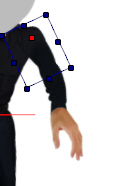
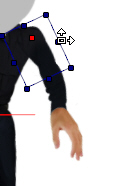
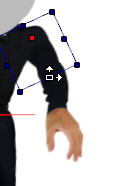
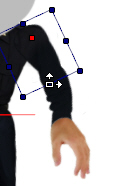
Select the body parts and drag it to adjust aspect ratio as below. |
| |
 |
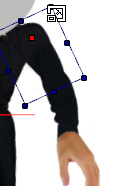 |
| a. You can scale it proportionally, when the cursor is on the corner of the active object. |
|
 |
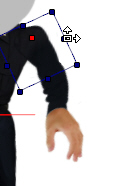 |
| b. You can scale the width when the cursor is on the side border of the active object. |
|
 |
 |
| c. You can scale the length when the cursor is on the top or bottom border of the active object. |
|
|
| |
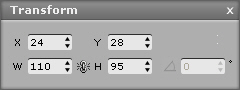
Tip. You can also type in value in Transform Editing. |
| |
|
| B-2 |
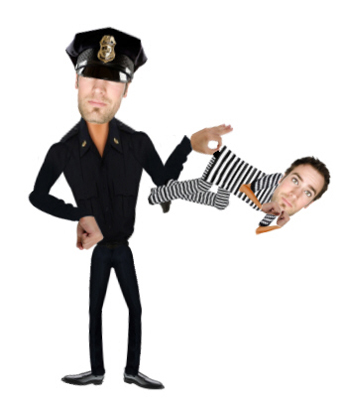
It's done! |
| |
 |
| |
| |
|
|