| B. For advanced users: Face Creator |
| B-1 |
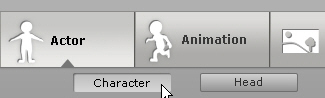
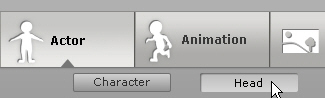
Apply any Actor in Actor/Character. |
| |
|
| B-2 |
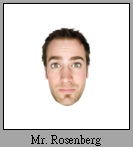
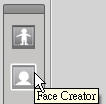
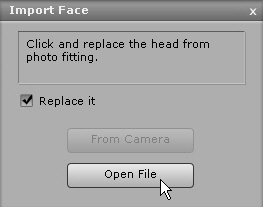
Click the Face Creator button, and select the image that you want. |
| |
|
| B-3 |
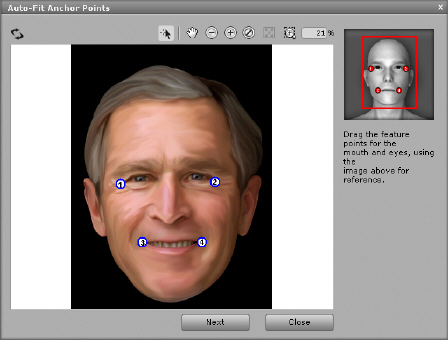
Follow the step-by-step description in the Image Processing to finish it. |
| |
 |
| |
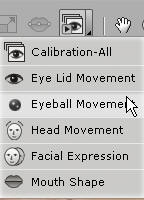
Tip. You can check the finished result by Face Calibration in Face Fitting. |
| |
 |
| B-4 |
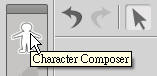
If you want to continue adjusting the Feature Point on Face, you can click Character Composer. After entering the Character Composer Mode, you can click Face Fitting to continue. |
| |
|
| |
 |
| |
|