|
|
|
| How to apply effects to characters? |
|
| You can apply effects/props to create lots of different scenarios. |
|
|
|
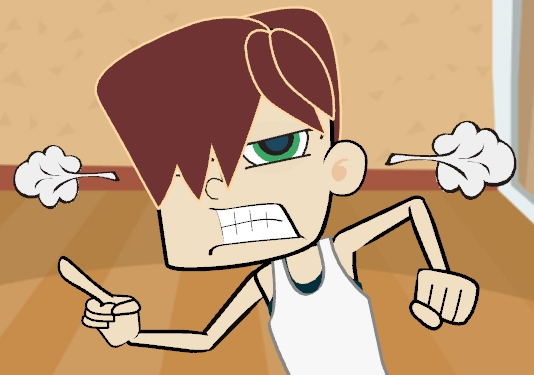
| A. You can copy the effects to create a bilateral prop. |
| |
| A-1 |
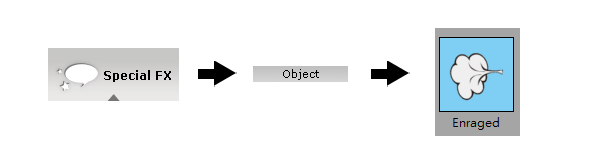
Go to Special FX > Object. Select an effect under the Content Manager and double-click on it. |
| |
|
| |
 |
| A-2 |
Click 'Duplicate' and 'Flip' to create a mirroring effect. |
| |
|
| |
 |
| A-3 |
Done. You can easily drag a character to use the effects with. |
| |
|
| |
|
 |
|
|
|
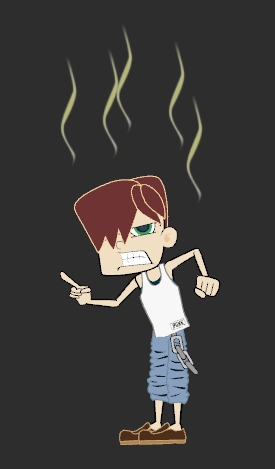
| B. Duplicate several effects to emphasize emotions. |
| |
 |
|
|
|
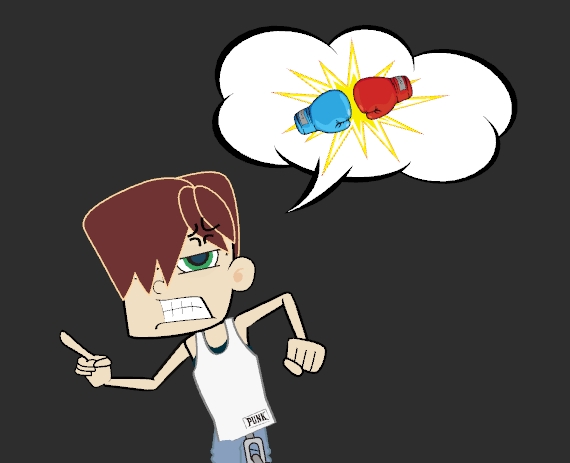
| C. You can also apply an additional effect on a text bubble to create another scenario. |
| |
 |
|
|
| |