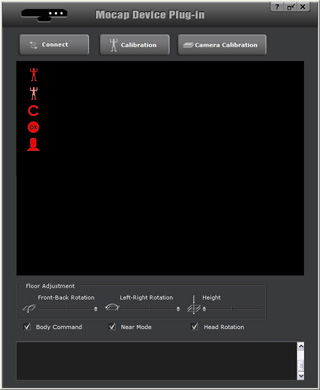
 button to connect the plug-in with your Microsoft's Kinect Sensor, and start
receiving motion data from it.
button to connect the plug-in with your Microsoft's Kinect Sensor, and start
receiving motion data from it.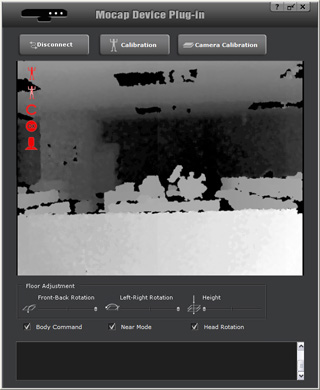
|
|
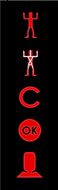
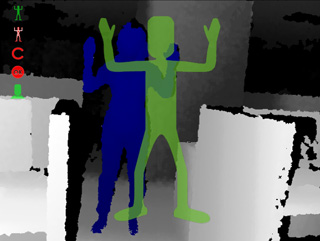
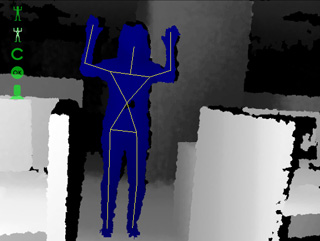
Your body turns bluish or purple as soon as the plug-in detects you. The first icon will turn green. |
|
|
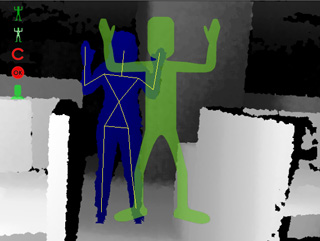
Your body parts are framed up with a bone structure. |
|
Note: Optimize the Skeleton Structure Result |
|
|
|
|
|
|
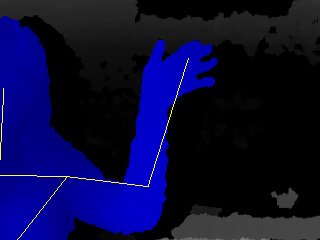
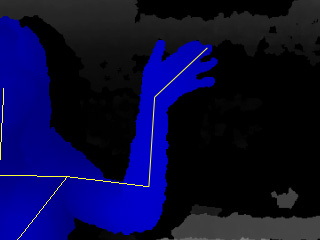
General detection result. |
Wrists and head motions are detected with Microsoft's Kinect Sensor installed on Microsoft Windows 7 or above. |
 button and wait for
the C icon to turn green.
button and wait for
the C icon to turn green.
|
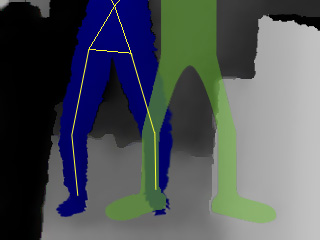
Note: |
|
|
|
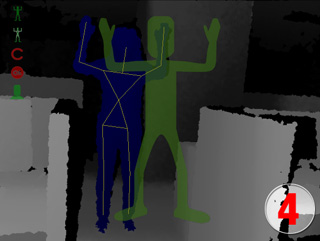
Hold the pose and wait until the end of the countdown. |
|
|
You can now start to move. Your motions will be captured afterwards. |
 or Record
  buttons
of the Mocap Device Console to receive the motion data from this plug-in.
buttons
of the Mocap Device Console to receive the motion data from this plug-in.
|
Note: Optimize the Captured Results |
|
 button on the top-right of the plug-in,
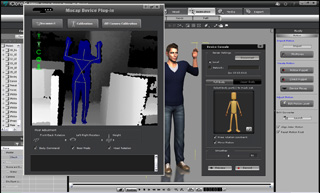
you may use the mini view port of the plug-in for better view and control in iClone.
button on the top-right of the plug-in,
you may use the mini view port of the plug-in for better view and control in iClone.