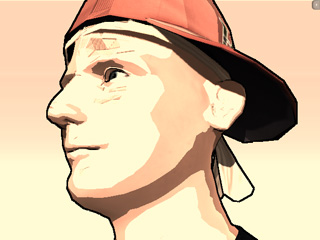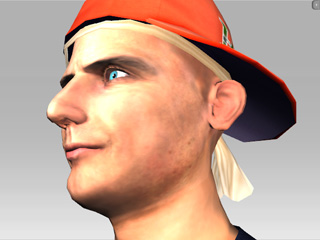
Before Toon Shader applied
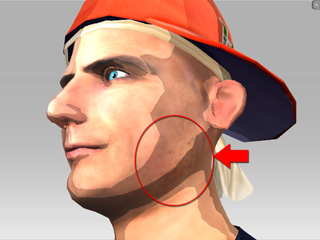
Toon Shader applied
(Diffuse map causes the face to look dirty)
By using the Toon Shader feature, you may cartoonize your 3D project to create visual impacts; especially for characters. In addition to the feature, you may also combine the use of Effects to strengthen the cartoon feeling or weaken the noise caused by the texture once you use the Toon Shader effect.
If you want to create cartoon-like characters, then the texture of the character's skin or clothes may cause the results to look like birth marks or dirt. The textures of the character thus need some modification in order to optimize the cartoon result.
|
|
|
|
Before Toon Shader applied |
Toon Shader applied |
Please follow the steps below to modify this situation.
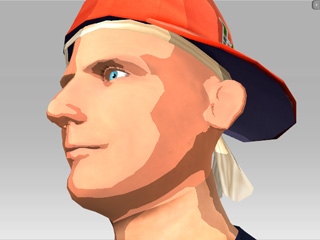
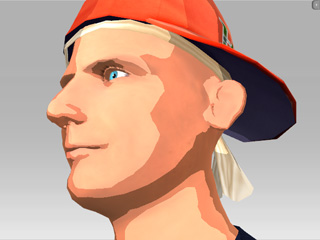
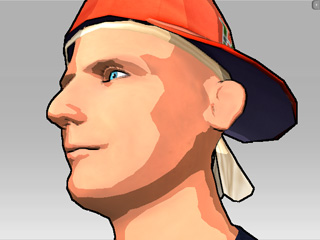
Once you have applied the Toon Shader, you may need some more adjustments or you may need to add Effects to strengthen the cartoon feeling.
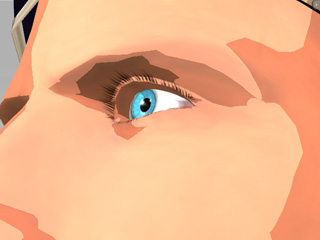
|
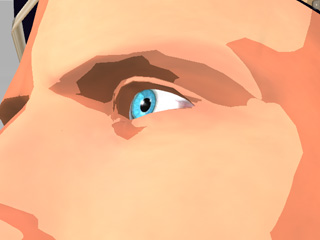
|
|
Eyelash = On |
Eyelash = Off |
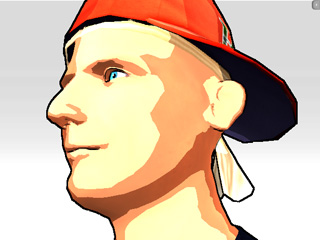
|
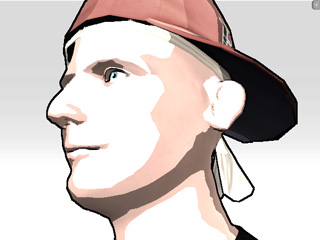
|
|
Brightness = 13 Contrast = 20 Grayscale = 0 |
Brightness = 13 Contrast = 20 Grayscale = 15 |
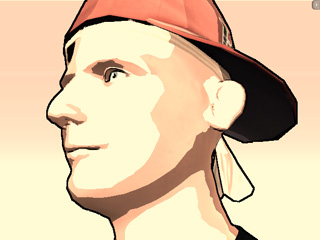
|
|
Red Filter = 10 Green Filter = 6 Blue Filter = 3 (Simulate an old film effect) |
|
Note: |
|