| |
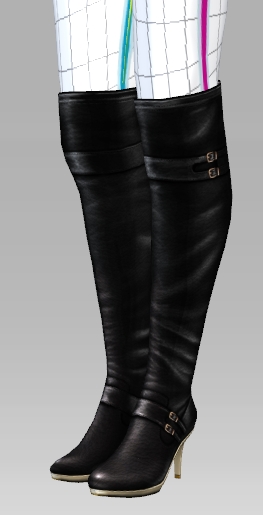
| For characters that has CloneCloth on their feet such as Gwynn_Lower_Tight, when wearing shoes, the problem below will occur. |
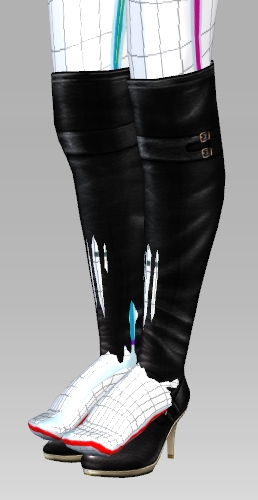 |
| |
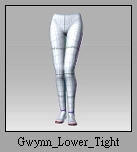
| 1. Choose Actor\Lower Body and apply Gwynn_Lower_Tight to the character. |
|
| |
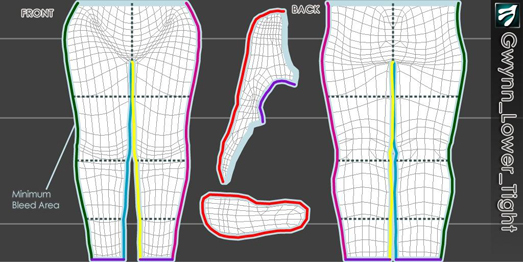
| 2. Select Diffuse and press Launch to edit the Diffuse texture. Decide the size of opacity based on the contour line. |
|
| 3. Refer to Template Map and edit the Opacity Map in 2D software. (eg. Photoshop.) |
|
| |
|
|
|