| |
| 1 |
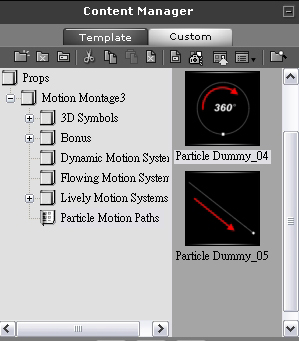
Select a Particle Dummy. |
| |
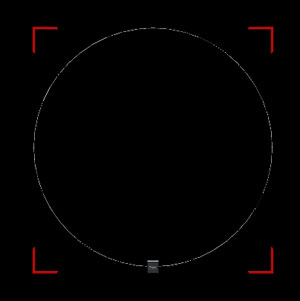
Take Particle Motion Paths\Particle Dummy_04.iProp for example. |
| |
|
| |
|
| 2 |
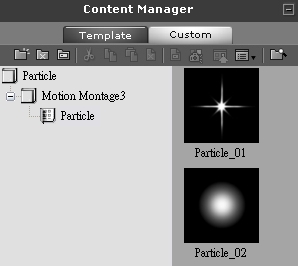
Select a Particle you like. you like. |
| |
 |
| |
|
| 3 |
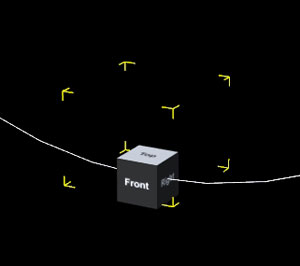
Attach the particle to the dummy. |
| |
|
| |
|
| 4 |
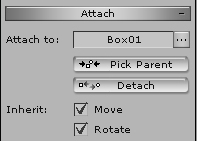
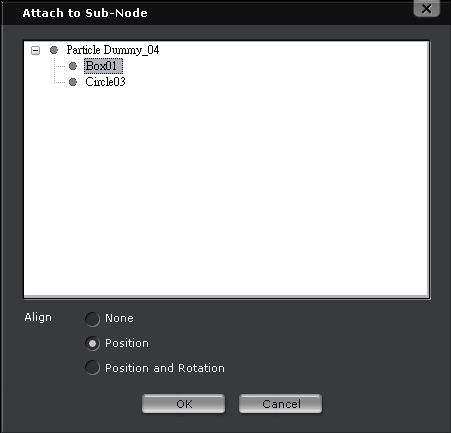
Go to Attach and open the Sub-Node window by clicking the button on the right hand |
| |
side of “attach toâ€. Then align the particle to the dummy. |
| |
|
| |
|
| 5 |
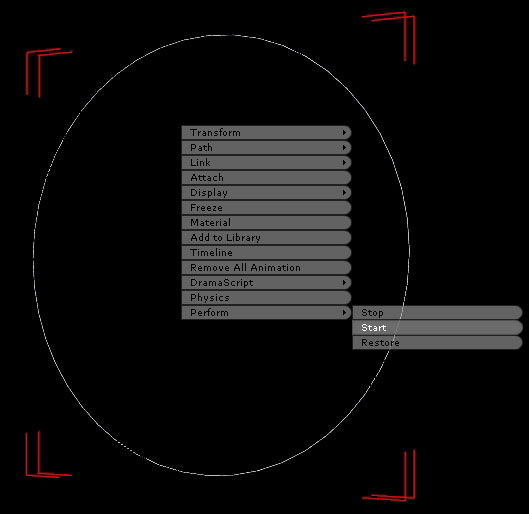
Right-click on the dummy and select Perform -> Start. |
| |
 |
| |
|
| |
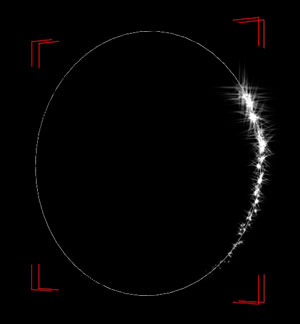
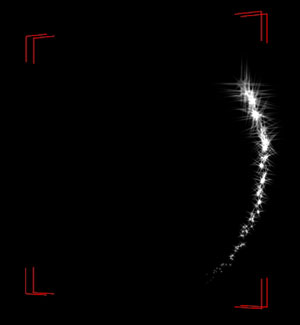
The effects are shown below. |
| |
 |
| |
|
| 6 |
If you wish to hide the path, then press the hot key Ctrl+D. |
| |
 |
| |
|
| 7 |
Done. |
| |
|
| |
|