AI Powered 3D Clothing Restyler
Explore new design concepts and sharpen your signature look. FashionGen brings intelligent AI into the heart of 3D fashion design, streamlining material exploration, pattern creation, styling choices, and expressive wear-and-tear within one seamless workflow. Tutorial | Manual
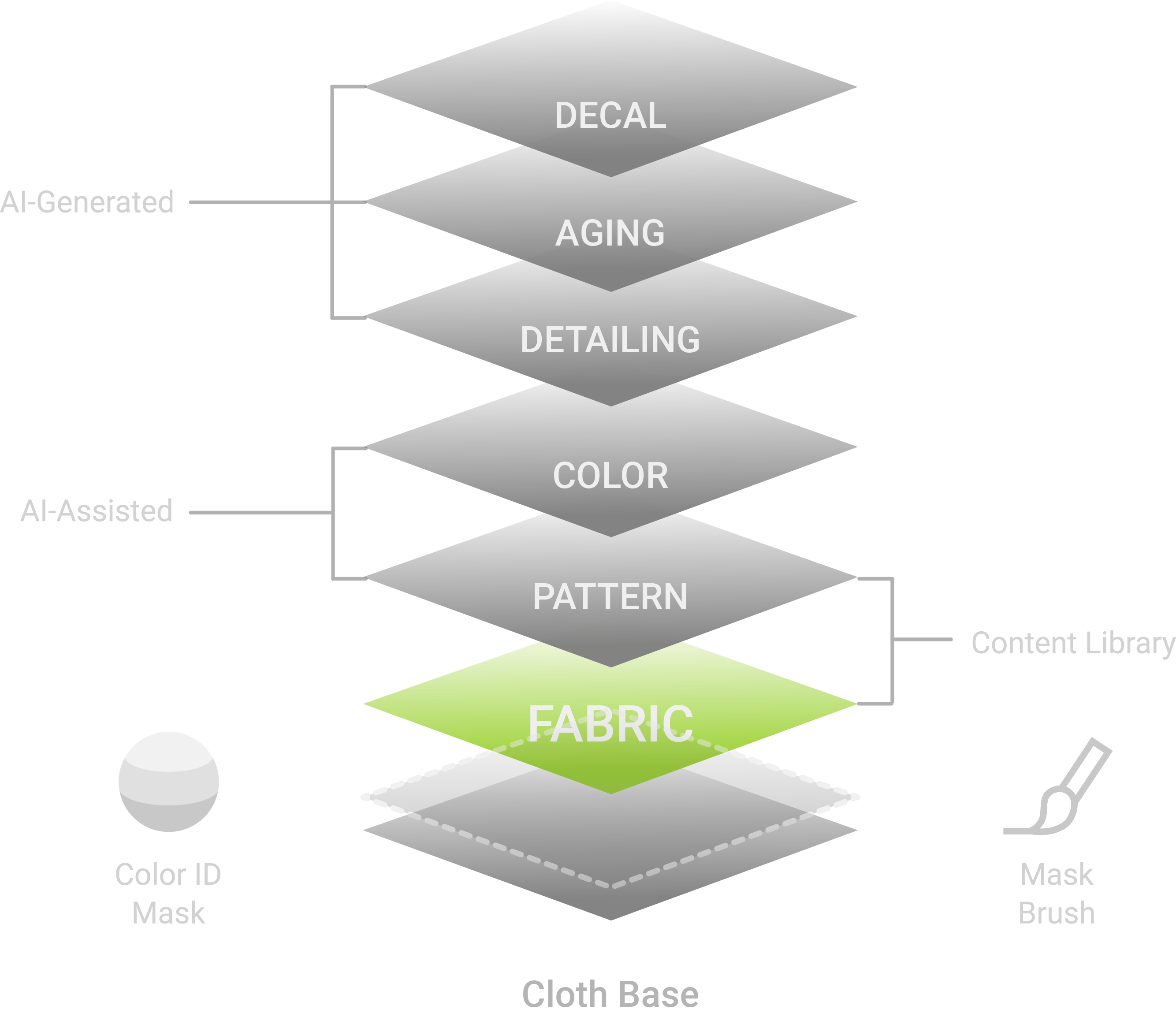
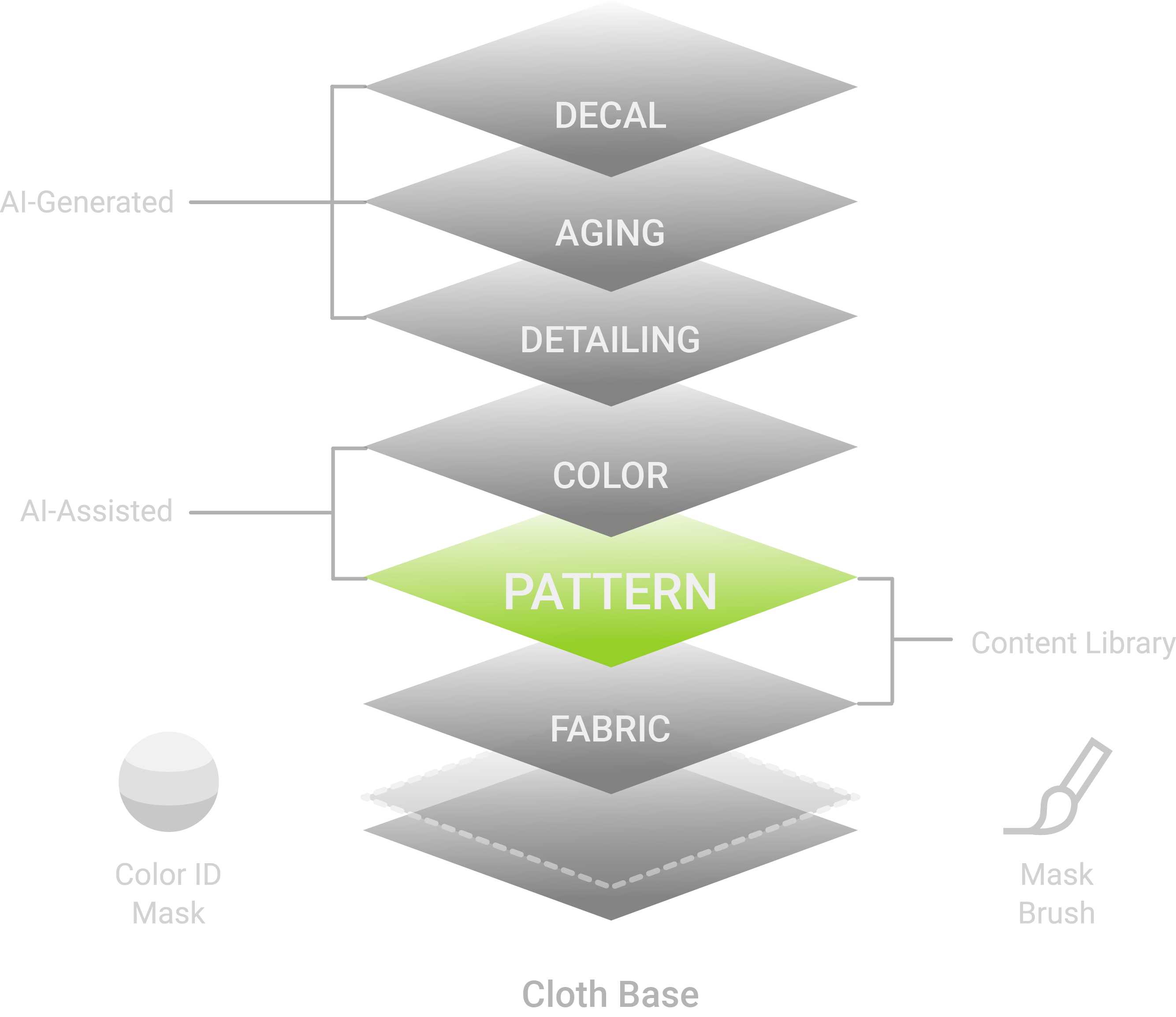
Flexible color masking opens up new creative possibilities. More than defining coverage areas, color masks let you combine fabrics, localize prints, and build layered materials with controlled blending variations.
Color Masking
Reallusion Smart Clothes include Color ID maps that segment each garment into distinct regions for fine-grained control. This allows designers to assign different materials and patterns to each area, enabling precise material and pattern distribution. Manual
Mask Brushing
Mask brushing offers complete freedom to paint any shape, refine edges with precision, and create expressive visuals using a range of brush attributes. It’s ideal for irregular areas, subtle transitions, and custom artistic patterns. Manual
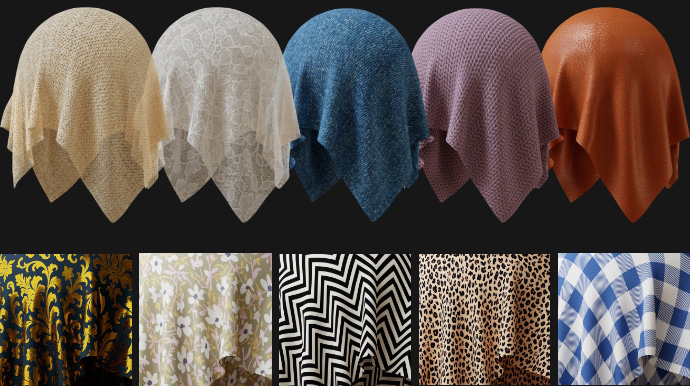
With Fabric 100, FashionGen offers a rich fabric library ready for instant application to CC garments. Simply assign patterns and materials to the Color ID zones of Smart Clothes for seamless fabric design and blending. Manual
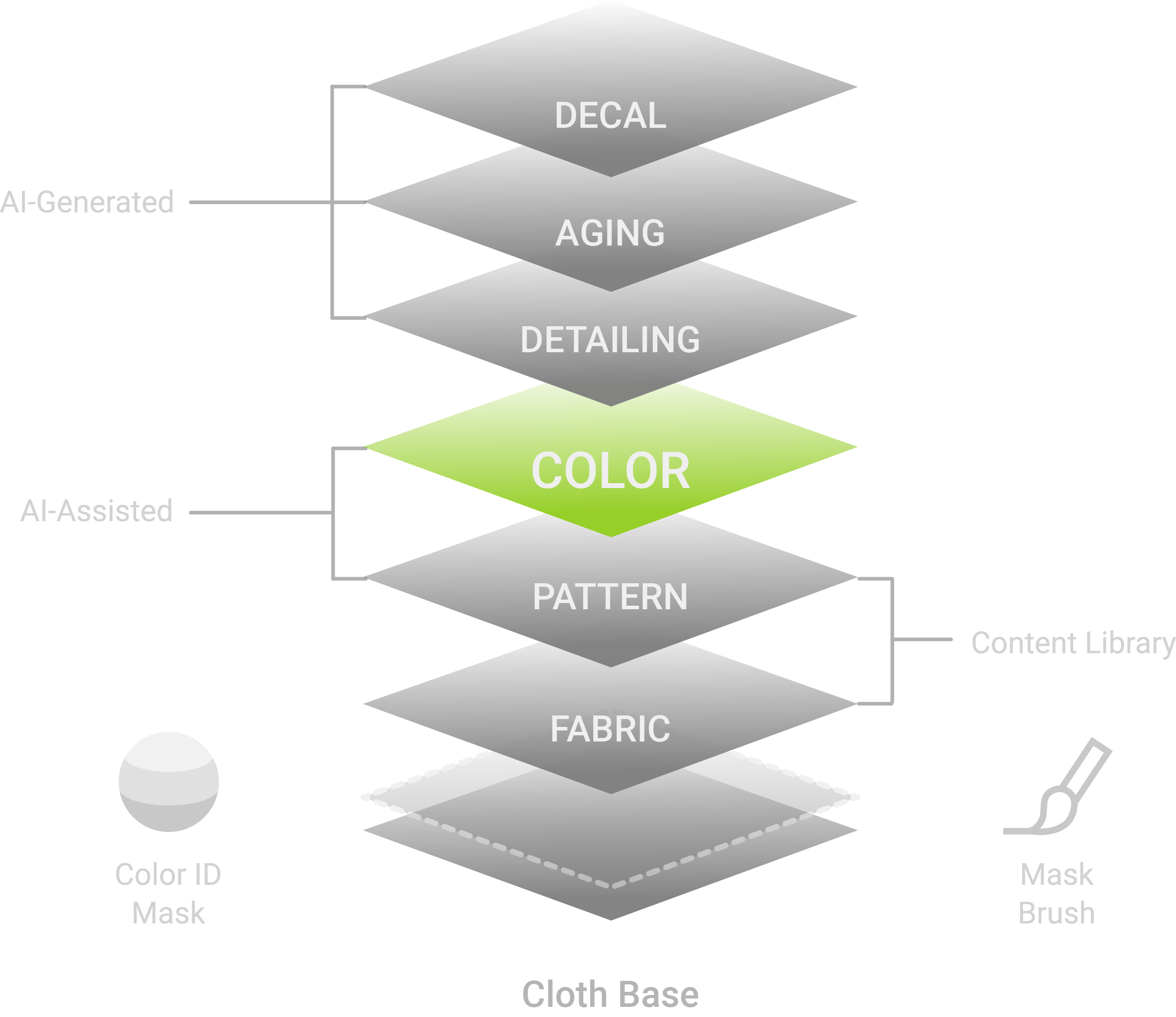
Instantly explore endless color combinations with a single click. Drop an image for color reference, and let Color Sampler automatically sample swatches from random points, or pick colors manually with pinpoint precision. Manual
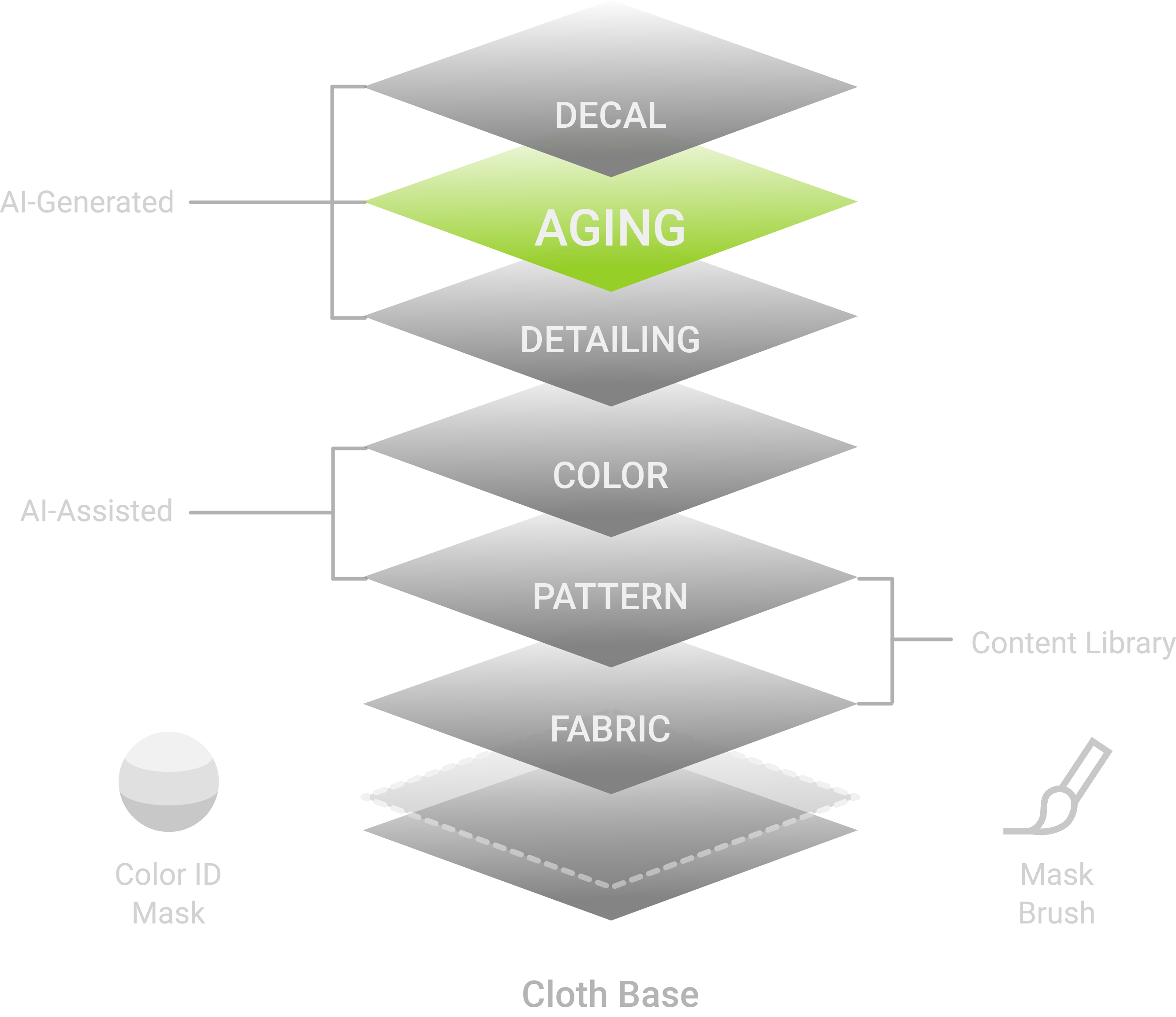
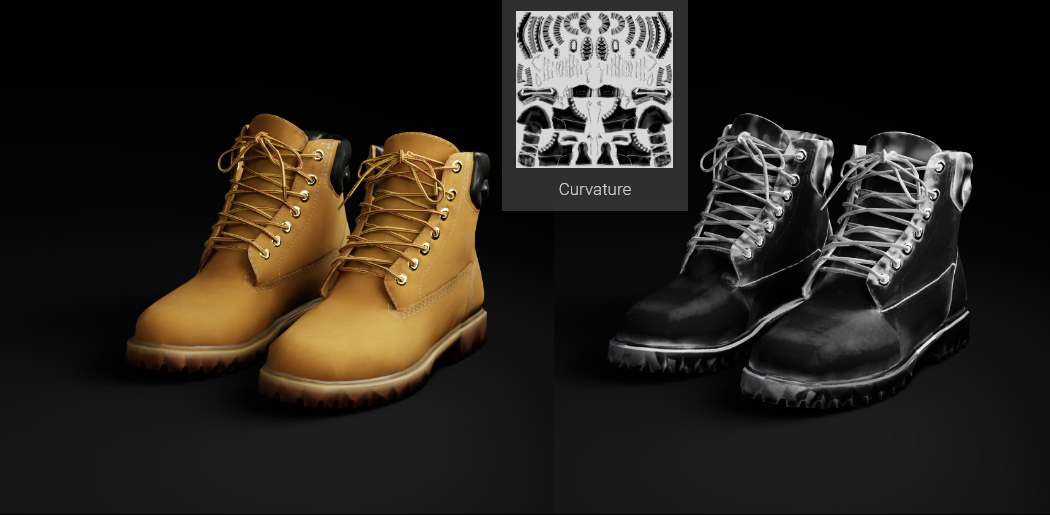
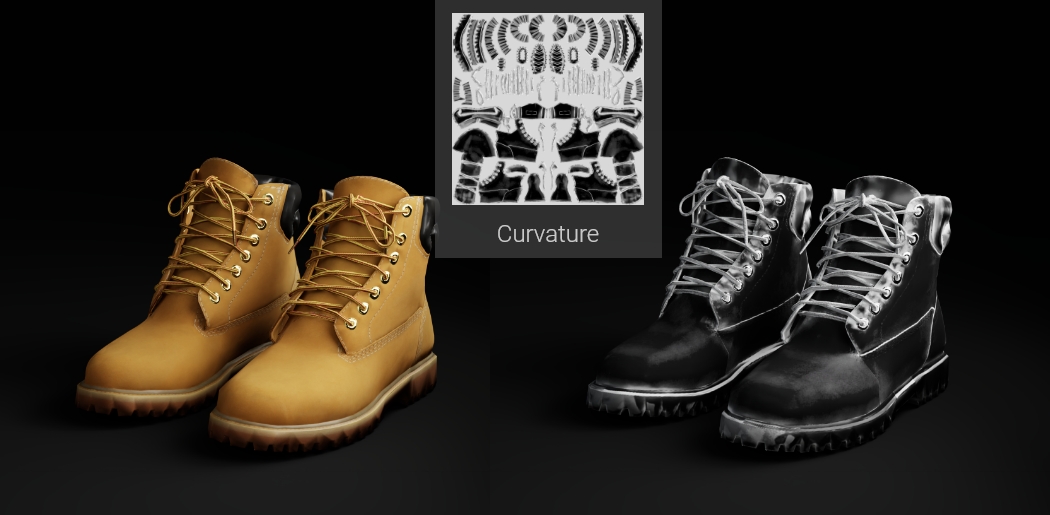
FashionGen intelligently generates curvature maps from the 3D mesh and normal data to produce natural edge-wear effects. With AI prompts, curvature masks, and blend modes, you can easily create realistic wear and tear or add subtle dirt and stains for authentic, lived-in weathering. Manual
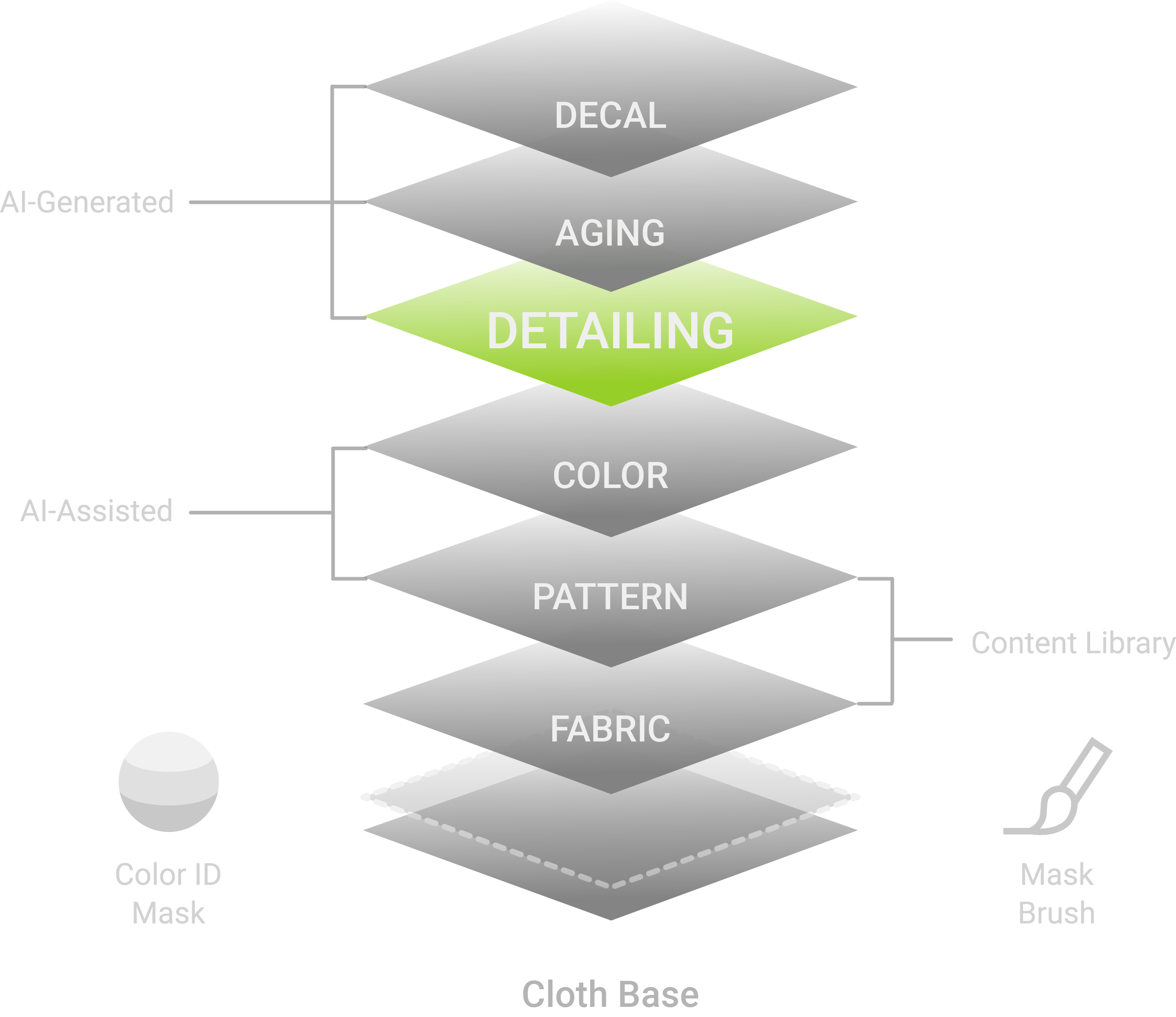
Use the brush tool to add stains, creases, zippers, and even patches with precision. Combined with AI-generated effects, brush-based detailing puts the finishing touch on realistic, high-fidelity apparel.
Manual
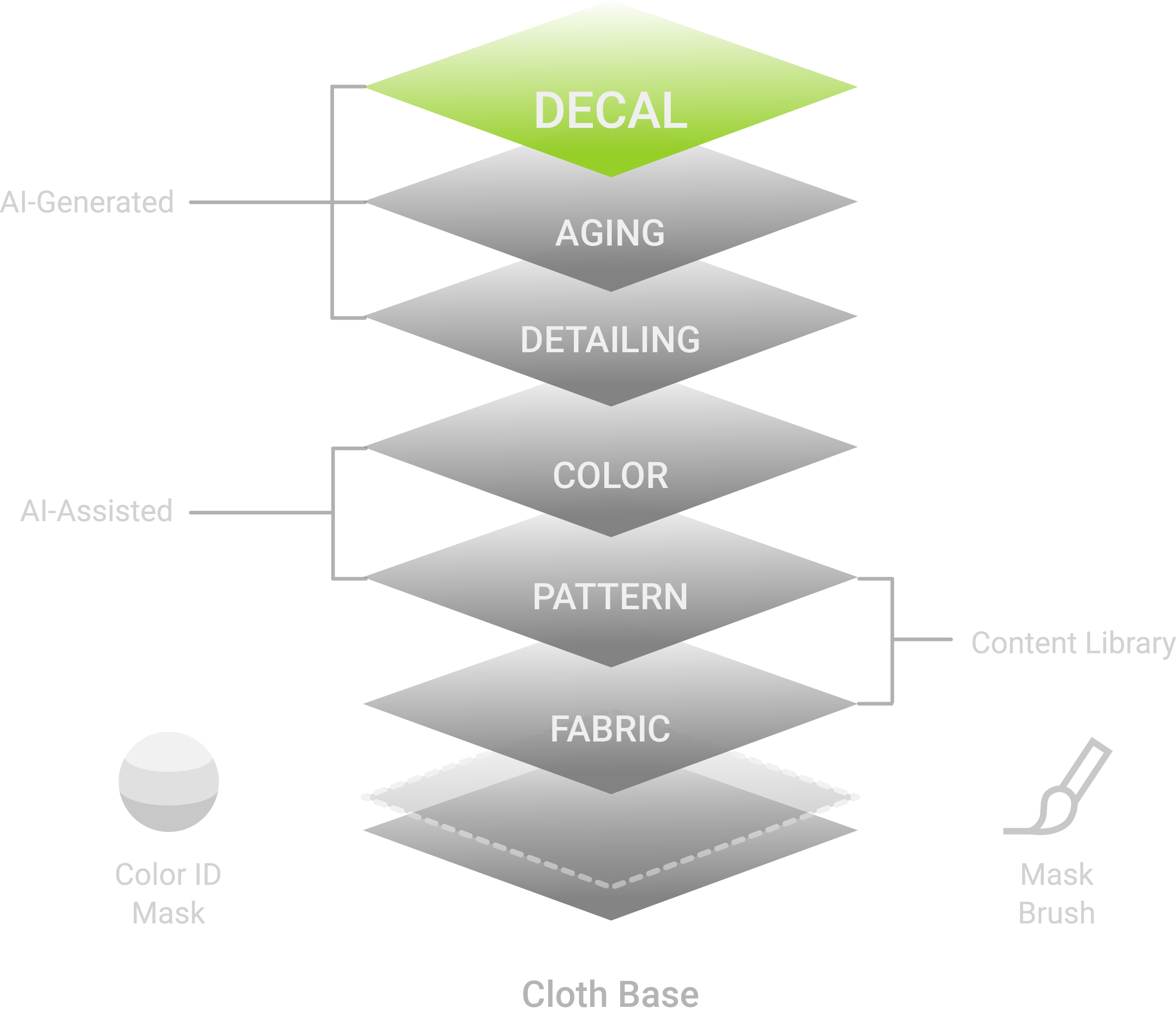
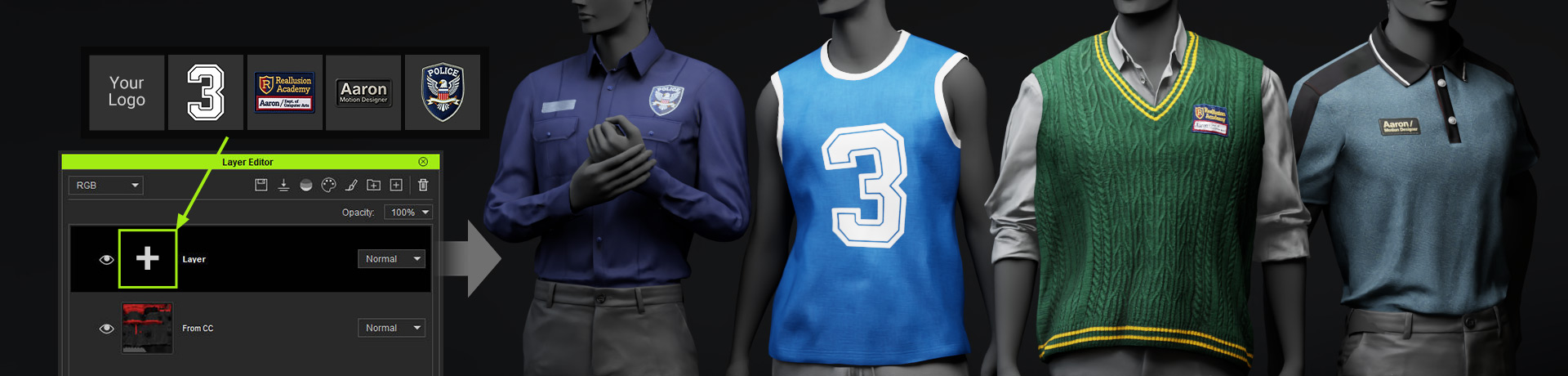
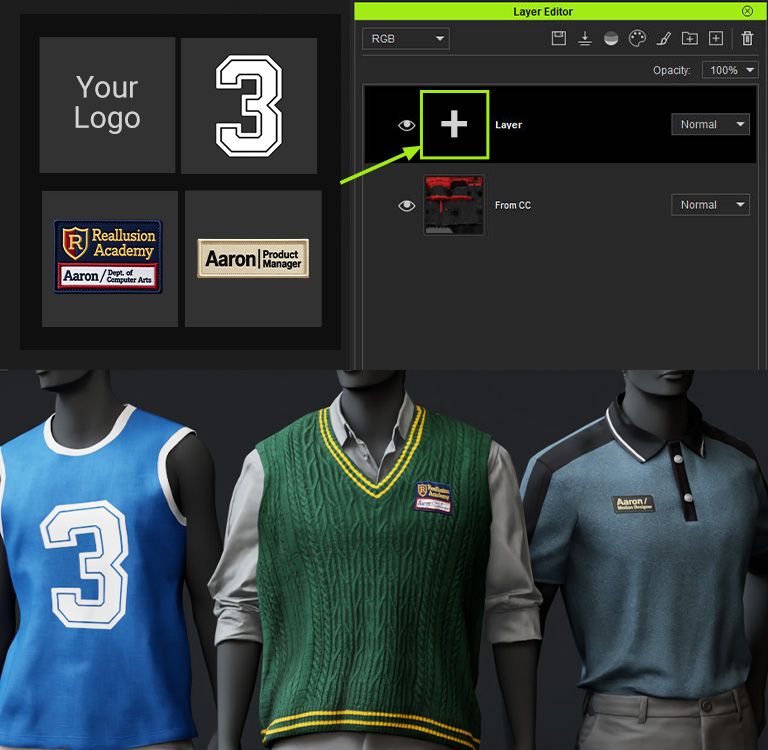
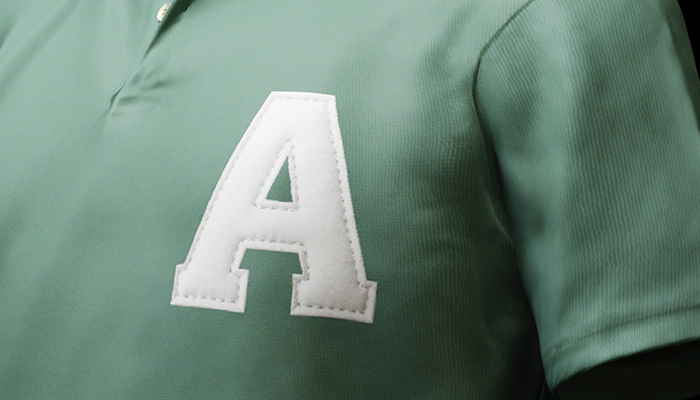
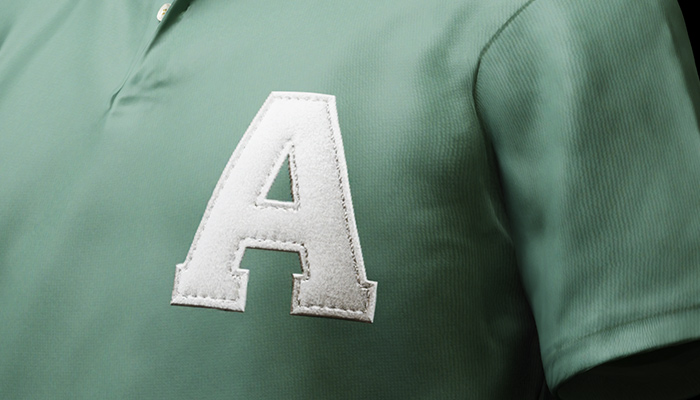
Personalize your 3D garments with company logos, team badges, or custom insignias. Perfect for uniforms, event merchandise, and branded collections. Simply import your artwork and elevate it with auto-generated PBR materials for visual impact.
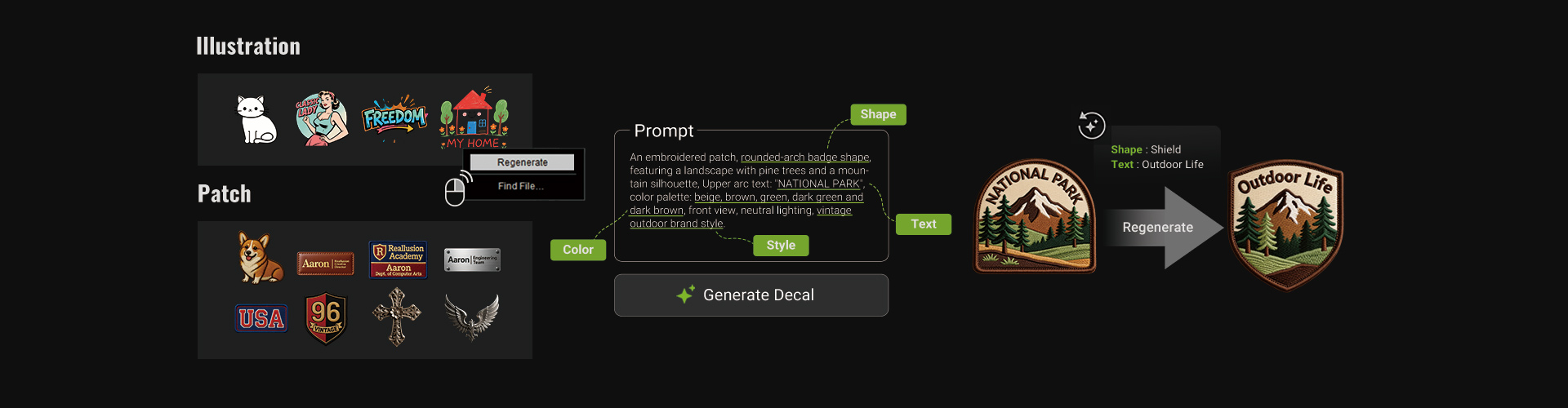
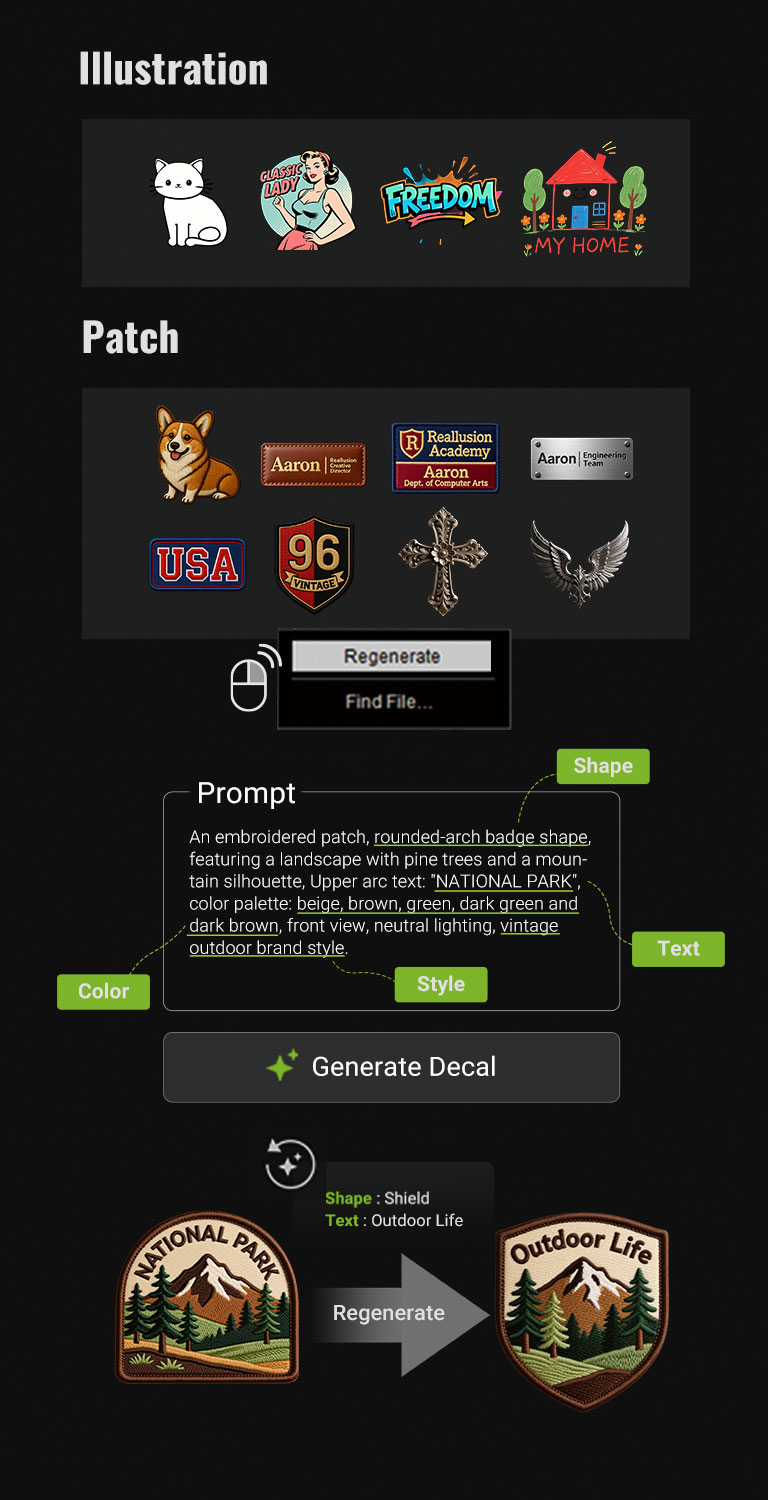
Let AI generate fashion-forward decals in seconds, while you retain full control over every detail and design decision. Tailor each element to your vision, from shape and pattern to lettering, and choose from material presets such as leather, metal, rubber, print, embroidery, and more. Tutorial | Manual
Instant Pattern Projection (Stamp Tool)
Project any custom PNG onto your 3D garment and place it exactly where you want. Scale, rotate, and adjust freely with real-time visual feedback. Manual
Auto-Generated Normal & PBR Textures
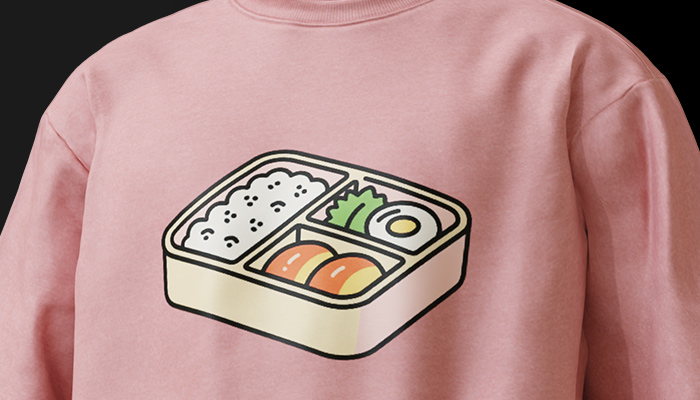
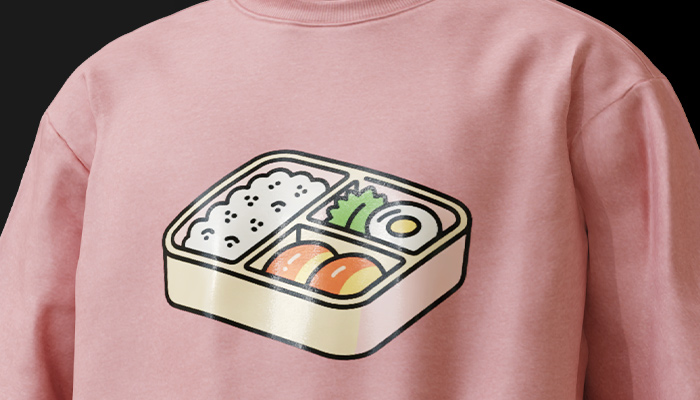
From AI-generated art to imported designs, FashionGen transforms any single image into realistic PBR materials with normal textures. Fine-tune metallic and roughness settings for lifelike prints, and enhance depth and texture with adjustable embossing.
Every AI-generated image can be effortlessly regenerated until it’s just right. With lightweight metadata stored in each output, you can instantly reload prompts for another run. Reuse, remix, or evolve your creations with rapid prototyping, or refine them using the closest reference to achieve precise, consistent results. Manual
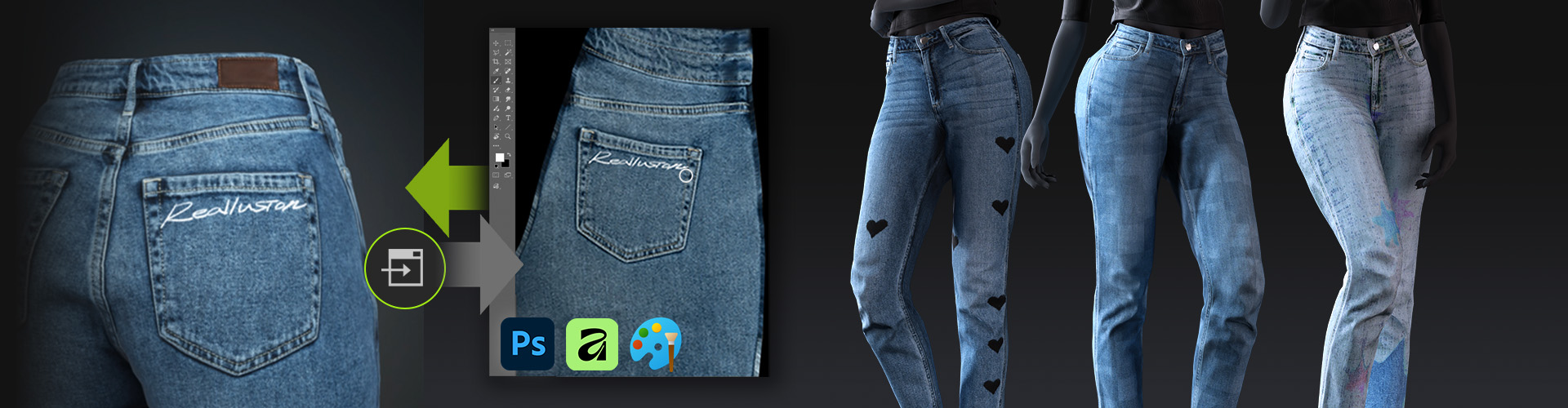
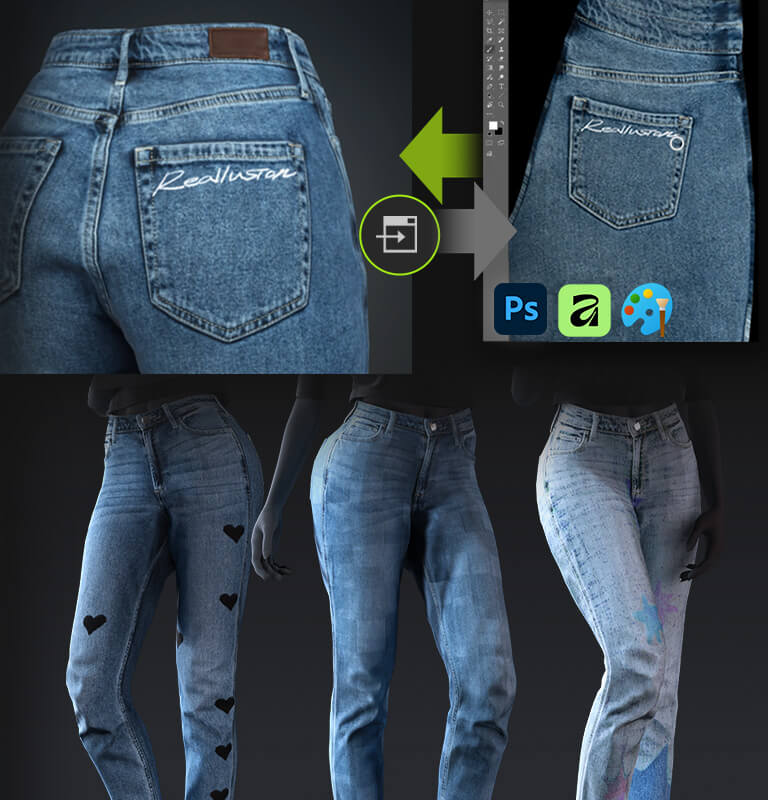
Make texture edits in your favorite image editor and see the results instantly in FashionGen. With Live Link and seamless integration with Character Creator, the whole pipeline stays fast, flexible, and effortlessly responsive. Manual