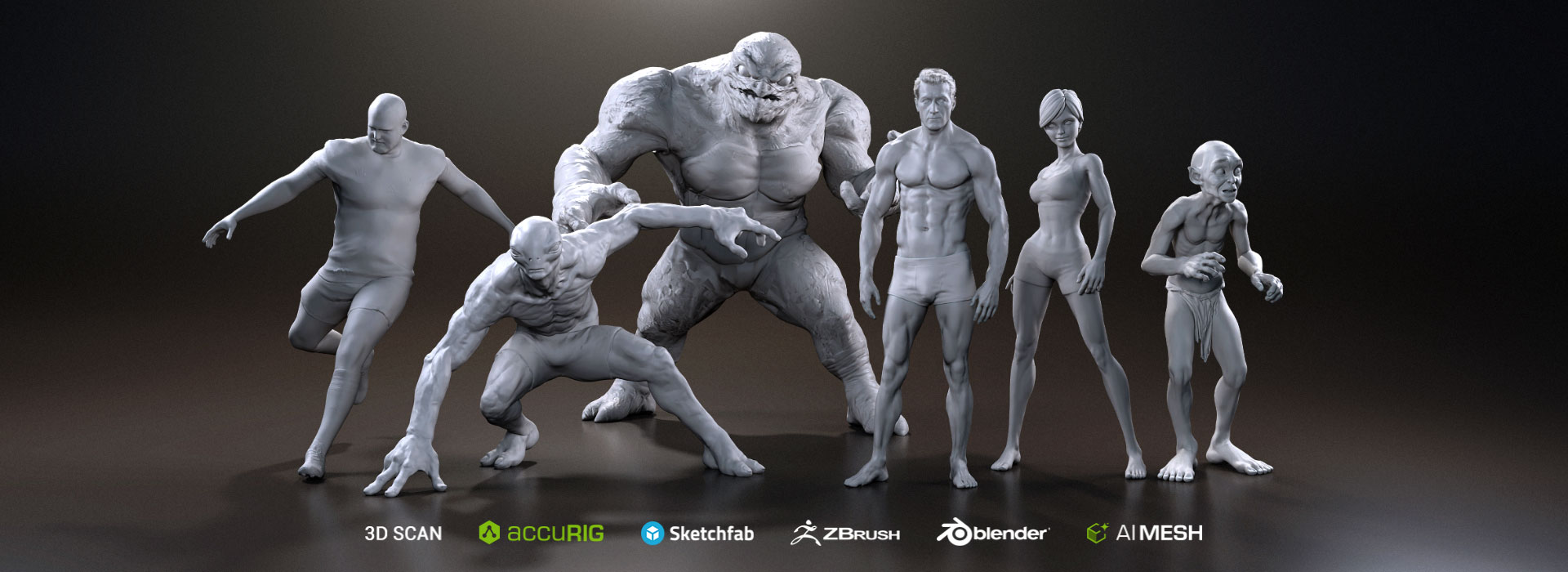
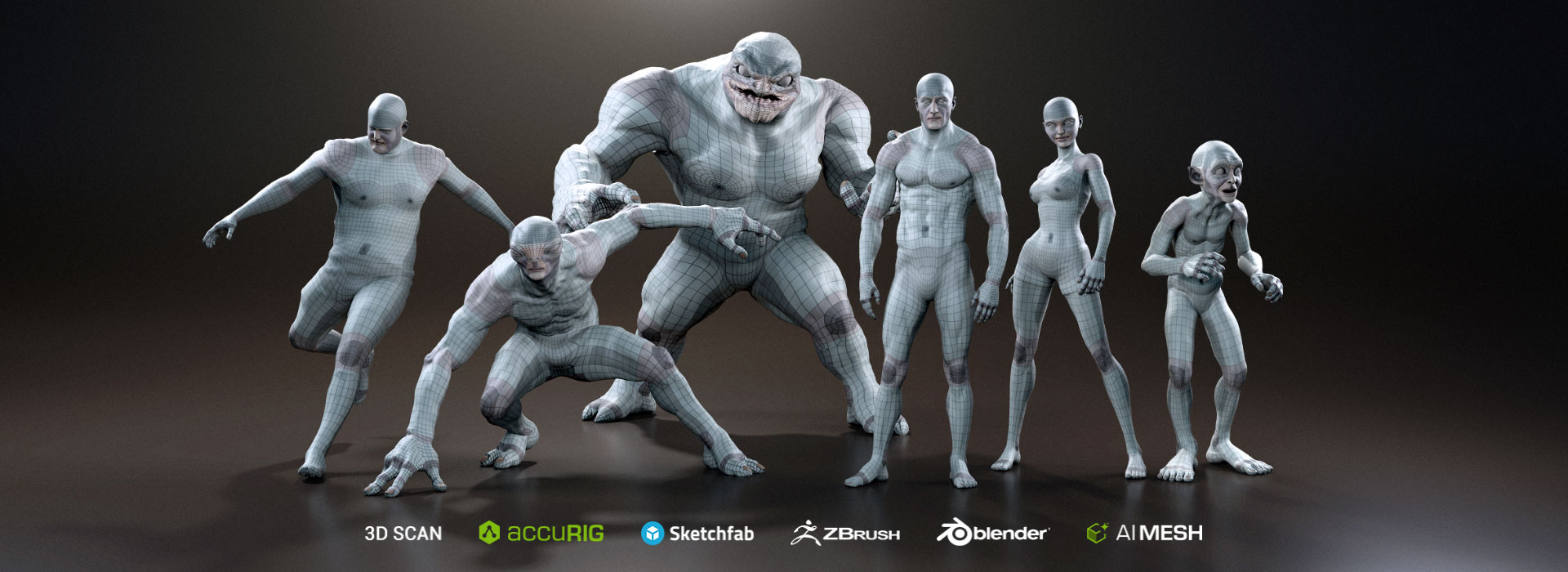
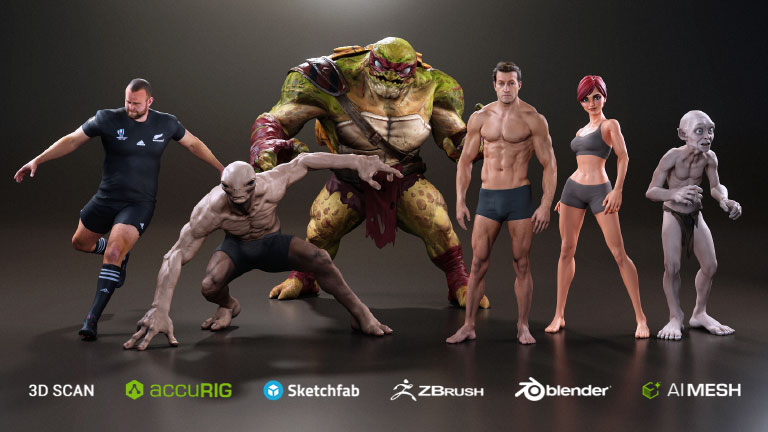
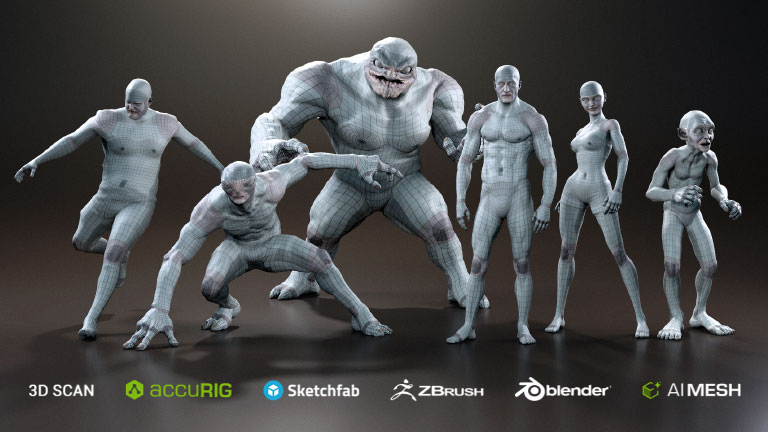
Streamline your 3D character creation workflow with CC Wrap. Transform custom sculpts and AI-generated humanoid models into fully rigged CC Bases with clean topology. Automate mesh wrapping and character rigging to prepare your models for facial and body animation, accelerating your production pipeline.
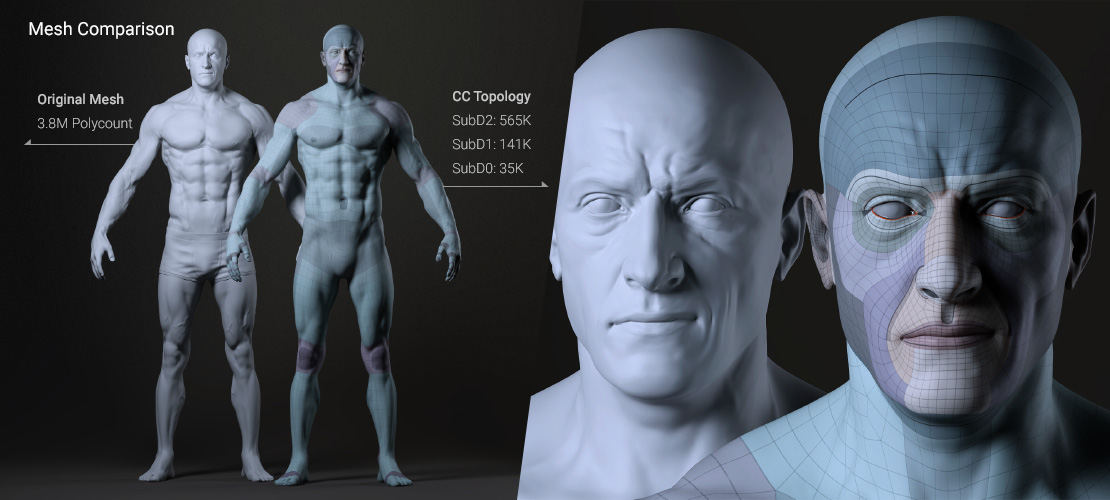
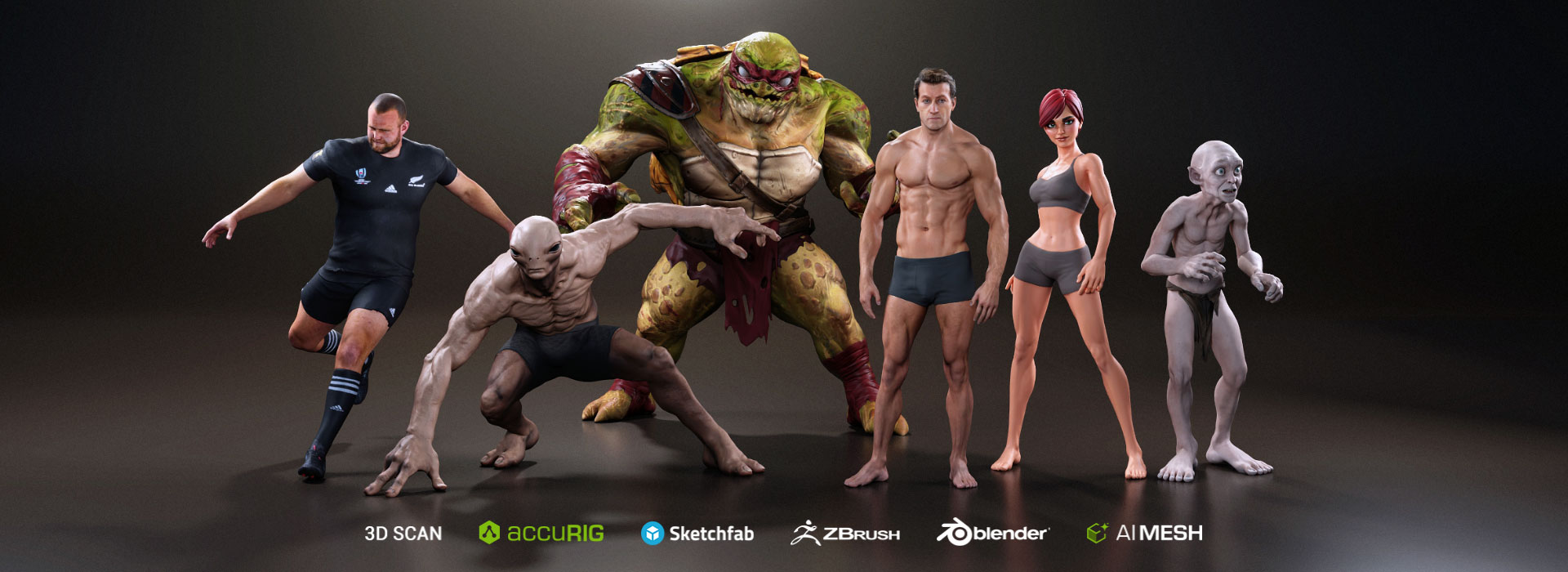
Whether sourced from 3D scans, high-poly sculpts created in ZBrush or Blender, or AI-generated meshes, any humanoid character can be wrapped to CC topology and transformed into a fully rigged CC5 HD Base character — ready for morphing, dressing, and seamless integration with the entire CC ecosystem.
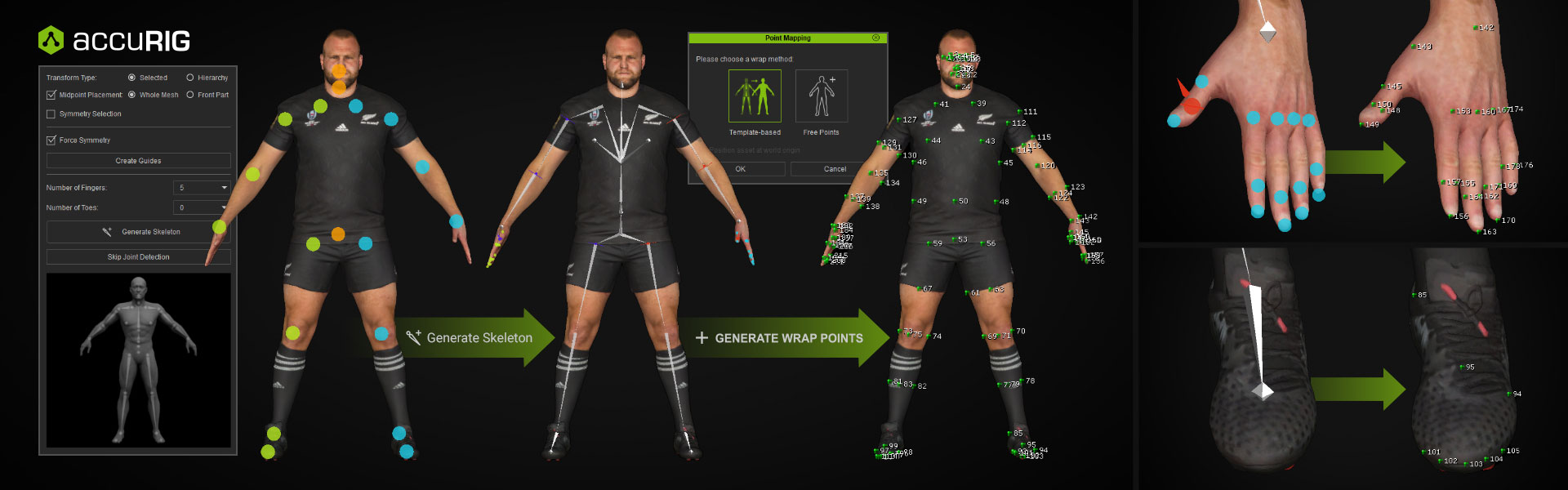
Streamline character conversion in three intuitive steps — from joint detection and point alignment to mesh refinement. Freely revisit each step to fine-tune the wrapping process and achieve an optimal fit to CC character topology.
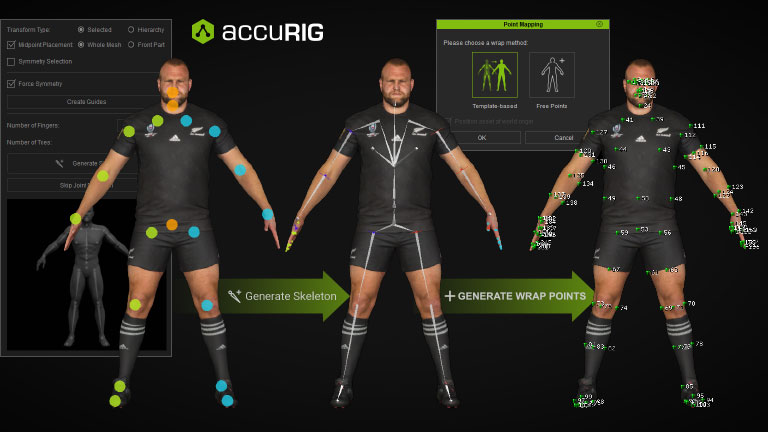
Choose the mapping approach that fits your character and workflow. Template-based mapping leverages AccuRIG rigging to automatically detect landmark points for an accelerated start, with options to define facial features, finger count, and toe count for non-standard characters. For a completely unrestricted approach, Free Points lets you define the number, order, and position of every point freely.
Once the wrapping process is complete, your model becomes a fully rigged CC character, ready for facial and body animation. Seamlessly integrated into the entire CC ecosystem, it supports shape morphing, dressing, hairstyling, and more.
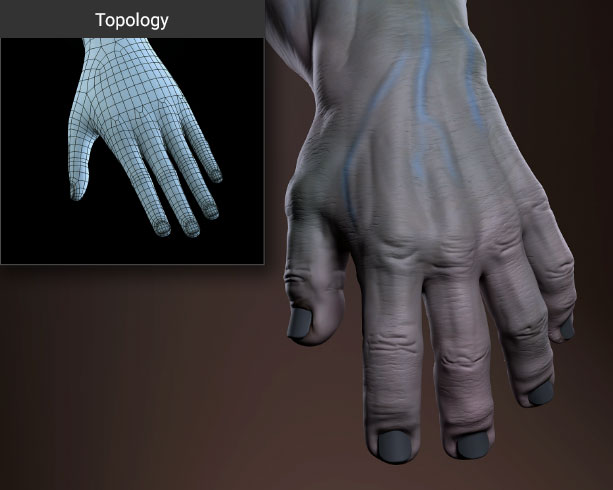
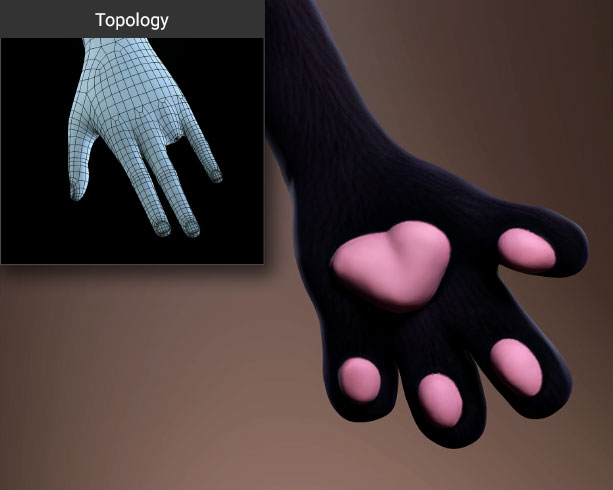
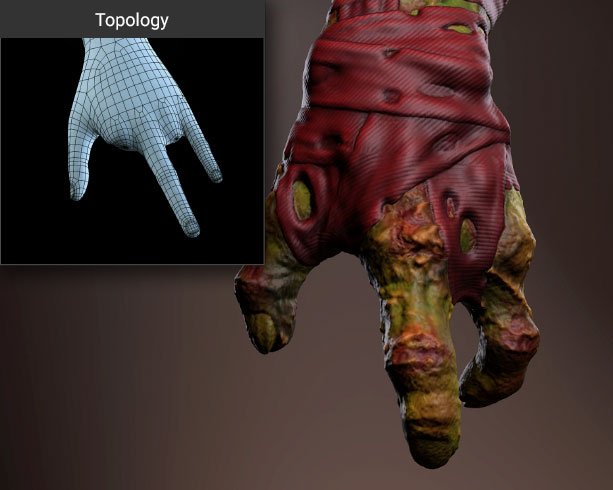
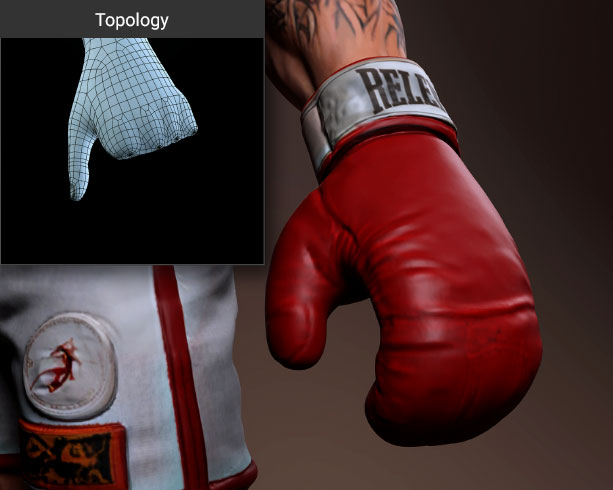
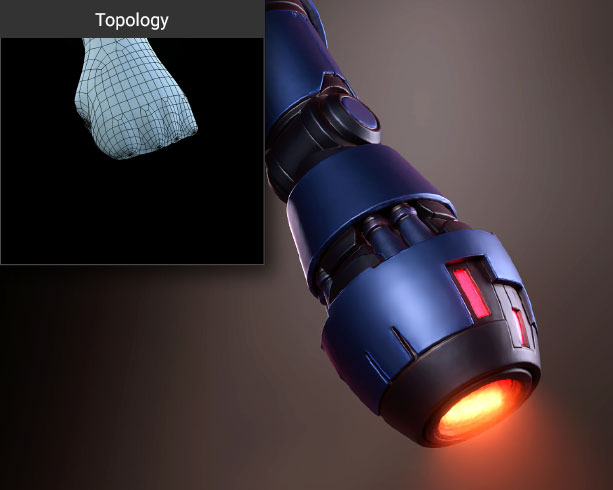
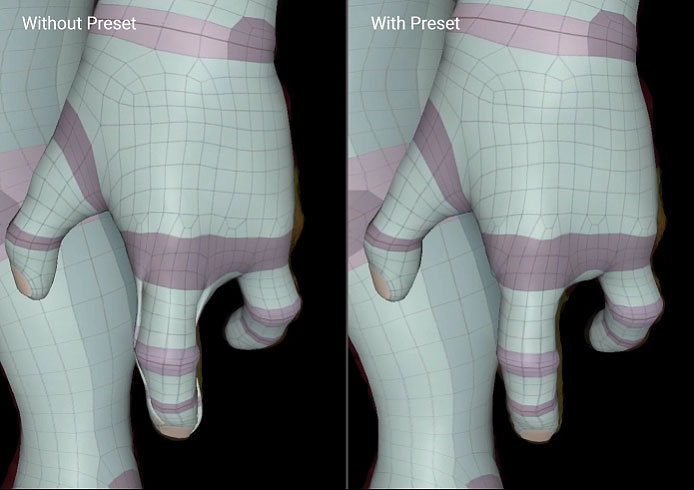
Flexible finger-count options support a wide range of hand types, from standard humanoid hands to stylized, creature, and gloved designs.
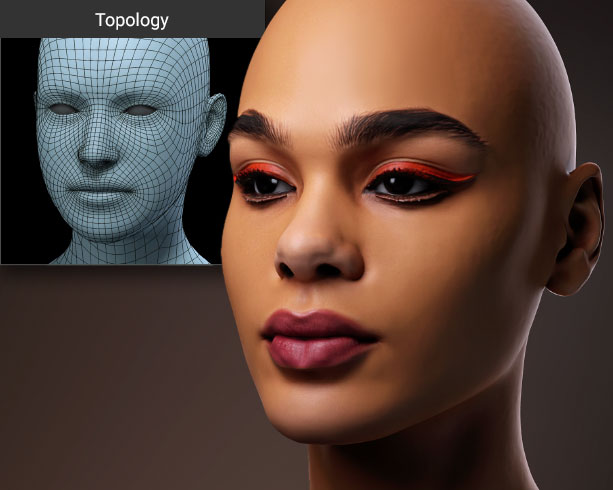
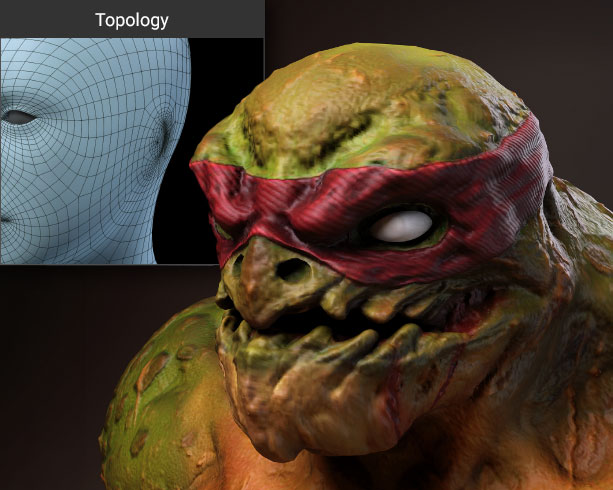
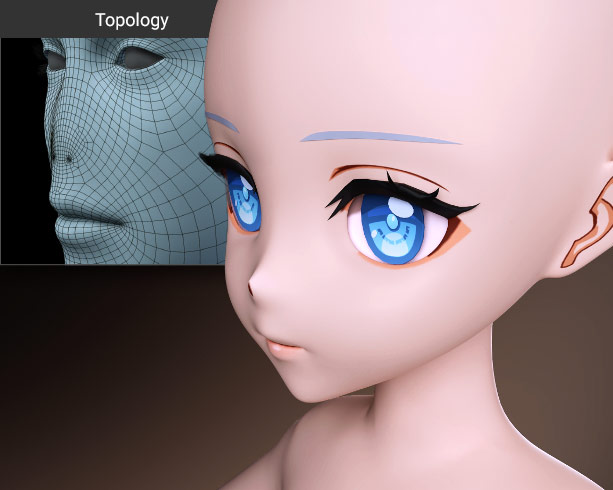
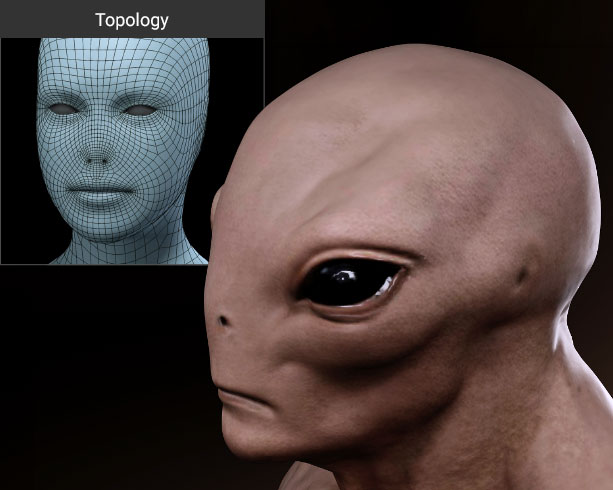
Choose from four face topology presets based on ear and nose configurations—Default, Earless, Noseless, and Earless & Noseless. Supporting human, stylized, and creature faces, these presets provide optimized topology for diverse facial structures and animation needs.
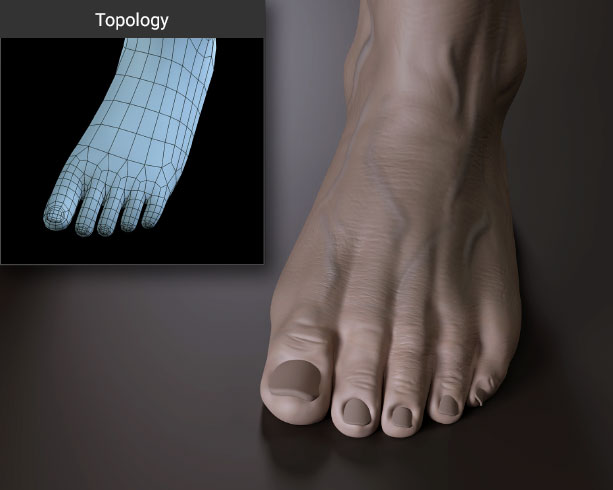
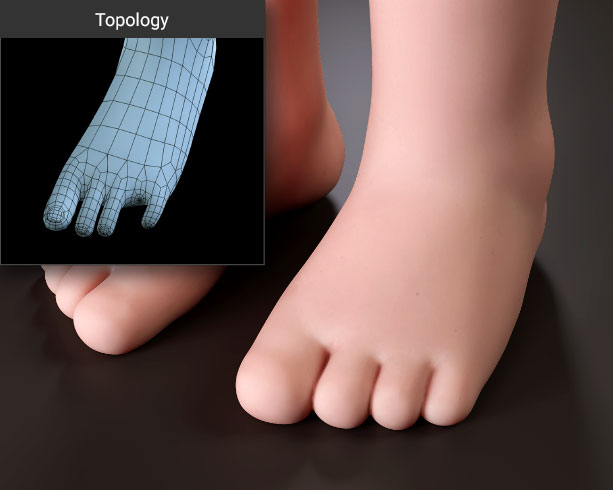
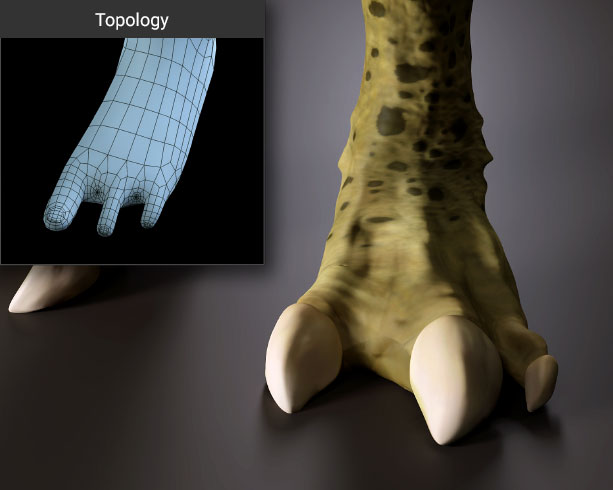
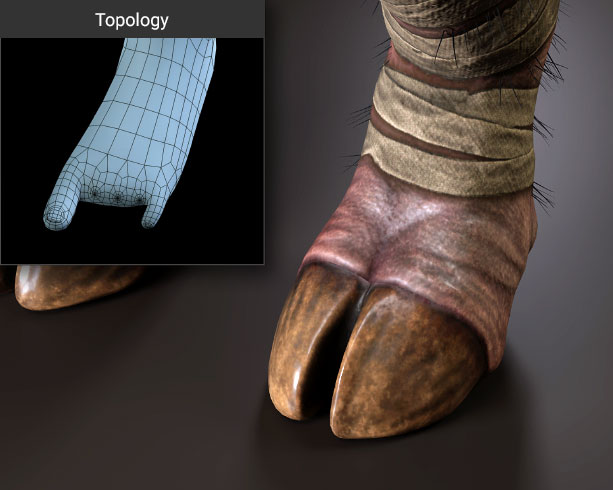
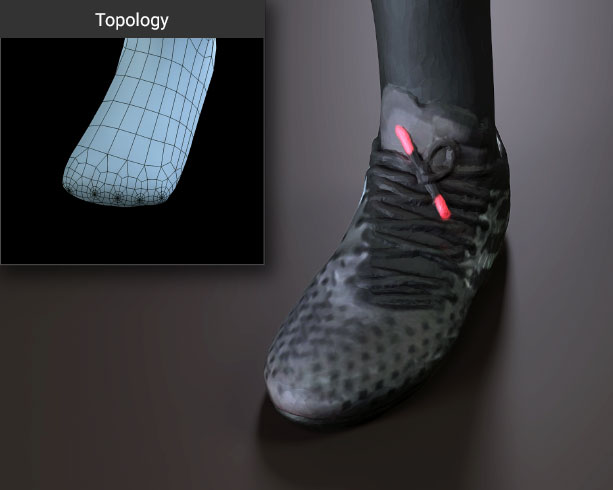
Whether your character has standard toes, claws, or a toeless design for shoe-wearing builds, dedicated presets ensure clean and accurate topology every time.
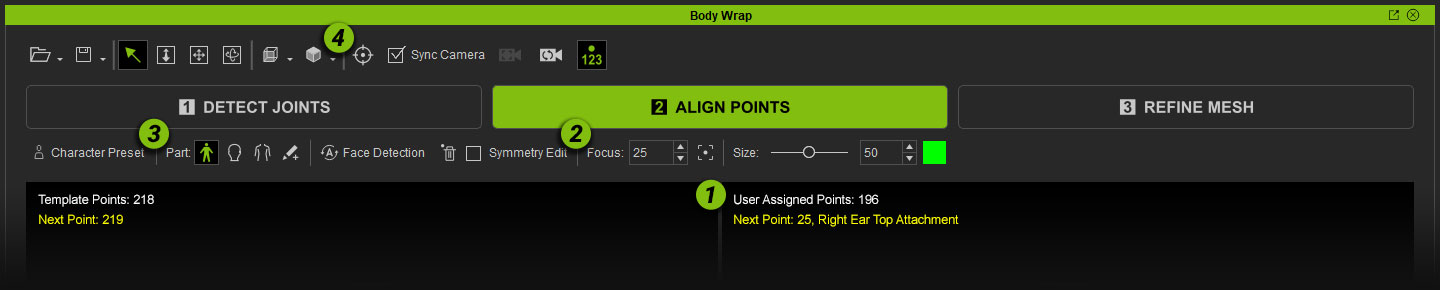
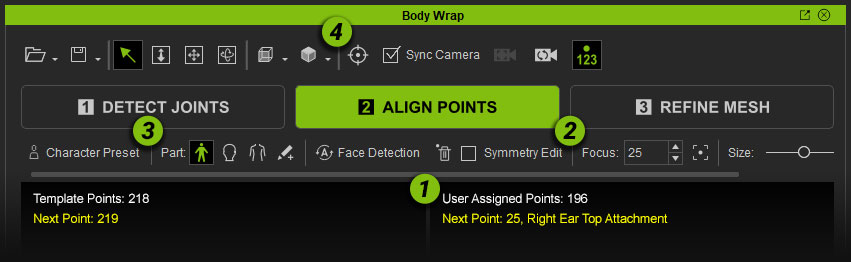
1. Point Guides
View point numbers and positions in the upper left corner to track your mapping progress at any stage.
2. Focus Point
Automatically jumps to the next missing point with one click. Enter a point number to instantly locate any placed point on the model.
3. Wrap Parts
Choose Full Body, Head, or Body to begin placing points. The system guides you to the lowest missing point in range, and you can switch sections at any time.
4. Camera Pivot & Sync Camera
Set a camera pivot to rotate the view around a fixed center for faster navigation. Enable Sync Camera to sync both viewports and jump to the same position with ease.
5. Wrist Direction
Rotate individual joints to align with natural human body orientation. Proper wrist alignment in particular significantly improves the accuracy of subsequent landmark detection. More >
After correct topology alignment and refinement, a single click projects and transfers all surface details from the source mesh onto the wrapped result.
A set of purpose-built 3D brushes lets you sculpt and fine-tune the wrapped mesh with precision. Clone restores the default CC topology, Erase reverts to the initially generated topology, Move repositions vertices, Smooth softens surface transitions, and Project transfers source surface details directly onto the mesh.
View the CC Face Topology Guideline (PDF) >