Advanced AccuRIG Auto-Rig 3D Humanoid Models in Character Creator

Amplified by AccuRIG, Character Creator (CC) now possesses the capability to automatically rig humanoid models while offering essential tools for managing intricate multi-mesh structures. It allows for hard surface rigging and fine-tuning of skin weights for flawless binding. You can also customize the layout and structure of the skeleton to accommodate various creature types and body shapes.

Auto Rig Selected Mesh

Auto-Attach Hard Surface Items

Skin Weight Refinement

Skeleton Adjustment

Rig & Animate Diverse Humanoids

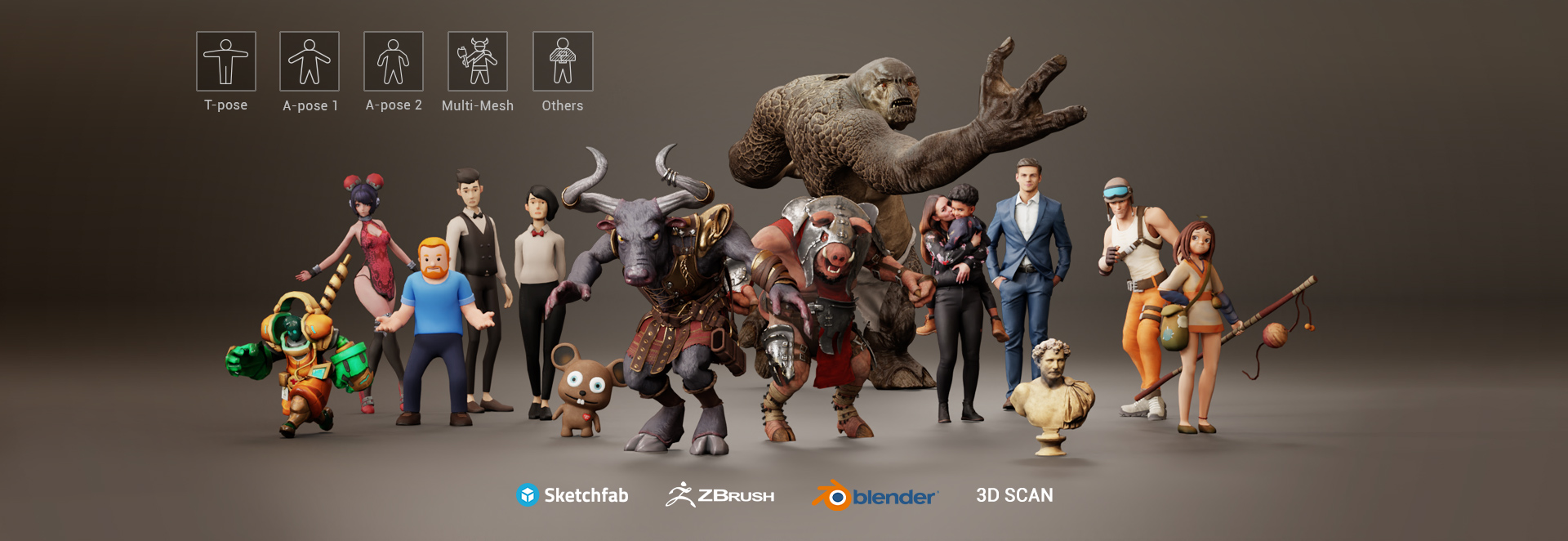
Character Creator is designed to streamline the character production process and breathe life into character models. Leveraging its integrated AccuRIG technology, it specifically caters to the processing of A- and T-pose characters derived from 3D scans or crafted through digital sculpting. Compatible with both single and multi-mesh models, it provides users with the flexibility of partial rigging for irregular or asymmetric models.

Rig & animate diverse humanoids Rig & animate diverse humanoids

Auto-Rig Any Humanoid in Minutes

Step-by-Step Guided Rigging Process

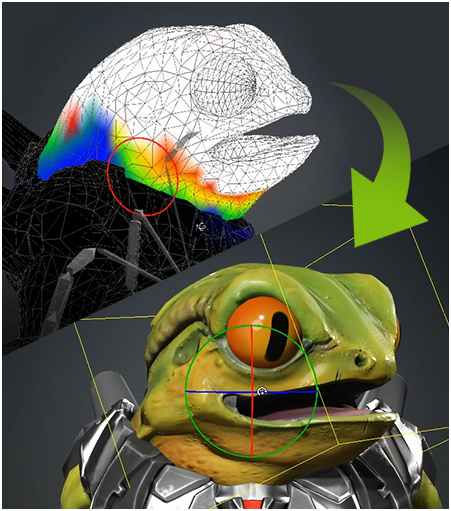
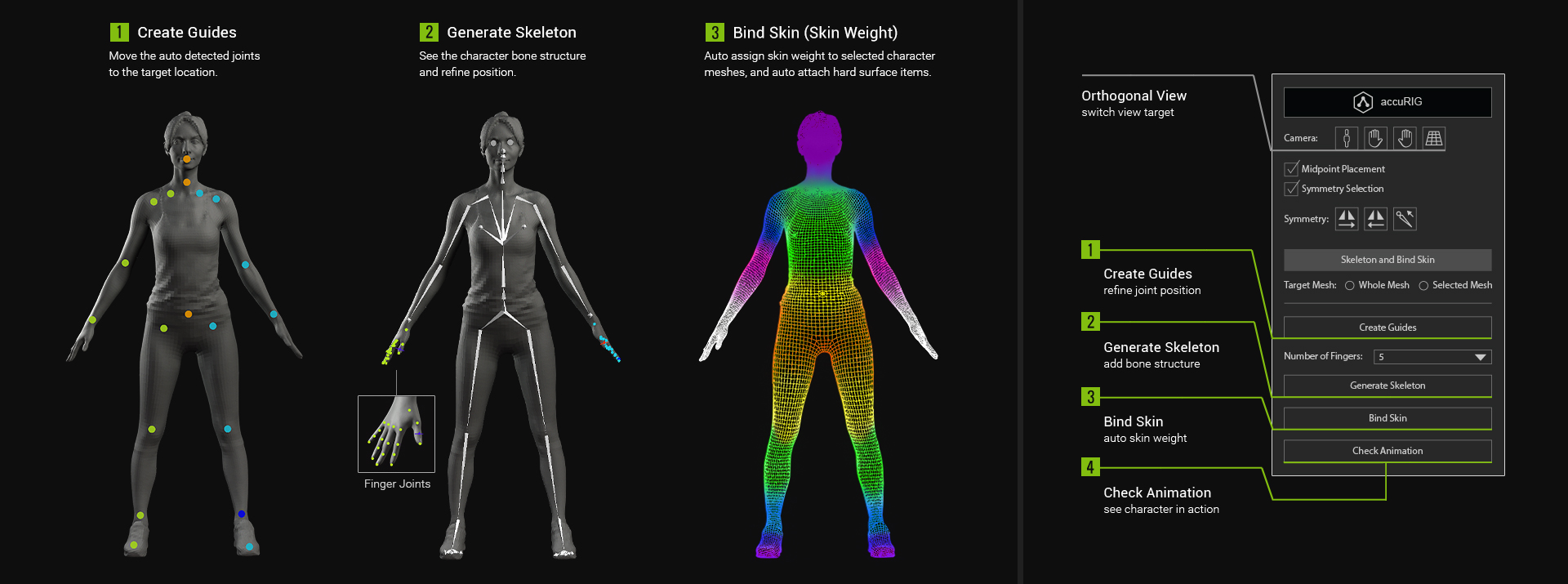
Have the step-by-step procedures guide you through the rigging process, while AccuRIG automates the heavy lifting. Each stage along the way is easily customizable and reversible, allowing you to fine-tune bone positions for optimal placement, rebind the mesh, and adjust skin weights according to your preferences. The skin weight tools are also readily available to assist in achieving flawless joint movement. See Tutorial >

Auto-guided rigging process Auto-guided rigging process

Savable Bone Definitions for Batch Rigging

Character artists frequently prefer to apply the same skeleton to a group of characters sharing similar body types. This process is now streamlined with Character Creator. By utilizing bone definition profiles, repetitive rigging can be efficiently executed at scale and at a fraction of the time.

Re-Rig, Repurpose & Reduce Existing Characters

Character Repurposing (Re-Rigging)

Already have a character rigged, but looking to leverage CC's character pipeline? AccuRIG technology provides the option to re-rig the character based on its existing skeleton joints. This not only yields a more accurate rig but also preserves facial bones for the original facial animation.

LOD & Polygon Reduction

Enjoy a myriad of benefits with a character that is re-rigged for CC. Part of this ecosystem consists of animation editing, export compatibility, facial animation, and lip-syncing. Ancillary capabilities include polygon/bone reduction, remeshing, material merging, and more.

Rig Any Character Type

Selective Rigging & Rigid Attachments

Designate specific items such as the body and cloth as the target for auto skin weight, and simultaneously treat hard surface items like helmets or armor separately. These hard surface items can then be auto-attached to neighboring bones as accessories, preventing deformations. See Tutorial >

Bone Masking for Partial Models

For incomplete models or characters not in a perfect T- or A-pose, you have the option to mask out unwanted bones, allowing the animation to play through the assigned bones for partial body movement.

Flexible Adjustments

Precision Joint Placement

By manually defining joints, rigging can be tailored to suit models with diverse characteristics. The resulting skin weights are finely optimized for every bone, encompassing the shoulder, elbow, knee, and intricate finger joints. The AccuRIG technology also ensures that the volumes for the head, body, and accessories are well-preserved.

Square / Sloped Shoulders

The placement of joints can often alter the shoulder shape of the model. Adjust the relative positions of shoulder and clavicle joints to achieve different shoulder positions.

Retain Shoulder Shape

The shoulder and clavicle joints should be accurately aligned to accentuate the structured shoulder line for a formal business suit.

With Accessories

Solve stretched faces and accessories due to sloppy skin weighting. Adjust neck joints to avoid accessories and re-calculate skin weight for optimal results.

Protruding Head

To avoid face distortion for creatures with a protruding head, or with the face lower than the neck, the neck joints should be parallel to the jaw line.

Accurate

Adjust finger joints to achieve naturalistic finger curls. Place the base joint of the thumb at the cross point of the index finger and thumb to avoid split purlicue. Rotate the thumb gizmo to orient the thumb articulation.

Diverse

Enable character artists to design models and create rigs without limitations; like varying the number of fingers.

Pose Offset & Animation Correction

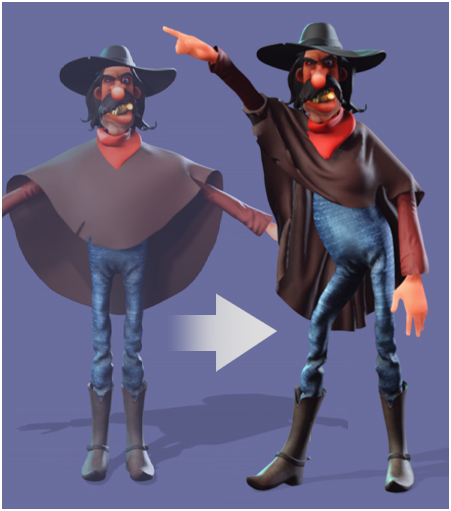
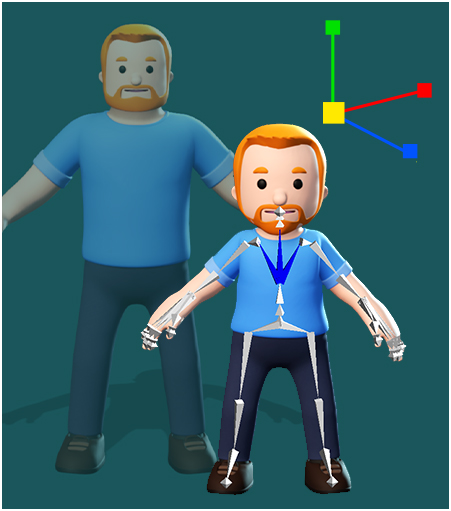
Pose offset helps correct posture problems such as arm penetration or leg distance when applying animations to characters with different body sizes. It can also generate stylized performances for cartoonish figures.

Arm Re-positioning

Arm penetration might happen on characters with thick limbs or torso. Adjust shoulder or arm angles to avoid mesh penetration on animated characters.

Posture Correction

For tilted and unnatural movements caused by irregular model poses, adjust angles and rotations for the neck, shoulders, spine, waist, arms, hands, legs, and feet.

From Static Poses to Dramatized Performances

Adjust joint offsets to create a more dramatic performance on any stylized model.

Skin Weight, Proportion & Physics Tools

Skin weight icon Skin Weight

Manually correct skin-weighting from auto-rigging to improve the skin binding.

Proportion icon Proportion

Change body proportions once the character is rigged.
Physics icon Physics

Assign physics attributes to floating elements and let natural simulations unfold.

Next-Gen Rigging Accuracy

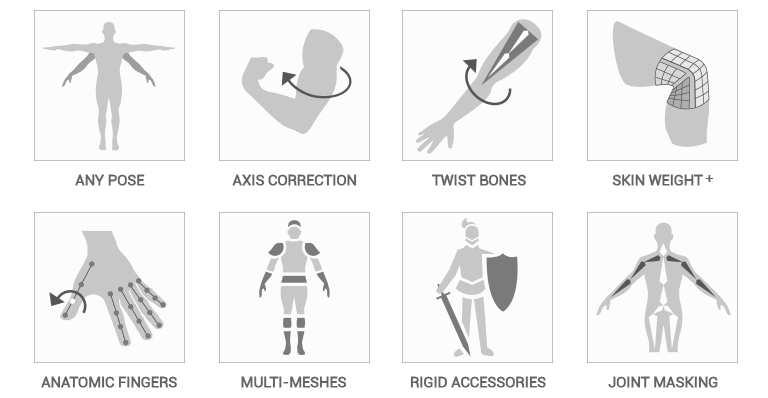
Rigging accuracy icons Rigging accuracy icons

AccuRIG Articles & Showcases

Related Articles 

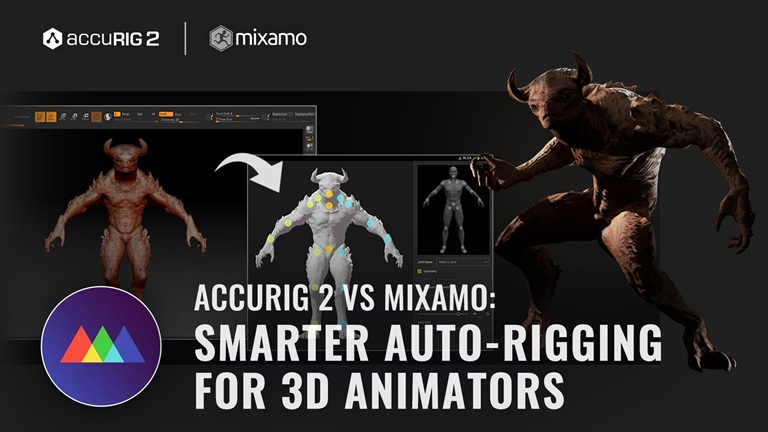
AccuRIG 2 vs Mixamo: Smarter Auto-Rigging for 3D Animators

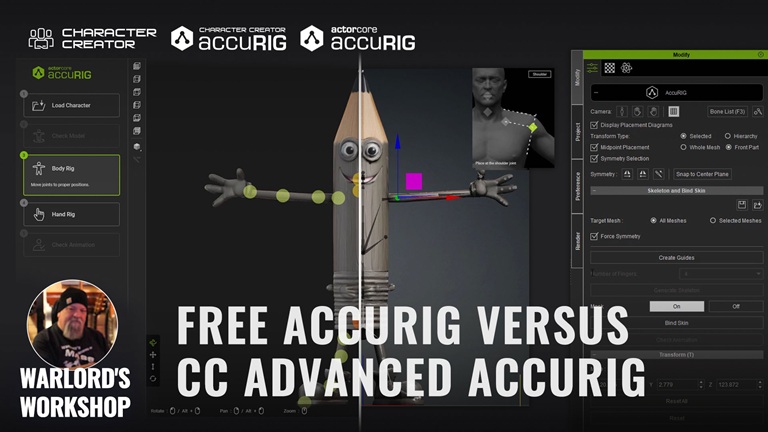
Free AccuRIG vs Character Creator Advanced AccuRIG

Featured Showcases

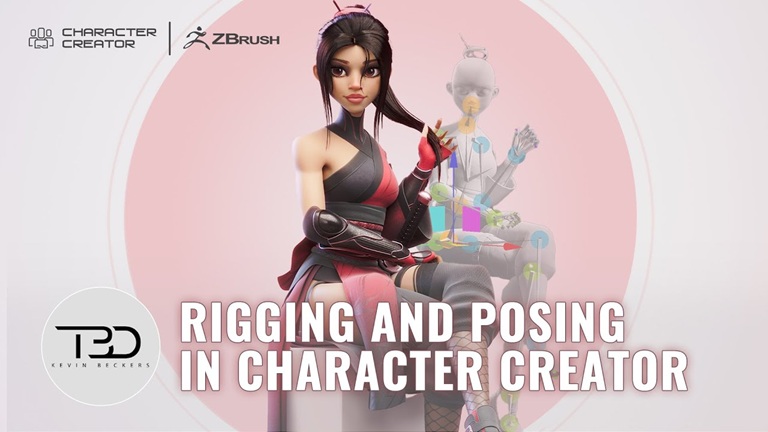
How a ZBrush Artist Speeds Up Rigging and Posing with Character Creator AccuRIG

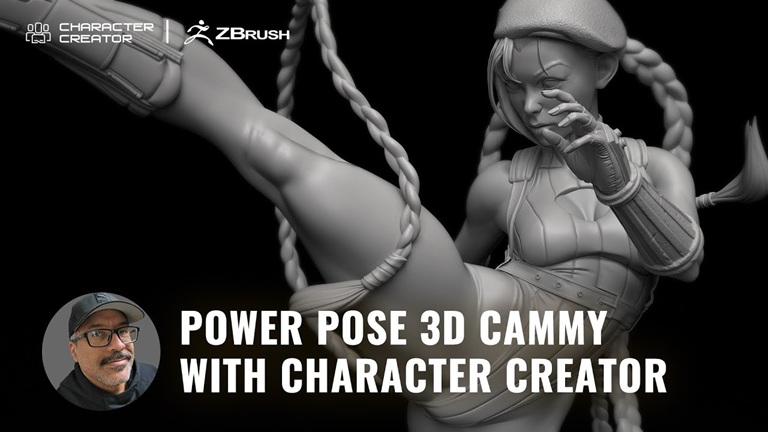
3D Sculpt of Street Fighter Cammy: Power posed with ZBrush Pose Tools and Character Creator

Masterful Poses in ZBrush with CC Advanced AccuRIG and Pose Tools