 |
 |
Export iClone talking characters for Maya render |
Characterize custom bone rig for iClone animation |
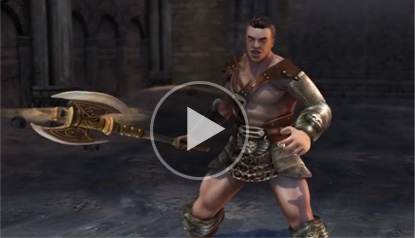 |
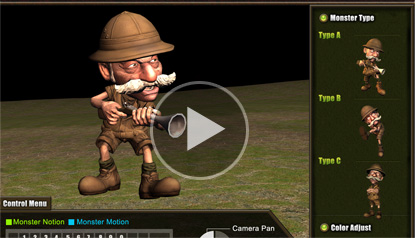 |
Rig with iClone G5 Game Bone for immediate animation |
Export iClone talking characters for Game Design |
You may choose to export content from the embedded iClone library or from the marketplace content you collected via 3DXchange. The supported file formats include FBX, BVH, and OBJ. If you use the 3DXchange Pipeline Trial version, then you will be able to export 15 file items. Below are the pipeline documents and videos for you to import and export content between iClone and your design tool.
- How to Export iClone Embedded Content
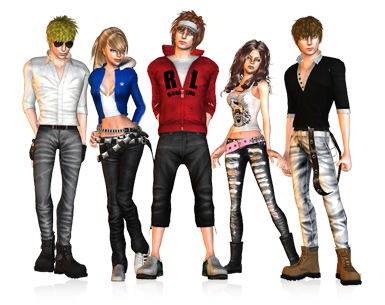
These character pipelines guide users on the use of settings and options to properly import and export characters between iClone and other CG/game design tool. With the characterization feature, users may either choose a preset template for auto bone mapping or manually match for custom bone hierarchy.
Know More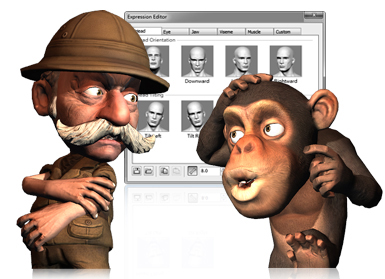
3DXchange allows you to bring in any type of character, no matter if it's designed through a morph or a bone rig method. With the universal Expression Editor, you can fully map facial expressions for audio lip-syncing, and further puppet expressions inside iClone. Learn with the tutorial guides to quickly get the hang of it!
Know More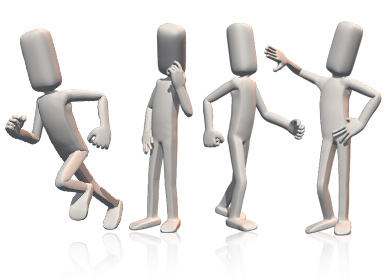
3DXchange allows you to convert external motion data, and characters with animations for use between iClone and any other tool through FBX and BVH formats. Learn these quick and easy steps for motion conversion.
Know More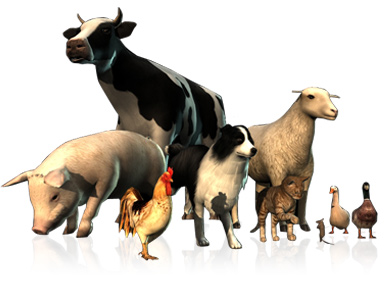
With 3DXhange you may convert animals and imaginative creatures between iClone and any other tool. If you convert them into non-human character, you can also do further animation editing with IK/FK.
Know More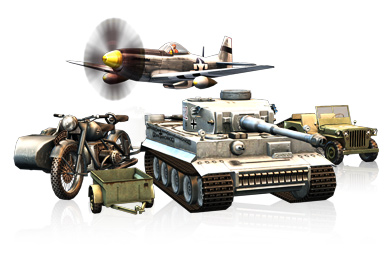
ZBrush is a unique modeling, texture painting and illustration tool that allow artists to concentrate on their ideas rather than the software. Here we will show you how to create a morph targets in ZBrush for use in iClone.
Know More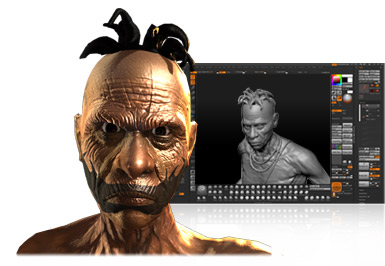
Convert OBJ or FBX from iClone for sculpting and painting tools like Photoshop CS4, ZBrush, Mudbox and others. Replace 3D avatar bodyparts with newly shaped models, detailed normal maps and textures.
Know More