Login
Products
Purchase
Downloads
Support
Education
Community
About Us
English
Product Home
iClone
iClone 3DXchange
CrazyTalk Family
CrazyTalk
CrazyTalk Animator
FaceFilter
popVideo Converter
Reallusion iPhone
Online Store
Content Store
Content Marketplace
Education Store
Partner Solution
Volume Licensing
Regional Partners
Download Home
iClone
iClone 3DXchange
CrazyTalk
CrazyTalk Animator
FaceFilter
popVideo Converter
Support Home
Customer Service
FAQ
Forum
Member Sign-in
Product Registration
Reallusion in Education
Community Home
Marketplace
Reallusion TV
Forum
Blog
Real-time Live Show
Developer Center
Join Affiliate Program
Company Overview
Contact Us
Newsroom
Press Resources
Subscribe
Partner Home
Certification Center
Privacy Policy
EULA
Deutsch
中文
日本語
Download
Buy
Upgrades
Home
Product Info
Video Gallery
What's New
Features
System Requirements
Edition Comparison
Bonus Content
Text to Speech
Review & Award
FAQ
Training Resources
Training Resources Home
Online Help
Tutorials
Hints & Tips
Trial Download
Free Trial
Upgrade
Purchase
CrazyTalk7
CrazyTalk7 Standard Mac
Support
Support Center
Product Registration
Forum
Features
Home
>
CrazyTalk7
>
Features
>
Character Creation
Character Creation
Character
Auto Motion
Animation
Output
PRO Features
Face Photo Fitting
Import your own images, or photographs from JPEG, BMP, TGA, and PNG formats.
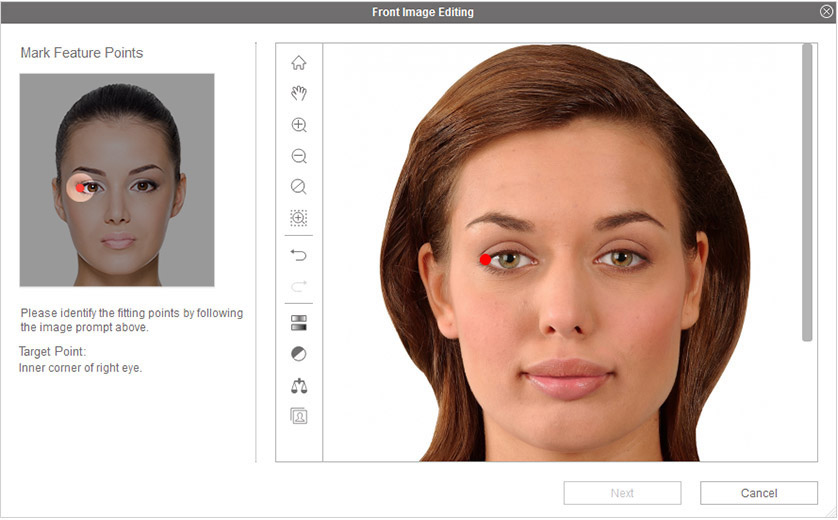
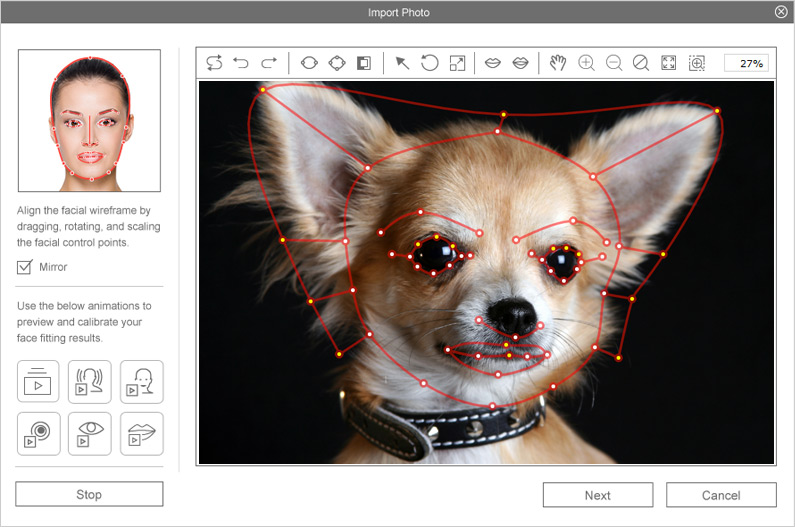
You can rotate, crop images, make color correction with the fully featured image editor, and complete the face fitting process with illustrated guides in the same environment.
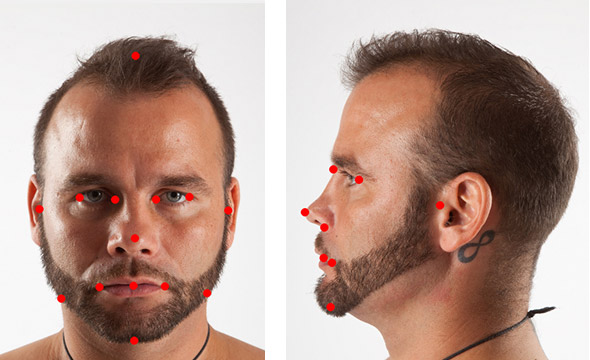
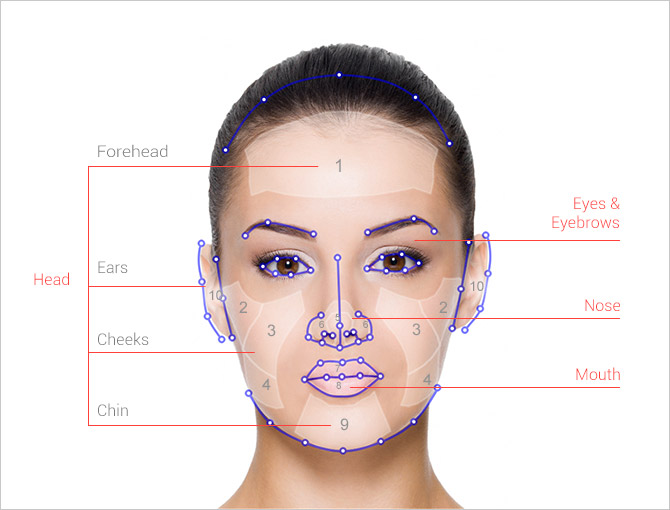
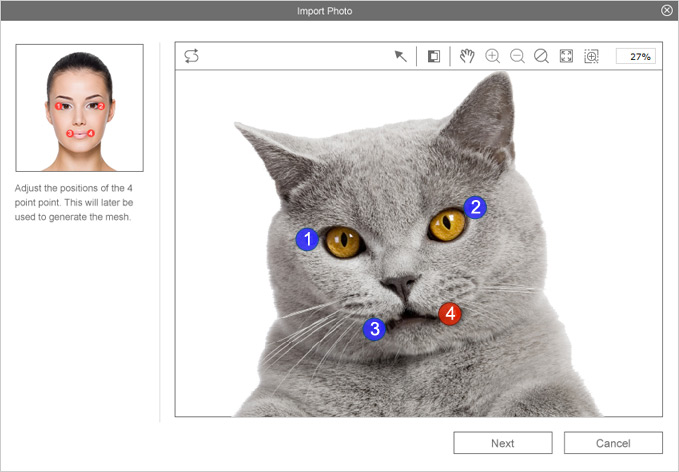
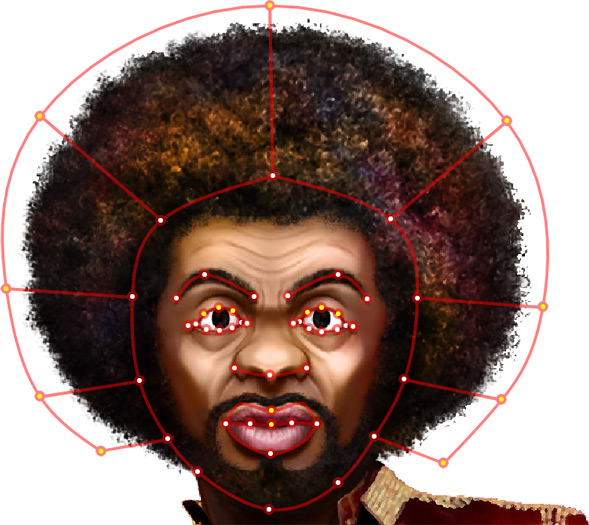
CrazyTalk7 automatically fits a facial wireframe to your image. You may then further use 4 additional clicks to adjust the corners of the eyes and the mouth. In a short time, you will already have complete control to fine-tune additional fitting points.
Furthermore, a direct image can be imported from your webcam for faster face fitting.
Head & Hair Mesh
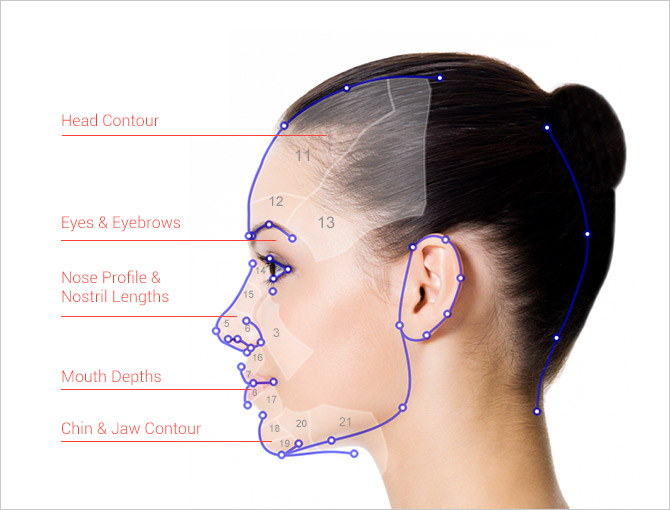
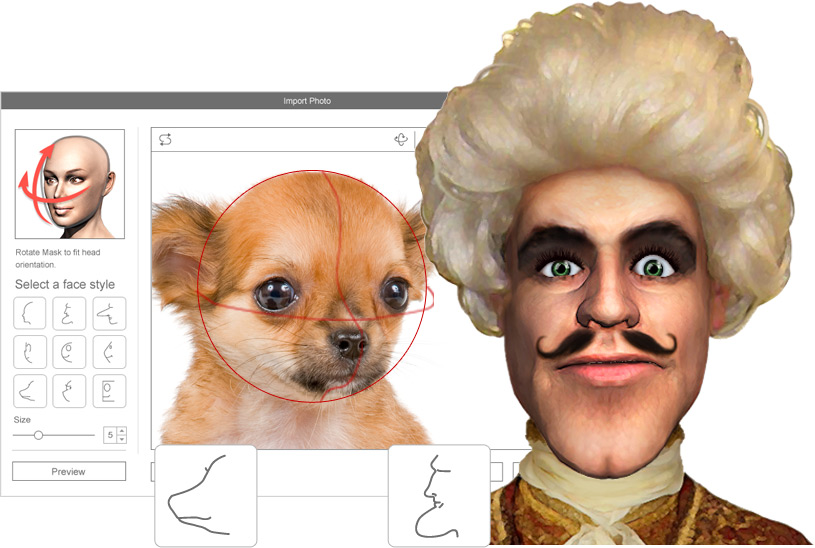
Increased facial angles prevent photo distortion during facial rotation.
The Face Orientation function allows you to edit front and side (≦ 45°) images. Turn a flat image into a life-like, 3D animations.
The advanced hair mesh layer can handle characters with long hair, horns and ears for you to create vivid and natural-looking animations.
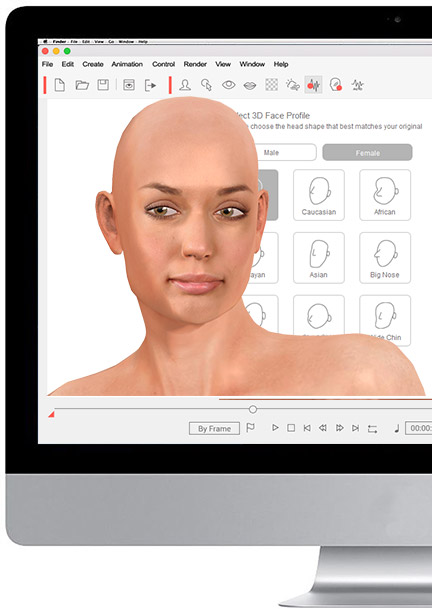
3D Face Profile
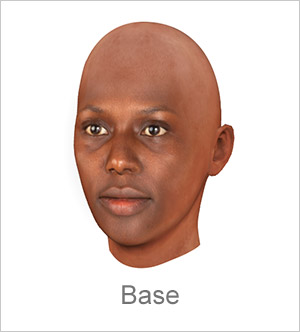
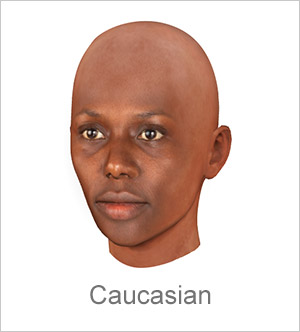
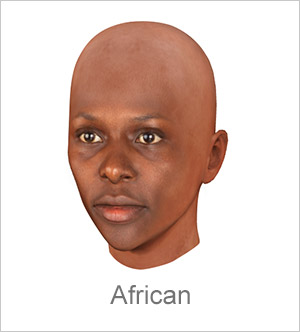
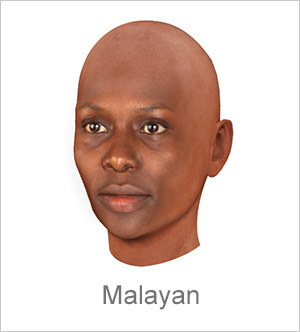
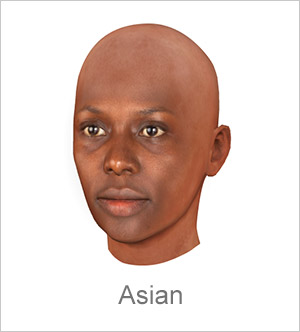
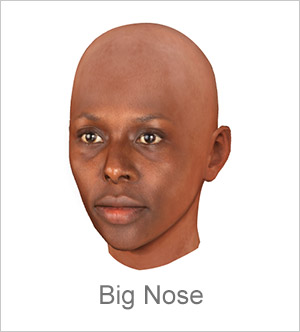
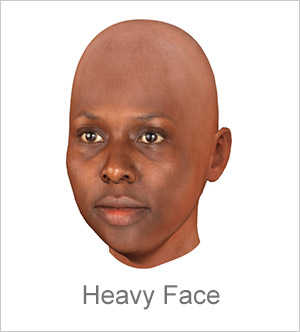
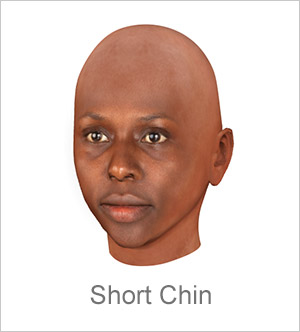
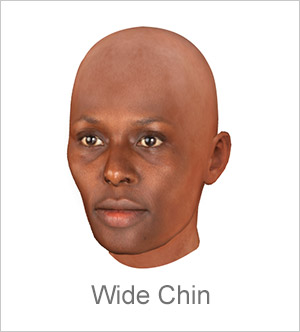
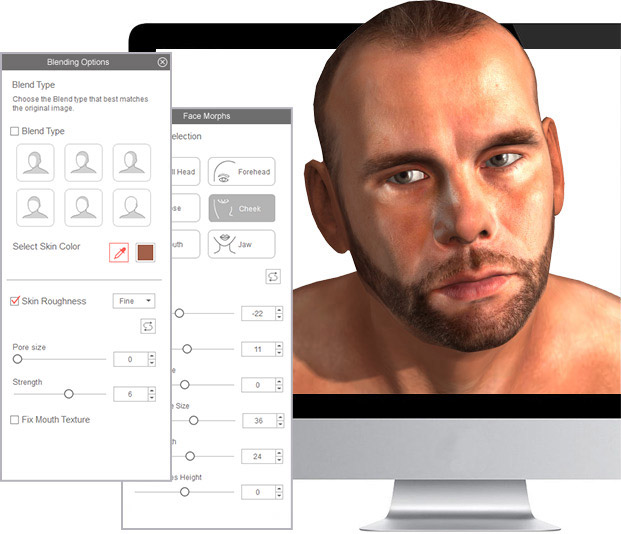
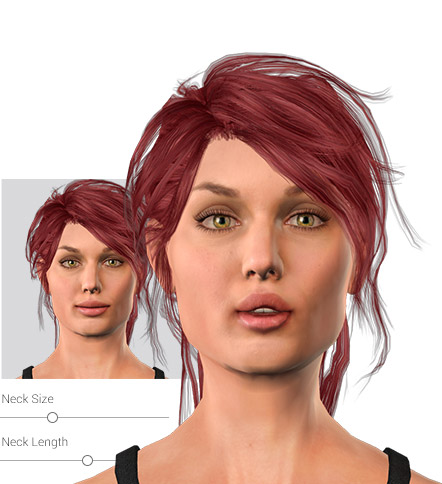
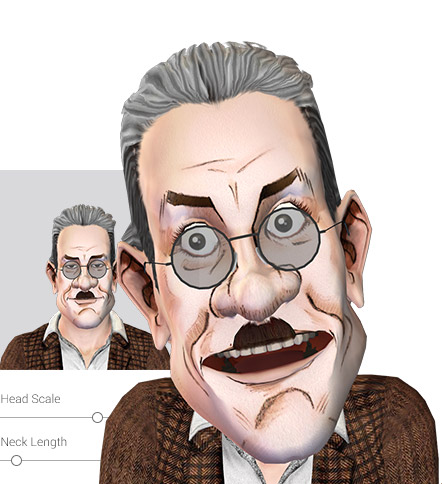
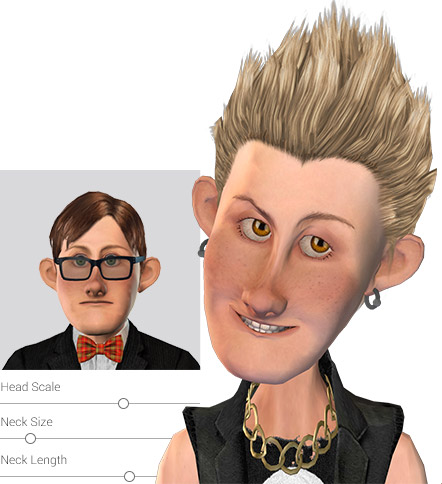
Enhanced facial meshes provide all kinds of different facial contours, especially for non-human character fitting.
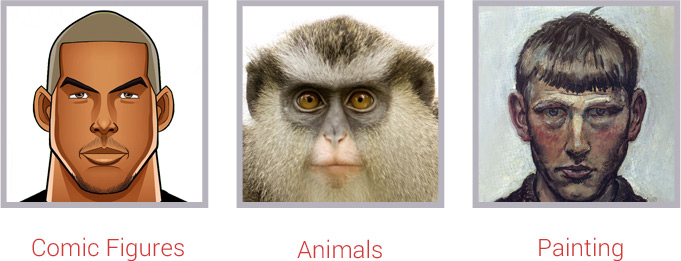
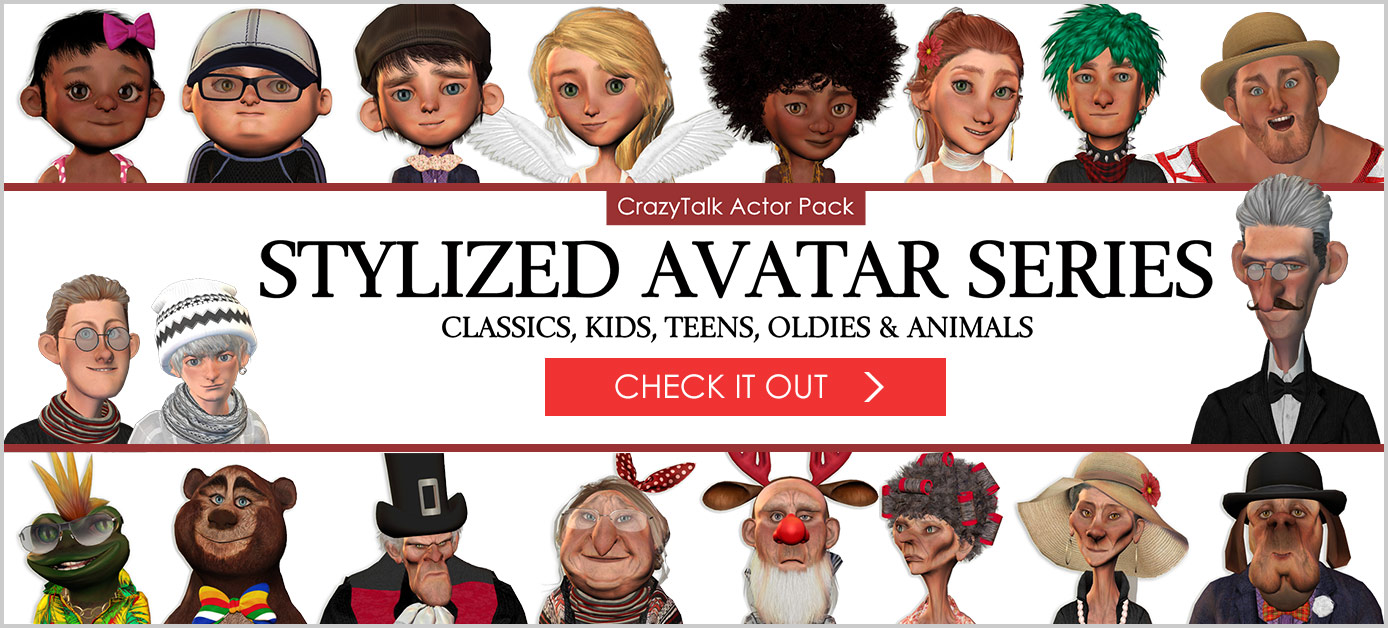
CrazyTalk7 Face Profile Styles allow you to animate different characters, including human, animal, and cartoon-like faces with realistic performances.
Custom Eyes & Teeth
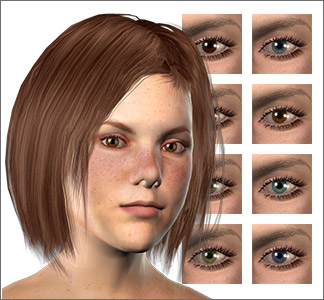
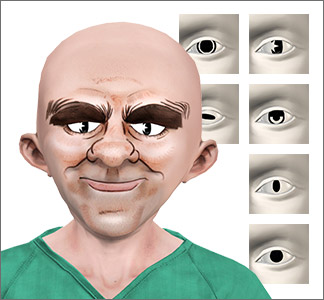
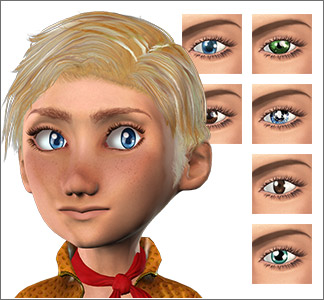
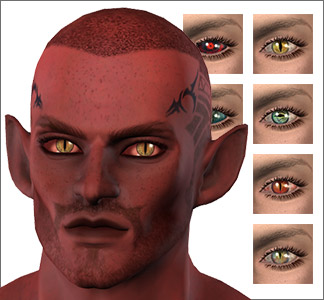
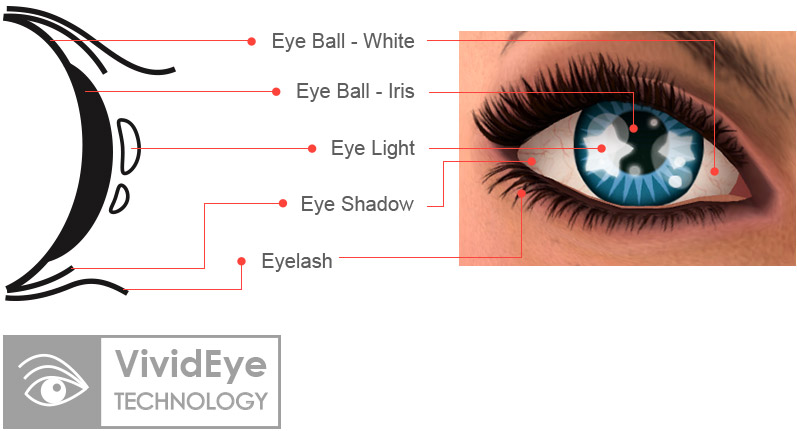
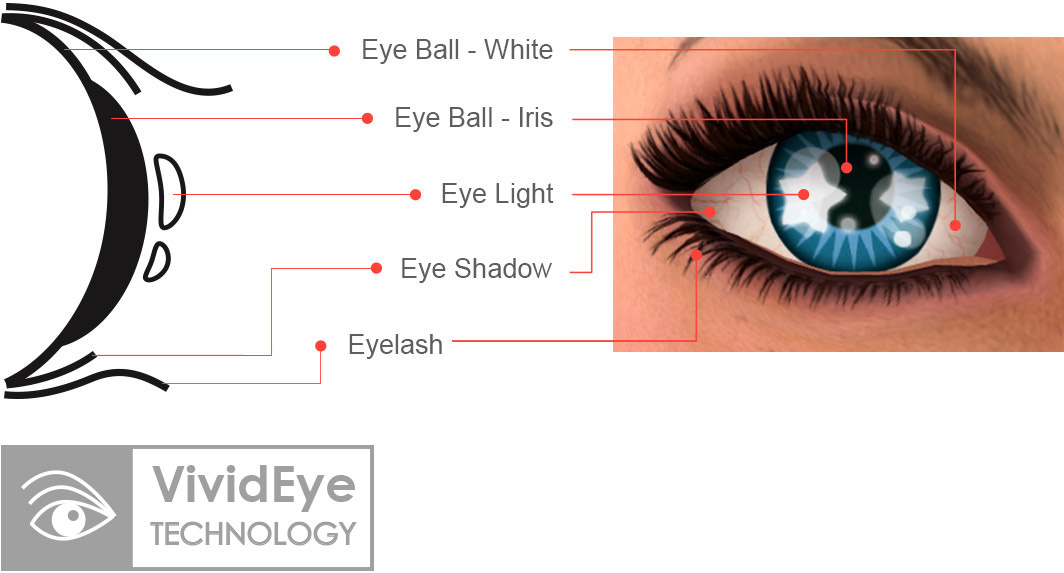
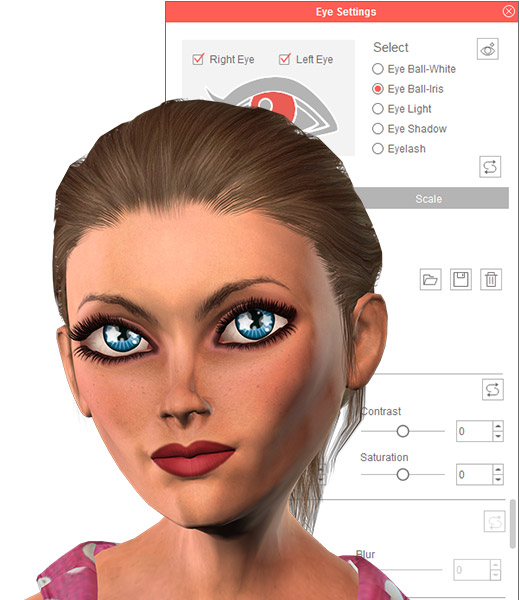
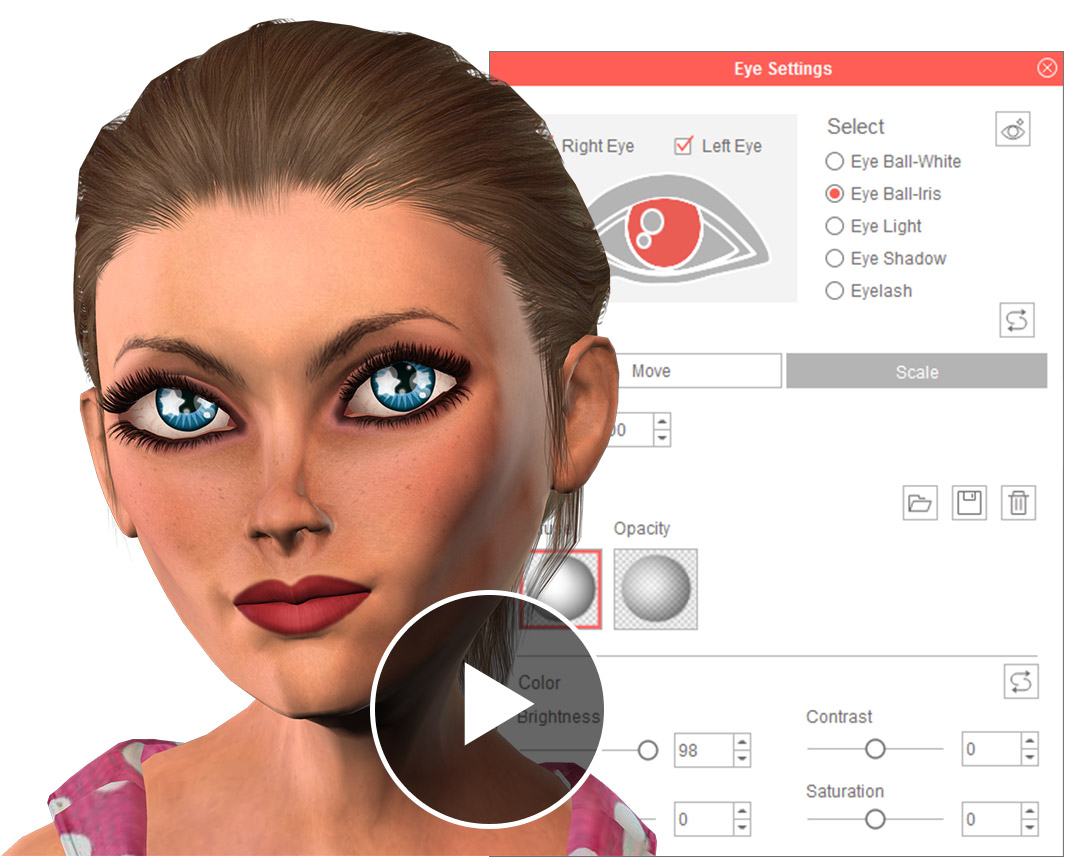
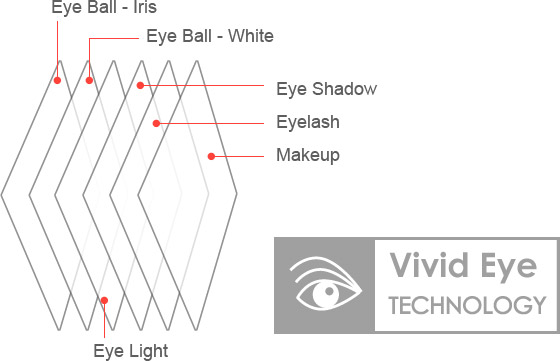
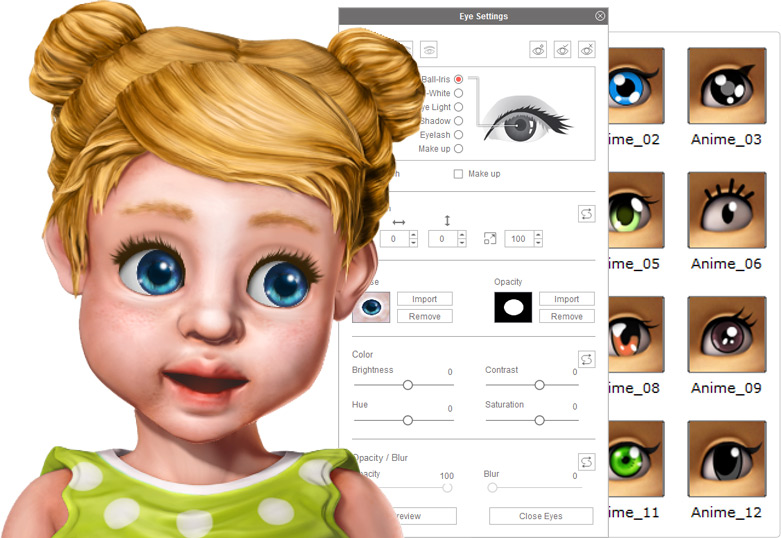
Advanced Facial Settings allow you to fine-tune the color, position, scale of the eyes, teeth, mouth and lips.
Mask & Background
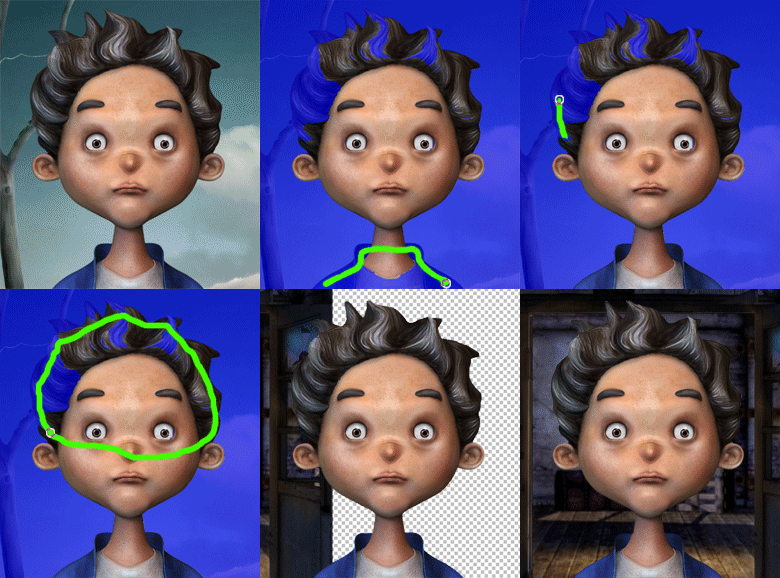
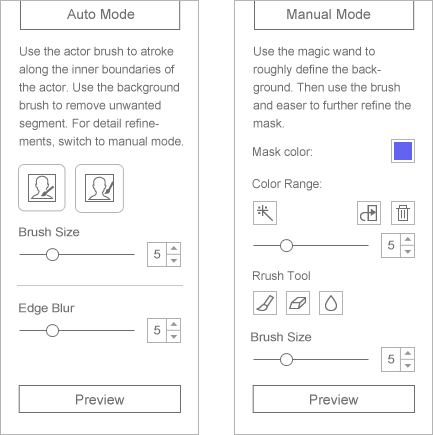
CrazyTalk7's Mask Editor helps you automatically remove the original background with a few simple strokes to the image. Later, you can further refine the results, or smooth the edges with the Feather Brush Tool.
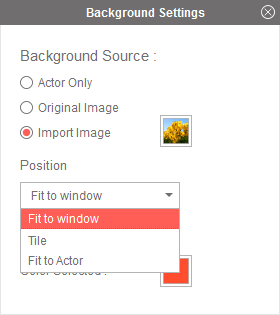
Replace the background with any new color or image. Your virtual host can be transferred from a dull scene to a relaxing beach vacation or a professional studio set. Everything is possible right inside CrazyTalk7.