|
|
|
 |
| 2. |
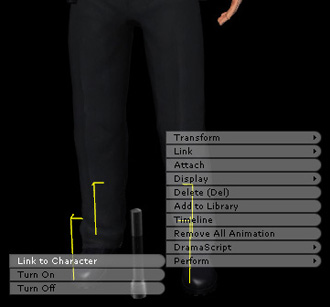
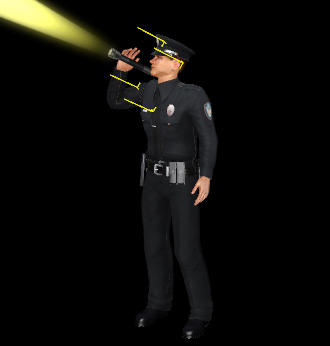
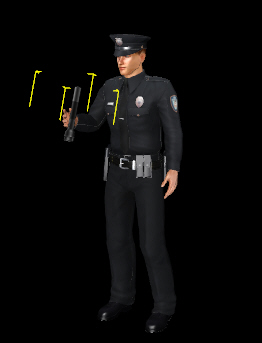
Load the prop that you want the character to use (e.g. Flashlight.iprop). Right click on the prop and choose Link to Character. |
|
|
|
|
|
| 3. |
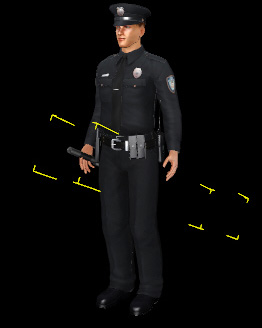
Choose the character and load the motions you want (e.g. Check with flashlight 02.imotion). |
|
|
| 4. |
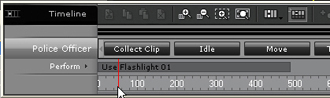
Drag the Timeline to watch the motion. |
|
|
| 5. |
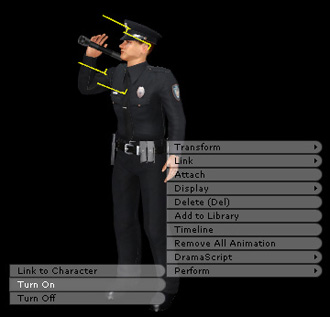
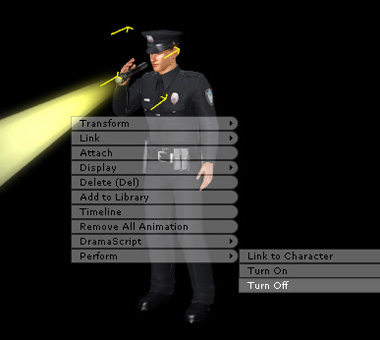
Execute the right click function Turn On at the Frame that you want the flashlight to turn on (e.g. frame 57). |
|
|
|
|
 |
|
| 7. |
Execute the right click function Turn Off at the Frame that you want the flashlight to turn off (e.g. frame 445). |
|
|
|
| 8. |
Play to see the effect. |
|
|
| |
|
| |