
 |
 |
 |
 |
 |
Step 4 Voice Lip-Sync
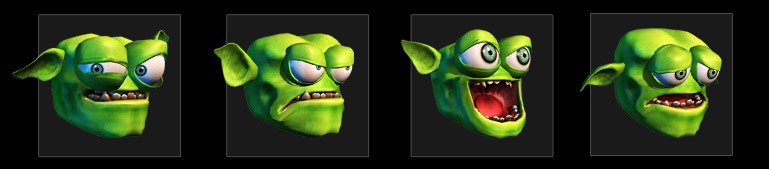
All 3 Base Characters have morph-based head systems, including personal facial morph data and viseme shapes. Use them for automatic audio Lip-Sync or fine-tuning mouth movement.
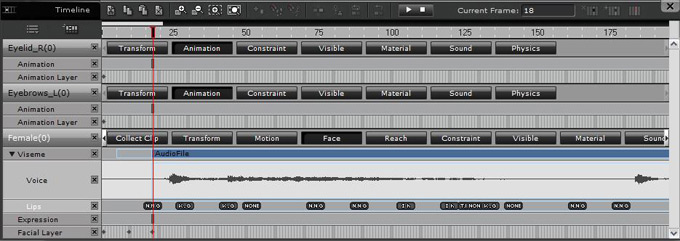
1. Voice Lip-Sync: Go to Animation>Facial Animation>Modify and you can choose either record or import an audio file, or use text-to-speech to bring in audio for lip-sync animation. |
 |
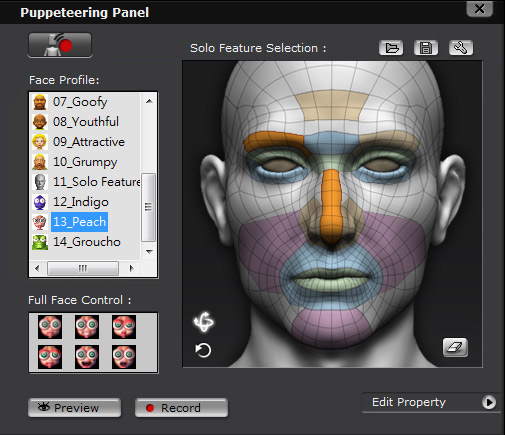
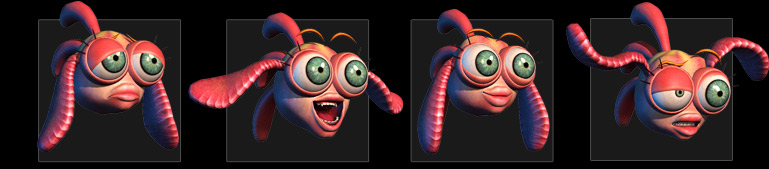
2.Fine-tuning mouth movement: Go to Animation > Facial Animation>Modify and open the Puppet button in Facial Edit. There are 3 Monster facial profiles included in this pack (as bonus in separate installer), select the desired profile to do facial adjustment. |
 |
 |
 |
Note: |