 |
||||||||||
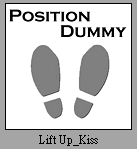
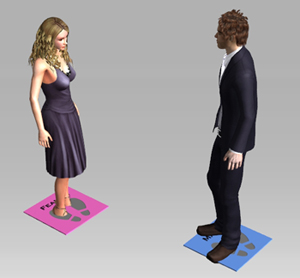
| 1. Apply the persona dummy. | ||||||||||
|
||||||||||
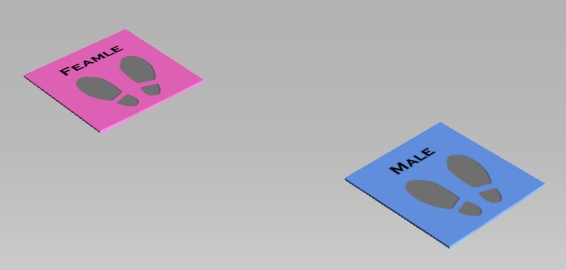
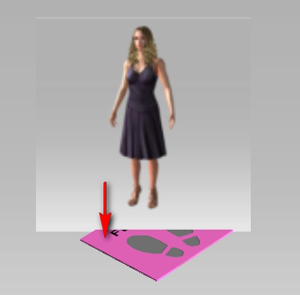
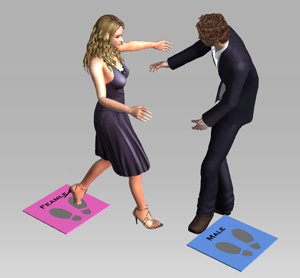
| 2. Drag female character to the pink dummy and then drag the male character to blue | ||||||||||
| dummy. Click the Play button and the characters will play interactive motions. | ||||||||||
|
||||||||||
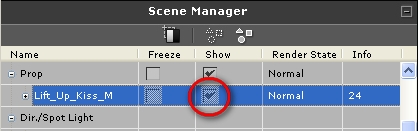
| 3. Uncheck the Show of dummy to hide the dummies. | ||||||||||
|
||||||||||
 |
||
 |
 |
|
|
||
 |
Copyright © 2009 Reallusion, Inc. |